
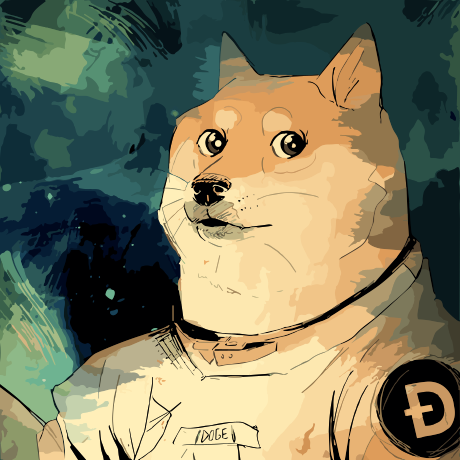
Stable UI ✓
Create and modify images with AI, free and limitless.
Verdict
A quick read before you dig into the full page.
- Best if
- Create and modify images with AI, free and limitless
- Skip if
- Limited preset algorithms
- Pick this when
- Generates, saves and loads images
Considering Photo AI instead? Compare side by side
Overview
Stable UI is a unique tool that leverages the power of Stable Diffusion to facilitate the creation and modification of images. It is designed to empower users with an uninterruptedly creative platform to freely generate distinct visual content.
Stable UI works by using Stable Diffusion, a technique that allows for the inception and manipulation of images. This tool is built to unlock endless creative potential, as it furnishes users with the means to author visually appealing graphics without any imposed limitations.
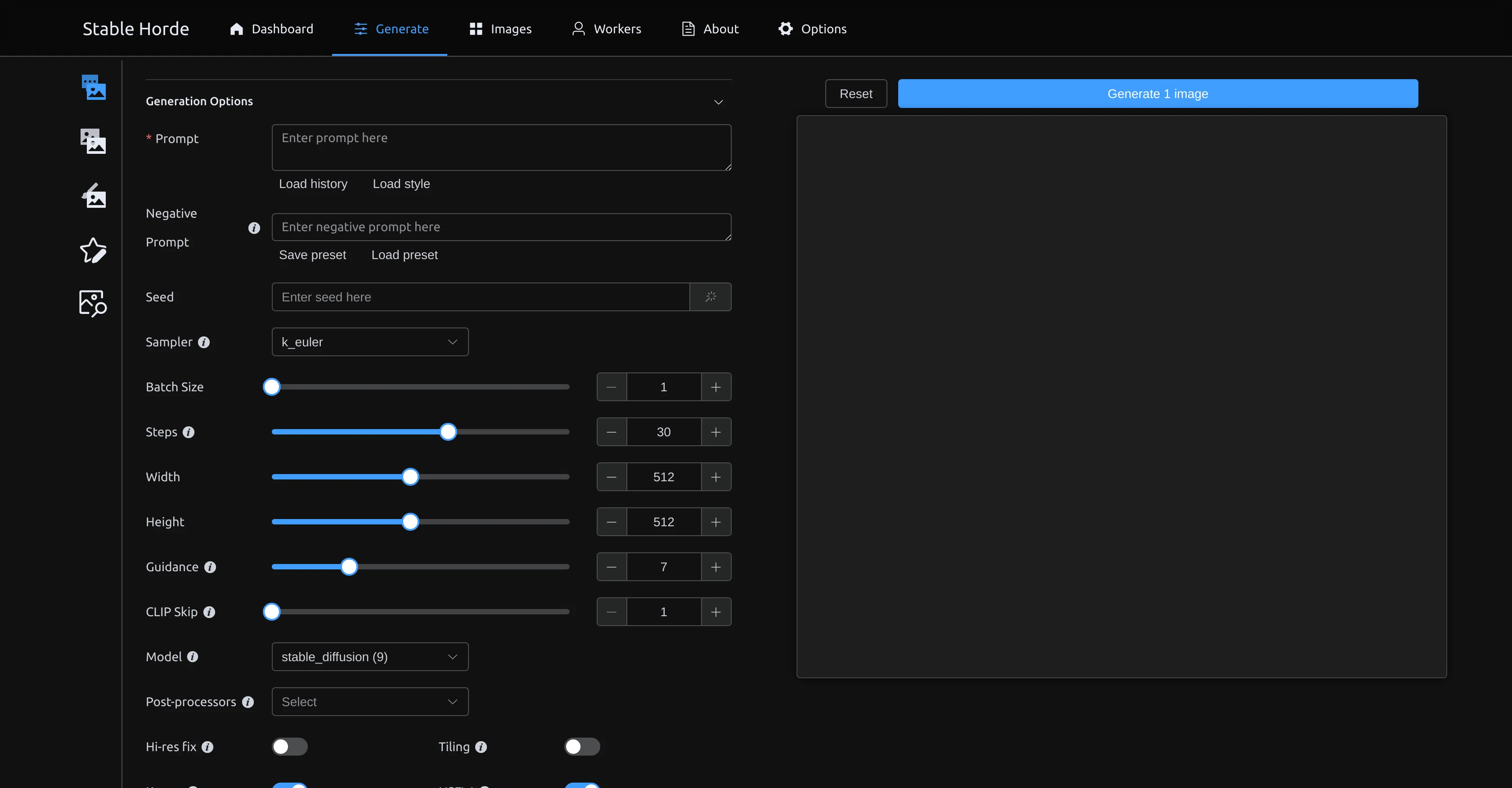
Considerably user-friendly, the Stable UI is marked by its capacity to accommodate users of different expertise levels. The Stable Horde feature incorporated in the Stable UI extends the tool's functionality by enabling users to generate unique, personalized images, providing an enhanced customizability that greatly fuels creativity.
All in all, Stable UI is much more than a simple image creation tool; it's an extension of your creative mind that can be leveraged to transform your artistic concepts into aesthetically pleasing visuals.
Best for
Short scenarios where Stable UI tends to shine.
-
Create and modify images with AI, free and limitless.
Example outputs 1
Sample generations and before/after results for Stable UI.
Access & connections
Where you can use Stable UI.
Platforms
Capabilities
What this tool accepts, produces, and is strongest at.
Input
- Text
Output
- Image
Pros & cons
Pros
- Generates, saves and loads images
- Customizable presets
- Adjustable seed, batch size, steps
- Offers width and height customization
- Range of models to choose from
- Post-processors like Karras and NSFW
- Allows saving settings as presets
- Fast access to saved presets
Show 14 more
- Utilizes Stable Diffusion technique
- Suitable for users of different expertise
- Facilitates image creation and modification
- Unlimited creative potential
- Graphic authoring tool
- Creates personalized images
- Stable Horde feature for enhanced customization
- Uninterrupted creativity
- Transforms artistic concepts into visuals
- Creates visually appealing graphics
- No imposed limitations on creation
- User-friendly interface
- Stable Diffusion - free use
- Supports unlimited image generation
Cons
- Limited model selection
- No collaborative feature
- Unintuitive interface
- Limited preset algorithms
- No integrated tutorial
- No multi-device syncing
- Lacks image editing tools
- No mobile version
Show 2 more
- No batch edit functionality
- Slow image generation
Compare alternatives
Similar tools in the catalog — with a clear reason to open each one.

Stockimg AI ✓
PaidGenerated images and text for design ease.
Why look Stronger for image work
Full comparisonPeople also view
Tools that often show up alongside Stable UI in collections and comparisons.
Stockimg AI ✓
PaidGenerated images and text for design ease.

Photo AI ✓
PaidCreate beautiful AI photos and videos of real people

Midjourney ✓
PaidExpand human imagination through AI-powered visuals.

CreativePixel ✓
FreemiumOut-create Your Competition in Minutes

BestPhotoAI ✓
FreemiumCreate amazing AI photos instantly

Nathan Tailors AI Suit Generator ✓
FreeDescribe your dream suit. We draw it, then build it.

LineArt ✓
Free TrialTurn one photo into a whole coloring book.

Line Drawing Converter ✓
Free TrialConvert photos into clean line drawings online.
Releases 1
FAQ 12
What is Stable UI?
What models and post-processors are available in Stable UI?
How can I create images using Stable UI?
What are the benefits of using Stable UI for image creation?
How does the Stable Diffusion feature work in Stable UI?
What presets can I select in Stable UI?
How can I save and load images in Stable UI?
What is the function of the Stable Horde feature in Stable UI?
Can I modify the width and height of my images in Stable UI?
Does Stable UI have a user-friendly interface?
Who can use Stable UI? Are there expertise levels needed?
How is Stable UI different from other image creation tools?
Related tools
Recommended
AIimages ✓
FreeFree AI image generator: Write text, get images on your PC.

Diffusion Art ✓
FreemiumFree, web-based Midjourney alternative - no Discord, no signup.
Artificial Art ✓
FreeCreate AI art with Stable Diffusion
Stable Diffusion ✓
FreemiumUnleash humanity's potential with generative AI

Playground AI ✓
FreemiumCreate art and visuals with AI, for free

Visuali ✓
Free TrialThe AI designer that creates any visuals you need