

Clipchamp Video Editor ✓
Simplify video editing for high-quality results
from $6.99/mo
Verdict
A quick read before you dig into the full page.
- Best if
- Simplify video editing for high-quality results
- Skip if
- Limited export resolution
- Pick this when
- Simplifies video editing
Considering CapCut Online Creative Suite instead? Compare side by side
Overview
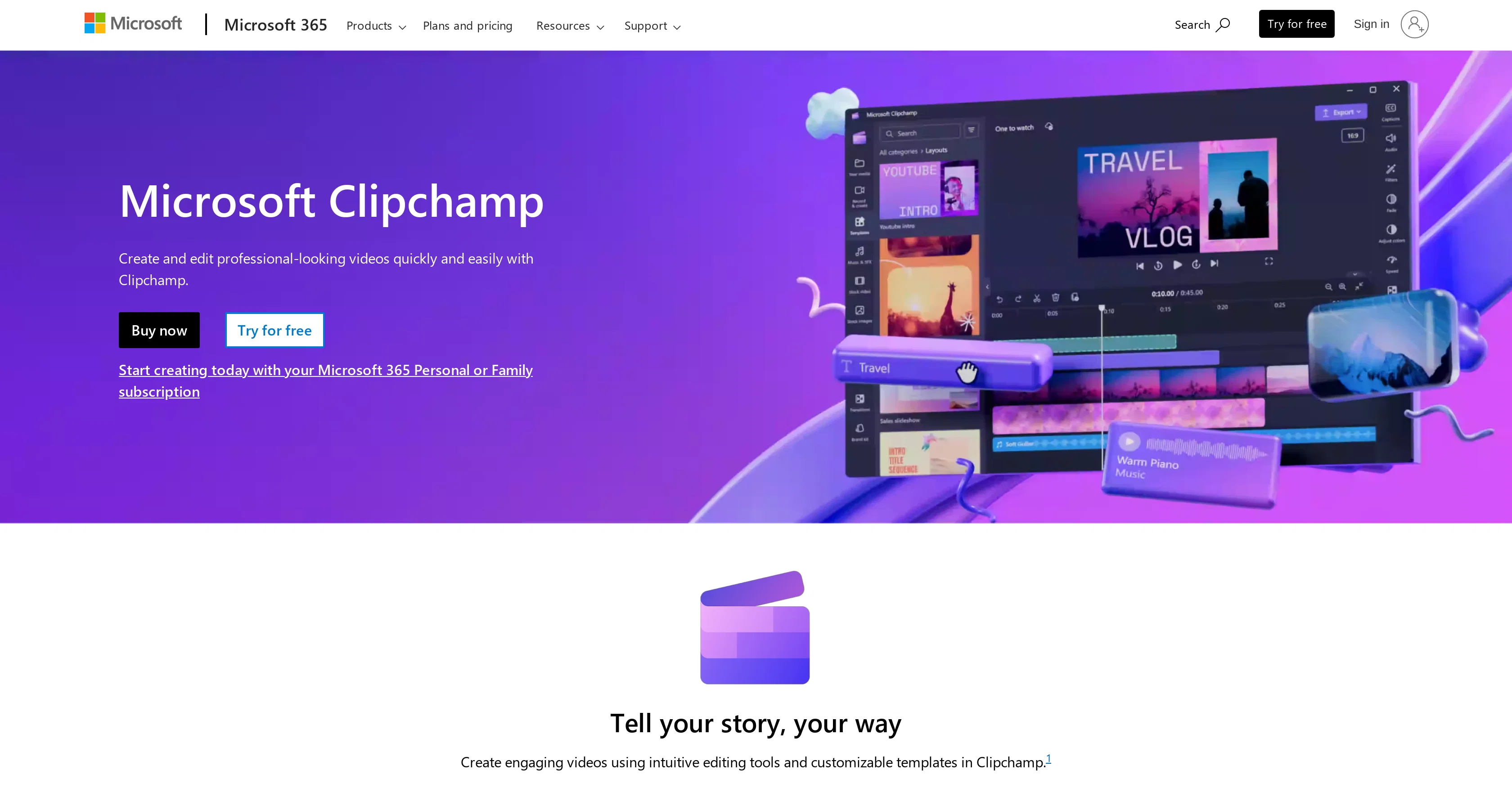
Clipchamp Video Editor is a tool from Microsoft 365 designed to simplify video editing. This tool aims to enable users to produce high-quality videos easily from home.
As an addition to the Microsoft 365 suite, the tool is geared towards both individuals and businesses. Users can take advantage of Clipchamp to create and edit video content without the need for professional video editing skills.
Its interface has been designed to be user-friendly, offering a multitude of features that span from basic video editing functionality to more advanced editing capabilities.
It is integrated with other Microsoft 365 products, providing a seamless user experience.
Access & connections
Where you can use Clipchamp Video Editor.
Platforms
Capabilities
What this tool accepts, produces, and is strongest at.
Input
- Video
Output
- Video
Supported features
- STT
- Video Edit
- Clipping
Pros & cons
Pros
- Simplifies video editing
- Produces high-quality videos
- User-friendly interface
- Basic to advanced editing
- Integrated with Microsoft 365
- Geared towards individuals and businesses
- No video editing skills required
- Drag-and-drop editing
Show 14 more
- Simple camera and screen recording
- Automatic captions for videos
- Text to speech feature
- Availability of video templates
- Access to royalty-free assets
- Audio adjustments: Speed, Pitch, Volume
- Customizable color palette
- Branding functionality
- Social media sharing
- Compatible with Microsoft 365 Personal/Family
- Designed for home and business users
- Adjustable audio settings
- Easy sharing across social platforms
- Integration with Brand Kit
Cons
- Requires Microsoft 365 subscription
- Limited to Microsoft ecosystem
- No standalone version
- Relatively basic editing tools
- Requires internet for usage
- Limited template customization
- Dependent on Microsoft support
- Lacks advanced sound control
Show 1 more
- Limited export resolution
Compare alternatives
Similar tools in the catalog — with a clear reason to open each one.

CapCut Online Creative Suite ✓
FreemiumUnleash creativity with CapCut's all-in-one online suite
Why look Freemium alternative
Full comparison
ClipFinder ✓
FreemiumTurn hours of streams and VODs into viral clips automatically.
Why look Freemium alternative
Full comparison
Gling - AI Video Editing Software for YouTube ✓
FreemiumAI-powered video editing for YouTube creators.
Why look Freemium alternative
Full comparison
Captions ✓
PaidAI-powered creative studio for studio-grade videos.
Why look Offers a public API
Full comparison

Releases 1
FAQ 12
What is Clipchamp Video Editor?
How does Clipchamp Video Editor simplify video editing?
Is Clipchamp Video Editor suited for individuals or businesses?
Do I need professional video editing skills to use Clipchamp Video Editor?
How user-friendly is Clipchamp Video Editor?
What features are available on Clipchamp Video Editor?
What is Clipchamp Video Editor's level of integration with Microsoft 365?
Can I produce high-quality videos with Clipchamp Video Editor?
Can I edit videos using Clipchamp Video Editor from home?
Does Clipchamp Video Editor offer advanced editing capabilities?
Is Clipchamp Video Editor part of the Microsoft 365 suite?
Can you create content with Clipchamp Video Editor?
Related tools
Recommended

KeywordSearch ✓
FreemiumDiscover and target YouTube audiences.

Topaz Video AI ✓
PaidCinematic superpowers: Ultra smooth, sharp, and steady.

GhostCut ✓
PaidAI-powered video translation and subtitle removal.

VideoProc Converter ✓
PaidEnhance, convert, compress, and edit videos with AI power.

Flowtapes ✓
FreemiumEdit videos like text documents.

Scisummary ✓
Free TrialCutting-edge scientific articles summarization.
More from this creator

Speech Studio ✓
UnknownCreate stunning AI voices in minutes

Bing Create ✓
FreeCreate stunning images with AI-powered search.

Microsoft Designer ✓
FreemiumCreate stunning designs instantly with AI.

Jarvis/HuggingGPT ✓
FreeBridging LLMs with the ML community

Windows Copilot ✓
FreeUnleash AI-powered productivity on Windows 11

LIDA ✓
FreeGenerate visualizations from data using AI