

GhostCut ✓
AI-powered video translation and subtitle removal.
from $10
Verdict
A quick read before you dig into the full page.
- Best if
- You are video editors and need: Translating videos for global audiences
- Skip if
- Limited audio editing tools
- Pick this when
- Localized video marketing
Considering CapCut Online Creative Suite instead? Compare side by side
Overview
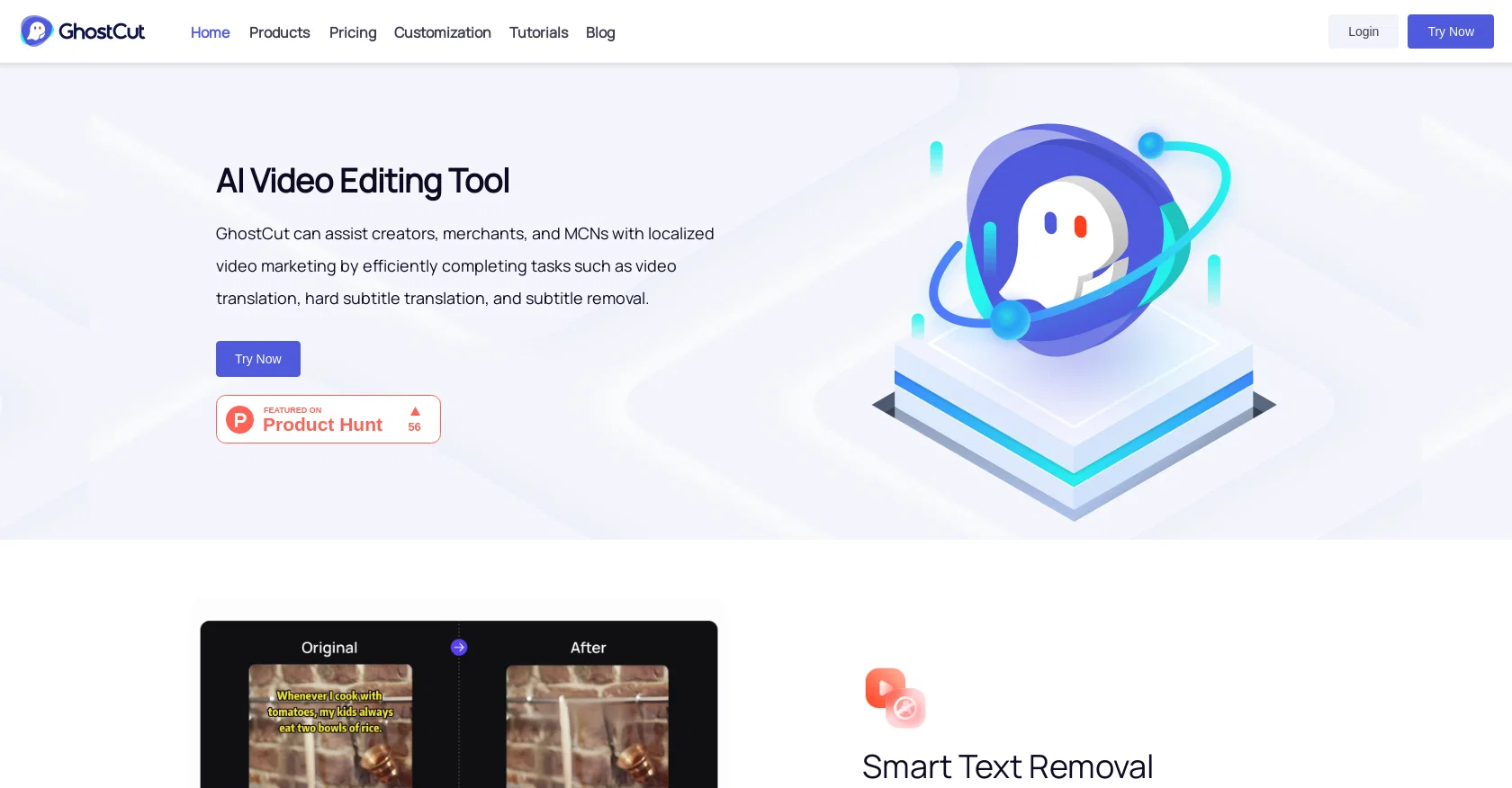
GhostCut is a professional AI video editing tool that can assist creators, merchants, and MCNs in achieving localized video marketing. With one click, GhostCut can complete video translation dubbing, hard subtitle translation, and video subtitle removal.
In addition, GhostCut can make your videos unique with tons of editing modes, such as video de-duplication and one-click multi-style. One of GhostCut's standout features is its smart text removal tool, which can intelligently remove hardcoded subtitles embedded in a video, making it easy to remove subtitles for creators who do not want them.
Additionally, GhostCut’s video translation and dubbing tool can translate the audio or subtitles into other languages with just one click, making it easy to reach global audiences.
GhostCut’s video de-duplication tool is useful in creating unique content by providing a range of editing modes to make videos stand out. The one-click multi-style editing mode allows creators to make one video in different styles, and can create several videos in different styles from one uploaded video.
Overall, GhostCut is a professional AI video editing tool that combines several video editing tools in one to assist creators, merchants, and MCNs with their video localization and marketing needs.
Best for
Short scenarios where GhostCut tends to shine.
-
Translating videos for global audiences
Best for Video editors
-
Removing unwanted text or subtitles from videos
Best for Content creators
-
Creating unique videos by remixing existing content
Best for Marketing professionals
-
Translating text in images
Best for Social media managers
-
Removing text from images
Best for E-commerce businesses
Example outputs 1
Sample generations and before/after results for GhostCut.
Access & connections
Where you can use GhostCut, and what it plugs into.
Platforms
Integrations
Capabilities
What this tool accepts, produces, and is strongest at.
Input
- Video
Output
- Video
Pros & cons
Pros
- Localized video marketing
- One-click video translation
- Video translation dubbing
- Hard subtitle translation
- Video subtitle removal
- Smart text removal
- One-click multi-style editing
- Range of editing modes
Show 10 more
- Video de-duplication
- Subtitles to multiple languages
- Reach global audiences
- Several videos from one
- Supports social media videos
- Friendly to original content
- Auto remove text from video
- Video templates
- Multiple styles of creativity
- Vyees for social media platforms
Cons
- Lacks 3D editing capabilities
- No color grading options
- Limited audio editing tools
- No advanced transitions
- May oversimplify video editing
- Lacks VR editing
- No storyboard interface
- No collaboration features
Show 1 more
- Not optimized for large projects
Compare alternatives
Similar tools in the catalog — with a clear reason to open each one.

CapCut Online Creative Suite ✓
FreemiumUnleash creativity with CapCut's all-in-one online suite
Why look Freemium alternative
Full comparison
ClipFinder ✓
FreemiumTurn hours of streams and VODs into viral clips automatically.
Why look Freemium alternative
Full comparison
Gling - AI Video Editing Software for YouTube ✓
FreemiumAI-powered video editing for YouTube creators.
Why look Freemium alternative
Full comparison
Captions ✓
PaidAI-powered creative studio for studio-grade videos.
Why look Offers a public API
Full comparisonPeople also view
Tools that often show up alongside GhostCut in collections and comparisons.

Wondershare Filmora ✓
PaidEdit smarter, faster and easier with Filmora’s powerful AI video tools.

Video to Video AI ✓
PaidTransform videos using simple text commands.
Gling - AI Video Editing Software for YouTube ✓
FreemiumAI-powered video editing for YouTube creators.
ClipFinder ✓
FreemiumTurn hours of streams and VODs into viral clips automatically.
Captions ✓
PaidAI-powered creative studio for studio-grade videos.
CapCut Online Creative Suite ✓
FreemiumUnleash creativity with CapCut's all-in-one online suite

MF0.ai ✓
PaidEvery top AI in one chat. Real memory. No subscription.

DraftReel ✓
Free TrialOne click. Complete short-form video package.
Releases 1
FAQ 12
What is GhostCut?
Can GhostCut remove hardcoded subtitles from videos?
What is the 'one-click multi-style' feature of GhostCut?
Can GhostCut translate and dub videos?
What is GhostCut's video de-duplication tool?
Does GhostCut offer different types of video editing modes?
Can GhostCut assist with localized video marketing?
What makes GhostCut unique in the world of video editing tools?
Is GhostCut suitable for creators, merchants, and MCNs?
Can GhostCut convert one video into multiple styles?
Can GhostCut help me reach a global audience?
How does GhostCut's smart text removal tool work?
Related tools
Recommended

Picsart ✓
FreemiumGenerate images, video, and audio across 150+ AI models from one account.

Fineshare ✓
FreemiumAn online all-in-one AI voice generator for everyone

Topaz Video AI ✓
PaidCinematic superpowers: Ultra smooth, sharp, and steady.

Wisecut
PaidAI-powered video editing software that automatically creates engaging clips from long videos.

LearningStudioAI ✓
Free TrialAI-powered authoring tool for effortless online course creation.

Vidio ✓
FreemiumTransform videos effortlessly with AI-powered editing.