

Video editing vv2.4.10
Captions ✓
AI-powered creative studio for studio-grade videos.
from $9.99/mo
Verdict
A quick read before you dig into the full page.
- Best if
- You are social media managers and need: Creating engaging videos for social media with captions
- Skip if
- Limited script writing capabilities
- Pick this when
- Video recording up to 1 minute
Considering CapCut Online Creative Suite instead? Compare side by side
Overview
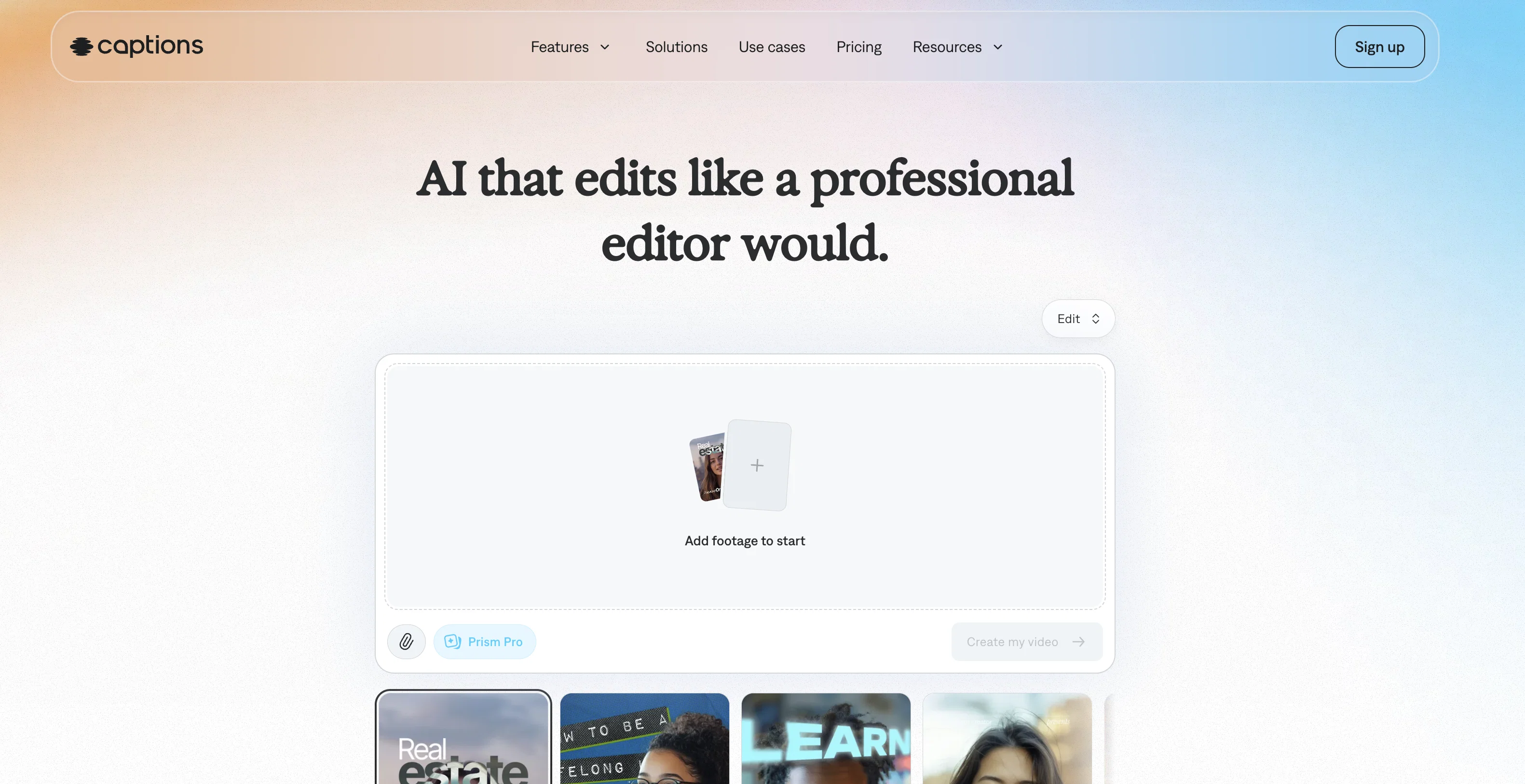
Captions is an AI-powered creative studio designed to enhance video creation and storytelling. The tool is designed to allow users to produce high-quality, studio-grade videos with the utilization of AI technology, often in just a few simple steps.
One of its highlights is the ability to automatically add subtitles to videos. Users can correct eye contact using AI, giving a more engaging and interactive feel to their videos.
The tool also translates video content into different languages in seconds. Another useful feature is the 'AI Clips Generator', which curates the most engaging parts of long videos.
The tool also offers a compressor to reduce file size without compromising quality, and a background noise remover that eliminates auditory distractions.
Additional features like the AI Ad Generator creates video advertisements using AI, while its video trimmer function allows for easy editing of video lengths.
A significant auxiliary feature includes an AI script writer to help overcome any creative block and elevate storytelling. Moreover, it offers AI Voiceover and Voice Cloning features and an AI Avatar for expanded creative possibilities.
Finally, advanced visual editing and cinematography options are offered to fine-tune and polish the final product.
Best for
Short scenarios where Captions tends to shine.
-
Creating engaging videos for social media with captions
Best for Social media managers
-
Generating UGC-style ads with AI
Best for Content creators
-
Dubbing videos into different languages
Best for Marketing professionals
-
Automatically editing videos with AI
Best for Video editors
-
Generating videos with AI avatars
Best for Advertisers
Example outputs 1
Sample generations and before/after results for Captions.
Access & connections
Where you can use Captions.
Platforms
Capabilities
What this tool accepts, produces, and is strongest at.
Input
- Text
- Video
- Audio
Output
- Audio
- Video
- Text
- Image
Highlights
- API
Supported features
- API
- Digital Personas
- Video Edit
- Lip Sync
Pros & cons
Pros
- Video recording up to 1 minute
- Captioning in multiple languages
- Word-by-word captioning
- Customizable text styles
- Auto transcription of videos
- Video clips creation
- User-friendly interface
- Professional video creation
Show 28 more
- Different usages for content creators
- Corrects eye contact
- Translates video content quickly
- Video file compression
- Removes background noise
- Video trimming function
- Voice Cloning tool
- Advanced visual editing
- Cinematography options
- Subtitles automatic addition
- Automatic engagement curation
- Quality preservation in compression
- Functional on multiple devices
- Easy video length editing
- Applicable for various industries
- Eye Contact Correction
- Studio-grade video creation
- Automatic video ads creation
- Immediate tool accessibility
- Easy video file size reduction
- Clip extraction from longer videos
- Automatic background noise removal
- Video metadata generation
- Automatic background removal
- Object cut-out tool
- Sound effects for videos
- Voice maintained in dubbing
- Metadata generation for socials
Cons
- Limited video record time
- No advanced video editing
- Limited to specific languages
- Video quality after compression
- Attachment to a single avatar
- Text styles not fully customizable
- Limited script writing capabilities
- Potential voice clone inaccuracies
Compare alternatives
Similar tools in the catalog — with a clear reason to open each one.

CapCut Online Creative Suite ✓
FreemiumUnleash creativity with CapCut's all-in-one online suite
Why look Freemium alternative
Full comparison
ClipFinder ✓
FreemiumTurn hours of streams and VODs into viral clips automatically.
Why look Freemium alternative
Full comparison
Gling - AI Video Editing Software for YouTube ✓
FreemiumAI-powered video editing for YouTube creators.
Why look Freemium alternative
Full comparison
Video to Video AI ✓
PaidTransform videos using simple text commands.
from $29.99/mo
Full comparison
Wondershare Filmora ✓
PaidEdit smarter, faster and easier with Filmora’s powerful AI video tools.
Why look Typically cheaper
Full comparison
Viyou AI Video Editor ✓
Free TrialUnrestricted AI workspace for video and image creation.
Why look Stronger for image work
Full comparisonPeople also view
Tools that often show up alongside Captions in collections and comparisons.

Wispr Flow ✓
FreemiumSpeak naturally, write perfectly, 4x faster.

Udio ✓
FreemiumCreate and share music with the world.

Runway ✓
Free TrialAI-powered creative tools for content generation and editing

Replit ✓
FreemiumAI redefines the software development lifecycle.

NotebookLM ✓
FreemiumAI-powered note-taking and research assistant

KREA ✓
FreemiumIntuitive AI for image and video generation

Kling ✓
FreemiumCreate high-fidelity videos from text with lifelike motion and real-world physics

Ideogram ✓
FreemiumAI-powered creativity booster
Releases 2
Performance improvements and bug fixes
In the news
Launch coverage and community mentions for Captions.
Imported reviews 1
Bro, Captions is actually straight fire for short-form content. Script in, clean captions and edits out, and it makes talking-head clips feel way more polished in minutes. Big w for creators
FAQ 12
What is Captions?
How does Captions use AI to assist in video creation?
Can Captions automatically add subtitles to my videos?
How does the 'AI Clips Generator' feature of Captions work?
Does Captions offer a file compression tool?
How can Captions help me remove background noise from my videos?
What is the 'AI Ad Generator' in Captions?
Can I trim my videos using Captions?
What does the AI script writing feature in Captions do?
Can Captions translate my video content into different languages?
How does Captions' 'AI Voiceover and Voice Cloning' feature work?
Does Captions offer any visual editing features?
Related tools
Recommended

Fineshare ✓
FreemiumAn online all-in-one AI voice generator for everyone

Vidio ✓
FreemiumTransform videos effortlessly with AI-powered editing.

LearningStudioAI ✓
Free TrialAI-powered authoring tool for effortless online course creation.

VenturusAI ✓
FreemiumBusiness idea analysis and reporting.

Topaz Video AI ✓
PaidCinematic superpowers: Ultra smooth, sharp, and steady.

GhostCut ✓
PaidAI-powered video translation and subtitle removal.