

CapCut Online Creative Suite ✓
Unleash creativity with CapCut's all-in-one online suite
Free + from $28.5/mo
Verdict
A quick read before you dig into the full page.
- Best if
- You are content creators and need: Creating TikTok videos
- Skip if
- You need enterprise SLAs or a fully managed team plan right away
- Pick this when
- Freemium · Free + from $28.5/mo
Considering ClipFinder instead? Compare side by side
Overview
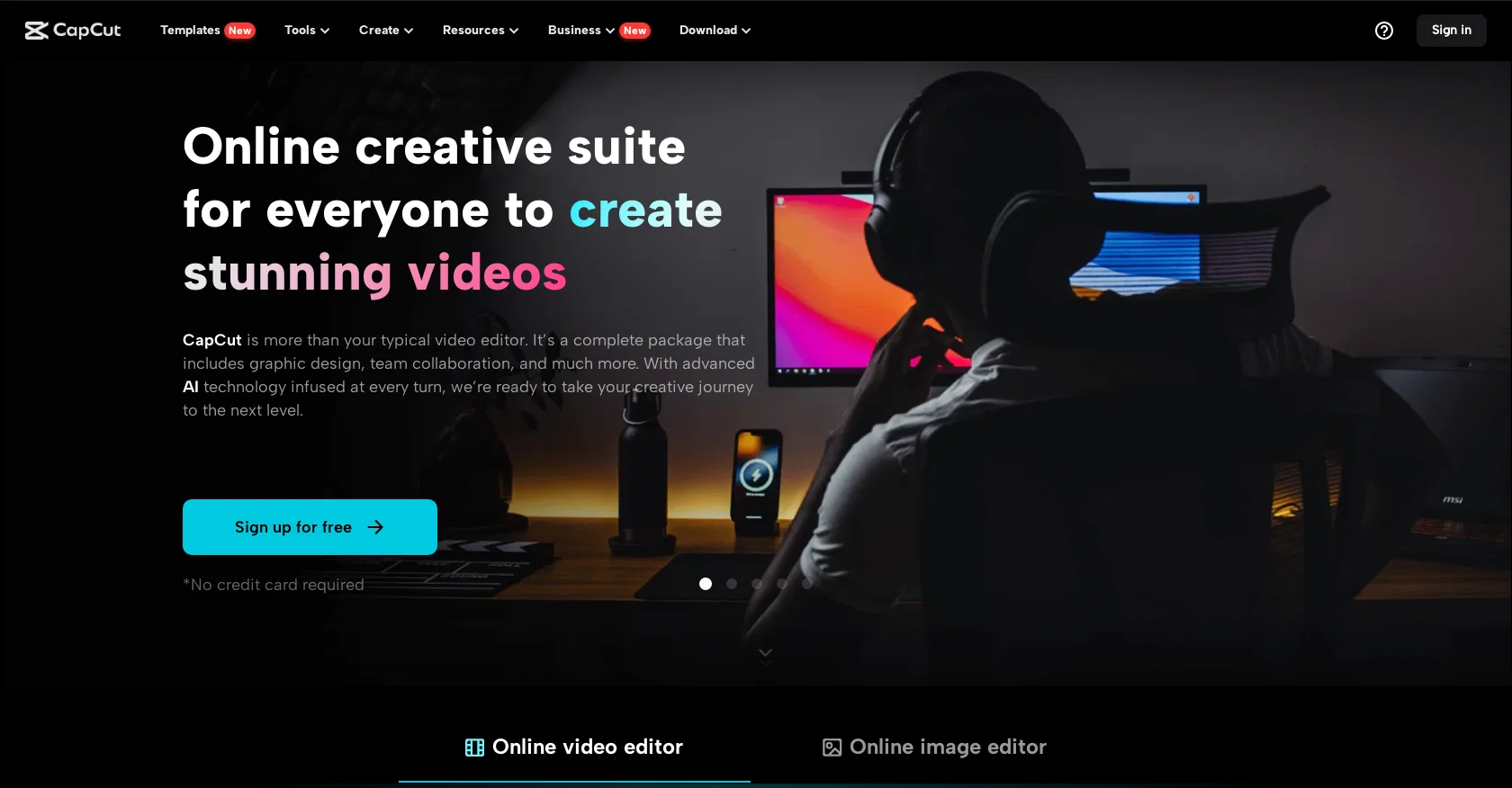
For video editing, CapCut provides a robust set of tools. Users can access stock videos, video effects and filters, keyframe animation, speed curves, and more advanced features like transcript-based editing, video stabilization, and upscaling. The audio capabilities include text-to-speech conversion, adding music or sound effects, and noise reduction. The platform also supports splitting audio tracks and integrating audio with video content.
CapCut excels in text management, offering services like video transcription, subtitle addition, speech-to-text conversion, and the conversion of scripts into videos. Additionally, users can generate ad scripts and easily add text to both videos and images.
The image editing tools include an image upscaler, portrait generator, color correction features, a photo colorizer, and more. Users can also remove or generate backgrounds and resize images with ease.
Social media content creators find CapCut particularly useful, with specialized tools tailored for platforms like TikTok, YouTube, Instagram, and Facebook. It offers specific features that make editing TikTok videos, creating YouTube intros, and producing Instagram reels straightforward and fast.
Business users benefit from features tailored for commercial video creation, including ad scripts for various platforms. CapCut also provides a range of marketing tools like batch editing, video and image resizing, product photo enhancement, AI model integration, and more.
The suite is enhanced with AI technology, facilitating creative processes and simplifying workflows. CapCut offers versatile accessibility across various devices. Whether editing online or through our apps, you can effortlessly manage your projects using the same account. CapCut places a strong emphasis on facilitating online team collaboration. It offers robust cloud backup and team collaboration features, enabling seamless sharing of materials and joint review of video projects, all within a unified platform.
CapCut’s user-friendly interface and broad functionality make it an adaptable tool for a diverse range of users, including content creators, social media managers, small business owners, and hobbyists.
Best for
Short scenarios where CapCut Online Creative Suite tends to shine.
-
Creating TikTok videos
Best for Content creators
-
Making YouTube videos
Best for Social media managers
-
Designing Instagram Reels
Best for Marketing professionals
-
Producing marketing and business videos
Best for Video editors
-
Creating lyric videos
Best for Graphic designers
-
Making photo videos
Best for Small business owners
-
Generating AI avatars
Best for Educators
-
Restoring old photos
Best for Content creators
Example outputs 1
Sample generations and before/after results for CapCut Online Creative Suite.
Access & connections
Where you can use CapCut Online Creative Suite, and what it plugs into.
Platforms
Capabilities
What this tool accepts, produces, and is strongest at.
Input
- Tabular
- Image
- Text
- Video
- Audio
Output
- Audio
- Video
- Tabular
- Text
- Image
Supported features
- STT
- Voice Cloning
- TTS
- Video Edit
- Video Generation
- Lip Sync
- Outpainting
- Viral baseball trend
Compare alternatives
Similar tools in the catalog — with a clear reason to open each one.

ClipFinder ✓
FreemiumTurn hours of streams and VODs into viral clips automatically.
Why look Typically cheaper
Full comparison
Gling - AI Video Editing Software for YouTube ✓
FreemiumAI-powered video editing for YouTube creators.
Why look Typically cheaper
Full comparison
Captions ✓
PaidAI-powered creative studio for studio-grade videos.
Why look Typically cheaper
Full comparison
Video to Video AI ✓
PaidTransform videos using simple text commands.
from $29.99/mo
Full comparison
Wondershare Filmora ✓
PaidEdit smarter, faster and easier with Filmora’s powerful AI video tools.
Why look Typically cheaper
Full comparison
Viyou AI Video Editor ✓
Free TrialUnrestricted AI workspace for video and image creation.
Why look Typically cheaper
Full comparisonPeople also view
Tools that often show up alongside CapCut Online Creative Suite in collections and comparisons.

ElevenLabs ✓
FreemiumCreate lifelike AI voices for compelling storytelling.

Canva Visual Suite ✓
UnknownDesign for the new visual era

Tubebuddy ✓
PaidBoost your YouTube channel with AI-powered tools.

Jasper.ai ✓
Free TrialAI copilot for enterprise marketing teams
Gling - AI Video Editing Software for YouTube ✓
FreemiumAI-powered video editing for YouTube creators.

TheLibrarian.io ✓
Free TrialYour WhatsApp AI assistant for instant productivity.

Pictory ✓
Free TrialCreate engaging videos from text in minutes

Ideogram ✓
FreemiumAI-powered creativity booster
Releases 1
Imported reviews 6
The perfect all-in-one suite for creators. Super intuitive interface, powerful AI captions, and great templates. While the online version is incredibly convenient, I personally find the desktop client much smoother to use.
its very easy to use capcut and very mobile friendly
Capged for Virgin
This is one of the OG AI video clippers. It has continued to get better. I used to have trouble making micro-adjustments to edited clips when certain words were cut off. They recently fixed that and allowed for manual trimming on the timeline. Great tool for cutting long-form interviews and lecture materials.
its useless, everything i try to do is an upgrade
Video editing
Related tools
Recommended

LearningStudioAI ✓
Free TrialAI-powered authoring tool for effortless online course creation.

VenturusAI ✓
FreemiumBusiness idea analysis and reporting.

GPTExcel ✓
FreemiumGenerate spreadsheet formulas with AI

IllumiChat ✓
FreemiumFrom Ticket Backlog to Instant Answers Powered by AI

SEO Writing AI ✓
Freemium1-click SEO-optimized articles generation

PostPerfect ✓
FreemiumAutomated social media posts.
More from this creator

Seedream ✓
UnknownTurn words into stunning 4K images instantly.

Seedance ✓
FreemiumMulti-shot video generation from text and image.

Seed by ByteDance ✓
UnknownAdvancing intelligence to serve humanity.

Dreamina ✓
FreeCapCut’s AI studio for generating images, videos, and avatars

BytePlus ✓
PaidAI-Native Cloud for Enterprise Growth

DeerFlow ✓
UnknownAn open-source SuperAgent that researches, codes, and creates.