

AVCLabs Video Enhancer AI ✓
Upscale, Enhance, Restore, Colorize, Stabilize & Blur Videos with AI
Verdict
A quick read before you dig into the full page.
- Best if
- Upscale, Enhance, Restore, Colorize, Stabilize & Blur Videos with AI
- Skip if
- No Linux support
- Pick this when
- Upscales video to 8K
Considering Vmake Video Enhancer instead? Compare side by side
Overview



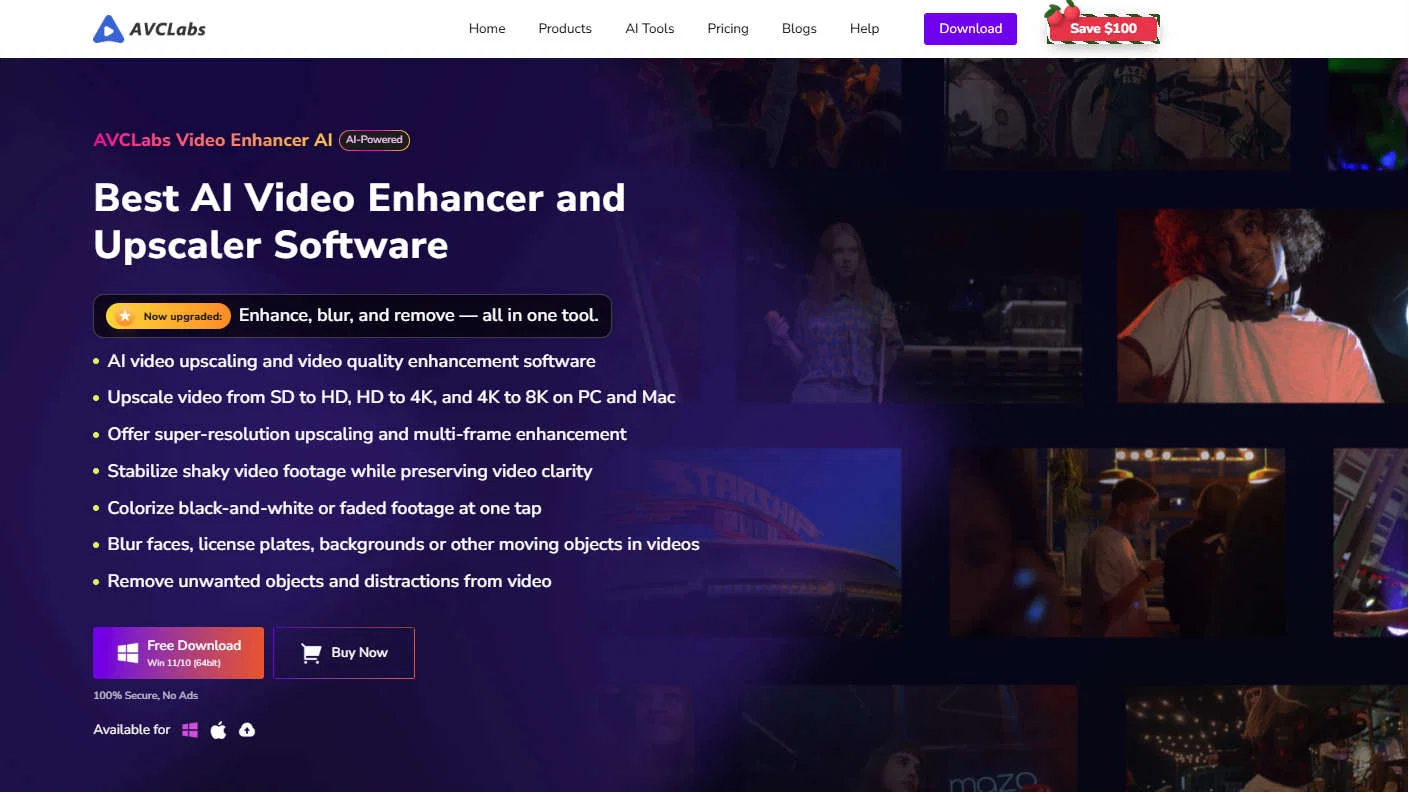
At its core, AVCLabs Video Enhancer AI leverages neural networks trained on large datasets to analyze video content frame by frame. This allows the software to intelligently reconstruct details, enhance textures, and improve clarity while maintaining natural-looking results. Unlike traditional upscaling tools that simply stretch pixels, AVCLabs uses AI models to generate realistic details, making it possible to convert SD videos into HD, 4K, or even higher resolutions.
One of the key strengths of the software is its comprehensive enhancement capabilities. It includes AI-based noise reduction, which removes grain and compression artifacts, as well as deblurring features that restore sharpness to soft or out-of-focus footage. Additionally, it offers color enhancement and black-and-white video colorization, enabling users to breathe new life into historical or archival videos. The built-in face enhancement model further improves facial details, making portraits clearer and more lifelike.
Beyond enhancement, AVCLabs Video Enhancer AI has evolved into a more complete AI video editing solution. Recent updates have introduced several powerful features that extend its functionality significantly. The AI-powered video stabilization tool reduces camera shake and smooths motion, making handheld or unstable footage more watchable.
Another major feature is AI object removal. The software can automatically detect and remove unwanted objects, people, or distractions from video scenes. It uses intelligent tracking to ensure that the removal remains consistent across frames, preserving the integrity of the background. This capability is complemented by AI video blur (privacy protection), which allows users to automatically blur faces, license plates, or specific moving objects with AI tracking across frames, ensuring consistent anonymization throughout the video. Frame-by-frame erase editing further allows users to fine-tune results or manually correct specific areas with higher precision.
AVCLabs also introduces advanced face-based AI functionality. Users can import reference face images to guide the enhancement process, improving identity consistency and achieving more accurate facial restoration. In addition, the software supports exporting detected face lists, enabling better management of multiple subjects within a video and streamlining batch processing workflows.
Another important aspect of AVCLabs Video Enhancer AI is its motion processing capabilities. Frame interpolation technology can generate additional frames between existing ones, resulting in smoother playback and the ability to create slow-motion effects without visible stutter. Combined with deinterlacing and restoration tools, this makes the software particularly effective for enhancing old or low-quality footage.
In addition to its desktop application, AVCLabs is expanding into online and cloud-based solutions. Users can now access browser-based AI video enhancement tools that allow them to upload videos and enhance them directly online without installing software. These online tools provide faster, more accessible workflows, especially for users without high-performance hardware. AVCLabs is also exploring generative AI capabilities, aiming to integrate more intelligent content creation features into its ecosystem.
Overall, AVCLabs Video Enhancer AI is more than just a video upscaler. It is a comprehensive AI-driven video enhancement and editing platform that combines upscaling, restoration, stabilization, object removal, AI video blur, facial enhancement, and emerging online AI capabilities into a single solution. By automating complex editing tasks and delivering high-quality results, it enables users to enhance and restore videos efficiently, regardless of their technical expertise.
- Video Upscaling
- Video Restoration
- Colorization
- Video Stabilization
- Unblur Video
- Blurring & Annotations
- Object Remover
Best for
Short scenarios where AVCLabs Video Enhancer AI tends to shine.
-
Upscale, Enhance, Restore, Colorize, Stabilize & Blur Videos with AI
Example outputs 1
Sample generations and before/after results for AVCLabs Video Enhancer AI.
Access & connections
Where you can use AVCLabs Video Enhancer AI.
Platforms
Capabilities
What this tool accepts, produces, and is strongest at.
Supported features
- Denoise
Pros & cons
Pros
- Upscales video to 8K
- Glass clarity upscale
- Sharpness enhancement
- Transforms black white footage
- Colorization feature
- Enhances vintage films
- Revitalizes old TV shows
- Brightens animes
Show 39 more
- Single or multi-frame enhancement
- Frame Interpolation for animations
- Motion compensation for smoothness
- Preserves original details
- Rapid deep learning enhancement
- Super Resolution technology
- Video resolution increase
- Eliminates noise and blurs
- Balances brightness contrast saturation
- Eliminates pixelation
- Denoise model
- Face detection and recognition
- Face refinement
- Removes grain from video
- Unblurring feature
- Color correction
- Color calibration algorithm
- Natural color rendition
- Supports wide video formats
- System requirement flexibility
- 4GHz Intel/AMD compatibility
- Dedicated video upscaler
- Customer testimonial transparency
- Set start-end processing frame range
- High detail achievement
- Increase contrast along edges
- Continuous motion information support
- Advanced deblurring software
- Removes artifacts from videos
- Consistent frame generation
- Brings life to old video
- Supports intel CPUs from 2015
- Supports AMD CPUs from 2016
- NVIDIA GTX 1050 Ti compatibility
- Supports 15G free space
- Transforms pixelated or blurry videos
- Brightness adjustment
- Contrast adjustment
- Saturation adjustment
Cons
- No Linux support
- No mobile versions
- No mentioned API
- No manual color correction
- No software customization
- 4GHz processor required
- 15GB free space necessary
- No real-time processing
Compare alternatives
Similar tools in the catalog — with a clear reason to open each one.

Vmake Video Enhancer ✓
FreemiumTransform low-res videos into high-quality masterpieces.
Why look Freemium alternative
Full comparison
TensorPix ✓
FreemiumOnline Video & Image Quality Enhancer
Why look Freemium alternative
Full comparison
UniFab Video Enhancer ✓
Free TrialAI Video Enhancer software; AI Video upscaling; Audio Upscaling; Video Conversion
Free + from $69.99
Full comparison
UniFab Studio ✓
PaidSharper Details, Smoother Motion, Enhanced in Every Frame
from $49.99/mo
Full comparison
HitPaw VikPea ✓
FreemiumAI-powered video quality enhancer for stunning clarity
Why look Freemium alternative
Full comparison
TotalMedia | Video Enhancer ✓
FreemiumAI-powered cloud video enhancement for creators.
Why look Freemium alternative
Full comparisonPeople also view
Tools that often show up alongside AVCLabs Video Enhancer AI in collections and comparisons.
Vmake Video Enhancer ✓
FreemiumTransform low-res videos into high-quality masterpieces.
UniFab Studio ✓
PaidSharper Details, Smoother Motion, Enhanced in Every Frame
UniFab Video Enhancer ✓
Free TrialAI Video Enhancer software; AI Video upscaling; Audio Upscaling; Video Conversion
TotalMedia | Video Enhancer ✓
FreemiumAI-powered cloud video enhancement for creators.
TensorPix ✓
FreemiumOnline Video & Image Quality Enhancer
HitPaw VikPea ✓
FreemiumAI-powered video quality enhancer for stunning clarity

Vireel AI Photo to 4K ✓
PaidUpscale any photo to stunning 4K instantly.

Monipix ✓
FreemiumUpscale blurry photos to 4K & 16K instantly.
Releases 1
Imported reviews 12
I've been using the Blur Video feature in AVCLabs Video Enhancer AI for a while and I find it very comprehensive. Whether blurring faces or backgrounds, the results are incredibly natural, without any awkward edges.
I've tried many different software when searching for a tool to improve the quality of my videos, but AVCLabs Video Enhancer is definitely the best one I've ever used. This video enhancement software is not only simple to use, but also very effective, making it easy to upscale low-resolution videos to HD or even 4K resolutions.
At first, I was more worried about the compression of the picture quality when I tried to convert the format after upscaling the video using this software. However, in fact, this software did not compress the quality of my videos.
I love it, this software surprisingly colors my black and white family video images and fits this video perfectly. The effect is so stunning.
The AI effect of this software is as I expected. I am used to using the AI Enhancement tool of this software, among which the face enhancement effect is the most obvious
AVCLabs Video Enhancer is really impressive for colorizing black and white videos! For someone who is not very familiar with video editing, this tool is very user-friendly. Just upload the black and white video, select the colorization option, and AVCLabs will automatically do the rest. The process is fast and efficient, saving me a lot of time and energy.
As a video learner, I appreciate the AI tool with AVCLabs Video Enhancer that help me enhancer my video quality.
AVCLabs Video Enhancer AI is useful as I expected, hoping for upgrading....
I have been using AVCLabs Video Enhancer AI for a long time,and really easy to use and understand for me...
I've used AVCLabs Video Enhancer AI editing my vlogs for nearly 2 yrs, and I love its powerful AI-based features.
I'm amazed at how easy it is to use AVCLabs Video Enhancer AI. The interface is intuitive, and the results are consistently impressive.
AVCLabs Video Enhancer is an indispensable tool for those who wish to improve their video quality. Not only can it dramatically improve the clarity and resolution of your videos, but it can also fix the noise in the videos.
FAQ 4
Is AVCLabs Video Enhancer AI free?
🛠️ 3
tools
wrote:
AVCLabs Video Enhancer AI offers a free trial that lets you explore its full range of features, including AI video quality enhancement, restoration, colorization, face enhancement, slow motion, and more.
Can I Upscale A 480P Video?
🛠️ 3
tools
wrote:
1. Import your 1080p video: Simply drag and drop your video file into the AVCLabs interface or use the file browser to locate and import it.
2. Select the "Upscale to 4K" option: This will initiate the AI upscaling process, designed to increase the resolution while maintaining detail and minimizing artifacts.
3. Adjust upscaling settings: AVCLabs offers additional settings for fine-tuning the upscaling process, such as noise reduction, sharpening, and color correction. Experiment with these settings to achieve the desired results.
4. Start upscaling video resolution: Click the "Export" button to begin the upscaling process.
Is There Any AVCLabs Video Enhancer AI Crack?
🛠️ 3
tools
wrote:
Using cracked software is both illegal and risky. Cracked versions often contain malware or viruses that can compromise your computer and data. For a safe and fully functional experience, we recommend downloading the official version of AVCLabs Video Enhancer.
Can I Use AVCLabs Video Enhancer AI on Mac?
🛠️ 3
tools
wrote:
Yes, AVCLabs Video Enhancer AI is available for Mac. It excels in upscaling low-resolution footage from iPhone or other devices, improving sharpness, reducing noise, and enhancing colors. The result is videos with exceptional clarity and detail.
As a Mac-native application, you can expect dedicated support and timely updates specifically for the macOS version.
Related tools
Recommended

Upscayl ✓
Free TrialEnhance images with free, open-source AI upscaling.

Deep NostalgiaAi ✓
PaidBring old family photos to life with AI videos.
Deep Nostalgia AI ✓
PaidTransform old photos into animated videos with AI.

TurboScribe ✓
Freemium🎯 3 free transcripts every day. 🔥 Unlimited transcription starting at $10/mo.
Free Music Demixer ✓
FreemiumMusic separation for audio remixing.

Free AI Video Upscaler ✓
FreeUpscale videos or images with AI for free, right in your browser

