
Image upscaling 2026 Rank: #2185
Vireel AI Photo to 4K ✓
Upscale any photo to stunning 4K instantly.
from $0.77/wk
Verdict
A quick read before you dig into the full page.
- Best if
- Upscale any photo to stunning 4K instantly
- Skip if
- Limited format support
- Pick this when
- Transforms low-res to HD
Considering Deep Image instead? Compare side by side
Overview
Vireel Photo to 4K AI Image Enhancer & Upscaler is a tool designed to transform low-resolution photos into ultra-crisp, high-definition images. It utilizes a dedicated AI-powered processing engine that surpasses traditional pixel stretching techniques to upscale images.
The tool employs a neural network that analyzes image texture, reconstructs lost edges, sharp contrasts, and fine gradients to deliver a clear, seamless 4K image.
Beyond upscaling, the tool comes with a built-in AI image enhancer that fixes visual issues often experienced with pixelated or compressed images. This feature can remove visual noise, correct motion blur, restore facial details, and more.
The tool works by increasing both the canvas dimension and pixel density at the same time, making it possible to convert any compressed snapshot into a pixelation-free 4K file with no blur or edge distortion.
Additionally, this platform can also resurrect vintage photos by repairing the damaged ones and bringing faded black and white images to life through AI-powered image-to-video transformation features.
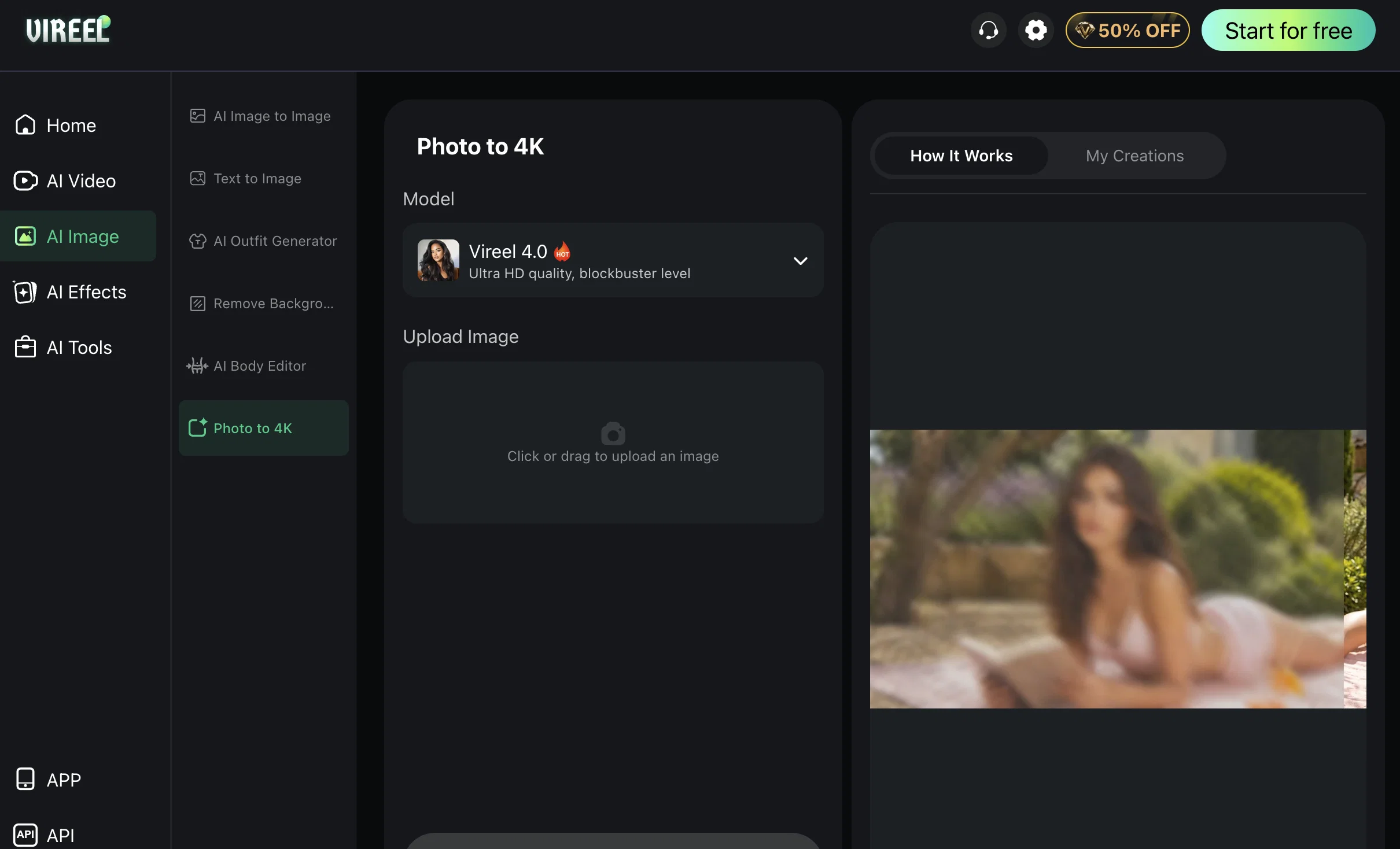
The tool is user-friendly with a simple process of image upload, option selection, and download of 4K output.
Access & connections
Where you can use Vireel AI Photo to 4K.
Capabilities
What this tool accepts, produces, and is strongest at.
Input
- Image
Output
- Image
Pros & cons
Pros
- Transforms low-res to HD
- Dedicated processing engine
- Neural network utilization
- Analyzes image texture
- Reconstructs lost edges
- Delivers sharp contrasts
- Fine gradients presentation
- Built-in image enhancer
Show 31 more
- Removes visual noise
- Corrects motion blur
- Facial details restoration
- Increases canvas dimension
- Increases pixel density
- Revives vintage photos
- User-friendly interface
- Effortless image upload
- Selective option feature
- Compressed image conversion
- Removes edge distortion
- Restores damaged photos
- Resurrects faded B&W images
- Integrated image enhancer
- Instant 4K output download
- Free online tool
- App available
- Image extender feature
- Expands image canvas
- Multiplies pixel density
- Generates lifelike videos
- Image-to-Video showpiece
- Vintage restoration scenarios
- Black and White to video
- Repairs damaged photos to video
- Faded color recovery to video
- Converts Image to Video
- Built-in Image Editor
- Dedicated FAQ section
- Supports JPG, PNG, WEBP
- Free trial credits available
Cons
- No offline usage
- Limited format support
- No multi-image batch processing
- Requires strong internet connection
- No mobile application
- Unknown processing times
- Lack of advanced user customization
- Cannot preserve image metadata
Show 2 more
- No integration with third-party applications
- No demo or free version
Compare alternatives
Similar tools in the catalog — with a clear reason to open each one.

Deep Image ✓
Free TrialEnhance photos with advanced editing features.
Free + from $9/mo
Full comparison
Upscayl ✓
Free TrialEnhance images with free, open-source AI upscaling.
Why look More privacy-focused
Full comparison
AI Upscaler ✓
FreemiumSmarter AI 4K Upscaler for Images & Videos
Why look Freemium alternative
Full comparison
SciFig ✓
FreemiumTurn text into publication-ready scientific figures.
Why look Freemium alternative
Full comparison

Neurohelper AI ✓
PaidEvery leading AI model. One workspace.
Why look Better for writing
Full comparisonReleases 1
FAQ 12
How does the Vireel Photo to 4K AI Image Enhancer & Upscaler work?
What is the process of upscaling an image on Vireel?
Can Vireel be used to enhance vintage photos?
What is the role of the AI in Vireel's image processing engine?
What type of issues can the AI image enhancer in Vireel fix?
How does Vireel increase the canvas dimension and pixel density of an image?
What is the output quality of images processed by Vireel?
Can any compressed image be converted into a 4K file using Vireel?
How does Vireel handle edge distortion and blur in images?
What is the role of neural networks in Vireel's image upscaling process?
Can Vireel correct motion blur in images?
Does Vireel restore facial details in images?
Related tools
Recommended

Vireel AI Image to Image Generator ✓
Free TrialTransform images with AI-powered creative editing tools.

Vireel AI Motion Control ✓
PaidAnimate any photo with AI motion control.

Vireel AI Image to Video Generator ✓
PaidTransform images into videos with AI.

Vireel AI Video Extender ✓
PaidAI-powered video and image generation platform.

Vireel AI French Kiss Generator ✓
PaidCreate personalized AI kiss scenes in seconds.

Vireel AI Hugging Generator ✓
PaidTurn photos into warm, realistic hug videos instantly.
More from this creator
Vireel AI Image to Image Generator ✓
Free TrialTransform images with AI-powered creative editing tools.
Vireel AI Video Extender ✓
PaidAI-powered video and image generation platform.
Vireel AI Motion Control ✓
PaidAnimate any photo with AI motion control.
Vireel AI Hugging Generator ✓
PaidTurn photos into warm, realistic hug videos instantly.