
Deep Nostalgia AI ✓
Transform old photos into animated videos with AI.
from $0.296
Verdict
A quick read before you dig into the full page.
- Best if
- You are genealogists and need: Animating old family photos to bring them to life
- Skip if
- No batch processing
- Pick this when
- Turns photos to videos
Considering Anijam instead? Compare side by side
Overview
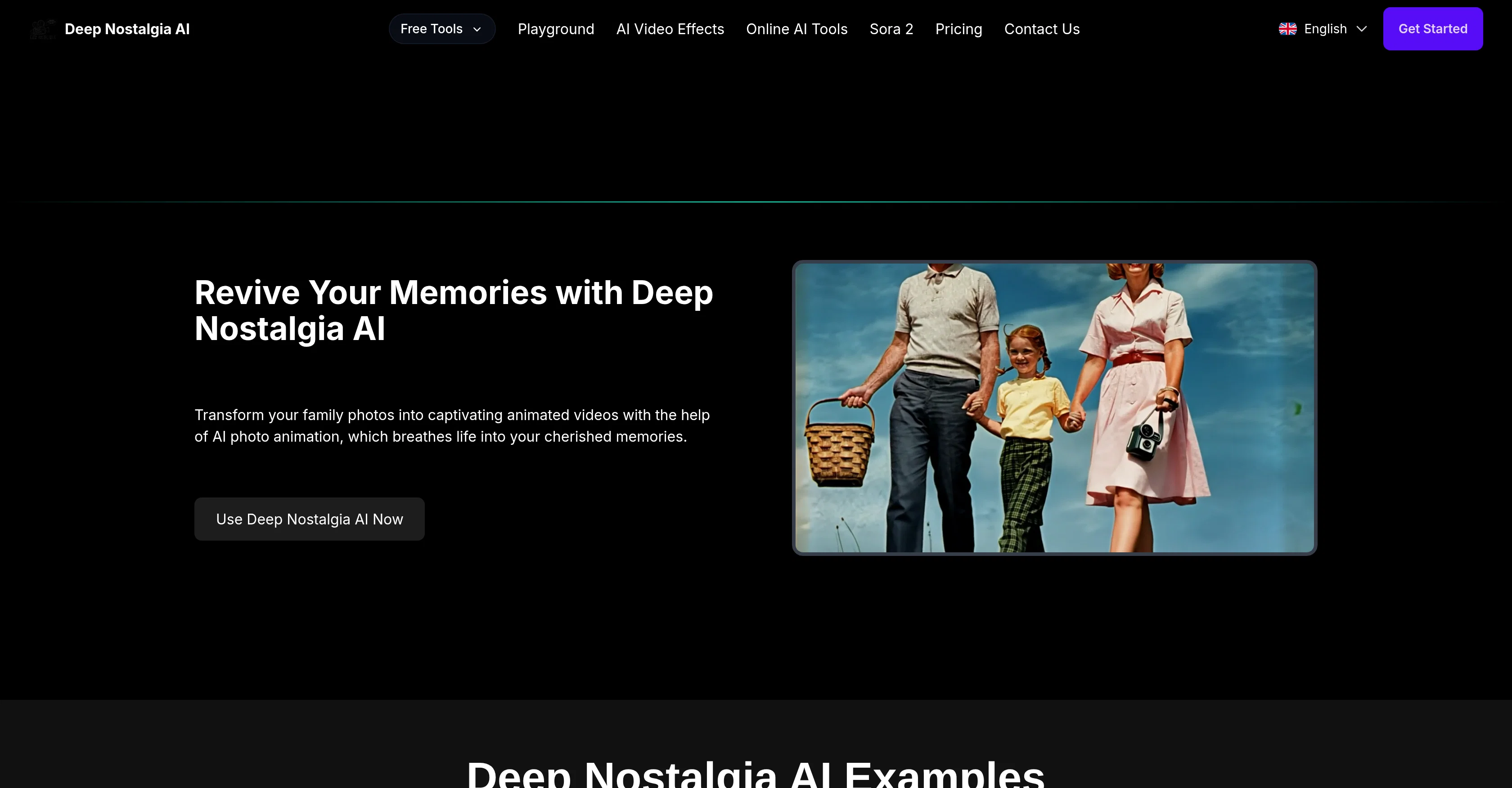
Deep Nostalgia AI is a tool that uses artificial intelligence to animate old still photos, transforming them into realistic videos. It applies advanced deep learning technology to generate lifelike animations of facial expressions and movements, thereby rekindling the emotions of cherished memories.
To use it, users need to create an account, upload their photo, and wait while the system processes and animates the image. The animated video can then be downloaded or shared.
The platform is designed to be user-friendly and does not require any technical expertise to navigate.Deep Nostalgia AI maintains the original character and integrity of Individuals in the photos, providing true-to-life animations.
Users can easily download and share the created content on social media platforms. Privacy is also a major consideration, with the tool automatically deleting uploaded photos that are not associated with an account.The AI animation tool works best with clear, high-resolution images, though lower-quality photos can also be animated.
Currently, there is no support for batch processing of images. Deep Nostalgia AI is available for free use but also offers premium features for more extensive use.
It is accessible via the web and also through the MyHeritage mobile app.
Best for
Short scenarios where Deep Nostalgia AI tends to shine.
-
Animating old family photos to bring them to life
Best for Genealogists
-
Creating AI-generated videos from images and text
Best for Historians
-
Restoring and colorizing old photos
Best for Families
-
Generating AI kissing videos
Best for Content creators
-
Creating AI hug videos
Best for Social media users
Example outputs 1
Sample generations and before/after results for Deep Nostalgia AI.
Access & connections
Where you can use Deep Nostalgia AI.
Platforms
Capabilities
What this tool accepts, produces, and is strongest at.
Input
- Image
Output
- Video
Supported features
- CV Data
- Image Edit
- Realism
- Video Generation
Pros & cons
Pros
- Turns photos to videos
- Lifelike animations
- User-friendly interface
- Maintains individual integrity
- Quick video generation
- Strong privacy protection
- Applies deep learning technology
- MyHeritage mobile app compatibility
Show 17 more
- Free basic functionalities
- Premium expansive features
- Easy social media sharing
- High-resolution image optimal
- Development towards batch processing
- Transforms only clear images
- Automatic deletion of non-associated uploads
- Preservation of original character
- User privacy prioritization
- Future-support for batch processing
- Accessible via web and mobile
- Simple step-by-step usage process
- Fast animation processing speed
- Shareable animated content
- Potential for viewer engagement
- Requires no technical expertise
- Guaranteed data security
Cons
- No batch processing
- Requires account creation
- Premium for extensive use
- Optimal with high-resolution only
- Sharing primarily social media-focused
- Automatic deletion of unassociated photos
- Not open-source
- No API for integration
Compare alternatives
Similar tools in the catalog — with a clear reason to open each one.
Ebsynth
UnknownEbSynth animates footage using styled keyframes, ideal for hand-drawn animations.
No pricing
Full comparison
DreamFace ✓
FreemiumAnimate photos with AI face editing magic.
Why look Freemium alternative
Full comparison
Animagic ✓
FreemiumTurn drawings into animations in seconds.
Why look Freemium alternative
Full comparisonPeople also view
Tools that often show up alongside Deep Nostalgia AI in collections and comparisons.
Ebsynth
UnknownEbSynth animates footage using styled keyframes, ideal for hand-drawn animations.
DreamFace ✓
FreemiumAnimate photos with AI face editing magic.

MyHeritage Deep Nostalgia ✓
UnknownAnimate faces in old family photos.

Animatable ✓
PaidCreate animated characters and environments in minutes
Animagic ✓
FreemiumTurn drawings into animations in seconds.

Anijam ✓
Free TrialAI handles your entire animation pipeline.

Vibe Motion ✓
Free TrialAI motion graphics generator - VibeMotionAI

Spatius ✓
FreemiumReal-time AI avatars at a fraction of the cost.
Releases 1
FAQ 12
How does Deep Nostalgia AI animate photos into lifelike videos?
Does Deep Nostalgia AI require any technical expertise to create animations?
How long does it take for Deep Nostalgia AI to generate an animation?
Does Deep Nostalgia AI automatically delete uploaded photos?
Can Deep Nostalgia AI work with low-resolution photos?
Where can we download the MyHeritage app that includes Deep Nostalgia AI?
Is batch processing of photos supported in Deep Nostalgia AI?
Does Deep Nostalgia AI preserve the original complexion and characteristics of the person in the photo?
How can I share the animations created by Deep Nostalgia AI?
Does Deep Nostalgia AI compromise user data privacy?
What are the requirements for the photos uploaded to Deep Nostalgia AI for animation?
Are there plans to introduce batch processing in Deep Nostalgia AI?
Related tools
Recommended

LoveStudy.ai ✓
Free TrialAI-powered learning tools that make studying effortless.

BeatViz AI Music Video Generator ✓
FreemiumTransform your music into stunning visual experiences with AI

Iliad ✓
FreemiumCreate textures in seconds, with full creative control.

LetsMkVideo ✓
Free TrialCreate stunning videos from text and images.

LearningStudioAI ✓
Free TrialAI-powered authoring tool for effortless online course creation.

D-ID ✓
FreemiumCreate AI-generated videos with ease