AVCLabs PhotoPro AI ✓
AI-powered photo editor to simplify photo editing.
Trial; then from $39.95/mo
Verdict
A quick read before you dig into the full page.
- Best if
- AI-powered photo editor to simplify photo editing
- Skip if
- Complex for beginner users
- Pick this when
- Improves resolution and detail
Considering Viyou AI Image Generator instead? Compare side by side
Overview
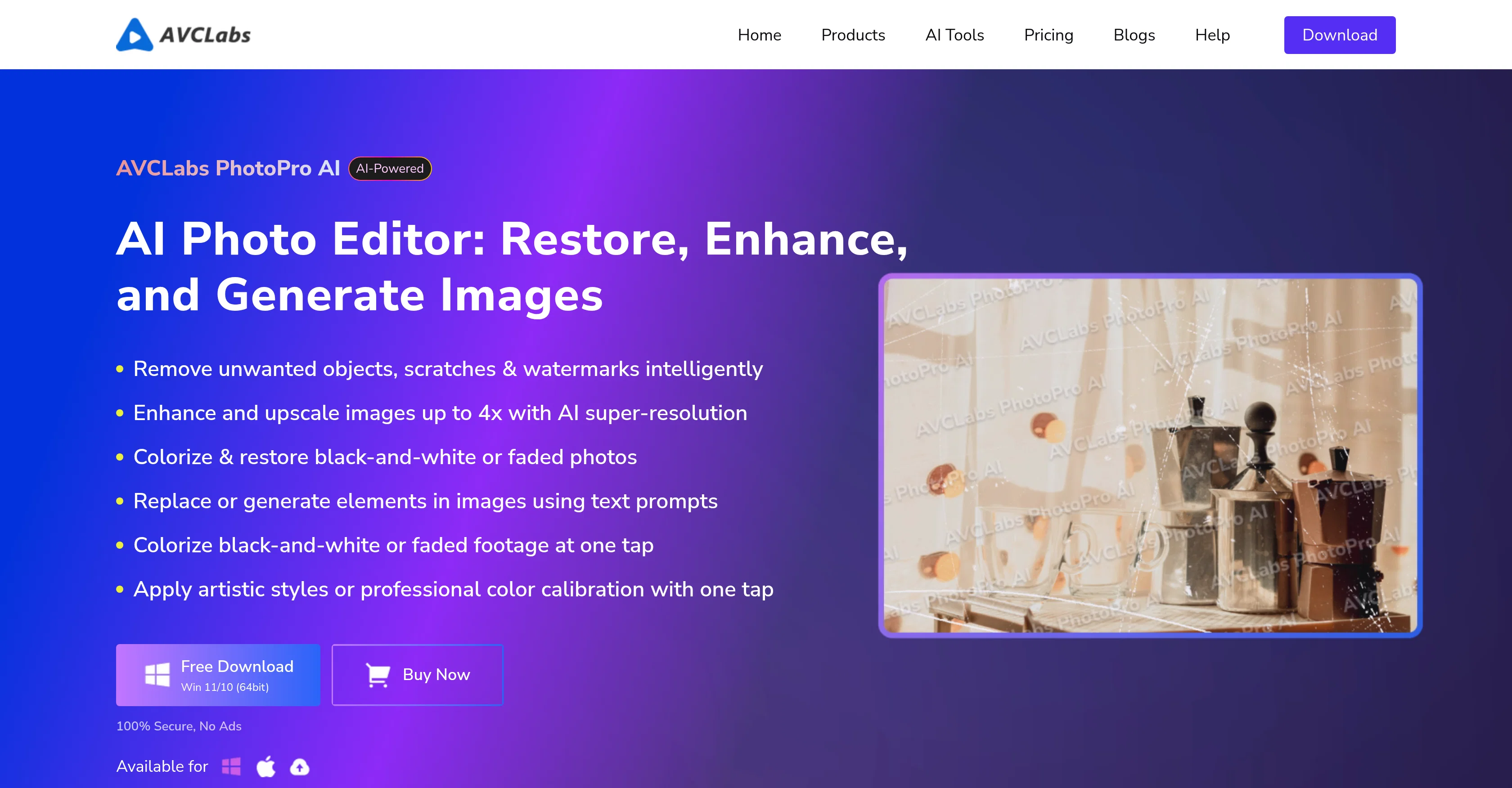
AVCLabs PhotoPro AI is a comprehensive AI photo editing solution designed to transform, enhance, and generate images. This tool utilizes artificial intelligence to enhance photo quality by improving resolution and detail, introducing sharp and vibrant colors to faded or black-and-white photos, and removing unwanted elements and backgrounds.
Another prominent feature of PhotoPro AI is it's ability to intelligently identify and replace objects in photos based on user's text prompts, which paves the way for creative and unique alterations.
The software also includes auto face retouching feature that intelligently recognizes faces and enhances their features while maintaining the natural texture of the skin.
It has a color calibration function which automatically corrects photo's color balance, contrast, brightness, and saturation, leading to more vibrant and visually appealing images.
Whether for personal use or professional editing, AVCLabs PhotoPro AI provides a wide array of functionalities for easy and efficient photo editing.
Best for
Short scenarios where AVCLabs PhotoPro AI tends to shine.
-
AI-powered photo editor to simplify photo editing.
Example outputs 1
Sample generations and before/after results for AVCLabs PhotoPro AI.
Access & connections
Where you can use AVCLabs PhotoPro AI.
Platforms
Capabilities
What this tool accepts, produces, and is strongest at.
Input
- Image
Output
- Image
Supported features
- Image Edit
- Image Generation
- Image Understanding
- Denoise
- Styling
Pros & cons
Pros
- Improves resolution and detail
- Enhances faded/black-and-white photos
- Removes unwanted objects
- Intelligent object replacement
- Automatic face retouching
- Color calibration
- Automatic brightness correction
- Image transformation functionalities
Show 30 more
- Personal or professional use
- Suitable for medical analysis
- Reconstructs lost image details
- Eliminates jagged edges and blur
- Intelligent background reconstruction
- Removes watermarks
- Generates images from text
- Identifies and separates elements
- Ideal for e-commerce images
- Add color to black/white photos
- Color correction
- Revitalizes historical images
- Transforms photos into art styles
- Suitable for professional color correction
- High-resolution image export
- Works with multiple formats
- Streamlined workflow
- Customizable masks
- Smart selection tool
- GPU acceleration
- Improves facial clarity in portraits
- Removes labels from product photos
- Restores old photos
- Corrects color deviations in landscapes
- Applies artistic filters
- Upscales low-resolution images
- Support for multiple input formats
- Support for multiple output formats
- High system compatibility
- Suitable for creative projects
Cons
- High system requirement (16GB RAM)
- Requires 20GB free space
- Limited input/output format support
- No Linux version
- No mobile app version
- GPU acceleration not always efficient
- Limited tools for manual editing
- Complex for beginner users
Compare alternatives
Similar tools in the catalog — with a clear reason to open each one.

Viyou AI Image Generator ✓
FreemiumTransform text and images into stunning videos and visuals.
Free + from $39.99/yr
Full comparison
Img2Img AI ✓
FreemiumTransform any image with AI in seconds.
Why look Typically cheaper
Full comparison
Creen AI ✓
Paid40+ AI models for video, image and art. Free, no sign-up.
Why look Typically cheaper
Full comparison
Photoeditor ✓
PaidEnhanced image editing with object and text removal.
Why look Typically cheaper
Full comparison
Cleanup pictures ✓
FreemiumRemove unwanted elements from photos instantly.
Why look Typically cheaper
Full comparisonPeople also view
Tools that often show up alongside AVCLabs PhotoPro AI in collections and comparisons.
Viyou AI Image Generator ✓
FreemiumTransform text and images into stunning videos and visuals.
Photoeditor ✓
PaidEnhanced image editing with object and text removal.
Img2Img AI ✓
FreemiumTransform any image with AI in seconds.
Creen AI ✓
Paid40+ AI models for video, image and art. Free, no sign-up.
Cleanup pictures ✓
FreemiumRemove unwanted elements from photos instantly.

MF0.ai ✓
PaidEvery top AI in one chat. Real memory. No subscription.

LineArt ✓
Free TrialTurn one photo into a whole coloring book.

Kyukoma ✓
Free TrialTurn your stories into manga pages with AI.
Releases 1
Imported reviews 1
The tool is powerful, combining multiple AI modes and features. It can enhance images with just one click, colorize black-and-white photos, and remove watermarks effortlessly.
FAQ 12
What are the main features of AVCLabs PhotoPro AI?
How does AVCLabs PhotoPro AI utilize AI to enhance photo quality?
Can AVCLabs PhotoPro AI introduce colors to black-and-white photos?
Can AVCLabs PhotoPro AI remove unwanted backgrounds from photos?
What is the AI object replacement feature in AVCLabs PhotoPro AI?
How does the auto face retouching feature in AVCLabs PhotoPro AI work?
What is the color calibration function in AVCLabs PhotoPro AI?
Is AVCLabs PhotoPro AI suitable for professional photo editing?
Can AVCLabs PhotoPro AI generate images based on user text prompts?
Does AVCLabs PhotoPro AI have automatic brightness correction and contrast adjustment features?
What type of Image Enhancement does AVCLabs PhotoPro AI offer?
Can AVCLabs PhotoPro AI improve the resolution of images?
Related tools
Recommended

AI Image to Image.io ✓
FreemiumTransform images with simple text commands.

Editimg AI ✓
Free TrialAdvanced AI-powered image editing and transformation tools.

EzEditor AI Magic Editor ✓
Free TrialEdit photos instantly with text prompts.

Suno ✓
FreemiumMake music at the speed of your ideas.

Notis ✓
Free TrialThe first WhatsApp assistant that runs on your ChatGPT and Claude subscriptions

Jason AI ✓
PaidAI-powered assistant for B2B sales outreach