

3D objects 2026 Rank: #1725
AI 3D Model Generator ✓
Turn text or images into 3D models in seconds.
Free + from $15.9/mo
Verdict
A quick read before you dig into the full page.
- Best if
- Turn text or images into 3D models in seconds
- Skip if
- Only batch/multi-view on paid
- Pick this when
- Image to 3D conversion
Considering 3D AI Studio instead? Compare side by side
Overview
The AI 3D Model Generator is a tool that leverages artificial intelligence to transform either text descriptions or images into 3D models. It provides a range of features including image to 3D model conversion, text to 3D model transformation, AI-based retopology and texturing among others.
This tool is particularly useful for 3D artists, game developers, product designers, and 3D printing enthusiasts, enabling them to create detailed, production-ready 3D assets in seconds.
Users can generate materials, animate, and create texture for their models with a variety of file formats supported for export, including GLB, OBJ, STL, FBX, etc.
The platform offers the ability to convert 2D images, sketches, or illustrations into polished 3D models. Additionally, it includes an optimization feature that automatically reduces the polygon count of the 3D models for game engines without compromising visual quality.
The tool also offers a white model generation feature for creating clean, untextured base meshes that are ideal for 3D printing, manual texturing, or as a base for custom materials.
Gain accuracy and realism with the multi-view image to 3D model feature which you can use to upload images from different angles of your character or object.
The AI 3D Model Generator caters to a number of different industries including game development, product design, 3D printing, and e-commerce.
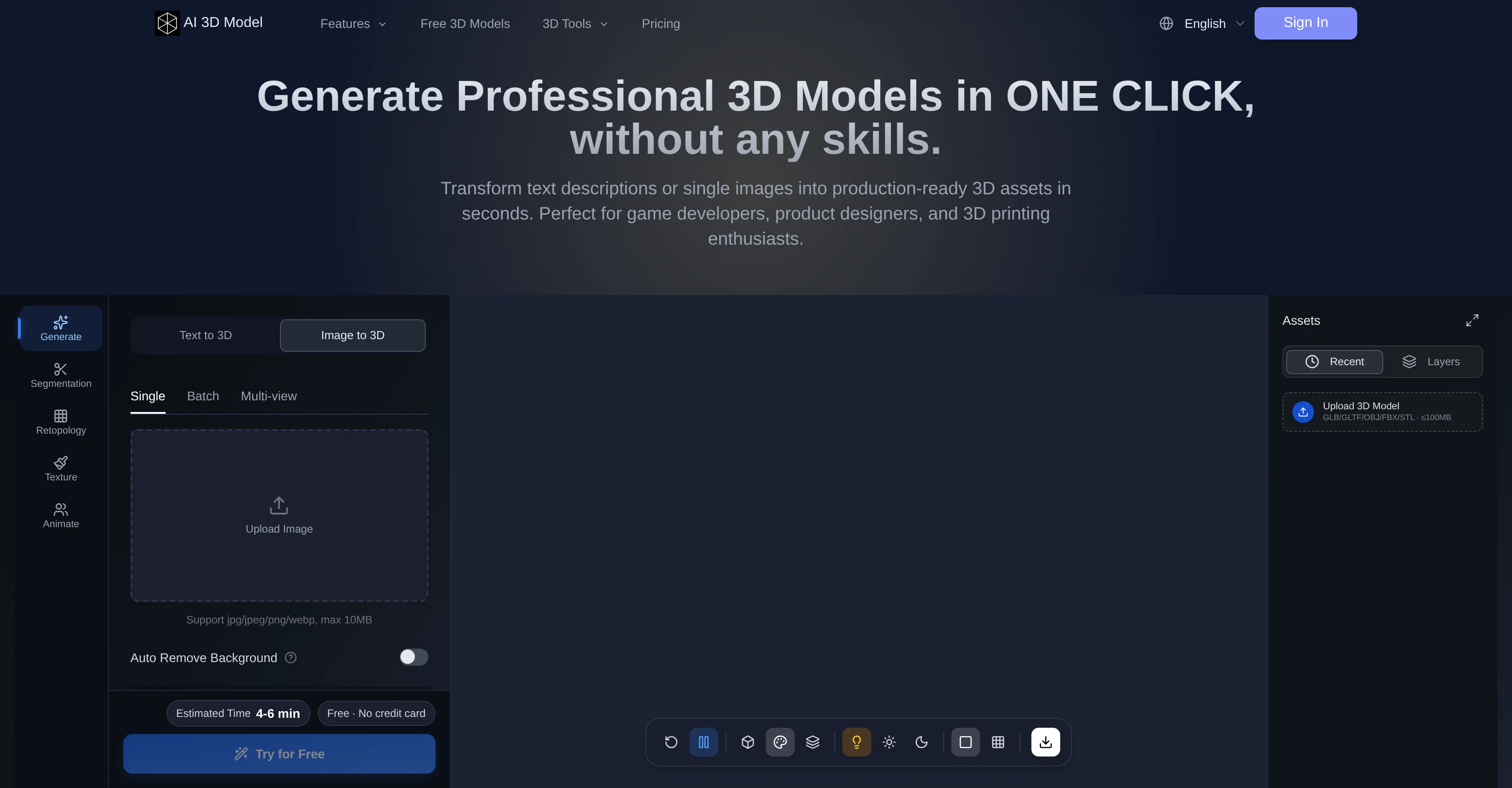
Access & connections
Where you can use AI 3D Model Generator.
Platforms
Capabilities
What this tool accepts, produces, and is strongest at.
Input
- Image
- Text
Output
- 3D
Pros & cons
Pros
- Image to 3D conversion
- Text to 3D conversion
- Supports multiple file formats
- 2D to 3D transformation
- Model optimization for games
- Automatic polygon reduction
- White model generation
- Multi-view image conversion
Show 36 more
- Custom material creation
- Animation capabilities
- Generate assets from text
- Supports various industries
- Segmentation feature
- Auto rigging
- Multiple language support
- High-definition models
- Seamless export feature
- Texture generation
- Smart low-poly optimization
- Privacy options on models
- Concurrent tasks capability
- User-friendly interface
- Rapid prototyping
- Reusable models
- Multiple-use case applications
- Mesh repair for 3D printing
- Web-optimized models for ecommerce
- Fast generation times
- Flexible pricing plans
- Visual quality preservation
- Credit system for features
- Selection of resolution
- Face limit customization
- Automatic background removal
- Online 3D viewer
- 3D file converter
- Supports commercial use
- High customer satisfaction ratings
- Available presets for 3D models
- Batch model generation
- Commercial visibility options
- Customizable settings for model
- Generates watertight geometry
- Ideal for design iterations
Cons
- No real-time modeling
- Limited export formats
- Queue priority tiers
- Paid plan for HD texture
- No manual polygon count set
- Skill-required retopology
- Fixed texture resolution
- Only batch/multi-view on paid
Show 2 more
- No CAD export
- Requires credits
Compare alternatives
Similar tools in the catalog — with a clear reason to open each one.

3D AI Studio ✓
PaidEasily generate free 3D models with our AI-powered 3D AI Studio.
Why look Offers a public API
Full comparison
Mimetic Labs ✓
Free TrialTransform ideas into printable 3D models with AI.
Why look Typically cheaper
Full comparison
Image3D.io ✓
FreemiumImage to STL and 3D models from any image
Why look Typically cheaper
Full comparison
Hi3D ✓
Free TrialAI-powered 3D model generator with unprecedented precision.
Free + from $17.91/mo
Full comparison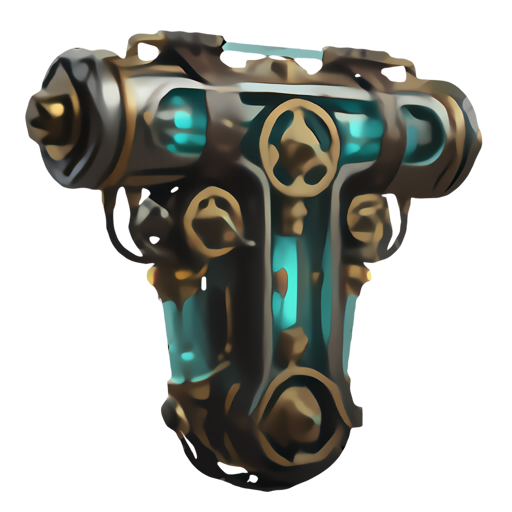
TRELLIS 2 ✓
UnknownGenerate high-fidelity 3D assets from images instantly.
No pricing
Full comparison
Neural4D | Image to 3D ✓
Free TrialTurn photos or prompts into 3D models instantly.
Why look Typically cheaper
Full comparisonReleases 1
Imported reviews 1
free tool, recommand!
FAQ 12
What is the AI 3D Model Generator?
How does the AI 3D Model Generator create models from text descriptions?
Can the AI 3D Model Generator convert images into 3D models?
Does the AI 3D Model Generator support multiple file format exports?
What is the optimization feature in the AI 3D Model Generator?
How is the AI 3D Model Generator useful for game developers and product designers?
Can the AI 3D Model Generator convert 2D images or sketches into 3D models?
What industries can benefit from the AI 3D Model Generator?
How does the white model generation feature work in the AI 3D Model Generator?
Can I use the AI 3D Model Generator to create 3D models for 3D printing?
Does the AI 3D Model Generator support image-to-3D model conversion from multiple angles?
What is AI-based retopology feature in the AI 3D Model Generator?
Related tools
Recommended

DeepSeek ✓
FreeUnravel the mystery of AGI with curiosity

Grok ✓
FreemiumConversational AI for understanding the universe.

Videnly ✓
PaidCreate & Publish AI Videos Automatically

MojoMake - AI Image to Video Generator ✓
FreemiumUse every top AI model and 100+ effects in one account.

AI Effect | AI Video Generator ✓
FreemiumTurn text or images into videos. Pay as you go

MailSweeper ✓
PaidReclaim your inbox with AI-powered email cleanup.