

Adobe Premiere ✓
Professional video editing, powered by AI.
from $22.99/mo
Verdict
A quick read before you dig into the full page.
- Best if
- Professional video editing, powered by AI
- Skip if
- Steeper learning curve for beginners
- Pick this when
- Industry-standard professional video editing tools
Considering CapCut Online Creative Suite instead? Compare side by side
Overview
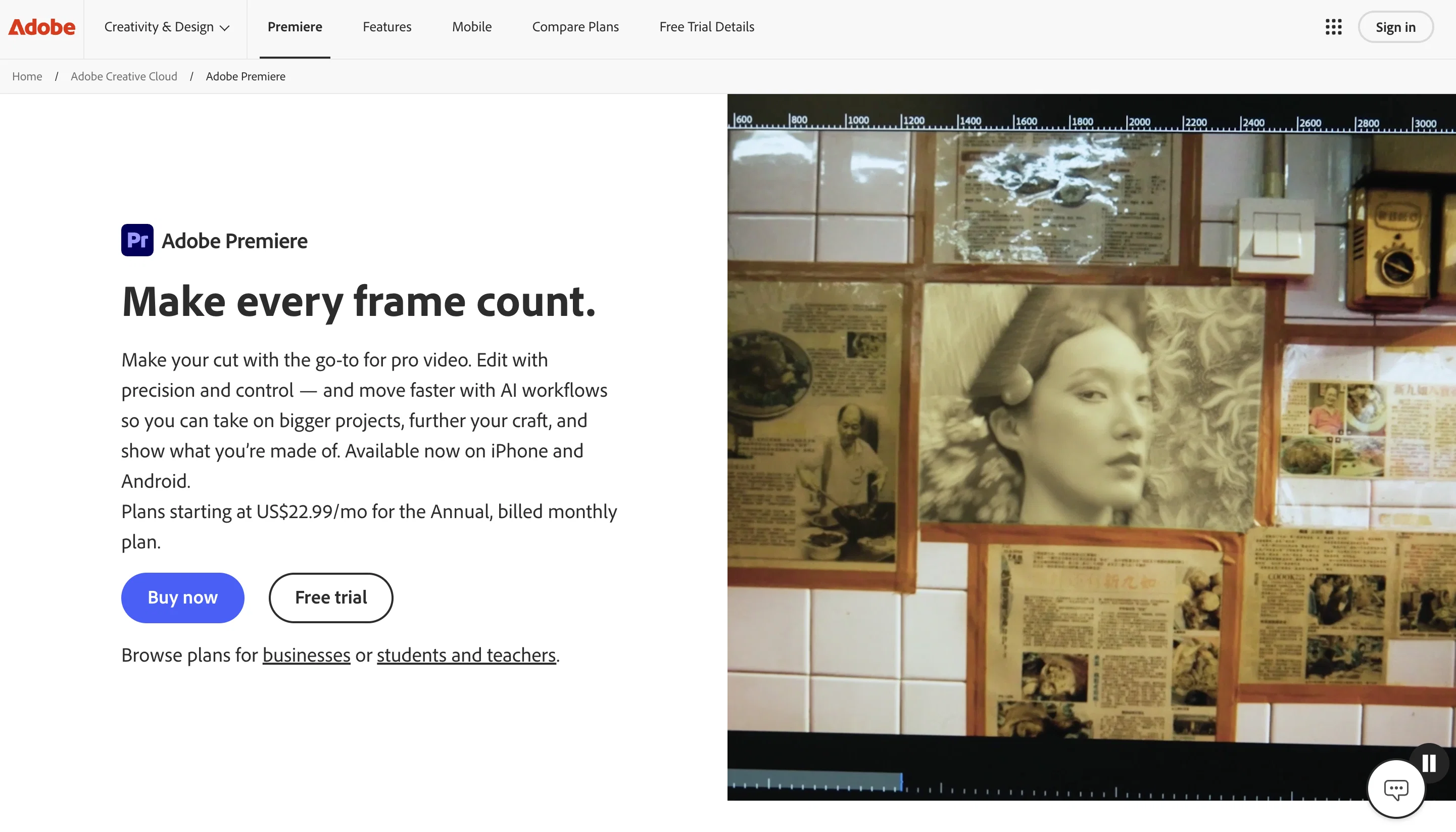
With advanced timeline editing capabilities such as three-point editing and Text-Based Editing, users can transcribe footage automatically and refine cuts as easily as editing a text document. AI-powered Media Intelligence allows editors to search hours of footage instantly by describing objects, locations, or framing in natural language.
Premiere’s AI tools dramatically reduce time-consuming tasks. Object Mask automatically detects and tracks subjects across frames, eliminating hours of manual rotoscoping. Generative Extend, powered by Adobe Firefly, can extend clips and generate missing ambient sound for smoother edits. Enhance Speech cleans up dialogue by removing background noise, while Remix automatically retimes music to match edited clips.
Professional-grade color correction tools, including color wheels, curves, and built-in scopes, enable precise grading and tonal adjustments. Editors can also create polished animated titles, captions, and graphics, with AI-powered caption translation available in multiple languages.
Seamless integration across desktop and iPhone apps allows creators to start projects on mobile and finalize them with advanced desktop tools. As part of Creative Cloud, Premiere integrates with Adobe Express, Frame.io, and other apps for collaborative, scalable production workflows.
By combining precision editing with generative AI innovation, Adobe Premiere empowers creators to deliver high-quality video content faster than ever.
Access & connections
Where you can use Adobe Premiere.
Pros & cons
Pros
- Industry-standard professional video editing tools
- Powerful AI features for masking, search, and transcription
- Advanced color grading and audio enhancement tools
- Cross-device workflow (desktop and mobile)
- Deep integration with Creative Cloud ecosystem
Cons
- Subscription-based pricing
- Steeper learning curve for beginners
- Requires strong hardware for optimal performance
- Generative AI features limited by credits
- May be overly complex for simple video edits
Compare alternatives
Similar tools in the catalog — with a clear reason to open each one.

CapCut Online Creative Suite ✓
FreemiumUnleash creativity with CapCut's all-in-one online suite
Why look Freemium alternative
Full comparison
ClipFinder ✓
FreemiumTurn hours of streams and VODs into viral clips automatically.
Why look Freemium alternative
Full comparison
Gling - AI Video Editing Software for YouTube ✓
FreemiumAI-powered video editing for YouTube creators.
Why look Freemium alternative
Full comparison
Captions ✓
PaidAI-powered creative studio for studio-grade videos.
Why look Typically cheaper
Full comparison

Releases 1
Related tools
Recommended

PrometAI ✓
FreemiumTurn ideas into viable reality with AI business plan generator.

VideoDubber ✓
FreemiumTranslate and dub videos, audios and subtitles with voice cloning and lipsync

Free Music Demixer ✓
FreemiumMusic separation for audio remixing.

Draw3D ✓
FreemiumTransform sketches and 3D blockout into photorealistic images.

Google Imagen ✓
Free TrialTransform images with AI-powered creativity

FirstResume ✓
Free TrialAI agent that automates job applications.
More from this creator

Adobe Audio Enhancer ✓
Free TrialClean up spoken audio with AI studio-quality filters.

Adobe Firefly ✓
FreemiumCreate stunning visuals with AI-powered text prompts

Adobe Express ✓
FreemiumCreate stunning content easily with AI-powered design tools.

Adobe AI Assistant ✓
PaidUnleash PDF intelligence with AI-powered assistance

Adobe Customer Journey Analytics ✓
UnknownUnified customer insights across every channel, every moment.

Adobe Brand Concierge ✓
UnknownAI-powered conversations that turn intent into action.