

Sketch to image v2.0 2026 Rank: #679
Draw3D ✓
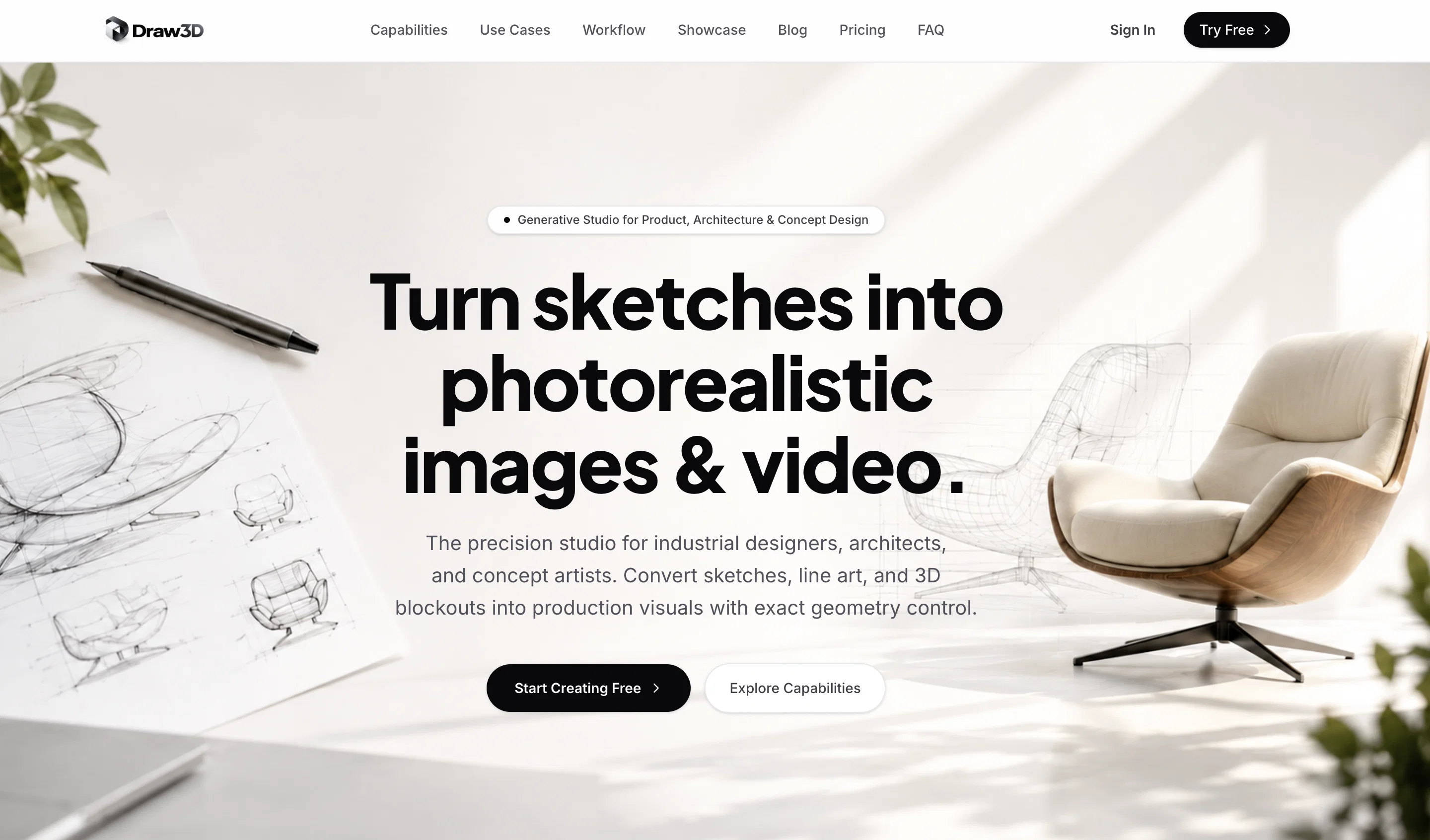
Transform sketches and 3D blockout into photorealistic images.
Verdict
A quick read before you dig into the full page.
- Best if
- You are artists and need: Transforming a simple sketch into a detailed photorealistic artwork
- Skip if
- Limited customer support options
- Pick this when
- Transforms sketches into photorealistic images
Considering Freepik Sketch to Image instead? Compare side by side
Overview
Built for versatility, Draw3D supports a wide range of creative workflows:
Sketch → Photo: Turn simple drawings into high-quality, realistic images
3D Blockout → Photo: Convert rough 3D compositions into polished visuals
Photo → Animation: Generate motion and bring still images to life
The platform preserves the original structure and artistic intent of your input while enhancing it with AI-driven detail and realism. It can even handle complex transformations—like converting sculptures, abstract shapes, or concept layouts into lifelike imagery.
Beyond generation, Draw3D includes a powerful suite of built-in tools:
AI Image Editor for refining and modifying outputs
Upscaling Engine to enhance resolution without quality loss
Smart Filters & Adjustments for quick post-production edits
Template System for consistent content creation (perfect for social media and content automation)
Style Control & Prompt Guidance for more precise creative direction
Designed for both professionals and beginners, Draw3D offers an intuitive, streamlined interface that makes high-end visual creation accessible to everyone—from artists and designers to content creators and casual users.
With its ability to move seamlessly from idea to polished visual (and even animation), Draw3D is not just a tool—it's a complete AI-powered creative pipeline.
- Sketch To Photorealistic Image Conversion
- 3d Blockout To High-quality Render
- Photo To Animation Generation
- Structure-aware Ai
Best for
Short scenarios where Draw3D tends to shine.
-
Transforming a simple sketch into a detailed photorealistic artwork.
Best for Artists
-
Converting a sculpture into a realistic photo.
Best for Designers
-
Upscaling generated images for higher quality.
Best for Architects
-
Editing images with filters and resizing tools.
Best for Product designers
Example outputs 1
Sample generations and before/after results for Draw3D.
Access & connections
Where you can use Draw3D.
Platforms
Capabilities
What this tool accepts, produces, and is strongest at.
Input
- 3D
- Image
- Text
Output
- Image
Pros & cons
Pros
- Transforms sketches into photorealistic images
- Works with any detailed sketch
- Can animate animal sketches
- Sculpture to photo transformations
- Upscales images without quality loss
- Integrated image editor
- Offers special discounts
- Versatile for various artworks
Show 16 more
- Intelligently interprets drawn elements
- Enhances resolution without quality compromise
- Ease of use
- Good for novice users
- Equally suitable for professionals
- Allows post-production alterations
- Easy-to-navigate interface
- Automates the 3D conversion
- Image filter and resize options
- Contact support via social media
- Creates 3D visualizations from sketches
- Works for simple line drawings
- Works for intricate landscapes
- Works for detailed character designs
- Transforms drawn elements in sketch
- Maintains structure of original drawing
Cons
- Inconsistent image conversion results
- Limited sculpture conversion capability
- Quality depends on sketch detail
- Lacks offline functionality
- No batch processing
- No free version
- Upscaling limited to 4x
- Basic image editing tools
Show 2 more
- Limited customer support options
- Vague pricing structure
Compare alternatives
Similar tools in the catalog — with a clear reason to open each one.

Freepik Sketch to Image ✓
FreemiumEnvision and sketch any image, AI transforms it into art in real time.
Why look Typically cheaper
Full comparison
RenderAI ✓
FreemiumTransform Sketches into 4K+ photorealistic renderings with AI
Why look Typically cheaper
Full comparison
Doodle Lab - AI Art Generator ✓
FreemiumCreate artistic images autonomously.
Free + from $33
Full comparisonPeople also view
Tools that often show up alongside Draw3D in collections and comparisons.
SketchAI ✓
FreemiumTransforming sketches into AI photos.
RenderAI ✓
FreemiumTransform Sketches into 4K+ photorealistic renderings with AI

PromeAI ✓
FreemiumTransform images into stunning sketch renderings.

NVIDIA Canvas ✓
UnknownTurn simple brushstrokes into realistic images with AI.
Freepik Sketch to Image ✓
FreemiumEnvision and sketch any image, AI transforms it into art in real time.
Doodle Lab - AI Art Generator ✓
FreemiumCreate artistic images autonomously.

PaperClaw ✓
Free TrialMake publication-ready scientific figures with AI.

MojoMake - AI Image to Video Generator ✓
FreemiumUse every top AI model and 100+ effects in one account.
Releases 2
Draw3D V2 — Changelog
Core Update
Introduced unified workflow: Sketch → 3D Blockout → Image → Animation
New Features
Sketch to photorealistic image generation
3D blockout to image rendering
Image to animation conversion
Built-in drawing canvas
AI image transformation tool
High-quality image upscaling
Project-based creation system
Layer-Based Prompt (NEW)
Added support for writing and managing prompts directly on top of the drawing canvas
Users can annotate different parts of the sketch with separate prompt layers
Enables region-specific control for generation (style, lighting, materials, details)
Improves precision and creative control in Sketch → Image workflow
Each layer can be edited, enabled, or disabled independently
AI Improvements
Better prompt understanding
Improved style consistency
Enhanced lighting, depth, and realism
Performance & UX
Faster generation speed
Simplified, beginner-friendly interface
Smoother creative workflow
Fixes
Reduced generation errors
Improved output accuracy and stability
Imported reviews 2
Value for money.
Looks Awesome! I can now render a building design from just a sketch
FAQ 12
What is Draw3D?
How does Draw3D work?
Do I need to have advanced drawing skills to use Draw3D?
How can Draw3D make my animal sketches look alive?
Can I apply filters or resize images in Draw3D?
What are the packages available in Draw3D?
Is there a discount offer available for Draw3D?
How can I get in touch with the Draw3D team?
How does Draw3D retain the quality of the image while upscaling?
Who is the target user for Draw3D?
Can Draw3D transform my sculpture into a photorealistic image?
Is it possible to convert a photo into a sculpture with Draw3D?
Related tools
Recommended

LearningStudioAI ✓
Free TrialAI-powered authoring tool for effortless online course creation.

Photo AI ✓
PaidCreate beautiful AI photos and videos of real people
Deepmotion ✓
Freemium3D animations

D-ID ✓
FreemiumCreate AI-generated videos with ease
Kaedim ✓
PaidGenerate game-ready 3D models from images with AI

Scisummary ✓
Free TrialCutting-edge scientific articles summarization.