

Adobe Lightroom ✓
Smarter photo editing, wherever you are.
from $11.99/mo
Verdict
A quick read before you dig into the full page.
- Best if
- Smarter photo editing, wherever you are
- Skip if
- Advanced features may require learning time
- Pick this when
- Powerful AI-powered editing tools
Considering Viyou AI Image Generator instead? Compare side by side
Overview
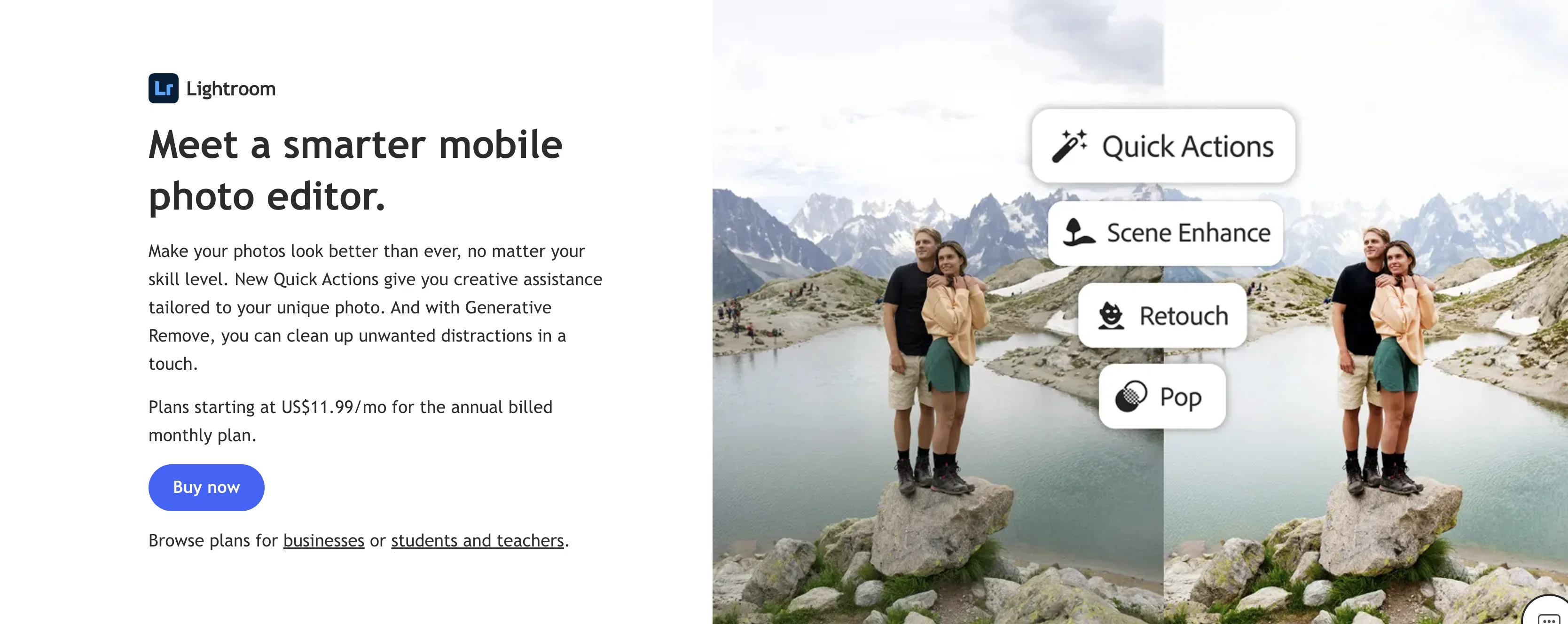
With features like Quick Actions, users receive intelligent, one-tap suggestions tailored to each image — from portrait retouching and skin smoothing to subject enhancement and background blur. Generative Remove allows photographers to eliminate unwanted objects and distractions seamlessly, while Dust Removal detects and removes sensor dust with precision.
Lightroom’s AI-powered Lens Blur creates customizable depth-of-field effects, helping users instantly focus attention on their subject. Adaptive Presets and assisted editing tools simplify complex adjustments, including sky enhancement, selective color correction, and portrait polishing. For improved image quality, generative upscale technology enables high-resolution enlargement without sacrificing detail.
AI-driven Assisted Culling helps photographers quickly sort and select the best shots by analyzing image quality and grouping similar photos. With 1TB of cloud storage in most plans, users can sync edits and access their photo library across devices effortlessly.
Access & connections
Where you can use Adobe Lightroom.
Platforms
Pros & cons
Pros
- Powerful AI-powered editing tools
- Cross-device syncing with cloud storage
- Intuitive interface suitable for beginners and pros
- Advanced portrait and background editing features
- Strong photo organization and culling capabilities
Cons
- Subscription-based pricing
- Generative AI limited by monthly credits
- Advanced features may require learning time
- Large cloud storage may increase plan costs
- Some professional workflows may still require Photoshop
Compare alternatives
Similar tools in the catalog — with a clear reason to open each one.

Viyou AI Image Generator ✓
FreemiumTransform text and images into stunning videos and visuals.
Why look Freemium alternative
Full comparison
Img2Img AI ✓
FreemiumTransform any image with AI in seconds.
Why look Freemium alternative
Full comparison

Photoeditor ✓
PaidEnhanced image editing with object and text removal.
Why look Typically cheaper
Full comparison
Cleanup pictures ✓
FreemiumRemove unwanted elements from photos instantly.
Why look Freemium alternative
Full comparisonReleases 1
Related tools
Recommended

AutoClipper ✓
FreemiumWith AutoClipper you can produce clips at scale every day.

VidFlux - Image to Video AI ✓
PaidTransform any image into stunning videos.

Kilo | Code Reviewer ✓
FreemiumAI-powered code reviews that catch bugs before merge.

AI Video API.ai ✓
Free TrialOne API key for all AI video models.
More from this creator

Adobe Audio Enhancer ✓
Free TrialClean up spoken audio with AI studio-quality filters.

Adobe Firefly ✓
FreemiumCreate stunning visuals with AI-powered text prompts

Adobe Express ✓
FreemiumCreate stunning content easily with AI-powered design tools.

Adobe AI Assistant ✓
PaidUnleash PDF intelligence with AI-powered assistance

Adobe Customer Journey Analytics ✓
UnknownUnified customer insights across every channel, every moment.

Adobe Brand Concierge ✓
UnknownAI-powered conversations that turn intent into action.