

AddSubtitle ✓
Translate video subtitles into 100+ languages instantly.
Free + from $15/mo
Verdict
A quick read before you dig into the full page.
- Best if
- You are content creators and need: Content Creators
- Skip if
- Limited voice variants for dubbing
- Pick this when
- Browser-based tool
Considering Captioner.io instead? Compare side by side
Overview
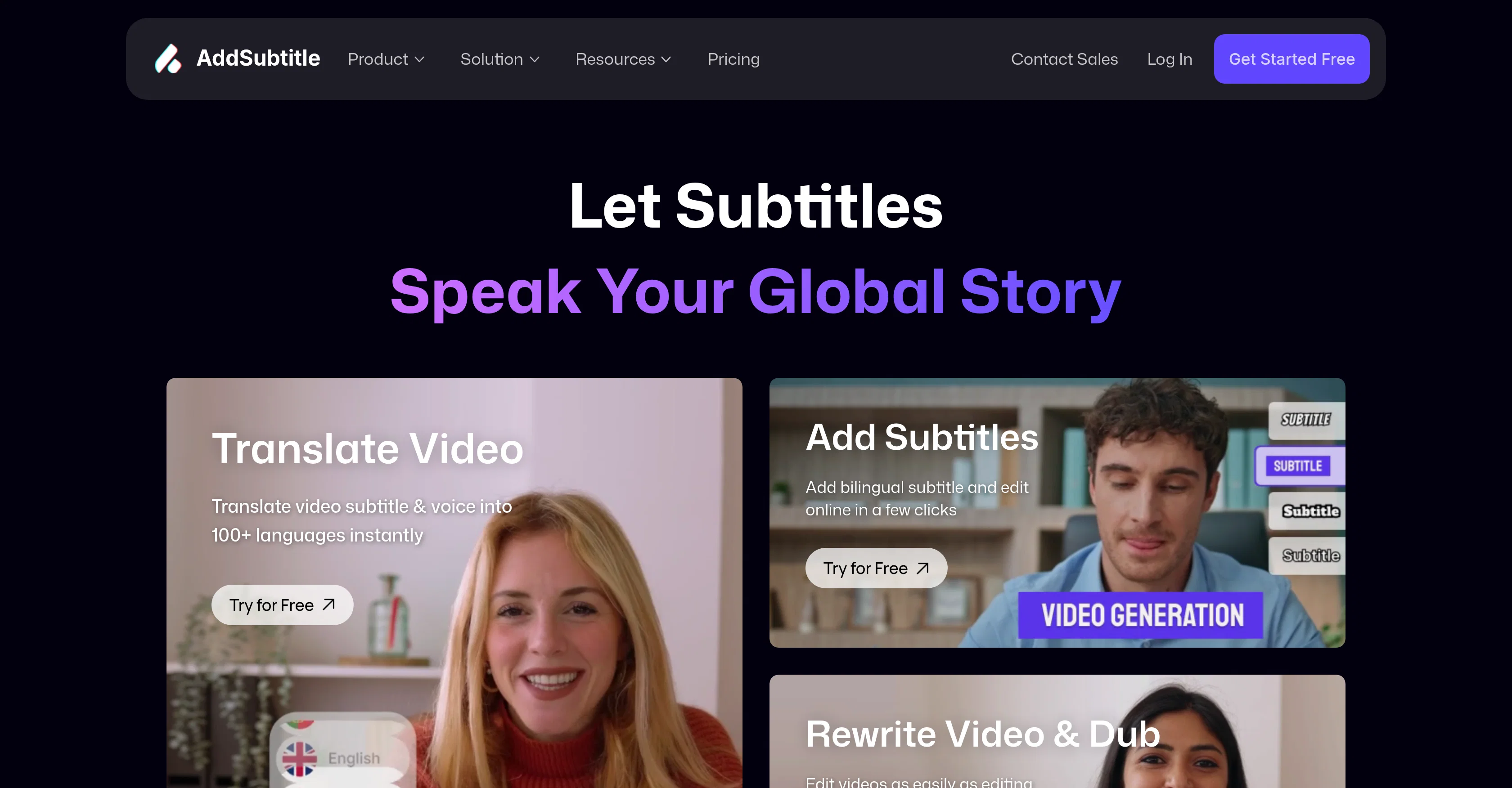
AddSubtitle is a browser-based AI tool designed to translate, dub, and subtitle videos. It allows users to instantly translate video subtitles and voices into multiple languages, making it excellent for reaching a global audience.
One of its most notable features is its capability to enable users to add subtitles to their videos and edit them online with a few simple clicks. In addition, it offers a video dubbing feature, which allows users to rewrite their video scripts with ease and flexibility.
The functionality for generating multilingual subtitles is particularly suitable for creators looking to improve worldwide engagement with their online courses and social media videos.
Along with adding bilingual captions, AddSubtitle offers custom subtitle styling features. Users can design their captions with various vibrant subtitle styles and a broad selection of fonts that support numerous languages.
AddSubtitle also provides a powerful feature called Video Rewrite, which can transform a regular video into a personalized piece by editing the text and automatically adjusting the voice and lips sync to match the new script.
Ultimately, AddSubtitle is a versatile tool suitable for creators and businesses aiming to optimize their content for a global audience by utilizing translation, subtitling, and dubbing capabilities.
Best for
Short scenarios where AddSubtitle tends to shine.
-
Content Creators
Best for Content creators
-
Online Educators
Best for Businesses
-
Marketing Teams
Best for Senior Video Bloggers
-
Filmmakers
Best for YouTubers
-
E-commerce Brands
Best for Marketing Directors
-
Social Media Managers
Best for Online Teachers
-
Corporate Training
Best for Students
-
Journalist & News Organizations
Best for Sales professionals
Example outputs 1
Sample generations and before/after results for AddSubtitle.
Access & connections
Where you can use AddSubtitle.
Platforms
Capabilities
What this tool accepts, produces, and is strongest at.
Input
- Video
Output
- Video
Supported features
- Dubbing
Pros & cons
Pros
- Browser-based tool
- Instant subtitle translation
- Supports 100+ languages
- Facilitates global reach
- Subtitle editing feature
- Video dubbing feature
- Allows script rewriting
- Generates multilingual subtitles
Show 21 more
- Facilitates bilingual captions
- Customizable subtitle styles
- Broad font selection
- Video rewrite feature
- Automatic voice and lip sync
- Content optimization for global audience
- Supports e-learning content
- Supports social media content
- Useful for language learning
- Applicable to broadcasting
- Supports multimedia
- 99.9% translation accuracy
- Facilitates online courses
- Allows personalized content creation
- User-friendly web application
- Useful for creators and businesses
- Automatic adaptation for worldwide audiences
- Fast and accurate video translation
- Tool trusted by 10,000+ creators and businesses
- Efficient and quick social media editing
- Intuitive edit feature
Cons
- Browser-based only
- No offline access
- Limited custom styling features
- Script editing not intuitive
- Dependent on Internet speed
- Potential sync issues
- Limited voice variants for dubbing
- No API for integration
Compare alternatives
Similar tools in the catalog — with a clear reason to open each one.

Captioner.io ✓
Free TrialAdd accurate, multilingual subtitles to videos - fast, right in your browser.
Why look Typically cheaper
Full comparison
RenderCut ✓
Free TrialAdd stylish subtitles to short videos instantly.
Free + from $15/mo
Full comparison
Animaker Subtitles ✓
FreemiumGenerate subtitles for videos with AI in one click.
Free + from $15/mo
Full comparison


Easyssub ✓
FreemiumGenerate AI subtitles for long videos effortlessly.
Why look Typically cheaper
Full comparisonPeople also view
Tools that often show up alongside AddSubtitle in collections and comparisons.

ThumbnailCreator.com ✓
Free TrialCreate eye-catching YouTube thumbnails in seconds.

MagicLight ✓
FreemiumTransform text into captivating videos instantly.

Lyric Video Studio ✓
FreemiumSync your sound, elevate your lyrics with AI-powered video creation.

UpscaleMy.Video ✓
FreemiumInstantly enhance blurry videos with AI.

Jupitrr ✓
FreemiumVoice-recorded & podcast-based personalized videos

Jumper ✓
FreemiumJump to the best parts of video editing.

AutoClipper ✓
FreemiumWith AutoClipper you can produce clips at scale every day.
RenderCut ✓
Free TrialAdd stylish subtitles to short videos instantly.
Releases 1
Imported reviews 1
Amazing functionality! I created stunning animations for my online courses.
FAQ 5
What can I do with AddSubtitle?
Can I edit subtitles after they are generated?
Does AddSubtitle support video dubbing?
Is AddSubtitle suitable for social media content?
Do I need special software to use AddSubtitle?
Related tools
Recommended

remio: Your Personal ChatGPT ✓
FreemiumGet Tailored Answer with Your Personal ChatGPT

VideoDubber ✓
FreemiumTranslate and dub videos, audios and subtitles with voice cloning and lipsync
ThumbnailCreator.com ✓
Free TrialCreate eye-catching YouTube thumbnails in seconds.

Averi AI ✓
Free TrialThe AI Content Engine for Startups
MagicLight ✓
FreemiumTransform text into captivating videos instantly.

scalerX ✓
FreemiumSupercharge Your Telegram Chats with Personalized AI Agents