

Captioner.io ✓
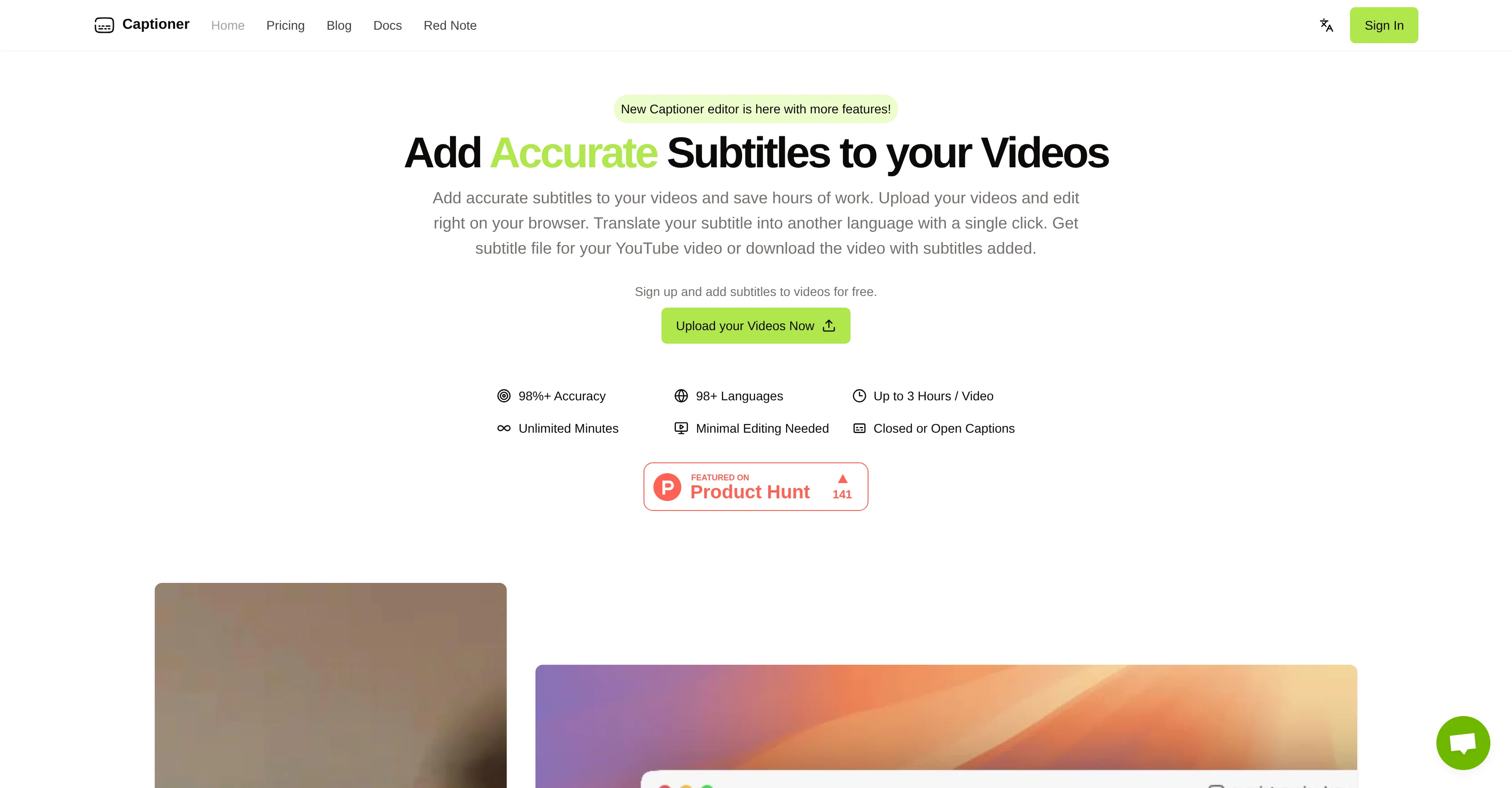
Add accurate, multilingual subtitles to videos - fast, right in your browser.
Trial; then from $5/mo
Verdict
A quick read before you dig into the full page.
- Best if
- Add accurate, multilingual subtitles to videos - fast, right in your browser
- Skip if
- Watermark on free renders
- Pick this when
- High accuracy (98% )
Considering RenderCut instead? Compare side by side
Overview
It’s designed to slot into real creator workflows. Import an existing transcript and auto-sync it to your video (think YouTube auto-sync, but tighter), then refine everything in an editor made specifically for subtitles. When you’re done, export SRT, VTT, or SBV for your editor—or burn captions directly into the video in your chosen style up to 4K.
Captioner also supports quick translation (currently English → Mandarin Chinese in Express) and long videos up to 3 hours per file, with unlimited total minutes. It optimizes for accuracy over raw speed, so you spend less time fixing mistakes and more time publishing.
Best for
Short scenarios where Captioner.io tends to shine.
-
Add accurate, multilingual subtitles to videos - fast, right in your browser.
Example outputs 1
Sample generations and before/after results for Captioner.io.
Access & connections
Where you can use Captioner.io.
Platforms
Capabilities
What this tool accepts, produces, and is strongest at.
Input
- Video
Output
- Video
Pros & cons
Pros
- High accuracy (98% )
- Supports 98 languages
- Word-level timestamps
- Precise subtitle alignment
- Import and auto-sync transcripts
- SRT, VTT, SBV export
- Burn-in subtitle video export
- Browser-based, no install
Show 4 more
- Up to 3 hours per video
- Unlimited total minutes
- Creator-friendly editing UI
- Affordable plans
Cons
- Translation options are limited
- MP4/MOV uploads only
- 2GB file size cap
- Not the fastest transcriber
- Watermark on free renders
- Advanced edits require Unlimited plan
Compare alternatives
Similar tools in the catalog.

RenderCut ✓
Free TrialAdd stylish subtitles to short videos instantly.
Free + from $15/mo
Full comparison
Animaker Subtitles ✓
FreemiumGenerate subtitles for videos with AI in one click.
Free + from $15/mo
Full comparisonPeople also view
Tools that often show up alongside Captioner.io in collections and comparisons.

Submagic ✓
FreemiumAI-powered captions for viral TikTok videos
RenderCut ✓
Free TrialAdd stylish subtitles to short videos instantly.

Rask ✓
PaidAI-powered video localization and dubbing made easy

Easyssub ✓
FreemiumGenerate AI subtitles for long videos effortlessly.
Animaker Subtitles ✓
FreemiumGenerate subtitles for videos with AI in one click.

AddSubtitle ✓
FreemiumTranslate video subtitles into 100+ languages instantly.

Summarize Video to Text ✓
FreemiumTurn any video into text instantly.

Subtitle Generator ✓
Free TrialFrom video to publish-ready subtitles in your browser.
Releases 1
Imported reviews 1
This one is CRAAAAAZY! drop your MP4/MOV, it locks captions to speech cleanly (also multi-language), the in-browser editor is solid and you can either export SRT for youtube or burn the subs in shorts with a couple clicks. it's a W for creators :D
FAQ 5
How accurate is Captioner, and why does that matter for video?
What’s the difference between Express and Unlimited plans?
Which formats can I export, and can I burn in captions?
What are the upload limits and supported files?
Which languages are supported for transcription and translation?
Related tools
Recommended

Evalyze ✓
FreemiumAI automates startup fundraising from pitch deck to investor match.

Invent | AI Customer Support Agents for any channel ✓
Free TrialYour AI business agent platform, on any channel

Overlap - AI that clips, edits, and posts ✓
Free TrialAI that clips, edits, and posts.

imini AI ✓
FreemiumAll-in-One AI Image and Video Creation Platform

MuseCraft ✓
Free TrialUnleash infinite creativity with top AI models.

Somake | Text to Image Generator ✓
Free TrialTurn words into stunning visuals instantly