

Animaker Subtitles ✓
Generate subtitles for videos with AI in one click.
Free + from $15/mo
Verdict
A quick read before you dig into the full page.
- Best if
- You are l&D Teams and need: Creating marketing videos
- Skip if
- Limited customization for subtitle animations
- Pick this when
- Automatic subtitle generation
Considering Captioner.io instead? Compare side by side
Overview
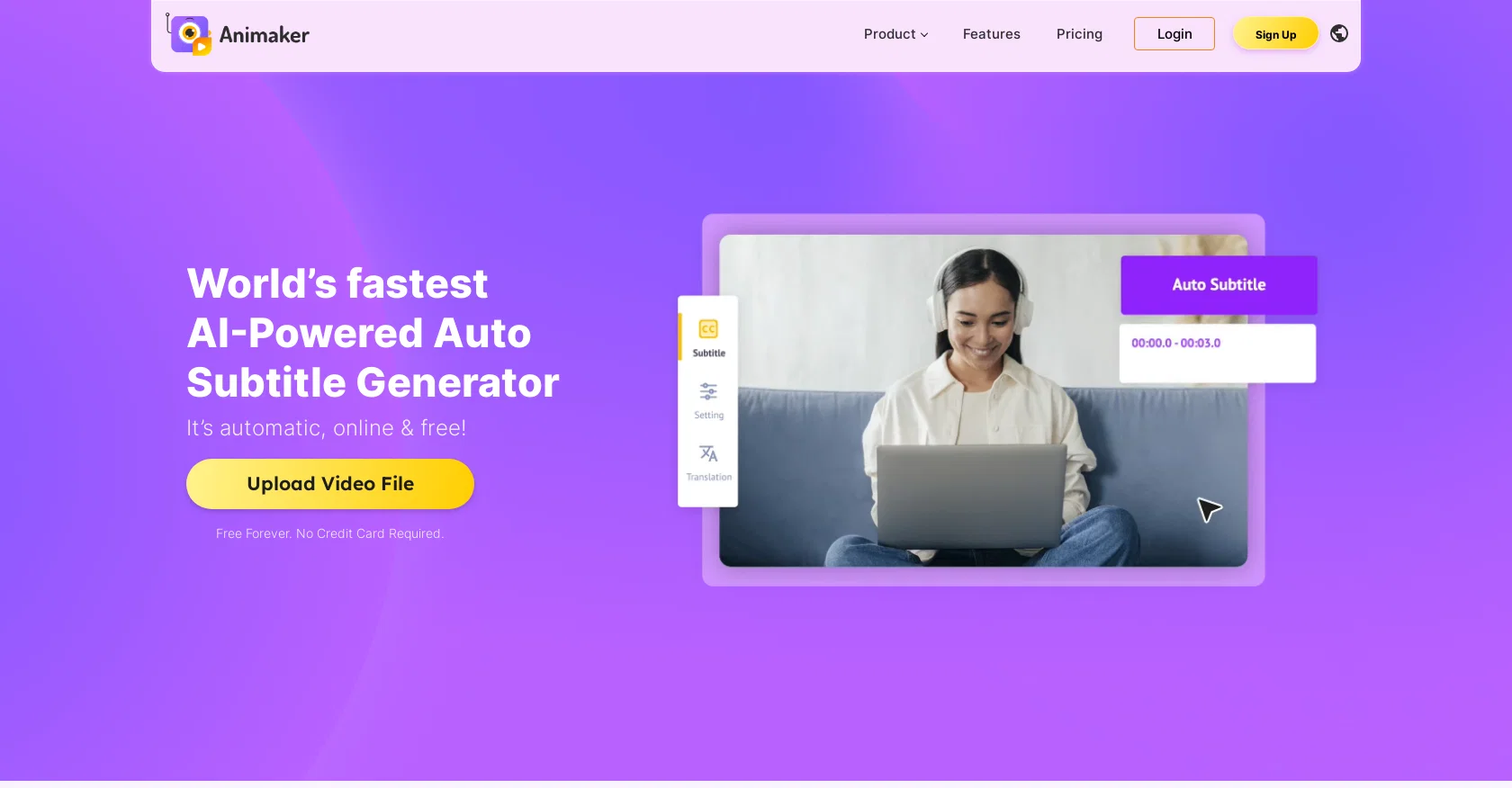
The AI-powered Subtitle Generator is an online tool that allows users to auto-generate subtitles or captions for various video types such as movies, home videos, TikToks, reels, and YouTube shorts.
Once the user uploads their video, the tool uses AI technology to automatically recognize speech and generate subtitles, which can be formatted and customized to match your brand guidelines.
With its Full-featured Text Editor, users can also manually add, modify, and adjust subtitles' timing to ensure accuracy. Additionally, the tool offers over 20 animations to make subtitles more engaging and aesthetically pleasing.
And for video creators who want to expand their viewership in different parts of the globe, the tool also comes with an auto-translate feature capable of translating subtitles into over 100 languages.
Overall, the AI-powered Subtitle Generator is an effective, efficient, and free-to-use solution for making videos more accessible to a broader audience while improving retention metrics.
Best for
Short scenarios where Animaker Subtitles tends to shine.
-
Creating marketing videos
Best for L&D Teams
-
Developing training and onboarding videos
Best for HR Teams
-
Designing social media content
Best for Marketing & Sales Professionals
-
Making explainer videos
Best for Internal Communications Teams
-
Crafting internal communications videos
Best for Course Creators
-
Creating presentations
Best for Enterprises
-
Generating subtitles
Best for Educators
-
Making lyric videos
Best for Freelancers
Example outputs 1
Sample generations and before/after results for Animaker Subtitles.
Access & connections
Where you can use Animaker Subtitles, and what it plugs into.
Platforms
Integrations
Capabilities
What this tool accepts, produces, and is strongest at.
Input
- Video
Output
- Video
- Text
Pros & cons
Pros
- Automatic subtitle generation
- Online tool
- Customizable subtitles
- Full-featured Text Editor
- Subtitle timing adjustment
- Over 20 subtitle animations
- Subtitle auto-translate feature
- Translates over 100 languages
Show 38 more
- Manually add subtitles
- Modify created subtitles
- Works with different video types
- Improves video accessibility
- Supports brand guidelines customization
- Free to use
- Video retention metrics improvement
- Support for different file formats
- No Credit Card Required
- Helpful for social media videos
- Breaks language barriers
- Frequently updated
- Effective subtitling process
- Highly user recommended
- Recogonizes speech
- Helpful to download subtitles
- Subtitles for marketing videos
- Professional textual formatting
- Options for manual subtitling
- Brand identity preservation
- Animations enhancements
- Transcribes voice to text
- Multiple language support
- Supports .srt, .vtt and .ass formats
- 50 mins of free subtitling
- Content retention improvement tool
- Advanced video comprehension
- Compatible with social media
- Video understandability improvement
- Accommodates perfectionists
- Subtitle auto generation
- Manual typing feature
- Generates subtitle files
- Allows for uploading subtitles
- Various visual communication options
- Subtitle editor tool
- Free subtitle auto generation
- User friendly interface
Cons
- Limited editing options
- Mistakes in auto-generated subtitles
- Subtitles may not align with video
- Cannot handle multiple speakers
- Inaccurate translations in non-English videos
- No desktop version
- Watermarked subtitled videos in free version
- Limited customization for subtitle animations
Compare alternatives
Similar tools in the catalog — with a clear reason to open each one.

Captioner.io ✓
Free TrialAdd accurate, multilingual subtitles to videos - fast, right in your browser.
Why look Typically cheaper
Full comparison
RenderCut ✓
Free TrialAdd stylish subtitles to short videos instantly.
Free + from $15/mo
Full comparison
AddSubtitle ✓
FreemiumTranslate video subtitles into 100+ languages instantly.
Why look Higher community rating
Full comparison
Easyssub ✓
FreemiumGenerate AI subtitles for long videos effortlessly.
Why look Typically cheaper
Full comparisonPeople also view
Tools that often show up alongside Animaker Subtitles in collections and comparisons.

Submagic ✓
FreemiumAI-powered captions for viral TikTok videos
RenderCut ✓
Free TrialAdd stylish subtitles to short videos instantly.

Rask ✓
PaidAI-powered video localization and dubbing made easy
Easyssub ✓
FreemiumGenerate AI subtitles for long videos effortlessly.
Captioner.io ✓
Free TrialAdd accurate, multilingual subtitles to videos - fast, right in your browser.
AddSubtitle ✓
FreemiumTranslate video subtitles into 100+ languages instantly.

Summarize Video to Text ✓
FreemiumTurn any video into text instantly.

Subtitle Generator ✓
Free TrialFrom video to publish-ready subtitles in your browser.
Releases 1
Imported reviews 1
It doesn't create the subtitles and it doesn't let you upload them. You can only create them manually
FAQ 12
What is Animaker Subtitles?
How does Animaker Subtitles work?
Can Animaker Subtitles be used for different types of videos?
What languages does Animaker Subtitles support?
How can subtitles be customized in Animaker Subtitles?
Does Animaker Subtitles have any animation features for subtitles?
Can Animaker Subtitles automatically recognize speech?
Can I manually add or adjust subtitles on Animaker Subtitles?
Is Animaker Subtitles suitable for professional use?
How does Animaker Subtitles help improve video retention metrics?
Is Animaker Subtitles free to use?
Can I translate subtitles into multiple languages with Animaker Subtitles?
Related tools
Recommended

Transcript LOL ✓
FreemiumUnlimited transcripts, summaries, 99.8% accuracy, speaker recognition, superfast

AI Studios ✓
PaidCreate AI avatar videos from text in minutes

VenturusAI ✓
FreemiumBusiness idea analysis and reporting.

Photo AI ✓
PaidCreate beautiful AI photos and videos of real people

Midjourney ✓
PaidExpand human imagination through AI-powered visuals.

DataSquirrel ✓
FreemiumData cleaning & visualization for insights gained.