
VideoTube ✓
Generate AI videos from text, image, and video in minutes.
from $9.9/mo
Verdict
A quick read before you dig into the full page.
- Best if
- You are creators and need: Create AI videos for social media or marketing using templates
- Skip if
- Customization may be complex
- Pick this when
- Generates videos from text
Considering freebeat AI instead? Compare side by side
Overview
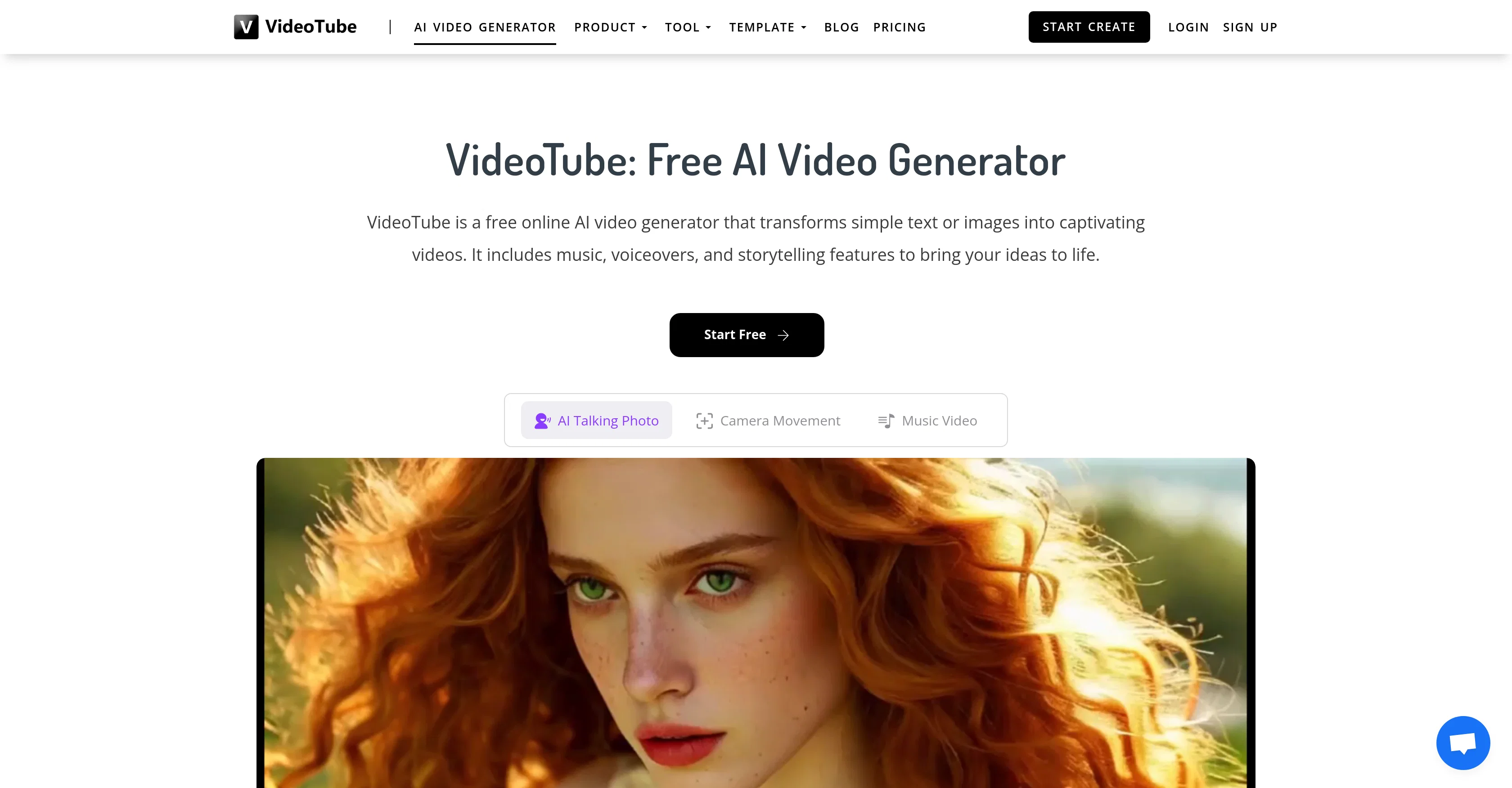
VideoTube is an online, AI-powered video generator that transforms text or images into captivating videos and allows for the easy creation of a wide range of AI videos.
The platform includes features such as music, voiceovers and storytelling to enrich the experience of video creation. It offers a collection of templates designed for quick creation of AI videos suitable for various applications such as social media and marketing.
Users can customize these templates by adding their specific content, and the AI technology handles the video generation. Apart from basic generation, the tool also allows for the optimization of videos through the addition of special effects and transitions.
Its flexibility extends to creating AI film shorts complete with rich plots and effects as well as the capability to incorporate special effects, music, and transitions.
VideoTube also features a tool that allows users to customize an AI avatar that can be seamlessly integrated into videos to enhance interactivity and viewer engagement.
Additionally, this platform enables the generation of product description videos based on a single product image uploaded by the user. The platform strives for efficiency, with fast rendering and processing of AI videos, and flexibility, allowing for customized and unique video creations.
Best for
Short scenarios where VideoTube tends to shine.
-
Create AI videos for social media or marketing using templates
Best for Creators
-
Generate product description videos from a single product image
Best for Businesses
-
Create AI movie shorts with rich plots and visual effects
Best for Marketers
-
Customize AI avatars for videos to improve engagement
Best for Film Students
Example outputs 1
Sample generations and before/after results for VideoTube.
Access & connections
Where you can use VideoTube.
Platforms
Capabilities
What this tool accepts, produces, and is strongest at.
Input
- Image
- Text
Output
- Video
Highlights
- No Signup
Supported features
- No Signup
Pros & cons
Pros
- Generates videos from text
- Generates videos from images
- Music integration
- Voiceover feature
- Storytelling techniques
- Template-based video generation
- Customization of templates
- Optimization with special effects
Show 36 more
- Inclusion of transitions
- Flexible customization
- Product description videos generator
- Fast rendering of videos
- Video processing
- Diverse video applications
- Seamless avatar integration
- Interactive videos
- Social media suitability
- Marketing video creation
- Quick video generation
- Dance video generator
- Variety of special effects
- Unlimited video inspiration
- Unrestricted video creation
- Rapid video outcome
- High-quality output
- Efficient avatar reuse
- Auto-creation from single image
- Creative templates
- Background and character editing
- Universe-friendly
- Video refinement options
- Video to video feature
- Image to video feature
- Text to video feature
- Versatile video styles
- Preview before final creation
- Multilingual support
- Enhanced data security
- Optimized for social media platforms
- Beginner-friendly interface
- One-click video generation
- Creative liberty to users
- Online free platform
- Upgrade options available
Cons
- Limited to single product image
- No explicit data privacy
- Customization may be complex
- Paid plans not available
- Rendering speed unspecified
- Template customization not detailed
- No support for multiple languages
- Specific video styles not identified
Show 1 more
- Unavailability of video formats
Compare alternatives
Similar tools in the catalog — with a clear reason to open each one.

freebeat AI ✓
FreemiumTurn Music & Ideas into Viral Videos In One Click
Why look Freemium alternative
Full comparison
MagicLight ✓
FreemiumTransform text into captivating videos instantly.
Why look Freemium alternative
Full comparison
HeyGen ✓
FreemiumCreate AI spokesperson videos from text
Why look Freemium alternative
Full comparison
Seedance ✓
FreemiumMulti-shot video generation from text and image.
Why look Stronger for image work
Full comparisonPeople also view
Tools that often show up alongside VideoTube in collections and comparisons.
Seedance ✓
FreemiumMulti-shot video generation from text and image.
MagicLight ✓
FreemiumTransform text into captivating videos instantly.

Kaiber Superstudio ✓
Free TrialAI Video Generation
HeyGen ✓
FreemiumCreate AI spokesperson videos from text
freebeat AI ✓
FreemiumTurn Music & Ideas into Viral Videos In One Click

D-ID ✓
FreemiumCreate AI-generated videos with ease

ResearchMonkey AI | YouTube Summarizer ✓
Free TrialSave Hours of Research in Seconds with 40+ AI Tools

OutlierKit ✓
PaidEnter one channel, see the entire niche.
Releases 1
Imported reviews 3
One platform gives me access to various high-quality video models — it’s been used to generate 110k viral social media posts.
👍Nice
cheaper than most tools, and the video quality is better.
I hope there are more discounts available.
No sound at all
FAQ 12
What is VideoTube?
How does VideoTube convert text or images into videos?
What are the key features of VideoTube?
Can I personalize the templates provided by VideoTube?
How can I optimize my videos using VideoTube?
What is the AI avatar feature in VideoTube?
How does VideoTube's product description video feature work?
How fast is VideoTube's video rendering and processing?
Can I generate videos for social media and marketing using VideoTube?
How does VideoTube incorporate special effects, music, and transitions into video generation?
Does VideoTube allow me to create AI film shorts?
How can I integrate interactive elements into my videos using VideoTube?
Related tools
Recommended

Automateed ✓
Free TrialCreate eBooks effortlessly with Automateed, the AI-powered writing tool.

Kling ✓
FreemiumCreate high-fidelity videos from text with lifelike motion and real-world physics

Veo ✓
PaidGenerate high-quality, cinematic videos with AI.