

Videotowords AI ✓
Transcribe audio and video to text in seconds.
Free + from $16.58/mo
Verdict
A quick read before you dig into the full page.
- Best if
- Transcribe audio and video to text in seconds
- Skip if
- Subscription-based pricing
- Pick this when
- Supports 98+ languages
Considering Voicetype AI instead? Compare side by side
Overview
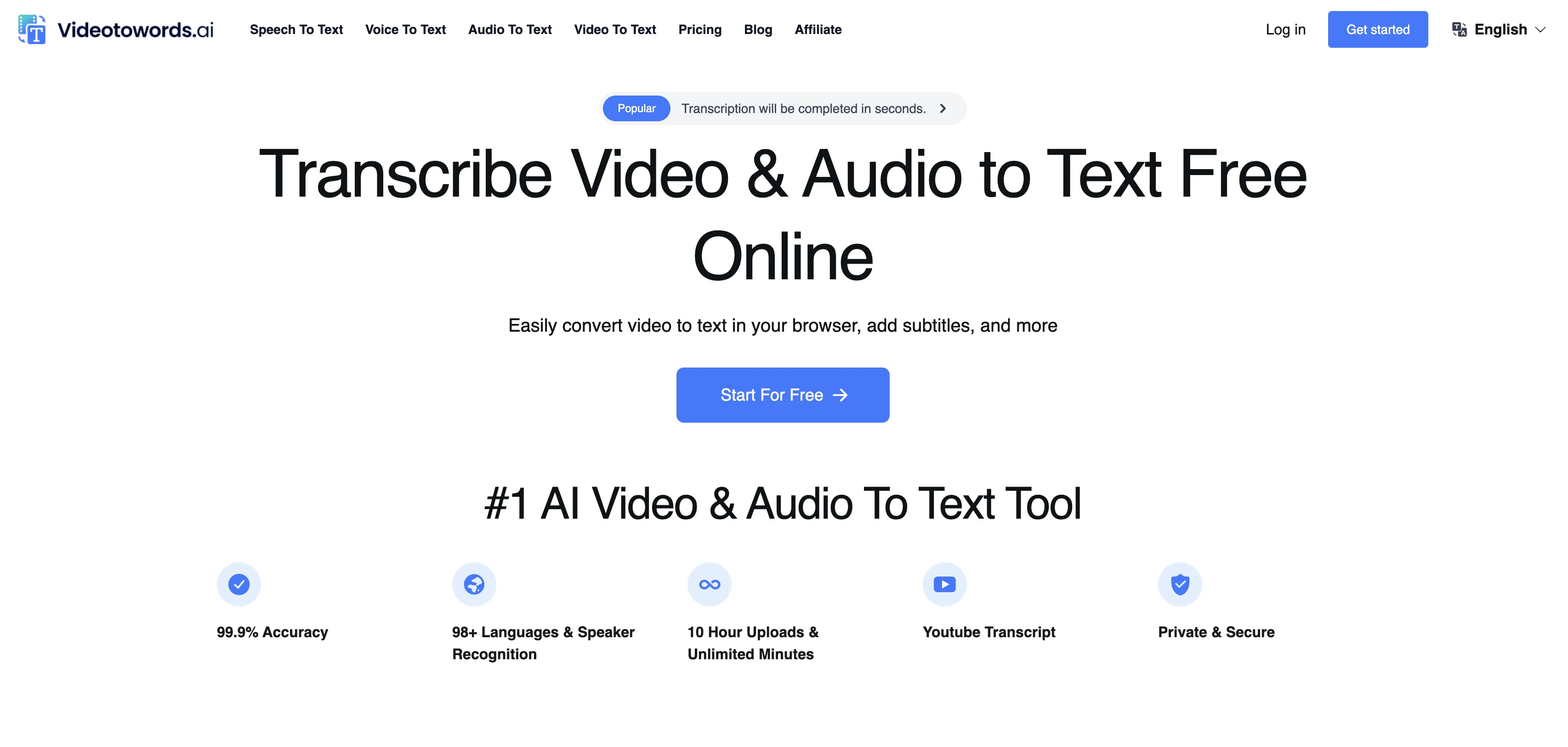
Videotowords AI is a platform that integrates AI technologies to convert speech to text which includes video to text and audio to text transcriptions in 98+ languages.
Aimed at students, researchers, conference recorders, content creators, and professionals, it aids these users by transcribing spoken words into written forms such as articles, summaries, blogposts, and more.
The platform supports extensive file types such as MP3, WAV, MP4, AVI, MPEG, and M4A. After uploading a file, the user can choose from the different languages and the transcription process begins automatically.
The text can then be edited and exported in various formats including TXT, DOCX, and SRT. Videotowords AI platform incorporates features like multilingual speech recognition, AI-generated summaries, lightning speed results and ironclad security to its users.
It is recommended for various users such as journalists, students, podcast hosts, researchers, filmmakers, content creators, marketers among others who require fast and accurate transcription of their video or audio content into written format.
Access & connections
Where you can use Videotowords AI.
Platforms
Capabilities
What this tool accepts, produces, and is strongest at.
Input
- Video
- Audio
Output
- Text
Supported features
- Transcription
Pros & cons
Pros
- Supports 98+ languages
- Supports MP3, WAV, MP4, AVI, MPEG, M4A
- Lightning speed results
- Ironclad security
- Exports to TXT, DOCX, SRT
- Multilingual speech recognition
- Journalists, students, podcast hosts use cases
- Supports extensive file types
Show 19 more
- Automatic transcription after upload
- Supports 10 hour files
- Provides ultra-fast transcription
- Offers unlimied transcriptions for $19.90
- GPU-powered transcription engine
- Supports 50 file upload at once
- Supports all common audio formats
- Supports MP3, MP4, M4A, MOV, AAC, WAV, OGG, OPUS, MPEG, WMA, YouTube
- Exports to DOCX, PDF, TXT, SRT, VTT
- High feedback from actual users
- Highly accurate transcription
- Online editing post transcription
- File support up to 5 hours
- No time limit for transcriptions
- Captions & subtitles support
- Data's privacy is top priority
- No additional file conversion steps
- User-friendly transcript editing
- Integrations with popular tools and platforms
Cons
- No free trial
- No API
- Limited language support
- Unclear security measures
- No offline mode
- Limited sharing options
- No mobile application
- Limited text formats
Show 2 more
- No live transcription
- Subscription-based pricing
Compare alternatives
Similar tools in the catalog — with a clear reason to open each one.

Voicetype AI ✓
Free TrialWrite 9x Faster with AI Speech to Text on all Apps
Why look Typically cheaper
Full comparison
Transcript LOL ✓
FreemiumUnlimited transcripts, summaries, 99.8% accuracy, speaker recognition, superfast
Why look Typically cheaper
Full comparison
TurboScribe ✓
Freemium🎯 3 free transcripts every day. 🔥 Unlimited transcription starting at $10/mo.
Why look Typically cheaper
Full comparison
RambleFix ✓
Paid⚡ Write by thinking aloud - emails, notes, articles, in your style.
Why look Typically cheaper
Full comparison
Paraspeech ✓
Free TrialPrivate dictation, cloud optional
Why look Typically cheaper
Full comparisonReleases 1
Related tools
Recommended

YouTube Transcript Optimizer ✓
PaidTransform YouTube videos into polished documents and quizzes.

Dictaphone ✓
UnknownTranscribe audio with AI in seconds.

Transcript and Convert Video to Text ✓
FreemiumConvert audio and video to text with AI precision

Audio2Text ✓
FreemiumConvert audio to text with ease and accuracy.

Audiotext Ai ✓
FreemiumTurn spoken thoughts into usable notes instantly

Thea ✓
FreemiumAI study tools to master material, not just memorize it.