

Transcript and Convert Video to Text ✓
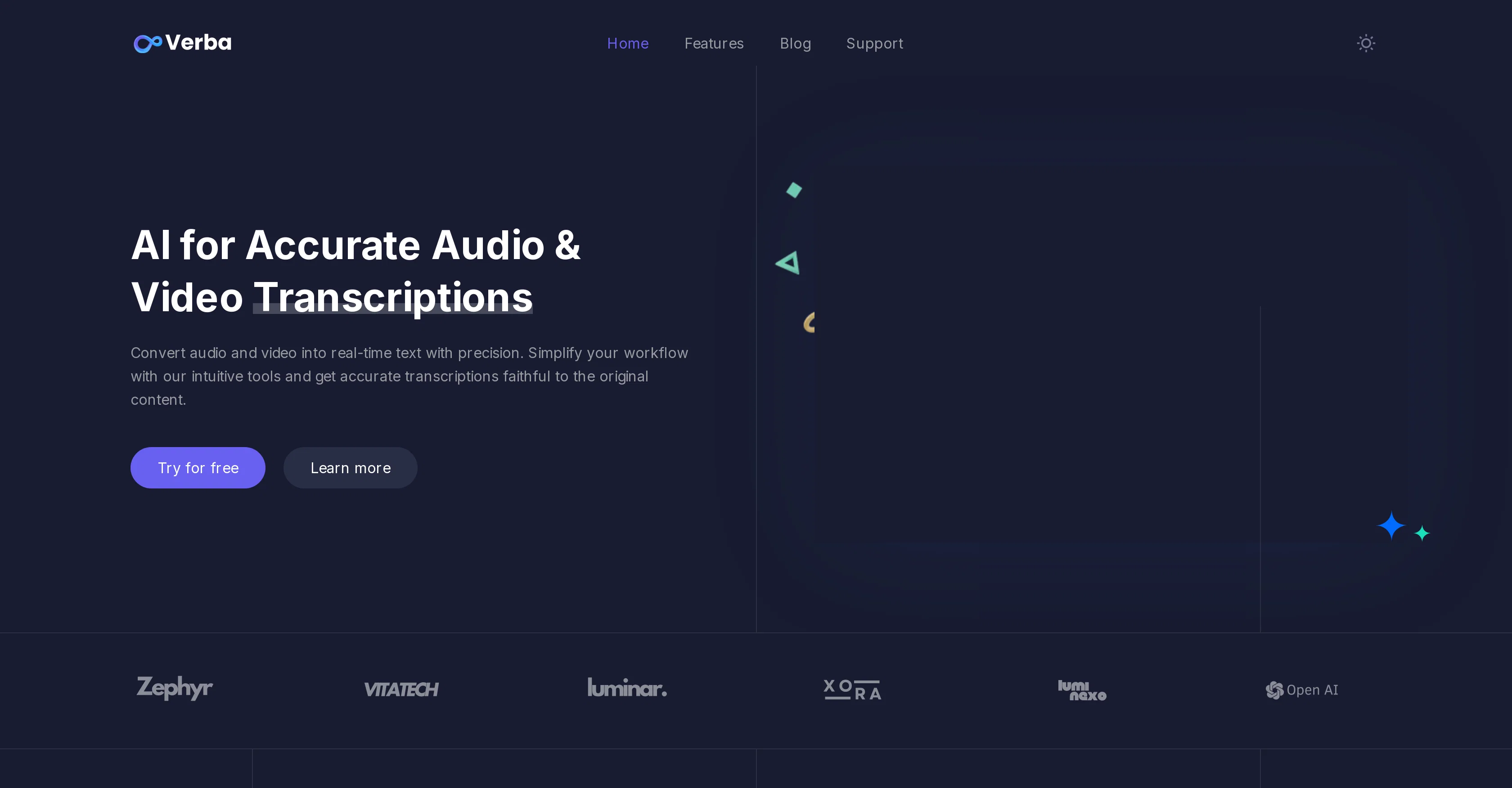
Convert audio and video to text with AI precision
Free + from $9.99/mo
Verdict
A quick read before you dig into the full page.
- Best if
- Convert audio and video to text with AI precision
- Skip if
- Interactive quiz feature limited
- Pick this when
- Multilingual transcription
Considering Voicetype AI instead? Compare side by side
Overview
This AI-driven tool transforms audio and video files into accurate, real-time text transcriptions. The transcriptions can be generated in over 7 languages, offering a variety of uses for global communication purposes.
Once transcribed, an AI chat feature allows specific questions related to the transcription to be asked, further enhancing user understanding. The tool also enables the generation of structured PDF documents from transcriptions, useful for research papers or other professional needs.
Users have the added advantage of copying or downloading the transcript in a timestamped format (SRT) which can be used as subtitles. A more education-centric feature of the tool is the creation of interactive quizzes from the transcriptions, intended for enhancing learning experiences.
The AI tool guarantees almost instant translations in over 300 languages, allowing users to communicate and perceive information internationally. Subtitles can also be downloaded in adjustable SRT formats, tailored to individual requirements.
For videos, the tool provides precise subtitle generation compatible with various video platforms. The transcription service presents limitless transcription volume, removing any restrictions or limits, and supports seamless transcription, translation, and organization, making it a productive component of any workflow.
Access & connections
Where you can use Transcript and Convert Video to Text.
Platforms
Capabilities
What this tool accepts, produces, and is strongest at.
Input
- Video
Output
- Text
Supported features
- Transcription
Pros & cons
Pros
- Multilingual transcription
- Generates structured PDFs
- Timestamped transcripts
- Downloadable transcript formats
- Interactive quiz creation
- Instant translation
- Supports 300+ languages
- Adjustable SRT formats
Show 24 more
- Compatible with various platforms
- Limitless transcription volume
- Seamless workflow integration
- 98.5% transcription accuracy
- Supports professional needs
- Underscores educational features
- Enhances global communication
- Precise subtitle generation
- Optimal for research tasks
- No restrictions on use
- Copy or download options
- Relevant for content engagement
- Improves content understanding
- Facilitates content retention
- Clean user interface
- Integrates with numerous platforms
- Subtitles with/without timestamps
- No limit on subtitles
- Subtitles for any video platform
- Free trial or demo
- Subscriptions for varied needs
- Testimonials supporting efficacy
- Multilingual customer testimonials
- Affordable subscription plans
Cons
- Limited to 7 transcription languages
- Interactive quiz feature limited
- No editing tool for transcriptions
- No integration with other platforms
- No mobile application
- Accents may affect accuracy
- No multiple user support
- Errors in transcription not auto-corrected
Show 2 more
- No transcription speed adjustment
- No security features mentioned
Compare alternatives
Similar tools in the catalog — with a clear reason to open each one.

Voicetype AI ✓
Free TrialWrite 9x Faster with AI Speech to Text on all Apps
Why look Better for writing
Full comparison
Transcript LOL ✓
FreemiumUnlimited transcripts, summaries, 99.8% accuracy, speaker recognition, superfast
Why look Offers a public API
Full comparison
TurboScribe ✓
Freemium🎯 3 free transcripts every day. 🔥 Unlimited transcription starting at $10/mo.
Free + from $10/mo
Full comparison
RambleFix ✓
Paid⚡ Write by thinking aloud - emails, notes, articles, in your style.
Why look Typically cheaper
Full comparison
Paraspeech ✓
Free TrialPrivate dictation, cloud optional
Why look More privacy-focused
Full comparisonReleases 1
Related tools
Recommended
Dictaphone ✓
UnknownTranscribe audio with AI in seconds.
Voxscribe: AI Note Taker ✓
FreemiumTransform Your Voice into Engaging Social Media Content

Audio2Text ✓
FreemiumConvert audio to text with ease and accuracy.
Free Music Demixer ✓
FreemiumMusic separation for audio remixing.

Summify ✓
FreemiumAI Powered tool to transcribe and summarize youtube videos, podcasts, audio notes
NoteVocal ✓
PaidFrom thoughts to text, instantly.