

Videos 2026 Rank: #947
VideoFlux ✓
Transform ideas into stunning videos with AI.
Verdict
A quick read before you dig into the full page.
- Best if
- Transform ideas into stunning videos with AI
- Skip if
- Limited style customization
- Pick this when
- Converts text to video
Considering freebeat AI instead? Compare side by side
Overview
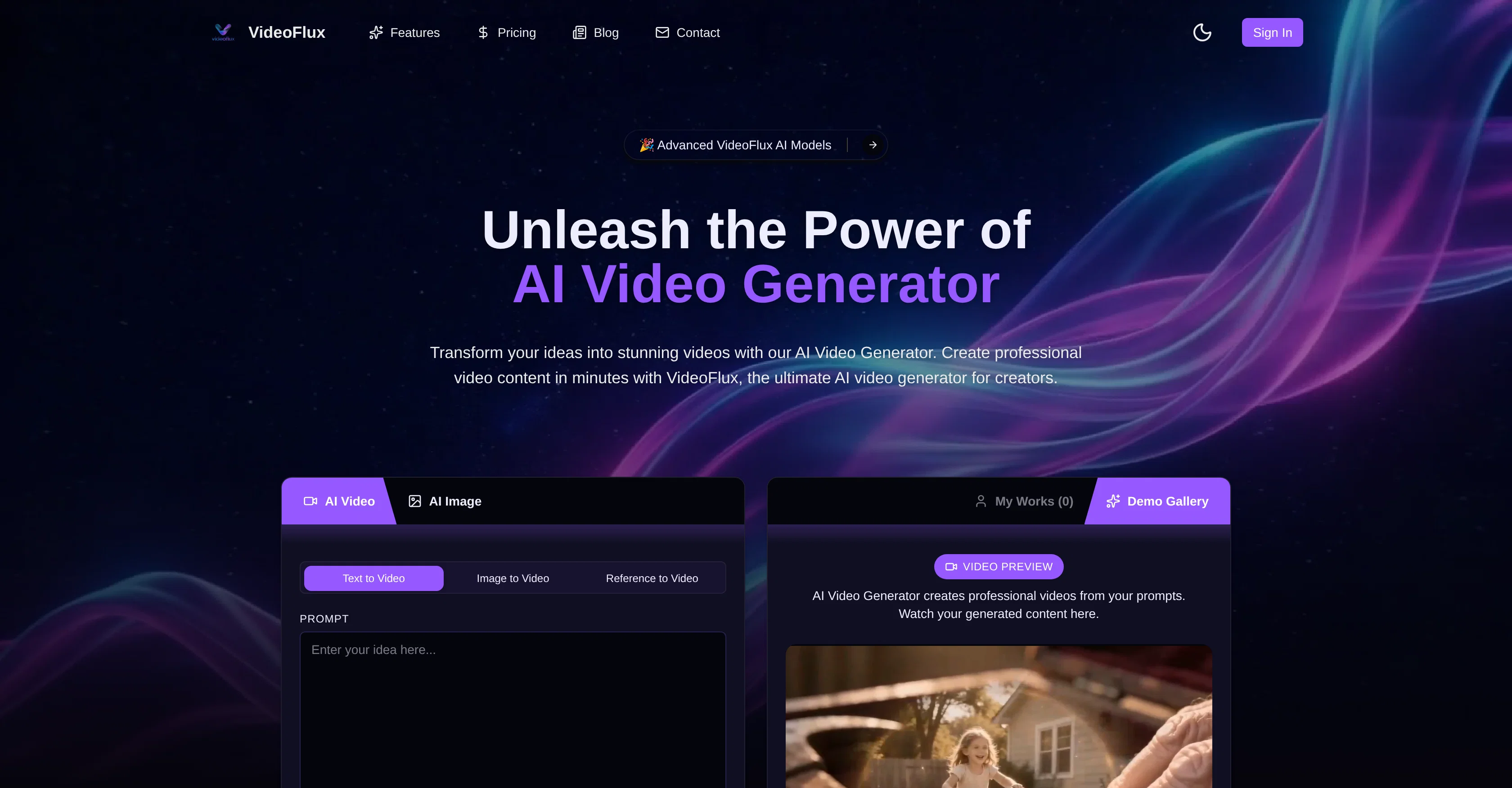
VideoFlux is an advanced AI video generator platform that transforms textual and visual inputs into professional grade videos. The platform leverages state-of-the-art AI models to convert text prompts into videos or animate static images into dynamic videos.
Users simply upload text or image content, describe their creative vision, and VideoFlux generates high-quality videos in response. In addition, VideoFlux offers a Text to Image and Image to Image generator, useful for creating stand-alone images or for use as a stepping stone in the video creation process.
The platform allows for customization such as adjusting styles, the aspect ratio and duration of the output. Using AI technology, VideoFlux streamlines the video creation process, making it an efficient and cost-effective solution for content creators, advertisers, and businesses.
The user-friendly interface and support system further enhance the video creation experience. VideoFlux represents a time-saving tool for creating professional video content without the need for advanced video editing skills.
The generated videos can be conveniently downloaded in a ready-to-use format for easy sharing and publishing.
Best for
Short scenarios where VideoFlux tends to shine.
-
Transform ideas into stunning videos with AI.
Example outputs 1
Sample generations and before/after results for VideoFlux.
Access & connections
Where you can use VideoFlux.
Platforms
Capabilities
What this tool accepts, produces, and is strongest at.
Input
- Image
- Text
Output
- Video
- Image
Highlights
- SOTA
Supported features
- Image Generation
- Video Generation
- Image Edit
- Image Understanding
- Styling
- Visual Creation
Pros & cons
Pros
- Converts text to video
- Converts images to video
- Image-to-image creation feature
- Multiple style customization options
- Fast video generation
- Easy project workflow
- No advanced editing skills needed
- Downloads in ready-to-use format
Show 33 more
- Adjustable video aspect ratio
- Adjustable video duration
- High-quality video output
- User-friendly interface
- Effective video support system
- Time-saving tool
- Flexible input options
- Built for creators/marketers/businesses
- Efficient and cost-effective
- Text-to-image creation
- Generates dynamic videos
- Optimized for professional-grade output
- Delivers enhanced video details
- Supports multiple input types
- Fast process (1-10 mins)
- Customizable outputs
- Quick sign-up process
- Allows creative vision input
- Enables fine-tuning of videos
- Streamlined project management
- Allows convenient video sharing
- Dedicated customer support
- Improving technology
- Cost-effective solution
- Quick video creation steps
- Priority support for users
- Automatic video production
- Generates standalone images
- Offers integrated workflow
- Improves static images
- Outputs seamlessly integrate
- Features intuitive tools
- Reliable [email protected]
Cons
- No multi-language support
- Lacks voice-over feature
- No in-built templates
- No collaborative functionality
- No mobile version
- Limited style customization
- Credits-based payment system
- Lacks in-built footage library
Show 2 more
- No integrated social sharing
- Doesn't support 4K resolution
Compare alternatives
Similar tools in the catalog — with a clear reason to open each one.

freebeat AI ✓
FreemiumTurn Music & Ideas into Viral Videos In One Click
Why look Freemium alternative
Full comparison
MagicLight ✓
FreemiumTransform text into captivating videos instantly.
Why look Freemium alternative
Full comparison
HeyGen ✓
FreemiumCreate AI spokesperson videos from text
Why look Freemium alternative
Full comparison
Seedance ✓
FreemiumMulti-shot video generation from text and image.
Why look Stronger for image work
Full comparisonPeople also view
Tools that often show up alongside VideoFlux in collections and comparisons.
Seedance ✓
FreemiumMulti-shot video generation from text and image.
MagicLight ✓
FreemiumTransform text into captivating videos instantly.

Kaiber Superstudio ✓
Free TrialAI Video Generation
HeyGen ✓
FreemiumCreate AI spokesperson videos from text
freebeat AI ✓
FreemiumTurn Music & Ideas into Viral Videos In One Click

D-ID ✓
FreemiumCreate AI-generated videos with ease

ResearchMonkey AI | YouTube Summarizer ✓
Free TrialSave Hours of Research in Seconds with 40+ AI Tools

OutlierKit ✓
PaidEnter one channel, see the entire niche.
Releases 1
FAQ 12
What exactly is VideoFlux?
How does VideoFlux transform text and images into videos?
What are the main capabilities of VideoFlux?
Can you use VideoFlux to enhance images?
How does the image-to-image AI generator work in VideoFlux?
What types of inputs can I use with VideoFlux?
What is the process of creating a video with VideoFlux?
How quick is the content delivery with VideoFlux?
Can I edit my projects in VideoFlux?
What type of customer support does VideoFlux offer?
[email protected]
, ensuring they derive maximum value from their video creation experience.
Is VideoFlux cost-effective compared to other video making tools?
Can I manage all my projects directly in the VideoFlux platform?
Related tools
Recommended

Pixwit AI ✓
FreemiumCreate cinematic AI videos from text or images.

VidFlux - Image to Video AI ✓
PaidTransform any image into stunning videos.

Kinovi - AI Video Generator ✓
Free TrialAI video generator powered by Seedance 2.0

Glif ✓
PaidCreate and run AI generators with prompts, no code needed.

Scenes AI ✓
FreemiumTurn any idea into professional video in minutes.

ChatGPT ✓
FreemiumAsk anything, create anything, and move from idea to action.