

Veed.io ✓
Create attention-worthy videos faster
Free + from $13.88/mo
Verdict
A quick read before you dig into the full page.
- Best if
- You are content creators and need: Creating marketing and social media videos
- Skip if
- Limited customer support
- Pick this when
- 50+ customizable digital actors
Considering Synthesia instead? Compare side by side
Overview
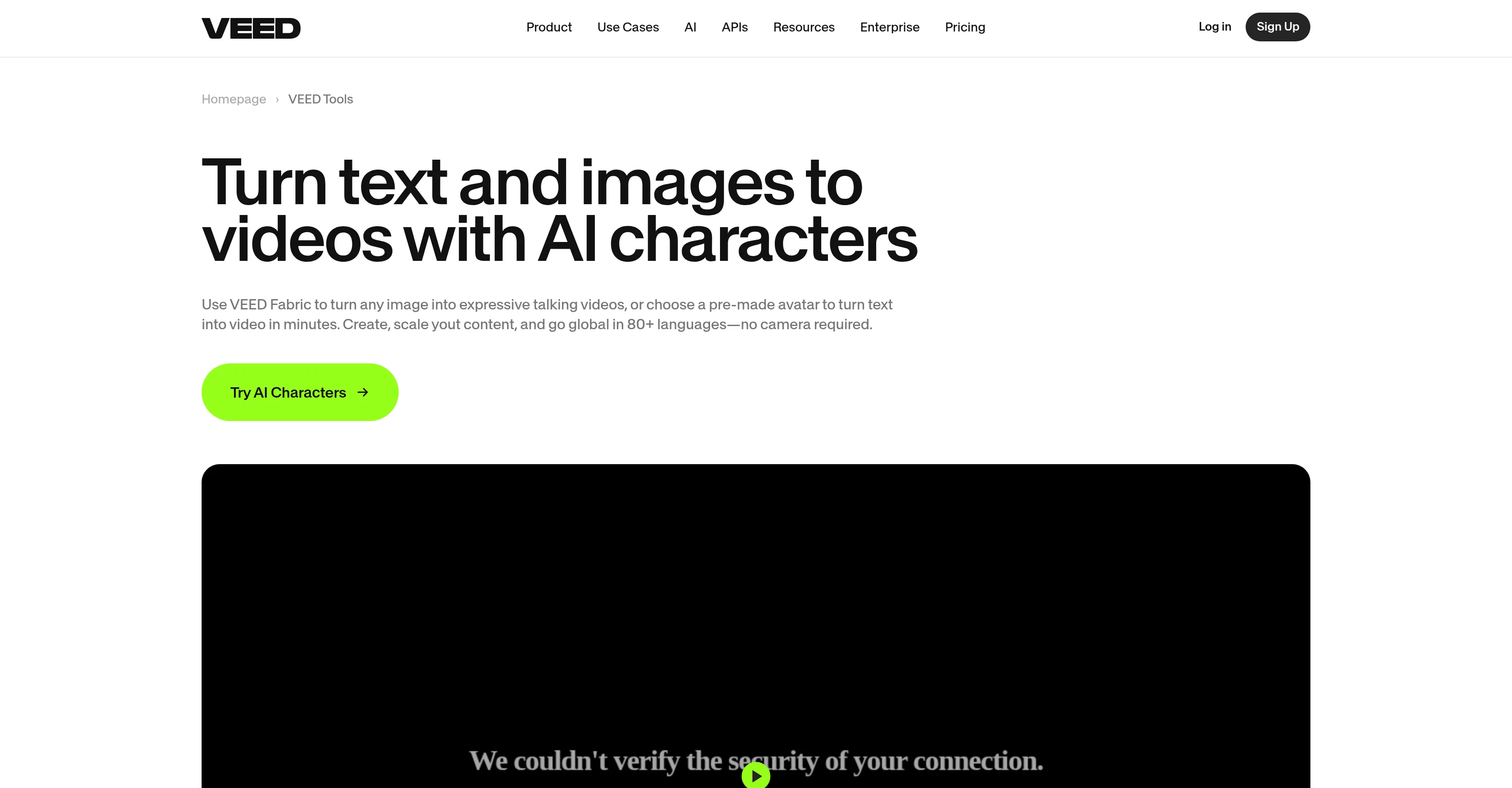
AI Avatars is an online tool provided by VEED that simplifies video production by using artificial intelligence-powered avatars. This tool allows users to transform text into stunning videos using customizable digital actors.
With over 50 digital actors, 75+ languages, and 30+ templates available, users can create professional-looking videos without the need for expensive shoots, agencies, or complex scheduling.The AI Avatars tool breaks language barriers by offering automatic translation in more than 75 languages.
Users can easily create videos in different languages to reach a wider audience.In addition to AI avatars, VEED provides a full-featured online video editor that allows users to create, record, edit, and trim videos in one place.
The editor offers various features such as animation, transitions, background selection, color customization, font options, and the ability to add subtitles, music, or stock footage.
With VEED's video editor, no video editing skills are necessary to create high-quality videos.Overall, AI Avatars and VEED's video editor make video creation accessible to anyone, regardless of their technical expertise.
The tools empower users to enhance the quality of their videos and explore new possibilities in video production.
Best for
Short scenarios where Veed.io tends to shine.
-
Creating marketing and social media videos
Best for Content creators
-
Producing training and e-learning content
Best for Marketing professionals
-
Facilitating meetings and communication
Best for Educators
-
Recording sales videos
Best for Businesses
-
Adding subtitles and translations to videos
Best for Social media managers
-
Creating intro and outro sequences
Best for Sales teams
-
Making memes and promo videos
Best for Internal communication teams
Example outputs 1
Sample generations and before/after results for Veed.io.
Access & connections
Where you can use Veed.io, and what it plugs into.
Platforms
Integrations
Capabilities
What this tool accepts, produces, and is strongest at.
Input
- Tabular
- Image
- Text
- Video
- Audio
Output
- Audio
- Video
- Text
- Image
Highlights
- API
Supported features
- Denoise
- STT
- Voice Cloning
- TTS
- Video Edit
- API
- Lip Sync
Pros & cons
Pros
- 50+ customizable digital actors
- Supports 75+ different languages
- Over 30 video templates available
- Automatic language translation
- No need for complex scheduling
- Full-featured online video editor
- Offers animation and transition features
- Allows background and color customization
Show 17 more
- Enables adding subtitles or music
- Stock footage available
- Requires no video editing skills
- Autosubtitles boost engagement by 80%
- Text-to-speech feature
- Background noise removal
- Affordable compared to agency services
- Features to eliminate language barrier
- Option to animate or apply transitions
- Offers wide range of fonts
- Ability to add graphics
- Allows sales outreach with templates
- Suitable for marketing presentations
- Ideal for internal communications
- Accessible video creation workflow for everyone
- Custom avatars for Enterprise plan
- Creates videos from written text
Cons
- Limited number of avatars
- Custom avatars only in Enterprise plan
- Limited template selection
- No offline version
- Lacks depth in editing capabilities
- No third-party integration
- Limited audio editing features
- No advanced animation options
Show 2 more
- Doesn't support all video formats
- Limited customer support
Compare alternatives
Similar tools in the catalog — with a clear reason to open each one.

Keevx ✓
Free TrialCreate professional AI avatar videos in seconds — no studio needed.
Why look Typically cheaper
Full comparison
AvatarCraft AI ✓
Free TrialGenerate professional AI avatar videos from text or audio in seconds.
Free + from $19.9/mo
Full comparison
Pseudoface ✓
FreemiumAI filter to replace real faces with AI-generated ones
Why look Typically cheaper
Full comparison
VlogMe AI ✓
FreemiumTurn any portrait into a realistic talking avatar video.
Why look Typically cheaper
Full comparison
People also view
Tools that often show up alongside Veed.io in collections and comparisons.

Synthesia ✓
FreemiumCreate AI videos from text in minutes.

Mindsmith ✓
FreemiumPlatform for building and sharing eLearning content

LearningStudioAI ✓
Free TrialAI-powered authoring tool for effortless online course creation.
VlogMe AI ✓
FreemiumTurn any portrait into a realistic talking avatar video.
Search Alkemy ✓
FreemiumClient-Ready Keyword Research in Minutes
Osum ✓
Free TrialSupercharge Your Market Research With AI ⚡

Keywrds ✓
Free TrialFind keywords your competition can't

IllumiChat ✓
FreemiumFrom Ticket Backlog to Instant Answers Powered by AI
Releases 1
Imported reviews 2
I really like this tool. The ability to clone my voice, I use this for the text to video audio. I don't like the options for the video and screen recording, you only get the options for a rectangular box I would like options of the circle and The screen sharing should allow for more filling of the space when in 9:16 size. Pricing is a bit steep, but overall a good product and easy to use.
I actually changed my mind about this program after having been exposed to several other programs that were disappointing. This program is actually decent, besides the high subscription fees.
FAQ 12
What is Veed.io AI Avatars?
How does Veed.io AI Avatars function?
How many languages does Veed.io AI Avatars support?
How many templates are available in Veed.io AI Avatars?
Are there any video editing skills needed to use Veed's video editor?
How many digital actors are available in Veed.io AI Avatars?
How can Veed.io AI Avatars assist in video production?
What kind of videos can be produced using Veed.io AI Avatars?
What automatic translation features are provided by Veed.io AI Avatars?
Can Veed.io AI Avatars remove background noise from videos?
Cany Veed.io AI Avatars add subtitles to videos?
Can Veed.io AI Avatars convert text to speech?
Related tools
Recommended
LearningStudioAI ✓
Free TrialAI-powered authoring tool for effortless online course creation.

D-ID ✓
FreemiumCreate AI-generated videos with ease

Midjourney ✓
PaidExpand human imagination through AI-powered visuals.

ElevenLabs ✓
FreemiumCreate lifelike AI voices for compelling storytelling.

Claude ✓
FreemiumBuilding reliable, interpretable AI systems

InVideo ✓
FreemiumAI-powered video creation from text prompts.