

InVideo ✓
AI-powered video creation from text prompts.
Free + from $15/mo
Verdict
A quick read before you dig into the full page.
- Best if
- You are marketing teams and need: Creating marketing videos for social media
- Skip if
- Complex for simple edits
- Pick this when
- Professional-quality video creation
Considering freebeat AI instead? Compare side by side
Overview
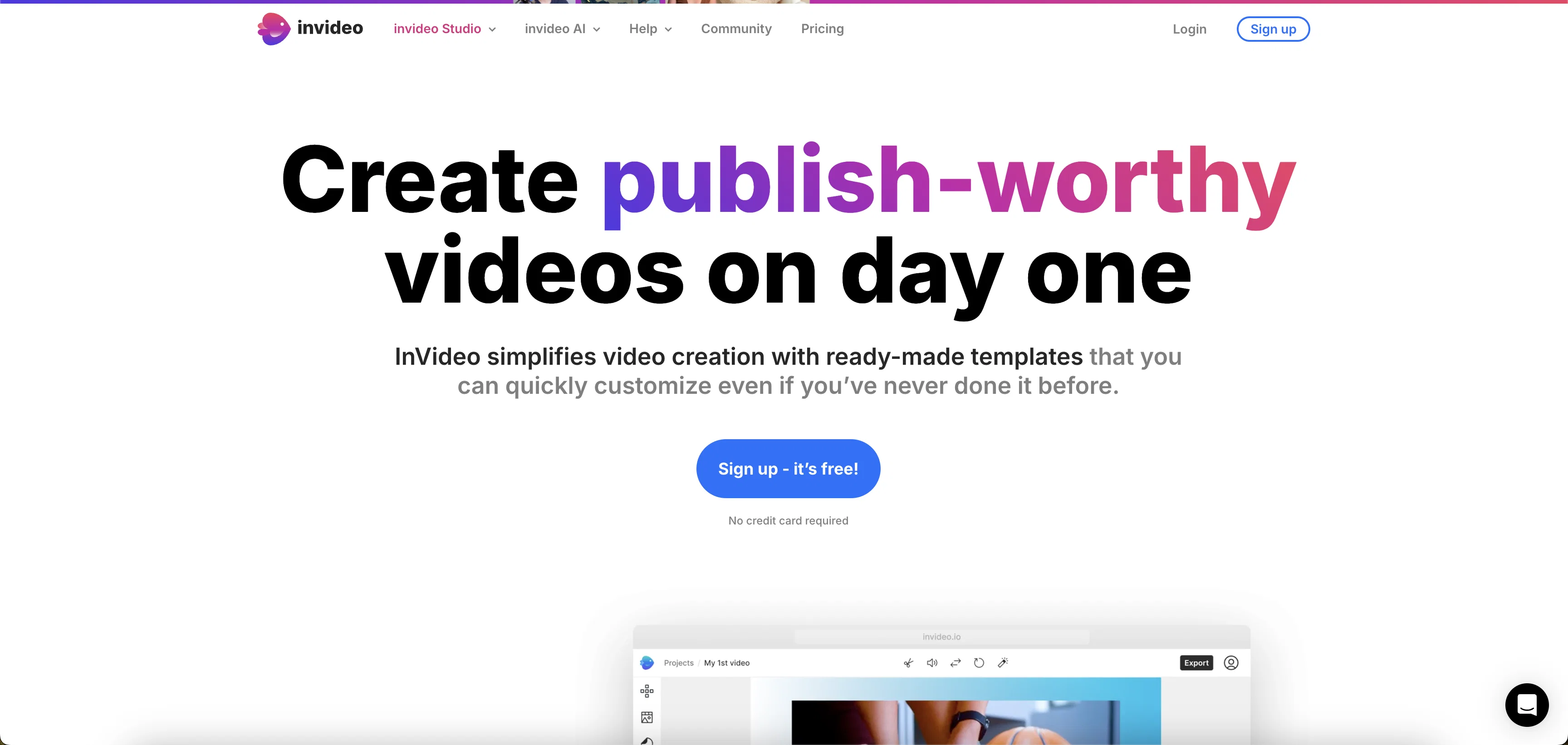
Invideo AI is an artificial intelligence-powered tool designed to offer content creators, YouTubers, and marketers an effortless video creation solution.
Users give a prompt, effectively describing their idea, optionally adding details like video length, intended platform, and desired voiceover accent. Invideo AI then takes this information and generates a publish-ready video complete with script, visuals, subtitles, voiceover, and background music.
There's no need for advanced video editing skills: users can make adjustments through simple text prompts, akin to giving instructions to a video editor.
The tool also supports generating and translating videos in 50+ languages. One of the distinguishing features of Invideo AI is its ability to clone a user's voice, lending personalized and consistent voiceover to the videos and saving hours of recording time.
The resultant videos help in growing one's brand by increasing exposure, awareness, and engagement. It also offers opportunities for monetizing created videos, thereby facilitating business expansion.
Invideo AI also promises optimization of the video creation process, reducing time and cost, and maximizing resource use. It has a user-friendly editor, multiple language support, lifelike voiceovers, real-time editing and collaboration feature, and a wide range of media to choose from.
Planning to launch a mobile app, Invideo AI provides 24/7 human support and a community platform for feedback. The highlight here is the focus on user convenience and personalization, making it a comprehensive video creation tool leveraging AI.
Best for
Short scenarios where InVideo tends to shine.
-
Creating marketing videos for social media
Best for Marketing teams
-
Turning blog posts into engaging video content
Best for Social media managers
-
Creating intro and outro videos for YouTube channels
Best for Content creators
-
Making promotional videos for businesses
Best for Small business owners
-
Designing Facebook and Instagram video ads
Best for Educators
Example outputs 1
Sample generations and before/after results for InVideo.

Access & connections
Where you can use InVideo, and what it plugs into.
Platforms
Integrations
Capabilities
What this tool accepts, produces, and is strongest at.
Input
- Text
Output
- Video
Supported features
- Voice Cloning
- Video Edit
- Video Generation
Pros & cons
Pros
- Professional-quality video creation
- 5000+ premium templates
- Simple, intuitive interface
- Drag-and-drop personalization
- Text-to-video editor
- Comprehensive all-in-one workflow
- Access to 8 million stock assets
- Supports brand growth and monetization
Show 34 more
- Mobile app for on-the-go editing
- 24/7 customer support
- Tutorials, courses, and community
- Voice cloning feature
- Video creation in 50+ languages
- Real-time editing
- Script, visuals, subtitles, voiceover creation
- Brand-specific voiceovers
- Translations of videos
- Optimizes video creation process
- User-friendly editor
- Advanced collaboration features
- Focus on personalization
- Supports various content types
- Turns articles or blogs into videos
- Facilitates business expansion
- Boosts exposure, awareness, engagement
- Supports video creation at scale
- Offers several pricing plans
- Multiplayer editing
- Plan, execute video content strategy
- Suitable for social media success
- Option for monetizable video assets
- Workflow optimization features
- Saves hours of recording time
- Equipped with lifelike voiceovers
- Access to a global community platform
- Helps grow one's brand
- Benchmarks for user trust (25M+ users)
- Reduces video creation cost
- Creates in all languages
- Supports voiceover accent preferences
- Provides royalty-free music
- Allows for platform-specific video creation
Cons
- High dependence on templates
- Complex for simple edits
- Limited voiceover customization
- Limited brand color options
- Limited font options
- No offline usage
- Pricey monthly subscription
- Limited media library
Show 2 more
- No subtitles editing tools
- No support for 3D editing
Compare alternatives
Similar tools in the catalog — with a clear reason to open each one.

freebeat AI ✓
FreemiumTurn Music & Ideas into Viral Videos In One Click
Why look Typically cheaper
Full comparison
MagicLight ✓
FreemiumTransform text into captivating videos instantly.
Why look Typically cheaper
Full comparison
Seedance ✓
FreemiumMulti-shot video generation from text and image.
Why look Stronger for image work
Full comparisonPeople also view
Tools that often show up alongside InVideo in collections and comparisons.
Seedance ✓
FreemiumMulti-shot video generation from text and image.
MagicLight ✓
FreemiumTransform text into captivating videos instantly.

Kaiber Superstudio ✓
Free TrialAI Video Generation

HeyGen ✓
FreemiumCreate AI spokesperson videos from text
freebeat AI ✓
FreemiumTurn Music & Ideas into Viral Videos In One Click

D-ID ✓
FreemiumCreate AI-generated videos with ease

ResearchMonkey AI | YouTube Summarizer ✓
Free TrialSave Hours of Research in Seconds with 40+ AI Tools

OutlierKit ✓
PaidEnter one channel, see the entire niche.
Releases 1
Imported reviews 1
Very use full video generator nice.......
FAQ 12
What is InVideo AI?
How does InVideo AI generate videos from prompts?
Can I customize the templates on InVideo?
Does InVideo have a mobile app for on-the-go editing?
What AI-powered tools does InVideo offer?
What types of media assets are available on InVideo?
How can I use InVideo AI for brand growth and monetization?
Are there monthly or yearly pricing plans for InVideo?
Can InVideo help me optimize my workflow efficiency?
What kind of support does InVideo offer if I run into issues?
How can InVideo AI help in creating content for different platforms?
Does InVideo AI support voice cloning?
Related tools
Recommended

VideoGen ✓
Free TrialCreate videos in seconds with one click.

Supercreator ✓
FreemiumCreate short videos 10x faster with AI
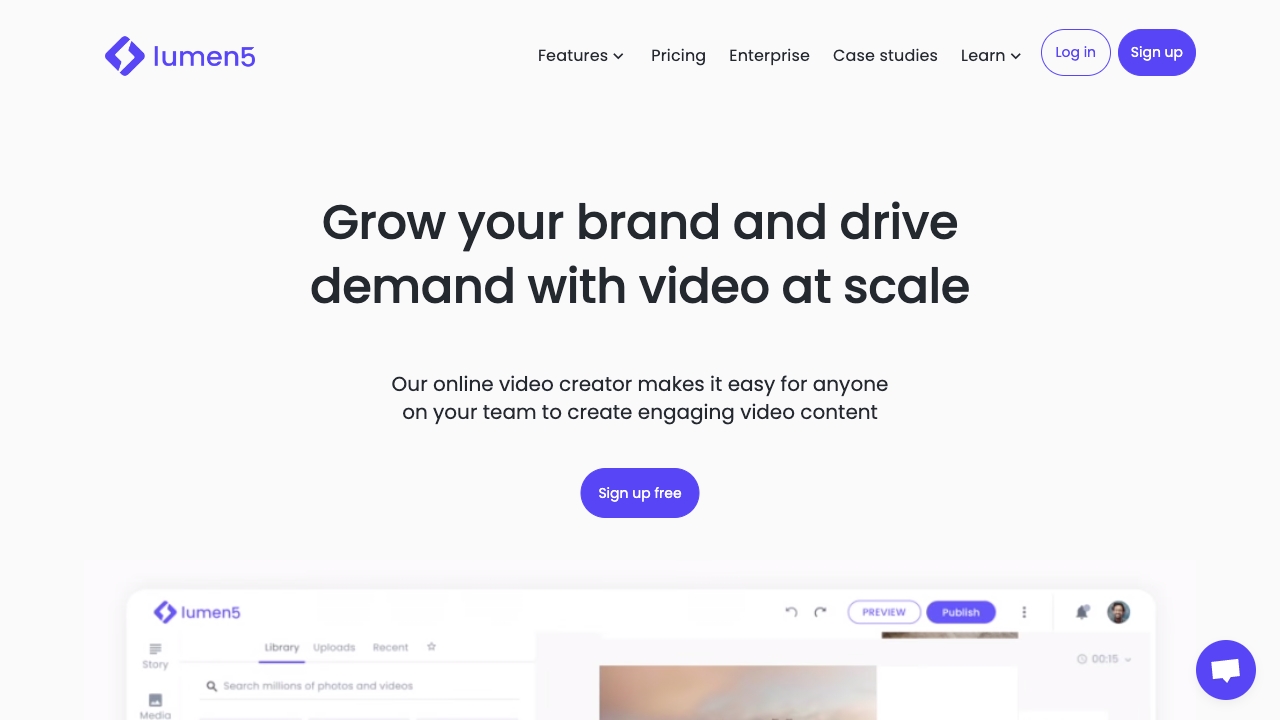
Lumen5
PaidAI-powered video creation platform for easy and quick video content generation.

Synthesia ✓
FreemiumCreate AI videos from text in minutes.
D-ID Creative Reality Studio ✓
UnknownCreate AI-powered videos from still images.

Vidboard AI ✓
PaidCreate AI presenter-led videos instantly
