

Video editing vv2.44.11 2026 Rank: #437
Selects ✓
Automated video editing prep in minutes
from $16/mo
Verdict
A quick read before you dig into the full page.
- Best if
- You are creators and need: Interview video editing
- Skip if
- Limited transcript exporting options
- Pick this when
- Raw video prep automation
Considering CapCut Online Creative Suite instead? Compare side by side
Overview
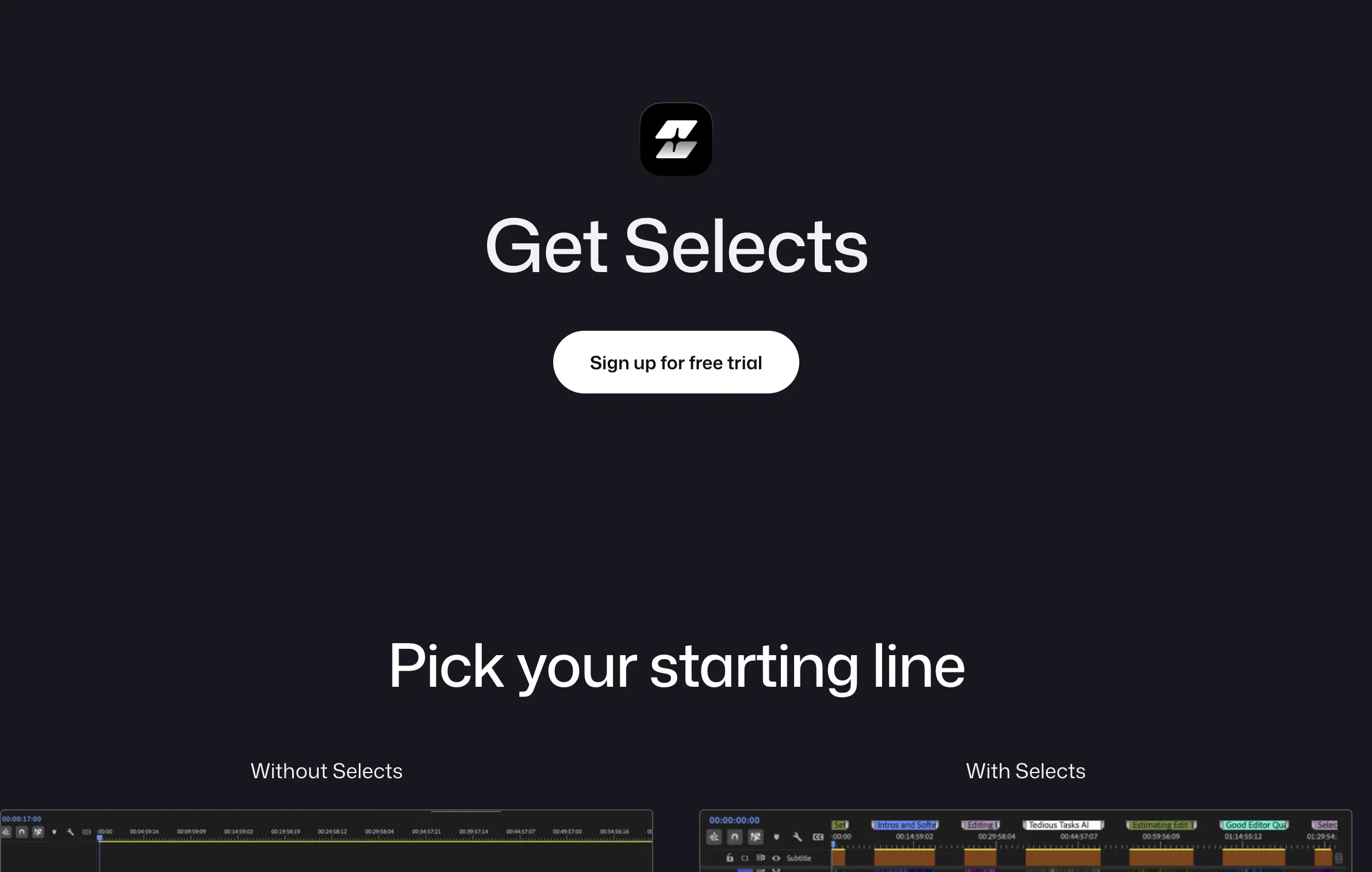
Selects by Cutback is an AI-powered tool designed to streamline and automate the post-production process for creators and studios. The tool focuses heavily on automating the prep phase, reducing the time spent on preliminary tasks such as sorting, organizing, and reviewing raw footage.
Features include the ability to drop raw videos and have them ready for further editing within minutes, saving valuable time for creative work. The tool also provides task differentiation, catering to various types of projects such as podcasts, livestreams, documentaries, events, and vlogs.
It has advanced features for syncing multi-camera files and supports both 4K and 360 videos, offering a comprehensive solution for complex editing processes.
One distinctive feature is the 'smart stringout with chapters', where the footage is automatically organized into topic-based chapters, streamlining the reviewing process.
It supports a natural language search to find moments instantly and allows seamless handover to popular editing tools like Adobe Premiere Pro, Final Cut, and DaVinci Resolve.
The tool is also designed with a narrative perspective, allowing for easy transformation of prepped footage into story-driven rough cuts. A focus is also placed on clarity, providing organized, color-coded chapters, markers, labels and transcripts for effective project management.
For increased convenience and collaboration, it gives users the power to easily share transcripts or export videos. Tested and trusted by reputed studios, Selects by Cutback aims at bringing efficiency and creativity to video editing processes.
Best for
Short scenarios where Selects tends to shine.
-
Interview video editing
Best for Creators
-
Podcast video editing
Best for Studios
-
Short-form video clipping or content repurposing for social media
Best for Video Editors
-
Video culling
Best for Producers
-
Creating highlight reels from livestreams (gaming, sports, etc.)
Best for Podcasters
Example outputs 1
Sample generations and before/after results for Selects.
Access & connections
Where you can use Selects, and what it plugs into.
Platforms
Integrations
Capabilities
What this tool accepts, produces, and is strongest at.
Input
- Video
Output
- Video
Highlights
- MCP
Supported features
- Automation
- Integrations
- MCP
- Search
- SOC 2 Compliance
- Transcription
- Video Edit
- Video Understanding
Pros & cons
Pros
- Raw video prep automation
- Time-saving
- Adobe Premiere Pro compatible
- Final Cut compatible
- DaVinci Resolve compatible
- Supports different projects types
- Pro-grade multi-cam support
- Smart stringout with chapters
Show 39 more
- Precision cutting
- Natural language search
- Structured, navigable footage
- Non-destructive editing
- Transcript sharing
- Video exporting
- Automated preprocessing
- Raw footage organization
- Project management feature
- Task differentiation
- 4K video support
- 360 video support
- Story-focused rough cuts
- Color-coded organization
- Narrative perspective
- Studio use suitability
- Podcast editing support
- Livestream editing support
- Event editing support
- Vlog editing support
- Documentary editing support
- Versatile post-production tool
- Efficient review process
- Seamless workflow integration
- Intuitive interface
- Effortless footage navigation
- Top studios approval
- Effective project management
- Flexible output options
- Clarity-focused features
- Eradicates time-consuming tasks
- Topic-based chapter organization
- Filler removal capability
- Supports complex editing processes
- Minutes preprocessing
- Supports creative workflow
- Elevated efficiency
- Transcript availability
- Seamless handover to other tools
Cons
- Limited editing software compatibility
- Not fully-adjustable automation
- No built-in video editing
- Limited language support
- Limited transcript exporting options
- Dependent on external NLEs
- Lacks advanced editing capabilities
- No mobile version available
Show 2 more
- No direct social media export
- No feature for image editing
Compare alternatives
Similar tools in the catalog — with a clear reason to open each one.

CapCut Online Creative Suite ✓
FreemiumUnleash creativity with CapCut's all-in-one online suite
Why look Freemium alternative
Full comparison
ClipFinder ✓
FreemiumTurn hours of streams and VODs into viral clips automatically.
Why look Freemium alternative
Full comparison
Gling - AI Video Editing Software for YouTube ✓
FreemiumAI-powered video editing for YouTube creators.
Why look Freemium alternative
Full comparison
Captions ✓
PaidAI-powered creative studio for studio-grade videos.
Why look Typically cheaper
Full comparisonPeople also view
Tools that often show up alongside Selects in collections and comparisons.

Wondershare Filmora ✓
PaidEdit smarter, faster and easier with Filmora’s powerful AI video tools.

Video to Video AI ✓
PaidTransform videos using simple text commands.
Gling - AI Video Editing Software for YouTube ✓
FreemiumAI-powered video editing for YouTube creators.
ClipFinder ✓
FreemiumTurn hours of streams and VODs into viral clips automatically.
Captions ✓
PaidAI-powered creative studio for studio-grade videos.
CapCut Online Creative Suite ✓
FreemiumUnleash creativity with CapCut's all-in-one online suite

MF0.ai ✓
PaidEvery top AI in one chat. Real memory. No subscription.

DraftReel ✓
Free TrialOne click. Complete short-form video package.
Releases 2
New: Automated storyline generation for faster edits
Selects now includes Storyline generation, which lets you create a new rough cut by describing the edit you want instead of manually assembling clips. You can set the target length, audience, key message, and moments to include, and Selects automatically generates a structured draft based on those instructions.
This makes it easier to experiment with different edits, create alternate versions of long-form content, and shape interviews or podcasts before opening a traditional NLE. Once the draft is ready, you can hand it off to Premiere Pro, Final Cut Pro, or DaVinci Resolve with organized tracks, chapters, captions, and full access to unused clips.
In the news
Launch coverage and community mentions for Selects.
FAQ 12
What is Selects by Cutback?
How does Selects by Cutback automate the initial stages of video editing?
What editing software is Selects by Cutback compatible with?
How does Selects by Cutback assist with the preparation of raw videos?
What types of projects can be edited with Selects by Cutback?
How does the multi-cam support feature of Selects by Cutback work?
What does the smart stringout with chapters feature of Selects by Cutback do?
How does the precision cutting function in Selects by Cutback work?
What is the natural language search feature of Selects by Cutback?
How does Selects by Cutback structure long-form content?
Is Selects by Cutback compatible with my existing workflow?
How does Selects by Cutback present an organized, color-coded, non-destructive editing environment?
Related tools
Recommended

Notis ✓
Free TrialThe first WhatsApp assistant that runs on your ChatGPT and Claude subscriptions

Mindsmith ✓
FreemiumPlatform for building and sharing eLearning content

freebeat AI ✓
FreemiumTurn Music & Ideas into Viral Videos In One Click

remio: Your Personal ChatGPT ✓
FreemiumGet Tailored Answer with Your Personal ChatGPT

Cora Intelligence ✓
PaidThe AI SDR that fills your pipeline.

Protaigé ✓
FreemiumThe AI that thinks like a marketing agency.
