

PixelBin ✓
Transform, store, and deliver images effortlessly with PixelBin
Trial; then from $9
Verdict
A quick read before you dig into the full page.
- Best if
- You are developers and need: Streamlining image performance for improved core web vitals
- Skip if
- Lack of image editing features
- Pick this when
- Bulk image upload
Considering Viyou AI Image Generator instead? Compare side by side
Overview
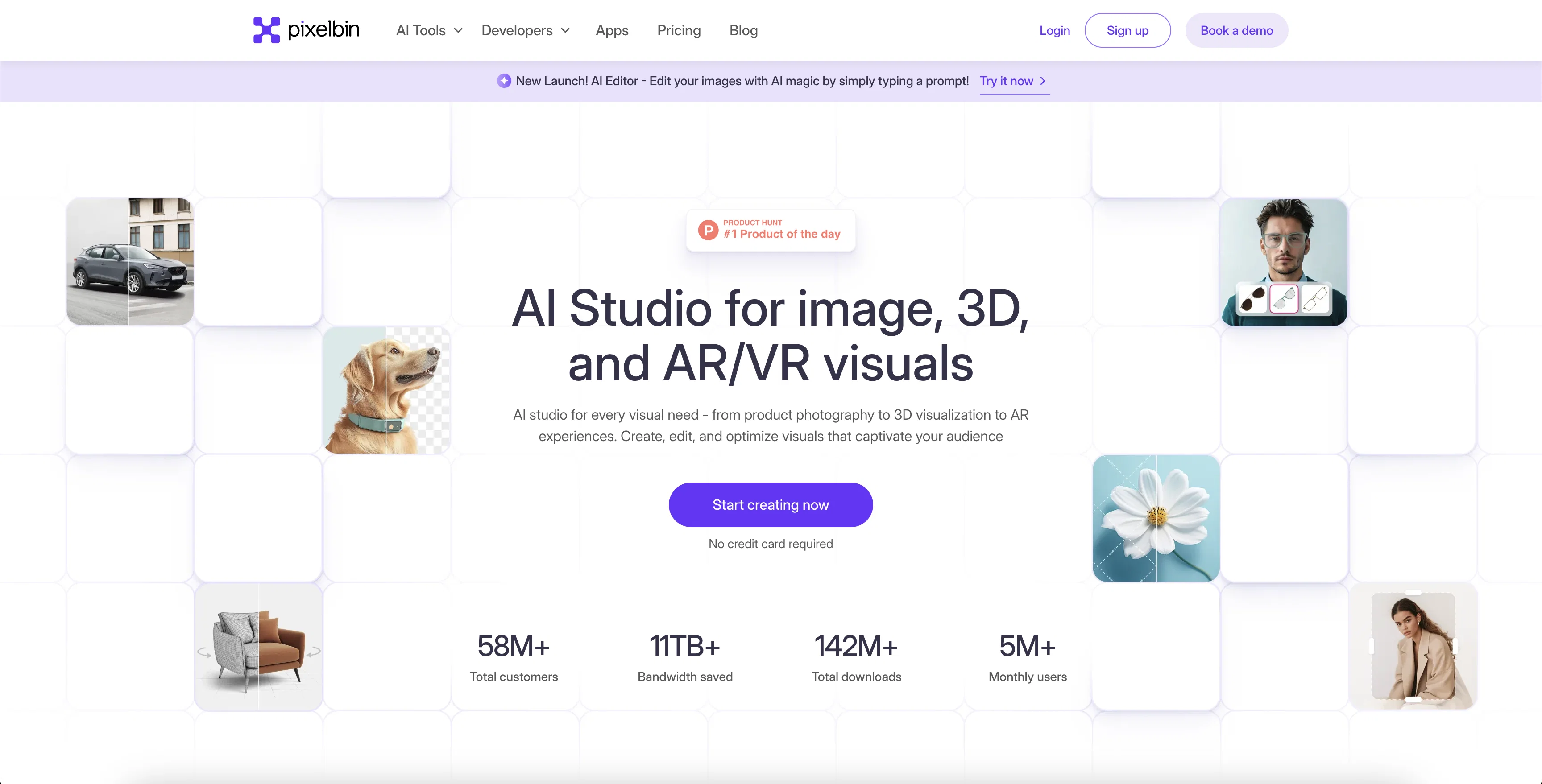
You can remove backgrounds, upscale images, remove watermarks, add custom backgrounds, perform basic editing tasks, and more—all in bulk, for hundreds of images at once.
PixelBin also offers built-in image storage, eliminating the need for other storage platforms. Plus, with its lightning-fast CDN, you can deliver optimized images anywhere on the web, ensuring faster load times for users no matter where they are located.
Best for
Short scenarios where PixelBin tends to shine.
-
Streamlining image performance for improved core web vitals
Best for Developers
-
Creating custom workflows for better user experience
Best for E-commerce experts
-
Maintaining image uniformity across websites
Best for Digital creators
-
Automating transformations on diverse image formats
Best for Marketing professionals
Example outputs 1
Sample generations and before/after results for PixelBin.
Access & connections
Where you can use PixelBin.
Platforms
Capabilities
What this tool accepts, produces, and is strongest at.
Supported features
- Inpainting
Pros & cons
Pros
- Bulk image upload
- Real-time image optimization
- Centralised image repository
- CDN for reduced load time
- Mobile-friendly image delivery
- Allows user-defined custom workflows
- External Storage feature
- Developer-friendly with SDKs
Show 22 more
- Easy tech stack integration
- Offers blog for tips
- Available free trial
- Quality transformations in seconds
- Support for multiple image formats
- Automated real-time transformation
- Comprehensive documentation available
- Superior user experience
- Highly scalable for larger workflows
- Robust image transformations
- Zero quality-loss compression
- Responsive image delivery
- Image uniformity maintenance
- Global Content Delivery Network
- APIs for seamless tech integration
- On-the-Fly Transformations
- Platform for efficient image organization
- Support for JPG, JPEG, WEBP
- Smart automation features
- Automated transformations for different formats
- Efficient image delivery through URLs
- Fast, optimized images across globe
Cons
- Lack of image editing features
- No collaborative features
- External Storage reliance
- SDK integration needed
- No custom CDN option
- No support for GIFs
- Not user-friendly for non-developers
- Lack of multi-language support
Show 2 more
- No video asset management
- No desktop application
Compare alternatives
Similar tools in the catalog — with a clear reason to open each one.

Viyou AI Image Generator ✓
FreemiumTransform text and images into stunning videos and visuals.
Free + from $39.99/yr
Full comparison
Img2Img AI ✓
FreemiumTransform any image with AI in seconds.
Why look Typically cheaper
Full comparison
Photoeditor ✓
PaidEnhanced image editing with object and text removal.
from $9.99/mo
Full comparison
Cleanup pictures ✓
FreemiumRemove unwanted elements from photos instantly.
Why look Typically cheaper
Full comparisonPeople also view
Tools that often show up alongside PixelBin in collections and comparisons.
Viyou AI Image Generator ✓
FreemiumTransform text and images into stunning videos and visuals.
Photoeditor ✓
PaidEnhanced image editing with object and text removal.
Img2Img AI ✓
FreemiumTransform any image with AI in seconds.

Creen AI ✓
Paid40+ AI models for video, image and art. Free, no sign-up.
Cleanup pictures ✓
FreemiumRemove unwanted elements from photos instantly.

MF0.ai ✓
PaidEvery top AI in one chat. Real memory. No subscription.

LineArt ✓
Free TrialTurn one photo into a whole coloring book.

Kyukoma ✓
Free TrialTurn your stories into manga pages with AI.
Releases 1
FAQ 12
What is PixelBin?
How does PixelBin optimize images for better SEO?
What are the unique features of PixelBin?
How can I use PixelBin to streamline my digital assets?
How does PixelBin's External Storage feature work?
How does PixelBin enhance the user experience?
Is PixelBin only designed for developers or can it be used by beginners too?
What are the steps for integrating PixelBin into my existing tech stack?
What is the role of AI in PixelBin's image transformations?
What are the image formats PixelBin supports?
How does PixelBin help in optimizing images for responsive web and mobile viewing?
How can I use PixelBin to improve my website's performance?
Related tools
Recommended

VenturusAI ✓
FreemiumBusiness idea analysis and reporting.

ObjectRemover ✓
FreeAI-powered magic to remove unwanted objects from photos.

HeyPhoto ✓
FreemiumFree AI photo editor to change faces in clicks

Photoroom: AI Photo Editor ✓
FreemiumTransform your photos with Studio Editor

Fixpix ✓
FreeAI-powered image processing for everyone

PicWonderful ✓
UnknownAI-powered photo toolkit to enhance and transform images.
More from this creator

Watermark Remover ✓
Free TrialRemove watermarks from images with AI technology

Erase.bg ✓
FreemiumRemove background from images for free
Bg.Eraser
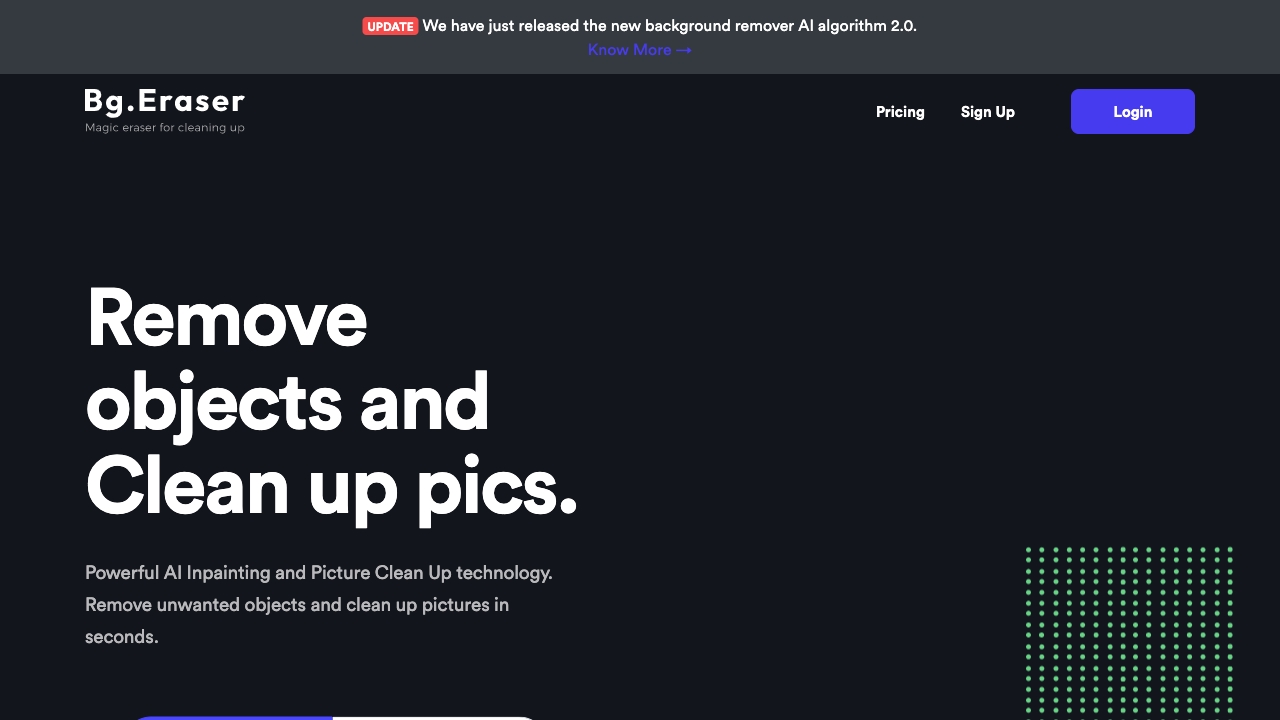
PaidFree online tool to remove image backgrounds and unwanted objects using AI.

Erase.bg Background Generator ✓
FreemiumMake any image background disappear instantly.