

ObjectRemover ✓
AI-powered magic to remove unwanted objects from photos.
Verdict
A quick read before you dig into the full page.
- Best if
- You are content creators and need: Remove strangers or photobombers from travel videos
- Skip if
- Limited to PNG, JPG formats
- Pick this when
- Removes various elements
Considering Viyou AI Image Generator instead? Compare side by side
Overview
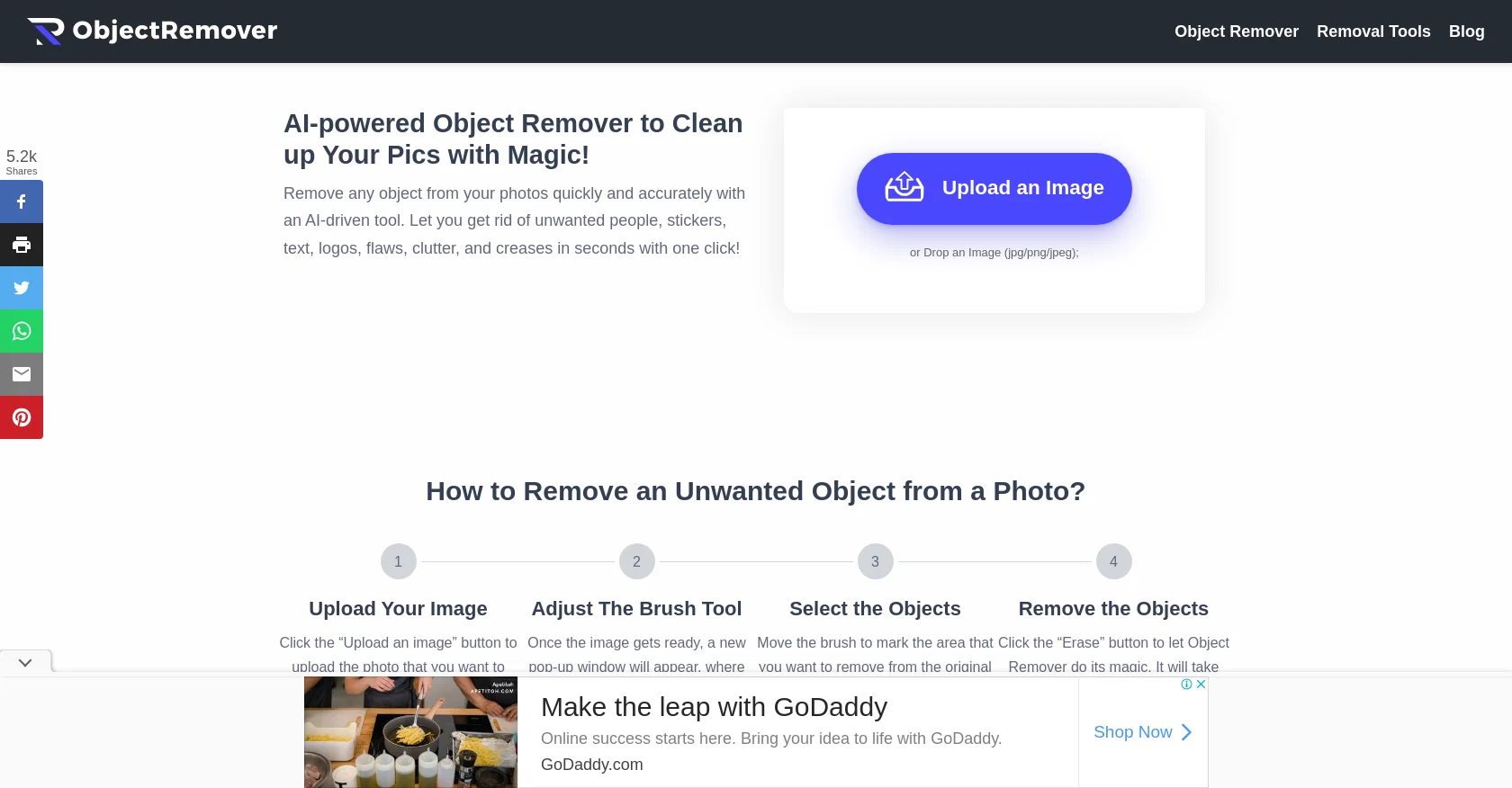
Object Remover is an AI-powered tool designed to effortlessly transform photos by removing unwanted objects and enhancing overall image quality while preserving the original content.
With Object Remover, users can eliminate various elements such as people, text, logos, clutter, skin defects, and stickers/emojis in seconds with just one click.
The tool's user-friendly interface ensures easy navigation without requiring any technical skills.Utilizing advanced algorithms, Object Remover accurately analyzes images and erases unwanted elements seamlessly, leaving no traces behind.
The processed images maintain a natural and appealing appearance. Powered by AI and machine learning technology, Object Remover enables fast image processing, eliminating the need for lengthy wait times.
Additionally, the tool's powerful AI algorithms continually undergo updates to ensure speedy processing, accurate editing results, and a smooth user experience.Object Remover boasts a preview results feature that allows users to evaluate the final outcome before downloading the edited image.
This feature ensures that the image quality aligns with their expectations and requirements. Even for free users, Object Remover does not add any watermarks to the exported files, allowing for seamless sharing and editing.This AI object remover finds wide-ranging applications, such as enhancing e-commerce product images, creating captivating social media posts by removing distractions, retouching personal photographs, and facilitating graphic design projects.
Whether users are looking to restore old family photos or remove undesired elements from their images, Object Remover's expertise and precise editing capabilities have garnered praise from satisfied customers.
Best for
Short scenarios where ObjectRemover tends to shine.
-
Remove strangers or photobombers from travel videos
Best for Content creators
-
Erase logos, signs, timestamps, and watermarks from media the user owns or may edit
Best for Video editors
-
Clean unwanted objects and clutter from event footage
Best for Social media managers
-
Remove background distractions from social media videos
Best for Travel videographers
-
Extract subjects from videos or photos as transparent PNGs
Best for Event videographers
-
Prepare clean video plates for CapCut, Premiere Pro, or DaVinci Resolve
Best for Marketing professionals
-
Remove unwanted objects from product photos and still images
Best for Photographers
Example outputs 1
Sample generations and before/after results for ObjectRemover.
Access & connections
Where you can use ObjectRemover.
Platforms
Capabilities
What this tool accepts, produces, and is strongest at.
Input
- Image
Output
- Image
Highlights
- SOTA
Supported features
- Inpainting
Models
Text
Image
Audio
Video
Pros & cons
Pros
- Removes various elements
- One-click operation
- User-friendly interface
- No technical skills required
- Leaves no traces
- Maintains natural appearance
- Fast image processing
- Constant algorithm updates
Show 38 more
- Preview results feature
- No watermarks for free users
- Enhances e-commerce product images
- Retouches personal photographs
- Facilitates graphic design projects
- Can restore old photos
- Adjustable brush tool
- Supports JPG and PNG files
- Removes objects, people, clutter
- No lengthy wait times
- Accurate editing results
- Seamless user experience
- High-quality results
- Different removal tools
- Good for social media posts
- No interference during use
- Clean up and restore images
- Total object elimination capability
- Excellent for e-commerce stores
- Useful for Graphic Designers
- Secured HTTPS encryption
- Deletes uploaded images in 24h
- Supports png and jpg formats
- Does not commercialize user data
- Site easy to navigate
- Great performance speed
- High precision editing
- Efficient cleaning up tool
- Good for high quality sources
- Helps remove distractions from photos
- Notifies before saving changes
- Enhances image quality
- Wide-ranged applications
- Simple upload process
- Easily sharable output
- Removes skin defects
- Removes stickers/emojis
- Removes text
Cons
- Doesn't support batch processing
- No multiple object removal
- Limited to PNG, JPG formats
- No offline functionality
- No technical support mentioned
- Requires Internet connection
- No mobile app mentioned
- No API for integration
Show 2 more
- Doesn’t support bulk uploads
- No advanced editing tools
Compare alternatives
Similar tools in the catalog — with a clear reason to open each one.

Viyou AI Image Generator ✓
FreemiumTransform text and images into stunning videos and visuals.
Free + from $39.99/yr
Full comparison
Img2Img AI ✓
FreemiumTransform any image with AI in seconds.
Why look Offers a public API
Full comparisonPeople also view
Tools that often show up alongside ObjectRemover in collections and comparisons.
Viyou AI Image Generator ✓
FreemiumTransform text and images into stunning videos and visuals.

Photoeditor ✓
PaidEnhanced image editing with object and text removal.
Img2Img AI ✓
FreemiumTransform any image with AI in seconds.

Creen AI ✓
Paid40+ AI models for video, image and art. Free, no sign-up.

Cleanup pictures ✓
FreemiumRemove unwanted elements from photos instantly.

MF0.ai ✓
PaidEvery top AI in one chat. Real memory. No subscription.

LineArt ✓
Free TrialTurn one photo into a whole coloring book.

Kyukoma ✓
Free TrialTurn your stories into manga pages with AI.
Releases 1
FAQ 12
What is Object Remover?
How does Object Remover remove unwanted objects from photos?
Do I need technical skills to use Object Remover?
What different types of elements can Object Remover eliminate from my photos?
Does Object Remover leave traces after removing unwanted objects?
How long does it take for Object Remover to process and edit images?
What is the 'preview results' feature of Object Remover?
Will Object Remover add any watermarks to my exported photos?
Can I use Object Remover for enhancing e-commerce product images?
How does Object Remover help in creating better social media posts?
Can I remove text, logos, or people from my personal photographs using Object Remover?
How efficient is Object Remover for graphic design projects?
Related tools
Recommended

Free Text-To-Speech ✓
FreeText transformed into customizable spoken output.

LearningStudioAI ✓
Free TrialAI-powered authoring tool for effortless online course creation.

SEO Writing AI ✓
Freemium1-click SEO-optimized articles generation

GoEnhance ✓
FreemiumTransform videos into different anime styles, enhance and upscale images.

Scisummary ✓
Free TrialCutting-edge scientific articles summarization.

Dressrious ✓
FreemiumAI-powered fashion app for your complete style journey.