
Collaborative design 2026 Rank: #3190
Pencil ✓
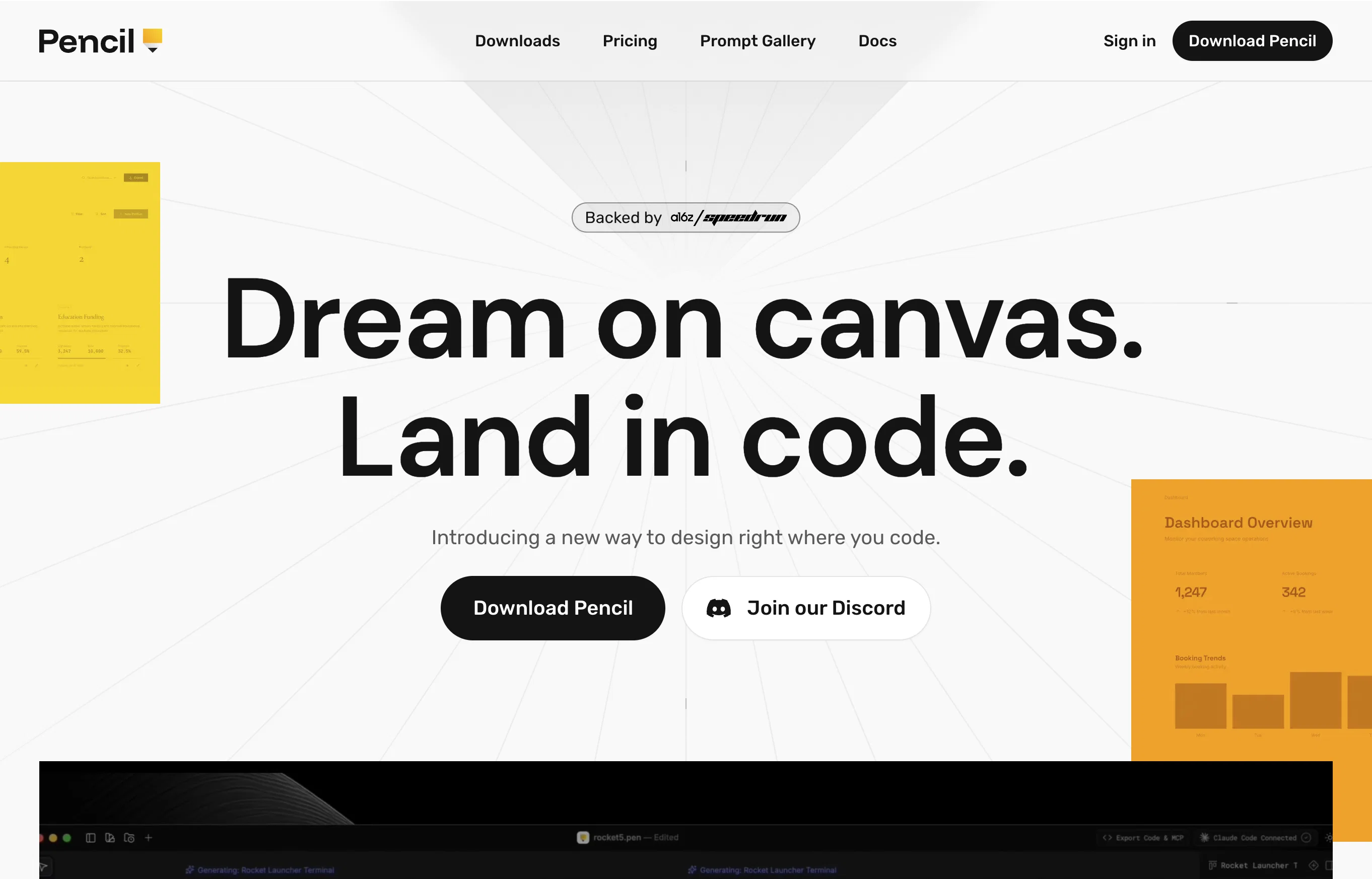
Design on canvas. Land in code.
Verdict
A quick read before you dig into the full page.
- Best if
- Design on canvas. Land in code
- Skip if
- Limited to specific IDEs
- Pick this when
- Interactive design canvas
Considering Email Marketing | Hostinger instead? Compare side by side
Overview
Pencil is an innovative tool designed to streamline the workflow of developers and designers. It offers an interactive canvas where designs are integrated directly into an Integrated Development Environment (IDE).
It primarily focuses on improving engineering speed by decreasing the communication gap between designers and developers and enabling more efficient collaboration.
Rather than navigating between separate platforms, Pencil centralizes the design process within the development phase. It enables transferring designs directly into code.
This seamless transition eliminates countless hours spent on manual code translation and brings individuals from both disciplines to work within a common platform.
The tool aims to offer a flawless workflow that improves productivity, reduces miscommunications, and speeds up the development process.
Access & connections
Where you can use Pencil, and what it plugs into.
Platforms
Integrations
Capabilities
What this tool accepts, produces, and is strongest at.
Highlights
- Agents
- MCP
- Local
Supported features
- Visual Creation
- Agents
- Assistant
- MCP
- IDE
- Code Assistant
- Integrations
- Runs Locally
- Ads
Pros & cons
Pros
- Interactive design canvas
- Integrated into IDE
- Streamlines design and development
- Improves engineering speed
- Reduces communication gaps
- Enhances collaboration
- Centralizes design process
- Transfers design to code
Show 13 more
- Eliminates manual code translation
- Common platform for all disciplines
- Flawless workflow
- Improves productivity
- Reduces miscommunications
- Speeds up development process
- Saves time
- Increases coding efficiency
- Increases project speed
- Design integration
- Developer tool
- Productivity enhancement
- Brings design to code
Cons
- Limited to specific IDEs
- Dependent on designer's proficiency
- Overcentralization could hinder workflow
- Potential compatibility issues
- No standalone design feature
- May encourage code redundancy
- Lack of advanced design tools
- Unfit for non-technical designers
Show 2 more
- Strict dependence on collaboration
- Automated code may lack optimization
Compare alternatives
Similar tools in the catalog — with a clear reason to open each one.

Email Marketing | Hostinger ✓
FreemiumAI-powered email campaigns, no experience needed.
Why look Better for writing
Full comparison




GreenPRD ✓
FreemiumTurn your idea into a spec that stays in sync
Free + from $7.67/mo
Full comparisonReleases 1
FAQ 12
How do I use Pencil to increase my engineering speed?
What is the interactive canvas provided by Pencil?
How does Pencil minimize the communication gap between designers and developers?
How does IDE integration work with Pencil?
What platforms does Pencil centralize the design process in?
How does Pencil streamline workflow for designers and developers?
Can I integrate my own designs into Pencil?
How much time can I save using the 'Design to Code' feature in Pencil?
Why does Pencil place emphasis on collaboration?
How does Pencil ensure effective workflow in software development?
How does Pencil contribute to coding efficiency?
Does Pencil have any features to improve productivity?
Related tools
Recommended

MiroAI ✓
FreemiumUnlock creative power with AI-driven collaboration.

Pikvee ✓
Free TrialTurn prompts into portraits, products, and social visuals.

Genspark ✓
Free TrialGenerate webpages with built-in AI copilots.

Nimbalyst ✓
FreeAgent-native visual workspace for builders

Powtoon - Unified AI Video Platform ✓
PaidMake Anything Interesting

Design Buddy ✓
Free TrialCatch design issues before anyone else does. Show up confident.