

Design Buddy ✓
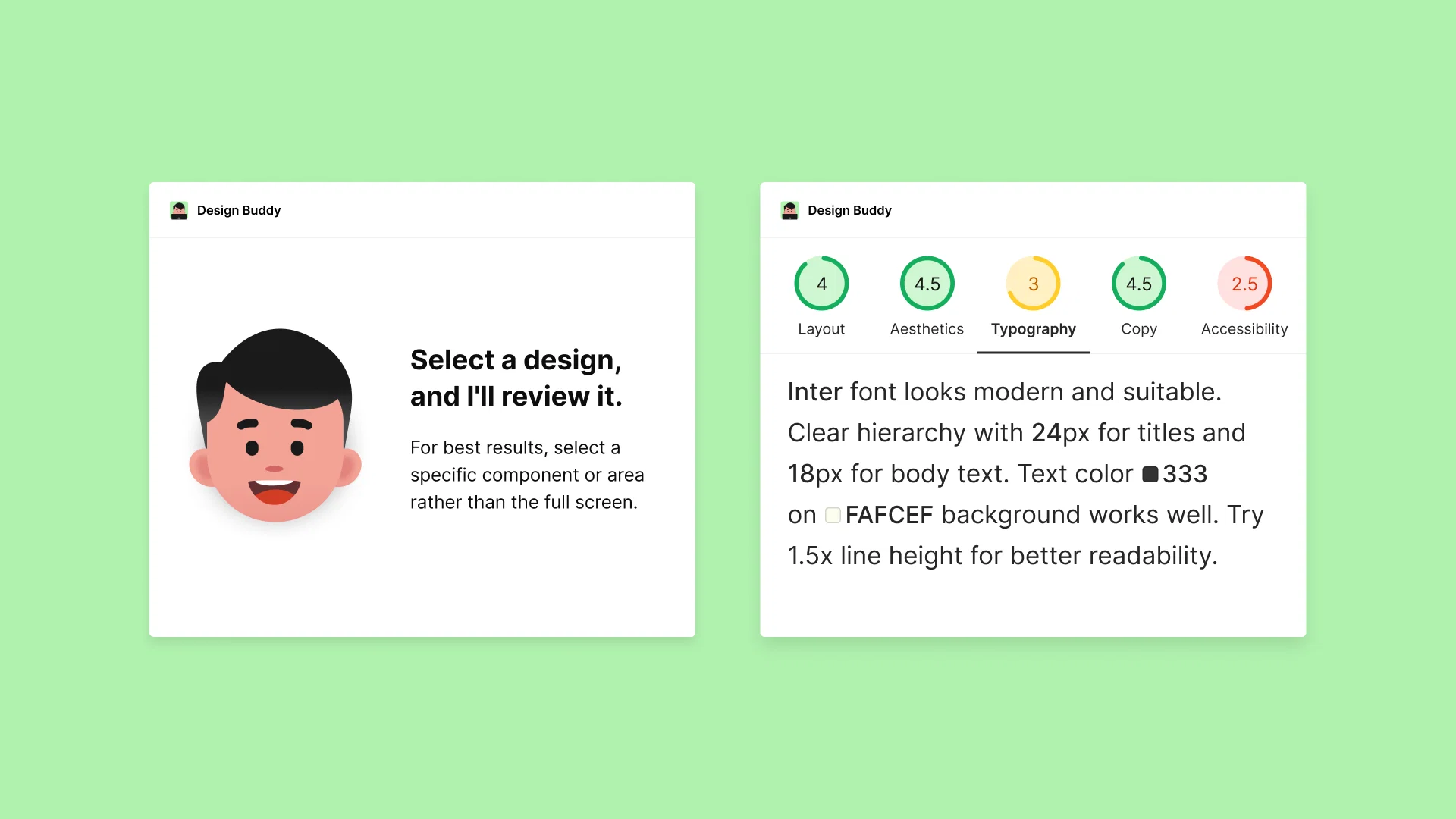
Catch design issues before anyone else does. Show up confident.
Trial; then from $12/mo
Verdict
A quick read before you dig into the full page.
- Best if
- Catch design issues before anyone else does. Show up confident
- Skip if
- Non-transferable subscription
- Pick this when
- Figma, Canva, and Adobe Express integration
Considering Botroast instead? Compare side by side
Overview
Use it as your pre-flight AI design review before presenting to product managers, clients, or your team. No more second-guessing. Ship work you can stand behind.
🆓 7-day free trial — no charge until day 8, cancel anytime.
👉 Learn more at designbuddy.net
Access & connections
Where you can use Design Buddy.
Platforms
Capabilities
What this tool accepts, produces, and is strongest at.
Input
- API
- Image
Output
- API
- Text
Pros & cons
Pros
- Figma, Canva, and Adobe Express integration
- Provides structured feedback
- Specific section review
- Instant feedback feature
- Objective scoring system
- Identifies overlooked flaws
- Reduces need for revisions
- Time and efficiency saver
Show 7 more
- Design flaw detection
- Design confidence booster
- Typography analysis
- Layout analysis
- Color analysis
- Design accessibility analysis
- Insightful design review
Cons
- Subscription-based model
- Not suitable for one-time users
- Difficulty in immediate cancellation
- Non-transferable subscription
- Design-specific, lacking versatility
Compare alternatives
Similar tools in the catalog — with a clear reason to open each one.


Feedback Wizard ✓
FreemiumInstant design feedback, right within Figma.
Why look Typically cheaper
Full comparison
Floto ✓
FreemiumGet AI design feedback directly in Figma.
Why look Typically cheaper
Full comparison


Releases 1
FAQ 12
What is Design Buddy?
How does Design Buddy work?
What specific categories does Design Buddy provide feedback on?
Does Design Buddy assign scores to designs?
What aspects of design does Design Buddy focus on?
Can Design Buddy help me spot design errors?
How can Design Buddy improve my design process?
How does Design Buddy integrate with Figma?
Can I select specific sections for review on Design Buddy?
How does the subscription plan of Design Buddy work?
What different types of subscription plans does Design Buddy offer?
How can I activate Design Buddy once I've chosen a plan?
Related tools
Recommended

Mobirise ✓
Free TrialAutomates design generation for website creation.

B12 AI Website Builder ✓
FreemiumAI-powered website builder

Automateed ✓
Free TrialCreate eBooks effortlessly with Automateed, the AI-powered writing tool.

Studio Design ✓
FreemiumBuild stunning websites with creative freedom, no code required.

Scene ✓
FreemiumThe smart way to build websites

Wegic ✓
FreemiumWegic is your AI website team.