

Paper animation 2026 Rank: #2658
Paper Animator ✓
Turn images into paper animations.
Free + from $4.99
Verdict
A quick read before you dig into the full page.
- Best if
- Turn images into paper animations
- Skip if
- Limited to 1080p
- Pick this when
- Transforms static images
Considering Comicory instead? Compare side by side
Overview
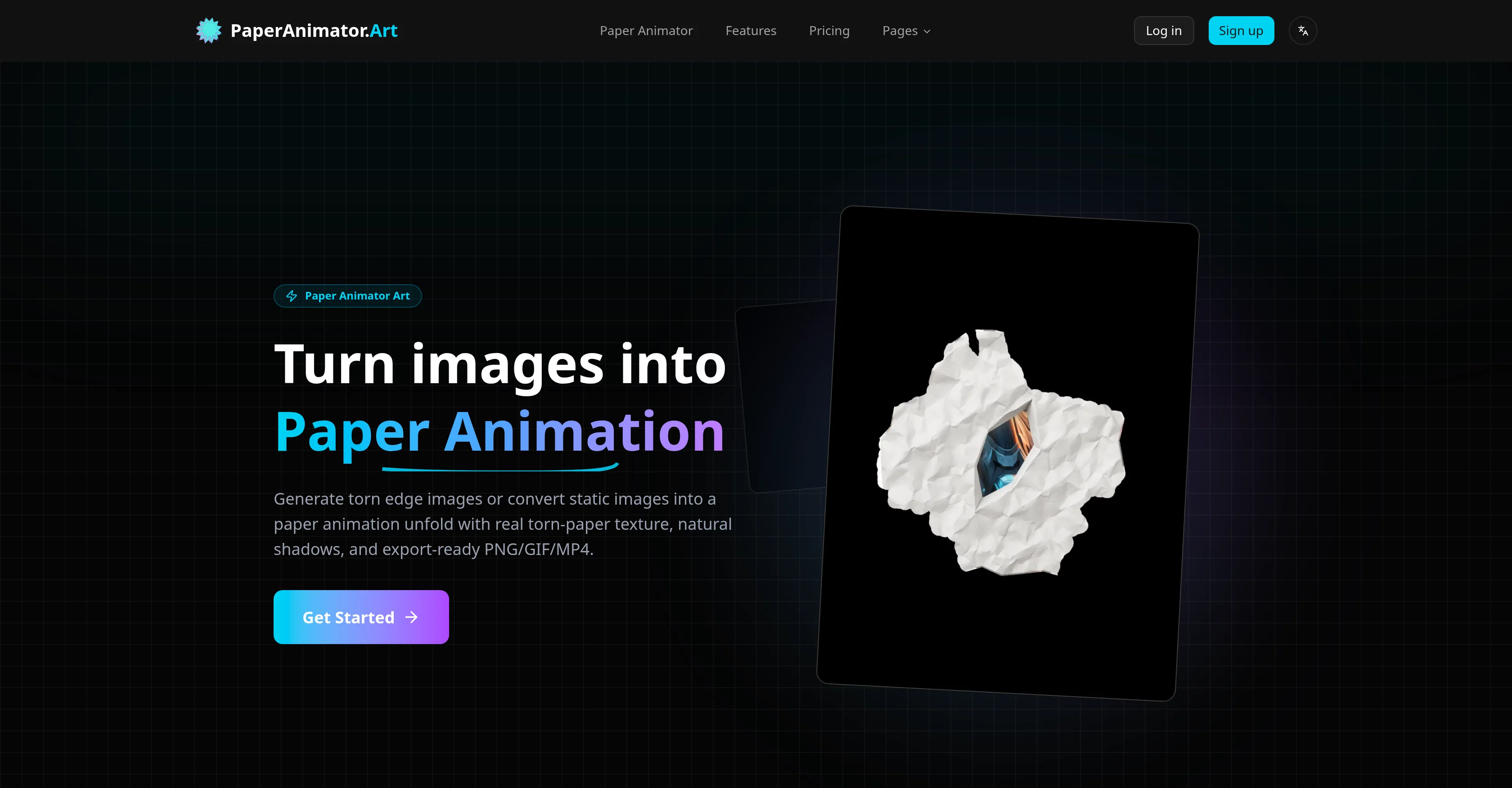
Paper Animator Art is a digital tool designed to transform regular images into paper animations. The tool is equipped with AI capabilities that identify the subject matter of an image and mimic the effect of a paper unfold animation.
This results in detailed renditions where even the edges appear organically torn. The AI also evaluates and applies shadows enhancing the life-like effect of the animations.
Images are easily uploadable to the tool, with support for various formats like PNG, JPG, JPEG, and WEBP. To ease users, Paper Animator Art also swiftly processes and removes the background from these images, eradicating the need for manual cutouts.
Users are granted the ability to customize the thickness, details, and size of the animations along with the shadows. Additionally, the tool offers green screen and transparent background support.
The end animations can be exported as videos, GIFs, or PNGs. Importantly, each animation made with this tool is unique, providing a handcrafted feel distinct from template-based variations.
This makes the tool ideal for social media promotions, brand storytelling, product launches, and consistent content creation. The exported animations maintain clean edges making them readily adaptable into other editing timelines.
Access & connections
Where you can use Paper Animator.
Platforms
Capabilities
What this tool accepts, produces, and is strongest at.
Input
- Image
Output
- Video
Supported features
- Video Generation
- Image Edit
- Styling
Pros & cons
Pros
- Transforms static images
- Unique torn-paper edge effect
- Automates background removal
- Simulates crumpled sheet animation
- Enhances depth, details
- Highly customizable
- Adjustable edge thickness
- Adjustable animation size
Show 39 more
- Shadow adjustment
- High-quality GIF export
- High-quality MP4 export
- Transparent PNG export
- Green screen support
- Unique animation per image
- Ideal for social media
- Ideal for brand storytelling
- Ideal for product launches
- Ideal for content creation
- Supports various image formats
- Fast background processing
- Offers shadow application
- Maintains clean animation edges
- Promotes handcrafted feel
- Adaptable into other timelines
- One-click operation
- Loop-ready exports
- Crisp 1080p video output
- Supports JPG and PNG
- No use of templates
- Super easy to use
- Natural shadows on animations
- Ideal for stop-motion effects
- Supports large files
- Automated unfolding motion
- Switchable background styles
- Preserves image details
- Faster paper animation rendering
- Ideal for ads
- Supports commercial projects
- Delivers consistent results
- Helps engage online audience
- Quality balance in exports
- 1080p export for social
- Helps humanize campaigns
- Generates paper fold-out animation
- Useful for product launches
- Delivers weekly fresh visuals
Cons
- Limited file size
- Limited import formats
- No collaborative features
- No template support
- Limited to 1080p
- Doesn't support vector images
- No batch processing
- No multi-platform support
Show 2 more
- 3-step export process
- No real-time previews
Compare alternatives
Similar tools in the catalog.


PaperFig ✓
FreemiumAI scientific figures with editable labels, built-in OCR, and 4K
Free + from $120/yr
Full comparison
PaperPlot ✓
PaidGenerate publication-ready scientific diagrams from text.
from $9.9/mo
Full comparison
PaperClaw ✓
Free TrialMake publication-ready scientific figures with AI.
Free + from $13.5/mo
Full comparison
Releases 1
FAQ 12
What is Paper Animator?
How does Paper Animator work?
What features does Paper Animator offer?
How can I customize my animation using Paper Animator?
Does Paper Animator automatically recognize the main body in an image?
What are the supported export formats on Paper Animator?
What is unique about each animation created with Paper Animator?
Who can benefit from using Paper Animator?
Can I import images to Paper Animator?
What does the paper unfold animation effect look like?
How does Paper Animator enhance story telling in my projects?
Can I adjust the edge thickness, details, size and shadows in animations created with Paper Animator?
Related tools
Recommended

Free Image Generator.app ✓
FreemiumGenerate stunning AI images in seconds.

ChatGPT ✓
FreemiumAsk anything, create anything, and move from idea to action.

Midjourney ✓
PaidExpand human imagination through AI-powered visuals.

Suno ✓
FreemiumMake music at the speed of your ideas.

ElevenLabs ✓
FreemiumCreate lifelike AI voices for compelling storytelling.

HeyGen ✓
FreemiumCreate AI spokesperson videos from text