

Verdict
A quick read before you dig into the full page.
- Best if
- Turn stories into comic panels
- Skip if
- Limited template options
- Pick this when
- Transforms stories into comics
Considering Comicsmaker instead? Compare side by side
Overview
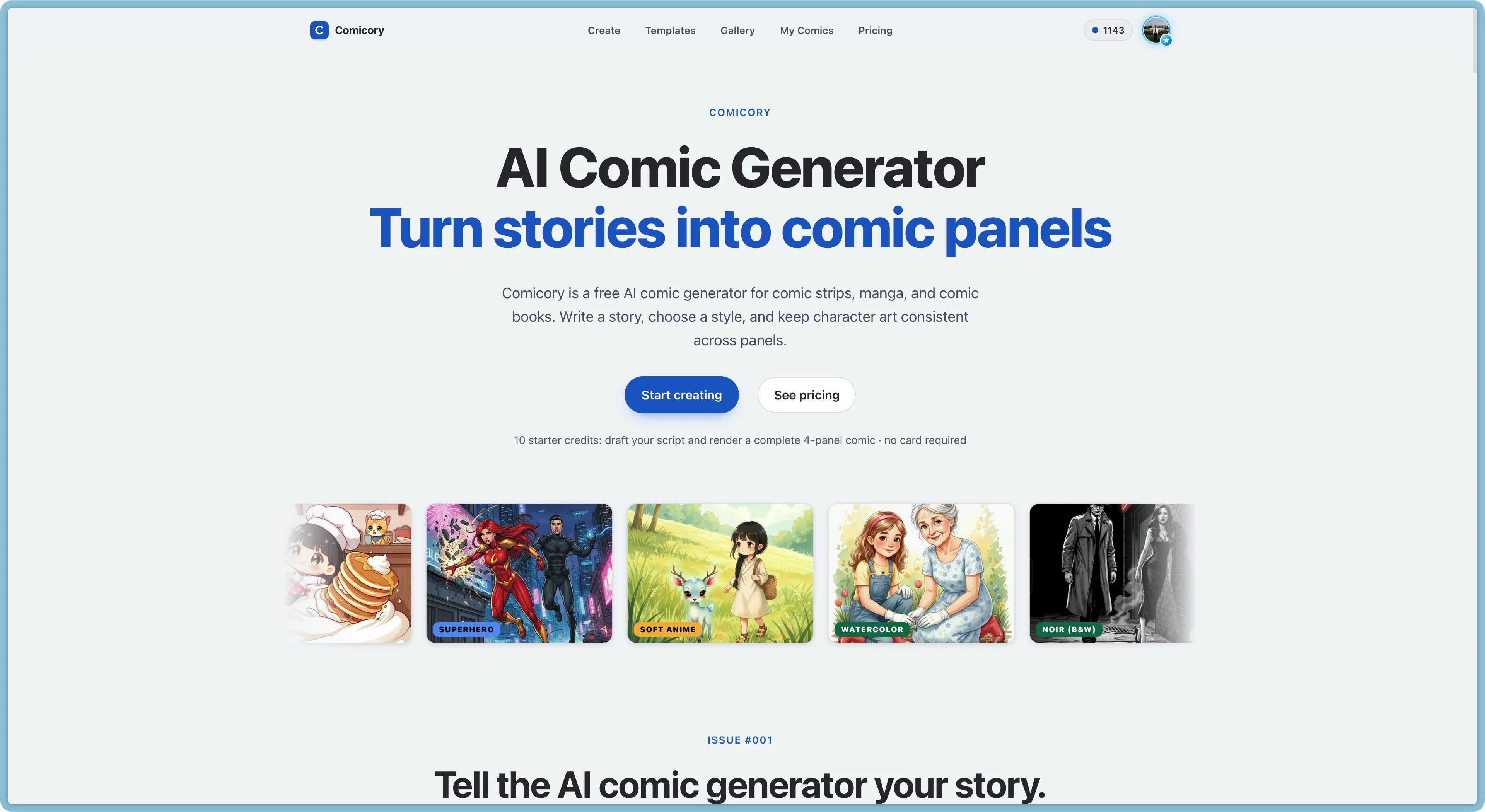
Comicory turns a written story into a multi-panel comic with consistent characters — 16 art styles, editable scripts and speech bubbles, and PDF/PNG/ZIP export.
- Consistent Characters Across All Panels
- Editable Script Preview Before Rendering
- 16 Art Styles From Manga To Pixel Art
- Regenerate Any Single Panel Or Portrait
- Drag-and-drop Speech Bubble Editing
- Multiple Page Layouts Incl. Webtoon
- Continue Story: Multi-chapter Comics
- Export As Pdf, Png, Long Image, Or Zip
- Cloud Rendering — Close The Tab Anytime
Access & connections
Where you can use Comicory.
Platforms
Capabilities
What this tool accepts, produces, and is strongest at.
Input
- Text
Output
- Text
- Image
Highlights
- SOTA
Models
Text
Image
Audio
Video
Coding
Pros & cons
Pros
- Transforms stories into comics
- Generates comic strips, manga
- Maintains character art consistency
- Unrestricted comic style
- Character customization
- Offers various comic styles
- Multiple story templates
- Interactive comic experience
Show 34 more
- Professional comic creation
- Personalized comic creation
- Script panel handling
- Character reference locking
- Multiple layout selections
- Frame redrawing capability
- Comic exporting
- Proposal, birthday, graduation templates
- Optimized for personal/professional use
- Export as PDF, PNG, ZIP
- 10 starter credits for free
- Offers various art styles
- Interactive comic generation
- Optional character use
- Review and approval option
- Community made comics
- Wide range of templates
- Variety of rendering styles
- Single panel regenerations
- Runs in background
- High-res comic exporting
- Various page layouts
- Optional continue story feature
- Automatic next chapter draft
- On-model characters across chapters
- Ongoing series creation
- Photo to Comic feature
- Social ready four-panel strip
- Comic export in various formats
- Consistent cast for series
- Comic series generator
- Choose layout per page
- Custom character comic maker
- Multiple comic page layouts
Cons
- Limited to 60s render time
- Limited starter credits
- No sequential continuity support
- No multi-user collaborative feature
- Paid high-res export
- Lacks advanced customization features
- Inability to cater specific styles
- No advanced draft editing
Show 2 more
- Limited template options
- Unable to import external assets
Compare alternatives
Similar tools in the catalog — with a clear reason to open each one.

Comicsmaker ✓
FreemiumBring stories to life with AI-powered comics.
Why look Higher community rating
Full comparison

Komiko App ✓
PaidCreate comics, webtoons, & roleplay games with AI character
from $8.33/mo
Full comparison
Neuralcanvas ✓
PaidCreate AI-generated comics with custom illustrations
Why look Typically cheaper
Full comparison
Comicify ✓
FreeTransform dull text into comic adventures
Why look Fully free option
Full comparison
Releases 1
FAQ 12
What is Comicory?
How does Comicory transform stories into comic panels?
What types of comics can I create with Comicory?
What types of comic styles does Comicory support?
Can I customize my characters in Comicory?
What are the Comicory template options for different activities?
Can I use Comicory for professional comic creation?
Are there limitations on the comic or manga styles that Comicory can create?
Does Comicory allow me to export my finished comics?
How does redrawing frames work in Comicory?
What are the uses for script panels in Comicory?
How does Comicory handle locking character references?
Related tools
Recommended

TubeVocab ✓
Free TrialTurn any YouTube video into AI flashcards you actually remember.

GoAI: Personal AI Investment Assistant ✓
FreemiumYour Personal AI Investment Analyst — See the opportunities others don't.

AirMusic - AI Music Video Generator ✓
PaidTurn any song into viral music videos.

GetLogit ✓
FreemiumArtificial intelligence, available for everyone.

ChatGPT ✓
FreemiumAsk anything, create anything, and move from idea to action.

Kin - Personal AI Advisors ✓
FreePrivacy-first & designed your for mind, and life at work