

Nexi - AI Co‑Host for Twitch & YouTube Streamers ✓
Your AI stream companion that entertains chat and boosts tips
from $16
Verdict
A quick read before you dig into the full page.
- Best if
- Your AI stream companion that entertains chat and boosts tips
- Skip if
- Donation reaction system limited
- Pick this when
- Multi-language Support
Considering Tangia instead? Compare side by side
Overview



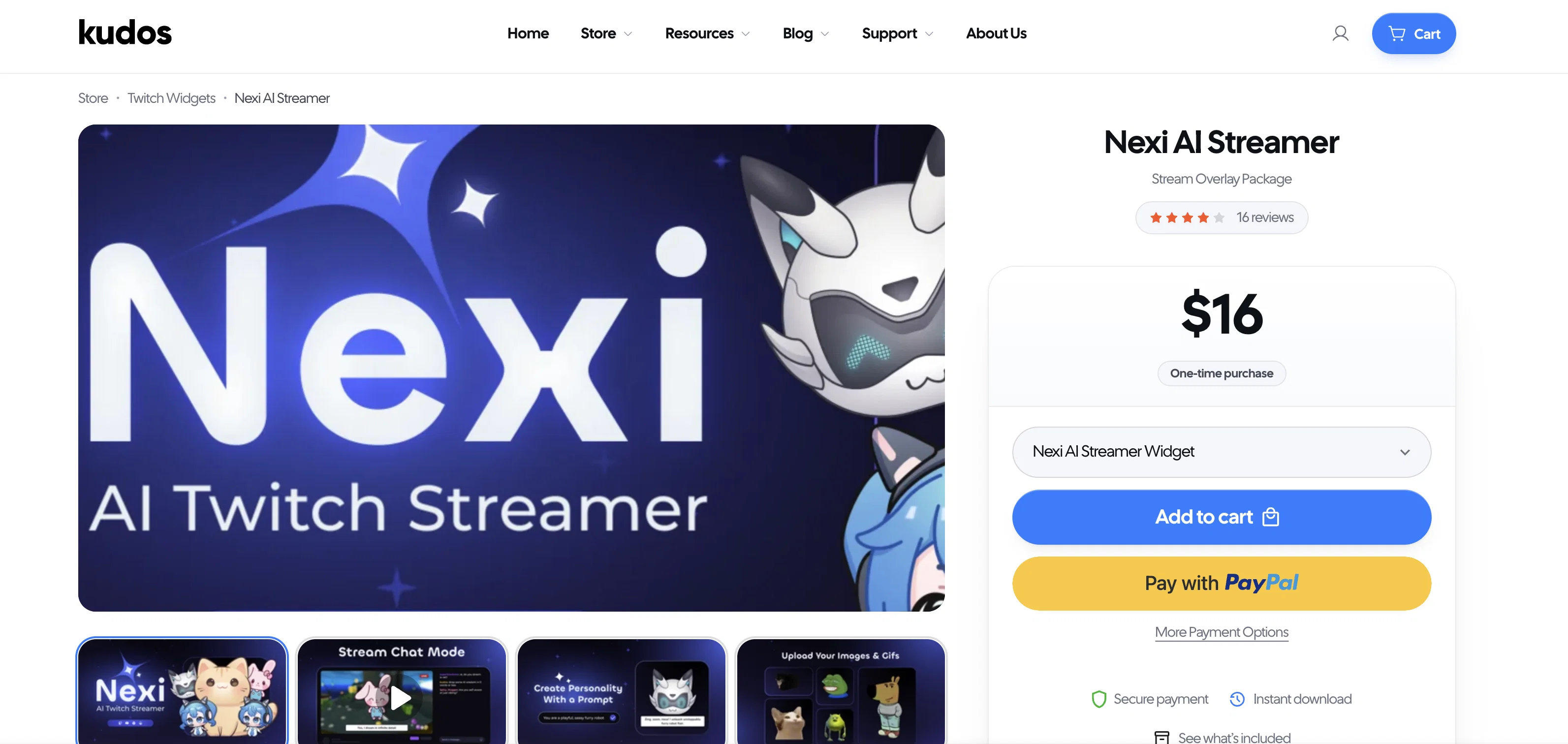
Here’s what Nexi brings to your stream:
- 🙌 Chat That Doesn’t Go Quiet: Nexi keeps conversations flowing by responding to messages with personality. Those awkward silent moments? Gone. Viewers stick around longer when there’s always something happening in chat.
- 🎙️ Actually Talks With You: Nexi isn’t just text – it speaks through your stream. Talk to it through your mic, and it answers back in a natural voice. This creates genuine back-and-forth moments that feel like having a friend on stream. Debate game outcomes, get its take on topics, or just banter between matches.
- 💰 Makes Tipping More Fun: When someone sends bits or tips, Nexi celebrates – thanking donors by name or performing reactions you’ve set up. These acknowledgments make supporters feel appreciated and often encourage more viewers to chip in. Many streamers have found this helps them hit donation goals faster.
- 🔒 No Hidden Costs: With Nexi, you connect your own OpenAI and ElevenLabs accounts (or similar services), so you pay those providers directly with no markup. Set your own usage limits to control spending. Most creators find these costs minimal – often pennies per streaming hour, with free tiers to get started.
- ⚙️ Simple Setup: No extra software or technical headaches. Just add Nexi to your stream, link your accounts, and you’re ready. The lightweight design means anyone can use it, regardless of tech skills.
Nexi helps entertain your audience while making your job easier. Think of it as a helper that brings energy to your community and potentially boosts your channel’s income. Whether you’re starting out and facing quiet streams, or you’re established and want more viewer interaction, Nexi adds something special to your broadcasts. We created this because streaming shouldn’t be a solo juggling act – you should focus on your content while Nexi handles some of the engagement work. We can’t wait to see the creative ways you’ll use this tool on your streams. 🎉
Best for
Short scenarios where Nexi - AI Co‑Host for Twitch & YouTube Streamers tends to shine.
-
Your AI stream companion that entertains chat and boosts tips
Example outputs 1
Sample generations and before/after results for Nexi - AI Co‑Host for Twitch & YouTube Streamers.
Access & connections
Where you can use Nexi - AI Co‑Host for Twitch & YouTube Streamers, and what it plugs into.
Platforms
Integrations
Capabilities
What this tool accepts, produces, and is strongest at.
Input
- Text
- Audio
Output
- Audio
- Text
Pros & cons
Pros
- Multi-language Support
- 206 Free Voices
- 20 Premium Voices
- Microphone Interaction Mode
- Toggle TTS On/Off
- Premade Character Images
- Custom Image Upload
- Animation Settings
Show 21 more
- Context-Aware Responses
- Creative Response Tuning
- Donation Reaction System
- Direct Chat Responses
- Command Permissions
- Command Cooldowns
- TTS Features
- Real-time Interaction
- Voice Synthesis
- Character Design
- StreamElements Compatibility
- Works with all streaming software
- Interactive Co-host
- Amplifies Audience Engagement
- Transformative Content Creation
- Virtual Host
- Chatbot
- Voice Assistant
- Monetization
- Reaction System
- Setup Guide
Cons
- No source files provided
- Non-refundable purchases
- Limited free voices
- Needs StreamElements to operate
- No API for external use
- Setup guide required
- Custom image upload limitations
- Donation reaction system limited
Show 1 more
- No multilingual support for all features
Compare alternatives
Similar tools in the catalog — with a clear reason to open each one.
People also view
Tools that often show up alongside Nexi - AI Co‑Host for Twitch & YouTube Streamers in collections and comparisons.

Vtuber Assistant ✓
PaidYour AI VTuber co-host that actually pays attention.

Tangia ✓
Free TrialSupercharge viewer engagement on your stream

KickBot ✓
UnknownLevel up your stream with AI-powered tools and bots

Delulu Stream ✓
Free TrialLet your chat control your stream.

Playable Maker ✓
Free TrialLet AI create playable ads from your prompts.

GoEnhance ✓
FreemiumTransform videos into different anime styles, enhance and upscale images.

freebeat AI ✓
FreemiumTurn Music & Ideas into Viral Videos In One Click

CodeRabbit ✓
Free TrialEnhanced code review for improved workflow and quality.
Releases 1
Imported reviews 2
Looks so cool, found some reaaaaaaaly nice packs with Naruto, the Itachi one is insane brooo!
interesting tool, thank you
FAQ 8
Do I need to pay anything to use Nexi?
🛠️ 1
tool
wrote:
Not necessarily. Nexi itself is free to use, but to unlock full AI and voice capabilities, you’ll need accounts with OpenAI and ElevenLabs - actual usage costs are extremely low (usually just a few cents per stream). If you skip these services, Nexi can still function as a basic TTS widget using free StreamElements voices.
Can I use Nexi without OpenAI or ElevenLabs?
🛠️ 1
tool
wrote:
Yes. If you don’t connect OpenAI, Nexi won’t generate text replies — it will only read out messages using the !say command. And if you skip ElevenLabs, it will default to StreamElements’ free TTS voices.
What does the StreamElements JWT token do, and is it safe to use?
🛠️ 1
tool
wrote:
Your JWT token is required to let Nexi send messages to your chat and power microphone interactions. It’s only stored locally in your browser and never shared externally.
How much does it cost to use OpenAI with Nexi?
🛠️ 1
tool
wrote:
Costs depend on how many messages Nexi processes and which model you use. For most users, costs are around $0.01–$0.02 for 1,000 interactions — making it one of the most affordable AI integrations available.
Does Nexi work on YouTube or just Twitch?
🛠️ 1
tool
wrote:
Nexi works on both! Just make sure you install the correct widget file for your platform (Twitch or YouTube) and follow the same setup instructions.
Can viewers talk to Nexi without typing commands like !ask?
🛠️ 1
tool
wrote:
Yes! You can enable Auto Mode, which lets Nexi respond to every chat message from authorized users without needing a trigger command.
How do I talk to Nexi using my microphone?
🛠️ 1
tool
wrote:
Head to aicompanion.kudos.tv, enter your JWT token, and grant microphone access. When you say your trigger word (like “Hey Nexi”), it’ll transcribe your voice and send it to the AI in real-time.
How do I stop viewers from spamming the AI?
🛠️ 1
tool
wrote:
You can set cooldowns and authorization levels for each command. For example, you can limit !ask to subscribers or mods, and prevent overuse with time-based cooldowns.
Related tools
Recommended

Agentgpt ✓
FreemiumDeploy autonomous AI Agents effortlessly in your browser.

Mindsmith ✓
FreemiumPlatform for building and sharing eLearning content

TheLibrarian.io ✓
Free TrialYour WhatsApp AI assistant for instant productivity.

AutoGPT ✓
Free TrialRun AutoGPT in your browser for free

PrometAI ✓
FreemiumTurn ideas into viable reality with AI business plan generator.

Mind Map Wizard ✓
FreemiumGenerate mind maps with AI: free, no sign-up, no ads