

Tangia ✓
Supercharge viewer engagement on your stream
Trial; then from $9.99/mo
Verdict
A quick read before you dig into the full page.
- Best if
- Supercharge viewer engagement on your stream
- Skip if
- Limited customer support channels
- Pick this when
- Customizable TTS system
Considering Nexi - AI Co‑Host for Twitch & YouTube Streamers instead? Compare side by side
Overview
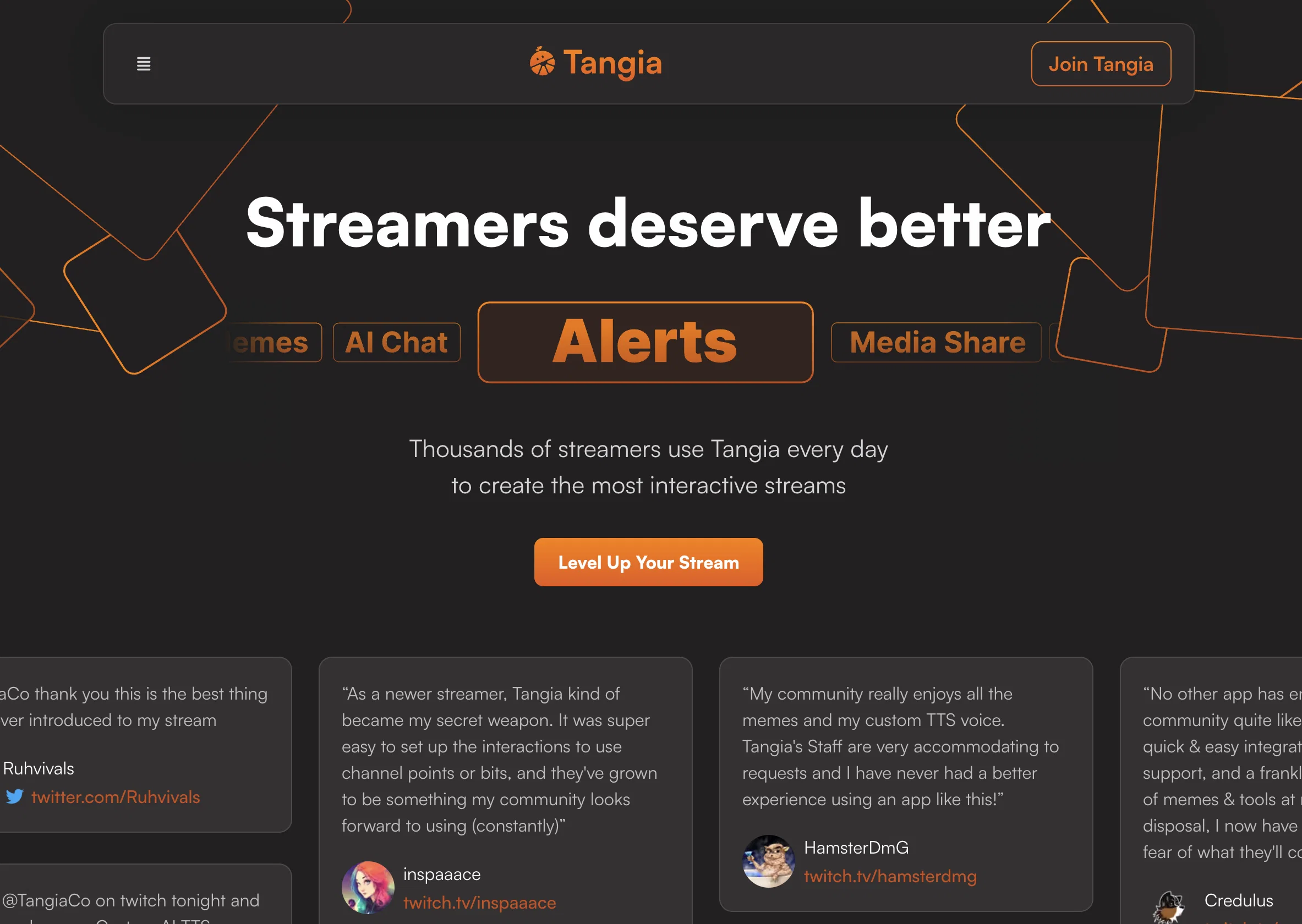
Tangia is an AI tool designed to enhance chat engagement on streaming platforms. It offers a range of interactive features that streamers can incorporate into their streams to make them more dynamic and engaging.
With Tangia, streamers can create a custom text-to-speech (TTS) system using their own voice, enabling them to send hyper-realistic messages to chat. Additionally, Tangia provides an overlay meme feature, allowing streamers to overlay their favorite memes onto their stream videos.
The tool also includes an AI image generation model that chat participants can use to generate custom images for the stream. Tangia enables viewers to share their favorite TikTok videos on stream, and it allows viewers to replay sound bites from Twitch clips as sound alerts during the stream.
Minecraft enthusiasts can use Tangia to give streamers god armor, participate in fight-club scenarios, or send them flying with just a water bucket.Tangia offers additional interaction options, such as Peepo Note Taker, Plankton TTS, Bluescreen, Draw on Stream, and Confetti Celebration, to further enhance the interactive experience for viewers.
The tool is compatible with various streaming software that supports browser sources, allowing streamers to use it across different platforms.Streamers of all sizes have praised Tangia for its ability to create highly engaging streams, with features like convenient integration, comprehensive support, and a wide range of memes and tools available to the community.
Tangia's customizable interactions and the ability to set up personalized TTS features provide a unique and enjoyable streaming experience.
Access & connections
Where you can use Tangia, and what it plugs into.
Platforms
Integrations
Capabilities
What this tool accepts, produces, and is strongest at.
Input
- Text
Output
- Text
- Image
- Audio
- Video
Pros & cons
Pros
- Customizable TTS system
- Enables overlay memes
- Enables sharing of TikToks
- Sound bite replays from Twitch
- Interactive Minecraft features
- Multiple interaction options
- Peepo Note Taker
- Plankton TTS
Show 30 more
- Draw on Stream
- Confetti Celebration
- Compatible with various streaming software
- Community praised for engagement
- Convenient integration features
- Comprehensive support provided
- Wide array of memes and tools
- Unique and personalized TTS features
- Ability for viewers to doodle on streams
- In-stream TikTok shares
- Bits & Token goal parties
- Obstacles for Minecraft players controlled by chat
- Interactions linked with channel points or bits
- Catalogue of memes & tools
- Enabled a higher revenue generation
- Easy customization of user interactions
- Leaderboards & Challenges feature
- One source for overlay and TTS options
- Doesn't strain system resources
- Special options for hyper-realistic TTS
- Supports login via Twitch or Youtube
- Allows for Tangia overlay sync
- Customizable page for unique interactions
- Allows interactions from Twitch extension
- Easy and fun to use
- Higher engagement with viewers
- Fast implementation on streams
- Can choose to draw anywhere on the stream
- Bluescreen effect available
- Allows for sharing user favorite TikToks
Cons
- No offline functionality
- Only supports browser sources
- Overlays may cause distractions
- Limited interaction options
- Potential for inappropriate content
- Depends on internet speed
- Requires streamer interactivity
- No multi-language support
Show 2 more
- Incompatible with some platforms
- Limited customer support channels
Compare alternatives
Similar tools in the catalog.


Releases 1
FAQ 12
What is Tangia?
How does Tangia enhance chat engagement on streaming platforms?
Can I create a custom TTS system using my own voice with Tangia?
What is the overlay meme feature in Tangia?
What can viewers do with Tangia's AI image generation model?
How can viewers share their favorite TikTok videos on stream using Tangia?
How can Minecraft enthusiasts give streamers god armor using Tangia?
What additional interaction options does Tangia provide?
How is Tangia compatible with various streaming software?
What features are praised by streamers who use Tangia?
What is Tangia's personalized TTS feature?
How can one get started with Tangia?
Related tools
Recommended

VenturusAI ✓
FreemiumBusiness idea analysis and reporting.

Recall ✓
FreemiumSummarize Anything, Forget Nothing!

LearningStudioAI ✓
Free TrialAI-powered authoring tool for effortless online course creation.

Eightify
UnknownAI-powered YouTube video summarizer extracting key ideas for quick content assessment.

Stockimg AI ✓
PaidGenerated images and text for design ease.

Otio ✓
FreemiumFastest Way To Read & Write - Your Research Focused AI Workspace