

Trial; then from $9.99/mo
Verdict
A quick read before you dig into the full page.
- Best if
- Run AutoGPT in your browser for free
- Skip if
- Limited to browser use
- Pick this when
- Free frontend for ChatGPT
Considering Agentgpt instead? Compare side by side
Overview
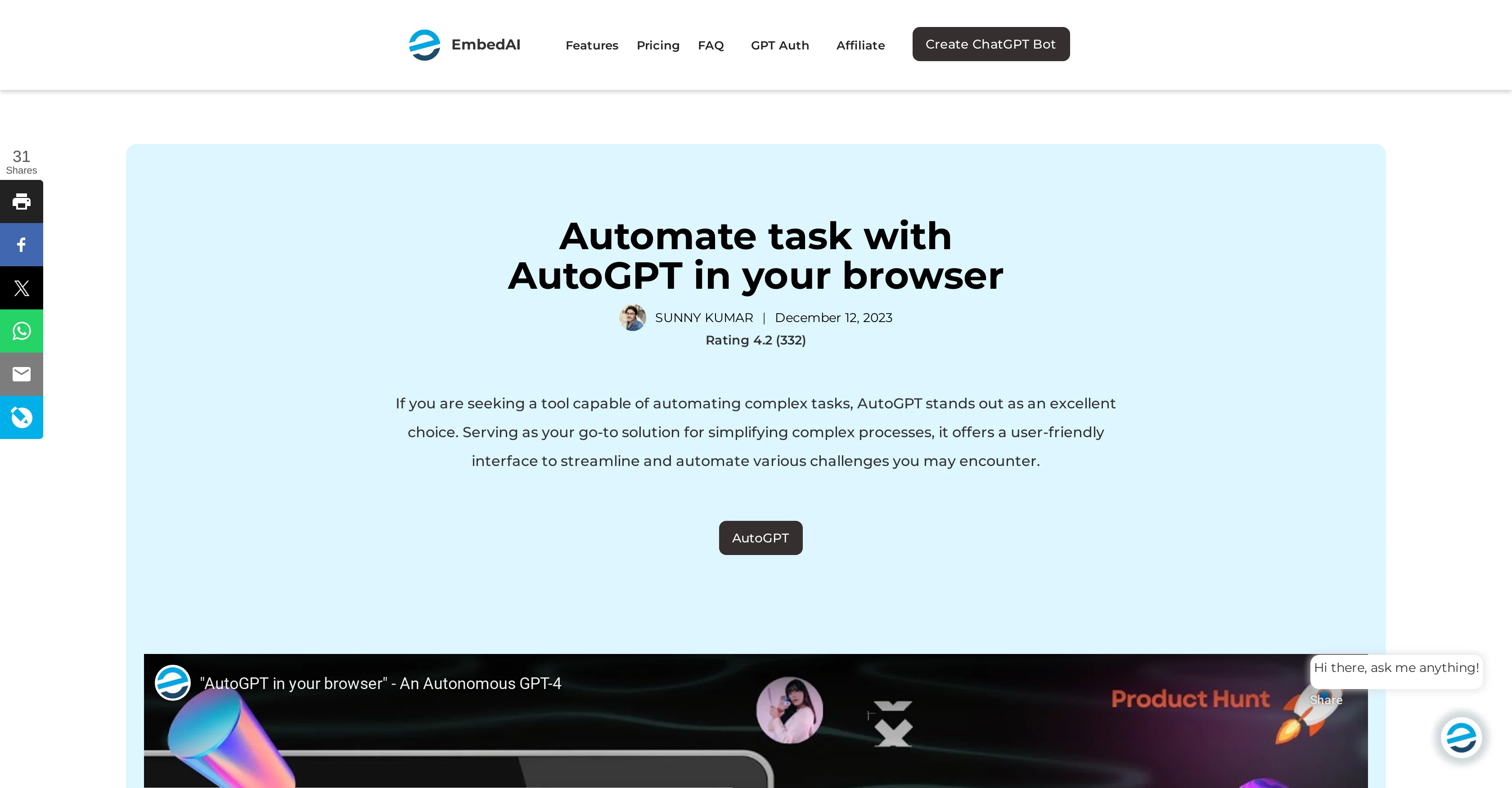
AutoGPT is a website that provides a free frontend for ChatGPT API with prompt library and chat history support. It allows users to login using their Google accounts to run the AutoGPT app in their browser.
The website features a task manager that allows users to add upcoming tasks, create new tasks, and change the model used. AutoGPT is designed to be an autonomous chatbot utilizing models similar to GPT-4.
The website is intended for users who want to build conversational agents or chatbots using GPT models but do not have the technical know-how or infrastructure to set up their own API.
With AutoGPT, users can run the API in their browser and use the prompt library to create conversational flows with chat history support. Overall, AutoGPT simplifies the process of building chatbots using GPT models by providing users with an easy-to-use frontend for the ChatGPT API.
It allows individuals and businesses to create chatbots for various purposes such as customer service, language learning, and entertainment with ease.
However, it is important to note that AutoGPT is a free tool and may have limitations in terms of features and scalability compared to paid solutions.
Best for
Short scenarios where AutoGPT tends to shine.
-
Run AutoGPT in your browser for free
Example outputs 1
Sample generations and before/after results for AutoGPT.
Access & connections
Where you can use AutoGPT.
Platforms
Capabilities
What this tool accepts, produces, and is strongest at.
Input
- API
- Text
Output
- API
- Text
Highlights
- Agents
Supported features
- Agents
Pros & cons
Pros
- Free frontend for ChatGPT
- Google accounts login support
- Task manager functionality
- Models similar to GPT-4
- Prompt library available
- Chat history support
- Ideal for non-technical people
- In-browser API usage
Show 5 more
- Facilitates chatbot creation
- Useful for various domains
- Simple, easy-to-use frontend
- Supports conversational flows creation
- Enables chatbot scalability
Cons
- Limited to browser use
- Requires Google account login
- May lack scalability
- Potential lack of features
- Not for advanced users
- No API for integration
- Dependent on ChatGPT API
- Not customizable
Show 2 more
- No dedicated mobile app
- Free version limitations
Compare alternatives
Similar tools in the catalog — with a clear reason to open each one.

Agentgpt ✓
FreemiumDeploy autonomous AI Agents effortlessly in your browser.
Free + from $40/mo
Full comparison
Jarvis/HuggingGPT ✓
FreeBridging LLMs with the ML community
Why look Fully free option
Full comparison
TutorGPT ✓
FreemiumFree AI homework helper with instant step-by-step solutions.
Why look Typically cheaper
Full comparisonPeople also view
Tools that often show up alongside AutoGPT in collections and comparisons.
Jarvis/HuggingGPT ✓
FreeBridging LLMs with the ML community

Aomni ✓
PaidSupercharge B2B sales with AI-driven insights.
Agentgpt ✓
FreemiumDeploy autonomous AI Agents effortlessly in your browser.
TutorGPT ✓
FreemiumFree AI homework helper with instant step-by-step solutions.

reAPI ✓
Free TrialOne API for every top AI model.

anyAInow ✓
PaidEvery top AI model. No subscription.

GPTinf ✓
PaidBypass AI detectors with one-click rephrasing.

GPTExcel ✓
FreemiumGenerate spreadsheet formulas with AI
Releases 1
Imported reviews 1
Did not work, keeps on thinking
FAQ 12
What is AutoGPT?
How does AutoGPT work?
Can I use AutoGPT without any technical knowledge?
How can I log into AutoGPT?
What can AutoGPT be used for?
How do I run AutoGPT in my browser?
How can I create tasks using AutoGPT?
What is a prompt library in AutoGPT?
Does AutoGPT support chat history?
What kind of chatbot models are used by AutoGPT?
Can I change the model used in AutoGPT?
What are the benefits of using AutoGPT?
Related tools
Recommended

LearningStudioAI ✓
Free TrialAI-powered authoring tool for effortless online course creation.

VenturusAI ✓
FreemiumBusiness idea analysis and reporting.

TutorAI ✓
FreemiumInstant knowledge on any topic
GPTExcel ✓
FreemiumGenerate spreadsheet formulas with AI

PostPerfect ✓
FreemiumAutomated social media posts.

MagicSlides.app AI PPT Maker ✓
FreemiumCreate Stunning PPTs in Seconds with the AI PPT Maker
More from this creator

RiteBot ✓
PaidFree ChatGPT frontend with prompt library and chat history

Embed AI ✓
PaidCreate ChatGPT-powered chatbots with your data

Youtube Summary Generator ✓
FreemiumCreate AI chatbots powered by ChatGPT

Vadoo AI ✓
PaidGenerate videos from prompts and scripts.

Muapi ✓
PaidAI-powered image and video generation API platform.