

KickBot ✓
Level up your stream with AI-powered tools and bots
Verdict
A quick read before you dig into the full page.
- Best if
- Level up your stream with AI-powered tools and bots
- Skip if
- Limited Stream Deck integration
- Pick this when
- Highly customizable
Considering Nexi - AI Co‑Host for Twitch & YouTube Streamers instead? Compare side by side
Overview
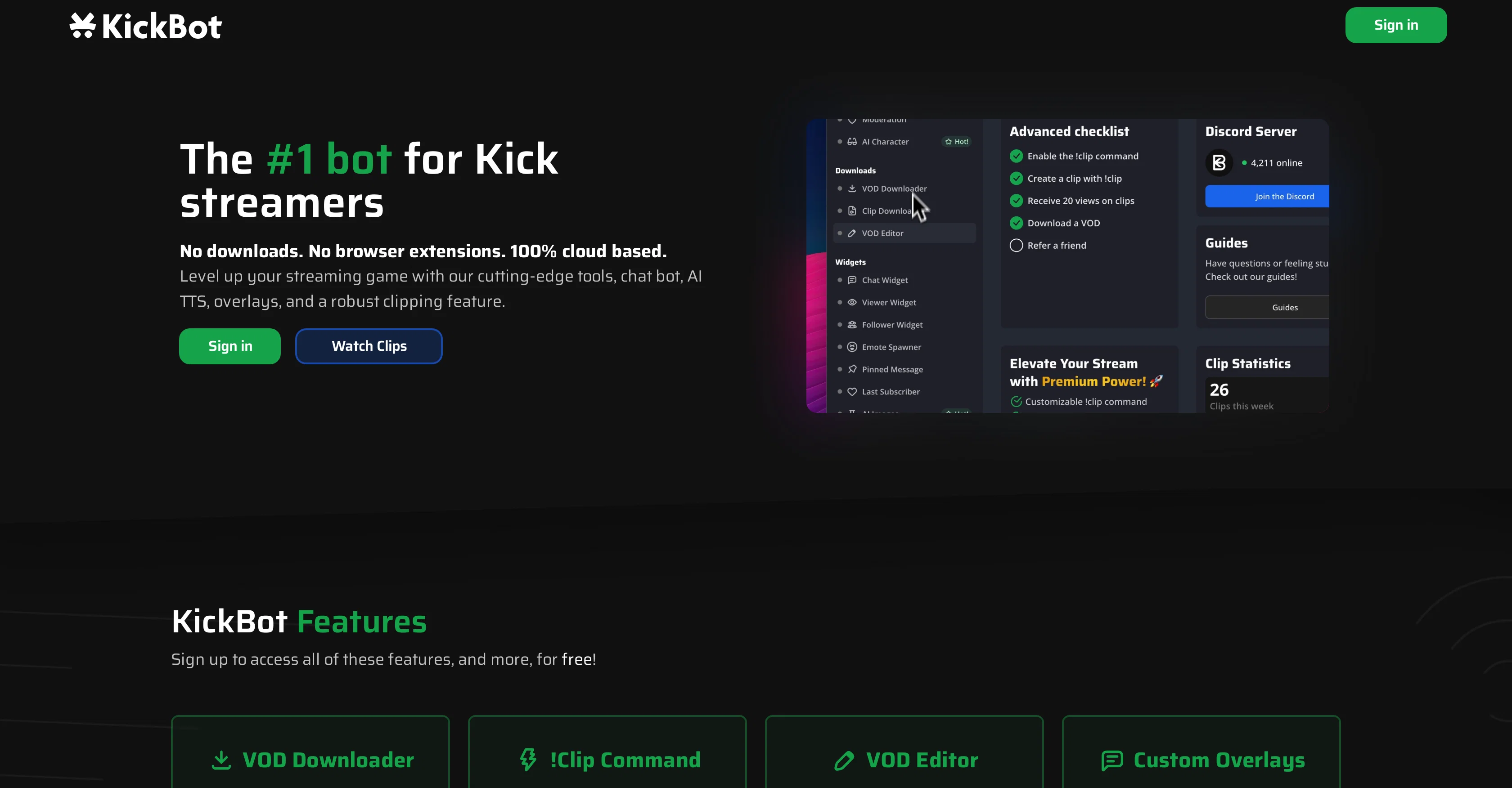
KickBot is a highly customizable online tool designed to enhance streaming experiences on the Kick platform. It offers a suite of features without requiring any downloads or browser extensions.
A prominent feature is its cloud-based chat bot designed to fortified viewer engagement with capabilities for custom commands, timed messages, and AI integration.
KickBot also offers a command feature for easily creating clips from streams, which are then stored and can be reviewed on cloud servers. Live streaming is augmented with an AI Text-To-Speech (TTS) feature that allows viewers to send messages in lifelike voices, either through designated commands or by reading out all incoming messages.
The bot facilitates moderation by providing options to ban words, set character limits, and apply custom filters. Another feature worth noting is the Video On Demand (VOD) downloader for easy VOD downloads, editing, and clipping.
There are also customizable overlays that include chat, viewership, follower, subscription information, and more. Finally, KickBot integrates effortlessly with the Stream Deck plugin for enhanced stream control and management.
Access & connections
Where you can use KickBot.
Platforms
Capabilities
What this tool accepts, produces, and is strongest at.
Input
- API
- Text
Output
- Audio
- Video
- API
- Text
Supported features
- Clipping
Pros & cons
Pros
- Highly customizable
- No downloads required
- Cloud-based chat bot
- Custom commands
- Timed messages
- Clips creation from streams
- Cloud storage for clips
- Advanced moderation options
Show 37 more
- VOD download capability
- Editable VODs
- Customizable overlays
- Stream Deck plugin integration
- TTS feature for viewer messages
- Custom filters for moderation
- Subscription information in overlays
- !Clip command for clipping
- Easy VOD editing
- Viewership overlay
- Chat overlay
- Follower overlay
- Robust clipping feature
- Automatic TTS for all messages
- Varied TTS voice options
- Enhanced stream control
- Real-time clip creation
- Cloud chat bot
- Simple command set up
- VOD editor built in
- Customizable widgets
- Alert systems
- Ban word option
- Character limit settings
- Custom regex filters
- Direct VOD downloads
- Trusted by popular streamers
- Intuitive features
- Seamless integration
- Cloud-based clips generation
- Stream content management
- Effortless viewer engagement
- Lifelike voice options
- Wide TTS voice selection
- Stream Deck plugin for moderation
- Curation of stream moments
- Real-time chat moderation
Cons
- Limited to the Kick platform
- No offline tools
- !Clip command unresponsive
- Moderation functions basic
- VOD downloads can be slow
- Custom overlays lacking features
- Limited Stream Deck integration
- No API for devs
Show 1 more
- Potential cloud storage limits
Compare alternatives
Similar tools in the catalog — with a clear reason to open each one.

Nexi - AI Co‑Host for Twitch & YouTube Streamers ✓
PaidYour AI stream companion that entertains chat and boosts tips
from $16
Full comparison
Tangia ✓
Free TrialSupercharge viewer engagement on your stream
Why look Higher community rating
Full comparison

Releases 1
FAQ 12
What is KickBot?
How do I use KickBot on the Kick platform?
What are the features of KickBot's cloud-based chat bot?
What is the purpose of custom commands in KickBot?
How do timed messages on KickBot work?
What role does AI integration play in KickBot?
How does the clip command feature in KickBot work?
Does KickBot offer live streaming?
What is the AI Text-To-Speech (TTS) feature in KickBot?
How does the moderation function work in KickBot?
Can I download Video On Demand (VOD) with KickBot?
What does KickBot offer in terms of customizable overlays?
Related tools
Recommended

Younet ✓
Free TrialAI Agent Orchestration and Automation. Build your agentic business.

Video Studio AI ✓
FreemiumGenerate AI videos from text or images instantly

AI Video Cut ✓
Free TrialTransform long videos into viral shorts with AI.

ReadPartner ✓
Free TrialA media intelligence suite designed for businesses.

Color-anything ✓
FreeCreate AI coloring pages from your imagination.

Vocal Remover by Remusic ✓
FreemiumUnleash instrumentals with AI vocal removal.