

NewPic.io ✓
Professional photo editing in one click.
Trial; then from $4.90
Verdict
A quick read before you dig into the full page.
- Best if
- Professional photo editing in one click
- Skip if
- Limited style preset options
- Pick this when
- Professional results in seconds
Considering Viyou AI Image Generator instead? Compare side by side
Overview

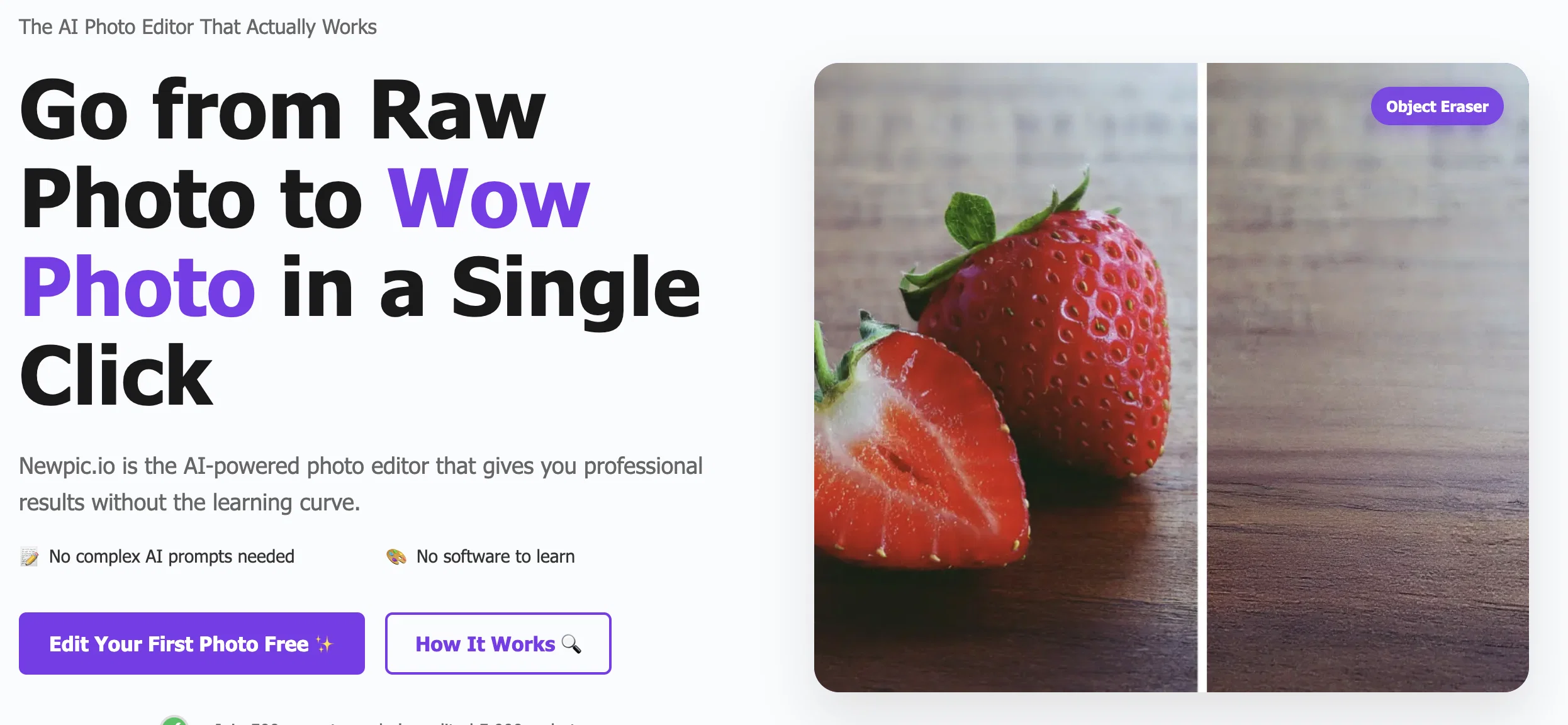
NewPic is an AI-powered photo editor designed to deliver professional photo editing results easily. Its primary audience is content creators and social media managers who desire to edit photos without having to deal with complex tools and learning curves often associated with professional photo editing software.
NewPic offers its users powerful AI features like AI photo enhancement, smart backgrounds, text magic, style master, clean slate, and object eraser. The service is rendered on a pay-per-use pricing model, which does not require any subscription.
NewPics key advantage lies in the simplicity of its operation. With an easy-to-use interface, it facilitates one-click photo editing that transforms raw photos into impressive images.
Some of its innovative features include background type selection, style preset options, and a feature for text editing in images. As an important feature, it respects user privacy, processing photos securely and deleting them after editing.
The service is accessible across different devices including desktops, mobiles, and tablets. NewPic provides professional-level results that are comparable to those achieved with expensive desktop software due to the AI being trained on millions of professional edits.
Therefore, it's a tool that merges effectiveness, simplicity, and affordability in photo editing.
Access & connections
Where you can use NewPic.io.
Platforms
Capabilities
What this tool accepts, produces, and is strongest at.
Input
- Image
- Text
Output
- Image
Pros & cons
Pros
- Professional results in seconds
- One-click photo editing
- Pay-per-use pricing
- No subscriptions
- Easy text editing
- Style preset options
- Selective background type
- Cross-platform availability
Show 34 more
- Trained on professional edits
- Privacy respecting
- Object eraser feature
- Smart backgrounds
- Clean slate feature
- Style master tools
- Preserves original vision
- No software to learn
- Quick background replacement
- Pro level results
- Removes watermarks
- Erases unwanted elements
- Fast average edit time
- Zero learning curve
- Various photo format support
- Enterprise-grade encryption
- No credit card for free use
- Support all major formats
- Text magic feature
- Time machine feature
- Secure processing and deleting
- Instant download and share
- Feature for old photo restoration
- Optimized for different photo types
- Removes unwanted objects
- No hidden costs
- No app downloads required
- Fully optimized for mobile devices
- Professional quality results
- No feature limitations
- Support in various time frames
- Responsive web interface
- Supports RAW files
- Enhanced photos in seconds
Cons
- Pay-per-use pricing model
- Limited style preset options
- No free unlimited usage
- Text editing feature limitations
- No advanced manual adjustments
- Requires internet connection
- Only supports images up to 10MB
- Delayed support on cheaper plans
Show 1 more
- No integrated social media sharing
Compare alternatives
Similar tools in the catalog — with a clear reason to open each one.

Viyou AI Image Generator ✓
FreemiumTransform text and images into stunning videos and visuals.
Free + from $39.99/yr
Full comparison
Img2Img AI ✓
FreemiumTransform any image with AI in seconds.
Why look Offers a public API
Full comparison

Photoeditor ✓
PaidEnhanced image editing with object and text removal.
from $9.99/mo
Full comparison
Cleanup pictures ✓
FreemiumRemove unwanted elements from photos instantly.
Why look Typically cheaper
Full comparisonReleases 1
FAQ 12
What is NewPic.io?
What specific features does NewPic offer?
Why is NewPic ideal for content creators and social media managers?
What is unique about the NewPic's user interface?
What does the AI photo enhancement feature in NewPic do?
What does the smart background feature in NewPic involve?
How does the 'text magic' feature work in NewPic?
How different is NewPic from other professional photo editing softwares?
How does NewPic's pricing model work?
Does NewPic require a subscription?
Does NewPic respect user privacy and data security?
How does 'style master' improve the photo editing process in NewPic?
Related tools
Recommended

Imagable | AI Image Editor ✓
Free TrialEdit images using natural language prompts.

Eternity AC ✓
FreemiumCreate and download your digital clone to live forever. Interact with others.

ColorBliss ✓
FreemiumCreate any coloring page you can imagine, in seconds.

CrazyFace ✓
Free TrialGet viral crazy youtube thumbnail faces, change facial expression for free.

BestPhotoAI ✓
FreemiumCreate amazing AI photos instantly

Ask AI Questions ✓
FreeGet instant AI answers to any question for free