

CrazyFace ✓
Get viral crazy youtube thumbnail faces, change facial expression for free.
Trial; then from $3.99/mo
Verdict
A quick read before you dig into the full page.
- Best if
- You are youTubers and need: Generating engaging YouTube thumbnails
- Skip if
- Limited art styles
- Pick this when
- Generates YouTube thumbnail faces
Considering MimicPhoto instead? Compare side by side
Overview


You can generate high-converting YouTube thumbnails using top-performing viral templates.
We have youtube faces templates from 100s of viral youtube faces from top youtubers you can copy to generate your own youtube faces. Having a right face is the best way to deliver strong emotion and get the best CTR out of your youtube thumbnail.
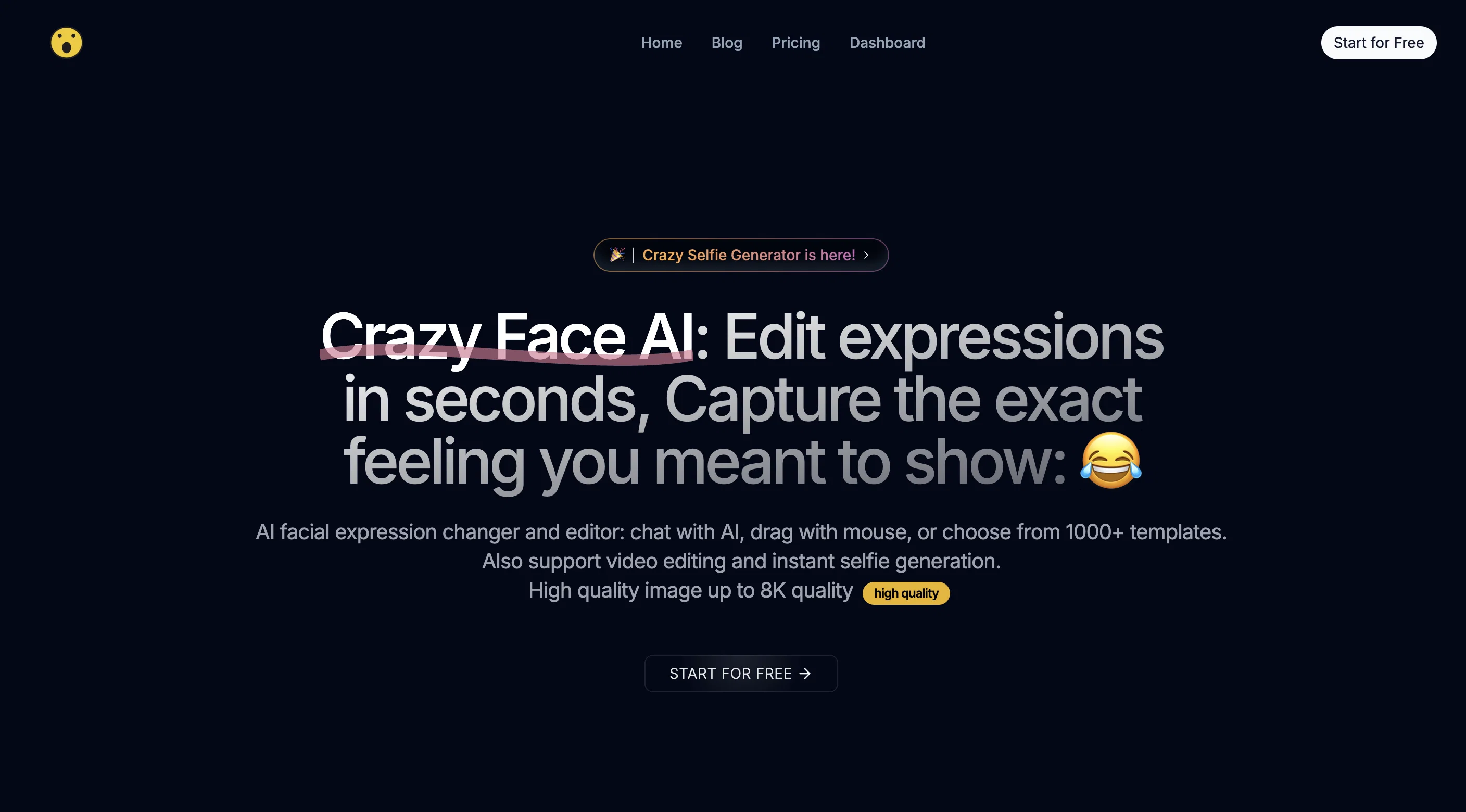
You can also upload your photo and edit your face expression by:
* chatting with AI
* tweaking the control parameters (to control eyes, mouth, smile, head rotation, etc)
* directly dragging the face image by mouse to get what you want.
* search from our 1000+ faces templates library to find a face expression to apply to your image
* upload a reference photo
* AI facial expression video generator, generate facial expression video
* AI Face swapping
There are crazy youtube thumbnail faces and cute selfie faces, all kinds of templates covering all kinds of use cases.
There are also selfie generator tool that directly turning your photo into many different cute(or crazy) selfies.
Video generation is also supported.
Best for
Short scenarios where CrazyFace tends to shine.
-
Generating engaging YouTube thumbnails
Best for YouTubers
-
Creating funny animal memes and videos
Best for Social media managers
-
Trying on different hairstyles virtually
Best for Content creators
-
Perfecting selfies with AI-powered expression adjustments
Best for Photographers
-
Transforming pet photos
Best for Digital marketers
-
Improving professional headshots
Best for Meme creators
-
Adding smiles to photos
Best for Pet owners
-
Creating viral content
Best for Influencers
Example outputs 1
Sample generations and before/after results for CrazyFace.
Access & connections
Where you can use CrazyFace.
Platforms
Capabilities
What this tool accepts, produces, and is strongest at.
Input
- API
- Image
- Video
Output
- Video
- Image
Supported features
- Thumbnails
Pros & cons
Pros
- Generates YouTube thumbnail faces
- Analyzes viral video patterns
- Increases user engagement
- Customized faces for niches
- Makes real, cartoon, virtual faces
- Various art styles supported
- Automates thumbnail creation
- Provides 'viral score'
Show 12 more
- Helps increase click-through rate
- Waitlist for early access
- Contributes to content creation
- Based on top YouTuber's videos
- Data-driven approach
- Saves time in crafting thumbnails
- Changes art styles easily
- Generates hundreds faces with one photo
- Works for faceless channels
- Offers best performing faces
- Boosts YouTube video performance
- Suitable for various content descriptions
Cons
- Waitlist stage
- Limited art styles
- Human face focus
- Only YouTube content
- Single photo input
- Unclear 'Viral Score' system
- May not suit all niches
- Potential oversaturation of looks
Show 2 more
- Privacy concerns for photos
- No API mentioned
Compare alternatives
Similar tools in the catalog — with a clear reason to open each one.

MimicPhoto ✓
FreemiumAI Photo editing,change facial expression, swap face ....
Why look Stronger for image work
Full comparison
KakaMeme ✓
FreemiumOne photo. Twelve stickers. Instant charm.
Why look Typically cheaper
Full comparisonPeople also view
Tools that often show up alongside CrazyFace in collections and comparisons.

AI YouTube Title Generator ✓
Free TrialGenerate eye-catching YouTube titles that boost views and engagement.

Y2Doc ✓
Free TrialTransform YouTube videos into structured docs.

YouTube Summary ✓
FreeSummarize any YouTube video, any size, under 30 seconds, for free.

SummYT - YouTube Summarized ✓
Free TrialInstant YouTube Summary Generator

VideoIdeas.ai ✓
Free TrialGenerate viral YouTube scripts and ideas in minutes.

ThumbnailCreator.com ✓
Free TrialCreate eye-catching YouTube thumbnails in seconds.

Subscribr ✓
PaidConsistently write engaging YouTube scripts with AI.
MimicPhoto ✓
FreemiumAI Photo editing,change facial expression, swap face ....
Releases 1
Imported reviews 12
The best face editingn for thumbnail
Link is broken
Crazyface legit changed my thumbnails. Quick tweaks, big reactions. Daily driver for me
Looks like a solid tool for YouTube creators.
Expression control features look really flexible.
Face editing features seem detailed and practical.
Looks powerful for thumbnail editing, especially with face templates.
good tools, love it
Great, this AI tool is amazing.
It is so good!!
With good features and simple uses I am really meant
CrazyFace has become an essential tool in my content creation process.
FAQ 12
What is CrazyFace?
How does CrazyFace work?
What's the purpose of the 'viral score' assigned by CrazyFace to each thumbnail?
Does CrazyFace only create real faces?
What other types of faces can CrazyFace create?
How does CrazyFace optimize my YouTube engagement?
How does CrazyFace fit into my content creation process?
What kind of results can I expect from using CrazyFace?
Can CrazyFace generate faces in various art styles?
Is CrazyFace limited to pixel-art, 3D, and anime styles?
What's the process to submit my photo to CrazyFace?
How do I register for early access to CrazyFace?
Related tools
Recommended
AI YouTube Title Generator ✓
Free TrialGenerate eye-catching YouTube titles that boost views and engagement.

Automateed ✓
Free TrialCreate eBooks effortlessly with Automateed, the AI-powered writing tool.

KeywordSearch ✓
FreemiumDiscover and target YouTube audiences.

Scisummary ✓
Free TrialCutting-edge scientific articles summarization.

Recall ✓
FreemiumSummarize Anything, Forget Nothing!

Thea ✓
FreemiumAI study tools to master material, not just memorize it.