

Imagable | AI Image Editor ✓
Edit images using natural language prompts.
Trial; then from $8/mo
Verdict
A quick read before you dig into the full page.
- Best if
- Edit images using natural language prompts
- Skip if
- Limited edit instructions examples
- Pick this when
- Edits via natural language
Considering Viyou AI Image Generator instead? Compare side by side
Overview
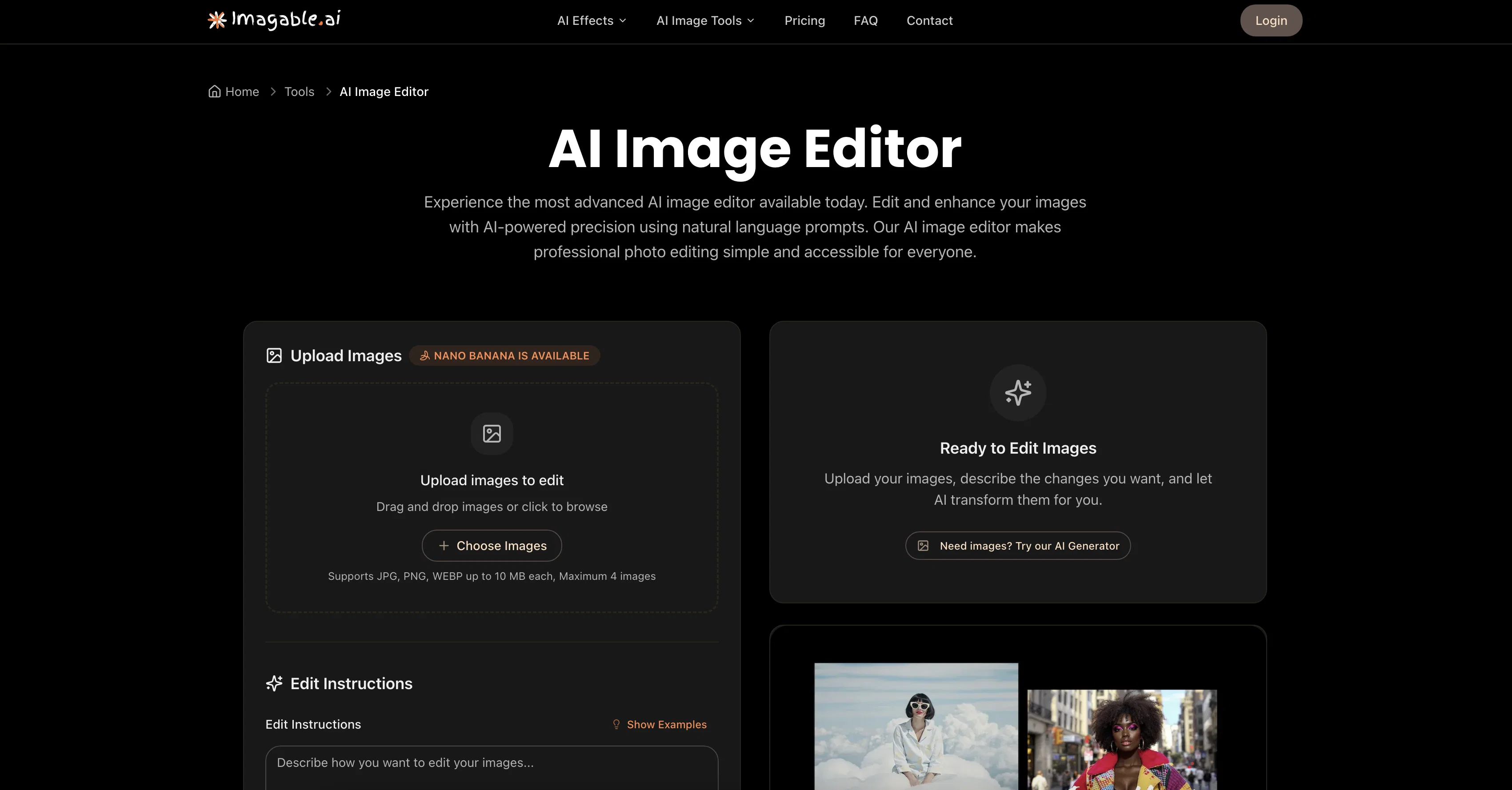
Imagable's AI Image Editor is an advanced tool designed to simplify professional photo editing with AI-powered precision. This tool allows users to modify and enhance images using instructions provided in natural language.
These editing instructions can range from adjusting color tones, removing objects, to even changing the overall style and aesthetic of the image, demonstrating the tool's versatility in catering to a range of user preferences.
The AI Image Editor also supports multiple file formats including JPEG, PNG, and WebP and can handle up to 4 images for batch processing. Users can instruct the tool to generate multiple variations of an edited image in one request, offering flexibility in the final selection.
Another key feature is the tool's retry function, which enables users to refine their prompts or alter settings if the initial outcomes do not meet their expectations.
The tool has wide applications, including the creation of consistent characters for storytelling and branding, visualization of space in interior design, and crafting aesthetic product shots for e-commerce.
Whether you're a business, designer, or content creator, Imagable's AI Image Editor offers a streamlined, intuitive solution for transforming ordinary photos into high-quality professional images.
Access & connections
Where you can use Imagable | AI Image Editor.
Platforms
Capabilities
What this tool accepts, produces, and is strongest at.
Input
- Text
- Image
Output
- Image
Supported features
- Background Removal
Pros & cons
Pros
- Edits via natural language
- Supports JPEG, PNG, WebP
- Performs batch processing
- Generates multiple image variations
- Retry function for refinement
- Useful for diverse applications
- Handles color adjustments
- Performs object removal
Show 17 more
- Enables style changes
- Turns ordinary photos professional
- Streamlined, intuitive interface
- Fast processing and results
- No technical knowledge needed
- Encourages unlimited creativity
- Removes background
- Suitable for storytelling
- Helpful for branding
- Useful for interior design
- Enhances e-commerce product shots
- Supports up to 4MB
- Creates aesthetic transformations
- Download individual or batch
- Professional quality output
- Secure processing
- Offers smart suggestions
Cons
- Limited to 4 images
- Reliant on precise language
- Retry function indicates unpredictability
- Not mentioned supported resolution
- Credits per generated image
- Unclear handling of layers
- Prompt character limitations
- No batch download mentioned
Show 2 more
- No raw format support
- Limited edit instructions examples
Compare alternatives
Similar tools in the catalog — with a clear reason to open each one.

Viyou AI Image Generator ✓
FreemiumTransform text and images into stunning videos and visuals.
Free + from $39.99/yr
Full comparison
Img2Img AI ✓
FreemiumTransform any image with AI in seconds.
Why look Typically cheaper
Full comparison

Photoeditor ✓
PaidEnhanced image editing with object and text removal.
from $9.99/mo
Full comparison
Cleanup pictures ✓
FreemiumRemove unwanted elements from photos instantly.
Why look Typically cheaper
Full comparisonReleases 1
FAQ 12
What specific image edits can I request with Imagable's AI Image Editor?
Can Imagable's AI Image Editor handle batch processing?
In what ways can I instruct Imagable's AI Image Editor?
What file formats does Imagable's AI Image Editor support?
What is the maximum number of images supported for batch processing by Imagable's AI Image Editor?
Can I request multiple variations of an edited image with Imagable's AI Image Editor?
How does the retry function work with Imagable's AI Image Editor?
Can I use Imagable's AI Image Editor for interior design visualization?
What features make Imagable's AI Image Editor suitable for e-commerce?
Can Imagable's AI Image Editor be used for branding and storytelling?
What is the benefit of using natural language prompts with Imagable's AI Image Editor?
How are professional imagery and image enhancement achieved with Imagable's AI Image Editor?
Related tools
Recommended

DeepSeek ✓
FreeUnravel the mystery of AGI with curiosity

Veo ✓
PaidGenerate high-quality, cinematic videos with AI.

Elham.ai ✓
FreemiumEmpowering You with the Future of Automated Machine Learning

NewPic.io ✓
Free TrialProfessional photo editing in one click.

TutorAI ✓
FreemiumInstant knowledge on any topic

Thea ✓
FreemiumAI study tools to master material, not just memorize it.