

Music videos 2026 Rank: #248
Music Video Generator ✓
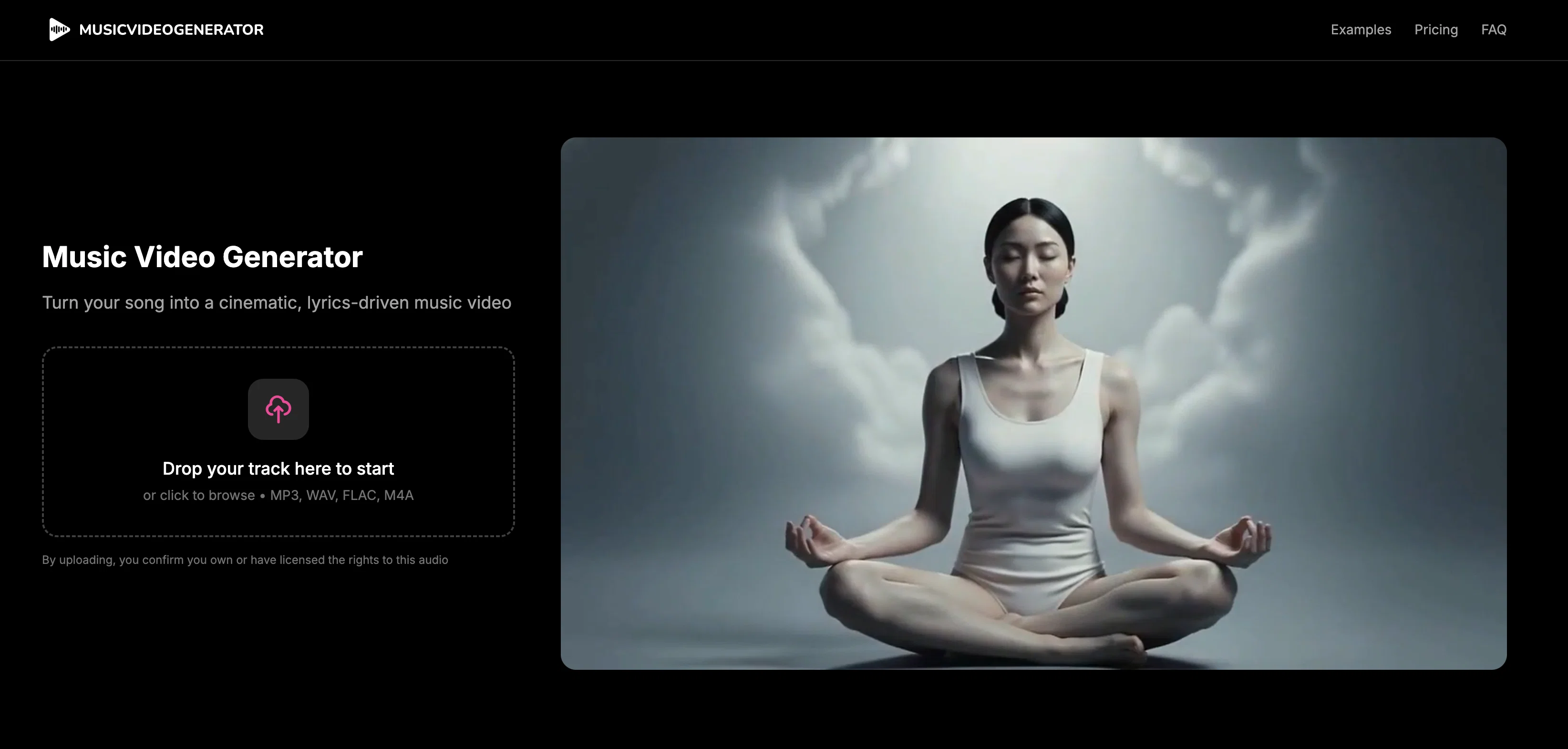
Turn your song into a cinematic, lyrics-driven music video
from $2
Verdict
A quick read before you dig into the full page.
- Best if
- Turn your song into a cinematic, lyrics-driven music video
- Skip if
- Resolution limited to 1080p
- Pick this when
- Analyzes beats, tempo, lyrics
Considering BeatViz AI Music Video Generator instead? Compare side by side
Overview
Built for musicians who want something fast, simple, and ready to publish — not another complex editor.
Best for
Short scenarios where Music Video Generator tends to shine.
-
Turn your song into a cinematic, lyrics-driven music video
Example outputs 1
Sample generations and before/after results for Music Video Generator.
Access & connections
Where you can use Music Video Generator.
Platforms
Capabilities
What this tool accepts, produces, and is strongest at.
Input
- Audio
Output
- Video
Supported features
- Video Generation
- Image Generation
Pros & cons
Pros
- Analyzes beats, tempo, lyrics
- User selects video style
- Synchronizes visuals to track
- No editing skills required
- Offers various themes
- Customizable aspect ratios
- Synchronized lyric subtitles
- Full rights to output
Show 20 more
- Distributed across multiple platforms
- Gameplay footage available
- Motion graphics selection
- Fast video creation
- Professional Quality Result
- Custom video styles
- Video Looping
- Multimedia Tool
- Cross-Platform Compatibility
- Digital Rights Management
- Suitable for music industry
- Supports content creation
- Promotes music
- Seamless video loops
- Stage performance visuals
- Abstract visuals
- Lyrics overlay option
- Output suitable for YouTube, Instagram, TikTok
- No in-app editing restrictions
- Downloadable for external edits
Cons
- No in-app editing options
- Limited customization options
- Limited to preset styles
- Extra cost for different styles
- Long video generation time
- No multi-platform optimization
- Resolution limited to 1080p
- Cannot preview before purchase
Show 2 more
- No support for multi-track upload
- No animated character options
Compare alternatives
Similar tools in the catalog — with a clear reason to open each one.

BeatViz AI Music Video Generator ✓
FreemiumTransform your music into stunning visual experiences with AI
Why look Freemium alternative
Full comparison
BeatMV ✓
Free TrialTurn any song into scroll-stopping videos in minutes with AI-directed scripts and
Free + from $11.9/mo
Full comparison
1MoreShot ✓
FreemiumTransform tracks into professional music videos instantly.
Why look Freemium alternative
Full comparison
Plazmapunk ✓
FreemiumTurn Your Music into Stunning AI-Generated Videos in Minutes
Why look Freemium alternative
Full comparisonPeople also view
Tools that often show up alongside Music Video Generator in collections and comparisons.
Plazmapunk ✓
FreemiumTurn Your Music into Stunning AI-Generated Videos in Minutes

Musid.ai ✓
Free TrialGenerate AI music videos with perfect lip-sync in seconds.
BeatViz AI Music Video Generator ✓
FreemiumTransform your music into stunning visual experiences with AI
BeatMV ✓
Free TrialTurn any song into scroll-stopping videos in minutes with AI-directed scripts and

AirMusic - AI Music Video Generator ✓
PaidTurn any song into viral music videos.
1MoreShot ✓
FreemiumTransform tracks into professional music videos instantly.

Seedeo Video Generator ✓
FreemiumTurn text and images into cinematic AI videos.

Scenova AI ✓
FreemiumCreate consistent AI influencers with locked identity.
Releases 1
Imported reviews 2
To just upload my song and have AI figure out the rest so I can share my songs on tiktok etc... As a Suno user I've wanted something simple and affordable, this is finally it. Other tools want $50 credits then it turns out it's not even enough to learn the tool, never mind just get a usable video out.
8
2
Reply
Share
To just upload my song and have AI figure out the rest so I can share my songs on tiktok etc... As a Suno user I've wanted something simple and affordable, this is finally it.
Other tools want $50 credits then it turns out it's not even enough to learn the tool, never mind just get a usable video out.
FAQ 12
What is the Music Video Generator?
How does Music Video Generator analyze my song?
What type of styles can I choose from in Music Video Generator?
Can I select a theme for my video in Music Video Generator?
Which aspect ratios does Music Video Generator support?
Does Music Video Generator allow lyric subtitles?
Do I retain full rights to my video once it's generated by Music Video Generator?
What platforms can I distribute my videos to after using Music Video Generator?
Why doesn't Music Video Generator offer in-app editing?
How long does it take for Music Video Generator to create a video?
Are the videos created by Music Video Generator unique to my song?
What is Music Video Generator's refund policy?
Related tools
Recommended

freebeat AI ✓
FreemiumTurn Music & Ideas into Viral Videos In One Click

D-ID ✓
FreemiumCreate AI-generated videos with ease

PixPal - Free AI Chat with Image Editor & Video Gener... ✓
FreeAI chat with images – Create, edit, innovate for free!

Collate ✓
FreeUnlimited free and private summaries and chat with PDF

Free AI Video Upscaler ✓
FreeUpscale videos or images with AI for free, right in your browser

Life Note ✓
FreemiumJournal with the greatest minds in human history