

Minutes AI ✓
AI-powered note taking and transcription for meetings and lectures.
Free + from $14.99
Verdict
A quick read before you dig into the full page.
- Best if
- AI-powered note taking and transcription for meetings and lectures
- Skip if
- Limited export formats
- Pick this when
- Live audio transcription
Considering Mumble AI: Voice-first workspace for Mac & iOS instead? Compare side by side
Overview
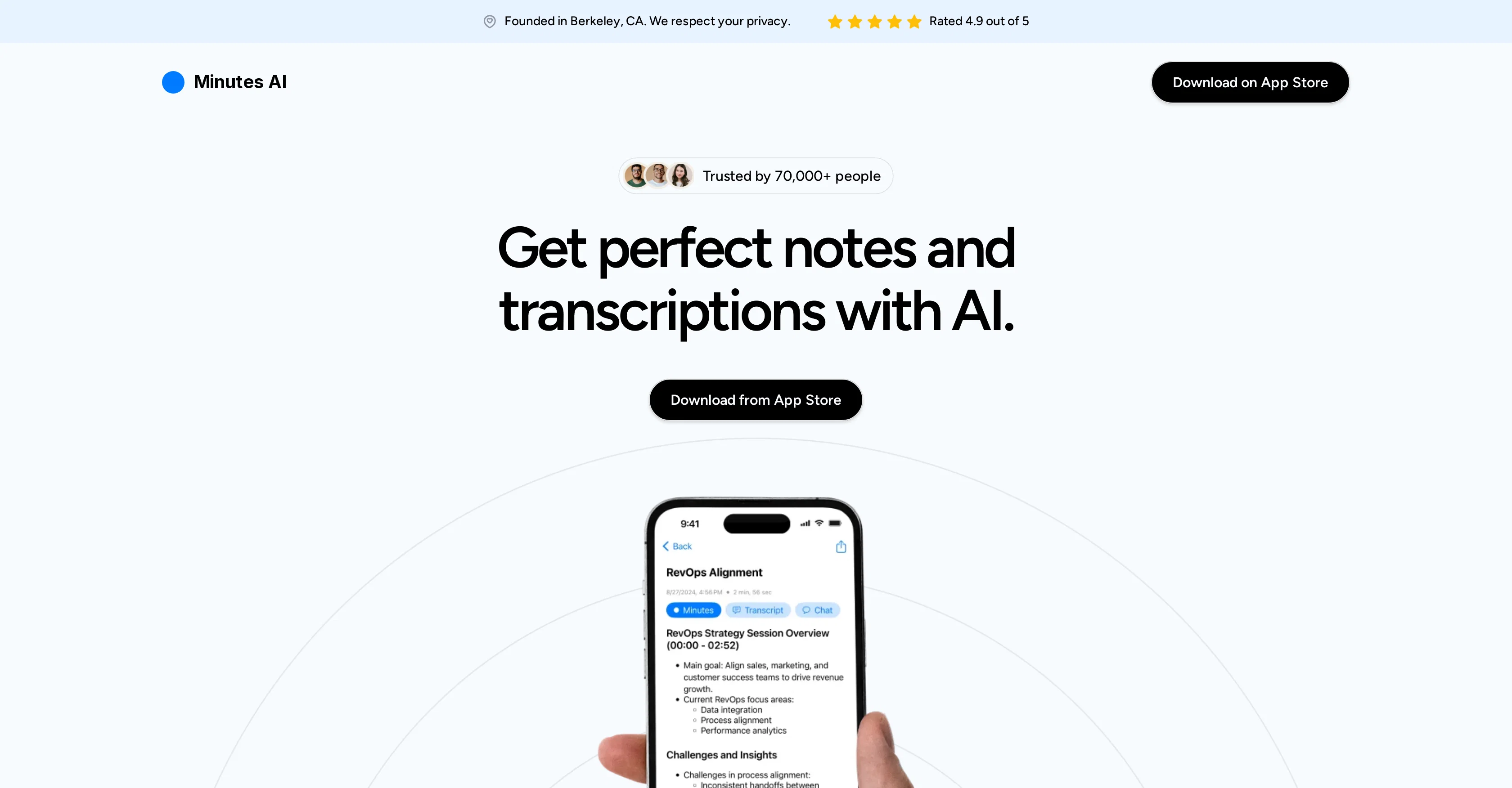
Minutes AI is an intelligent tool designed to automate the process of note taking and transcription during meetings and lectures. This application is capable of generating formatted notes from live or uploaded audio files, and it can even import and transcribe YouTube links.
The software allows users to interact with their audio notes, extracting key points, calling out action items, and posing questions. Apart from being a note-taking tool, Minutes AI also serves as a transcription service, turning an audio's speech into readable text and providing the option to replay the audio recording.
Additionally, the tool can create and share meeting minutes in the form of emails, texts or formatted PDFs. Built with a strong emphasis on privacy, Minutes AI ensures that user data remains secure and is never sold or accessible to unrelated third parties.
It supports multiple languages and the possibility of permanently deleting user data. This software is adaptable and straightforward, both reliable and powerful in its ability to automate your note-taking needs, ultimately focusing on what truly matters.
Access & connections
Where you can use Minutes AI.
Platforms
Capabilities
What this tool accepts, produces, and is strongest at.
Input
- Audio
Output
- Text
Pros & cons
Pros
- Live audio transcription
- Ability to upload audio
- Transcribe YouTube links
- Interactive audio notes
- Key point extraction
- Call out action items
- Pose questions within notes
- Generates meeting minutes
Show 30 more
- Shareable meeting minutes via email
- Meeting minutes export as PDF
- Strong emphasis on privacy
- User data is secure
- No selling of user data
- Access blocking for unrelated third parties
- Permanently delete user data
- Supports multiple languages
- Adaptable software
- Straightforward interface
- Reliable tool
- Powerful utility
- Automated note-taking
- Transcription feature
- Audio to text converter
- Audio replay option
- Wide acceptance by professionals
- High user satisfaction rating (4.9/5)
- Ability to record live audio
- Supports various audio formats
- User data privacy
- Easy note export and share
- Interact with audio aids
- Supports 50+ languages
- Automated meeting summary creation
- Action items extraction
- Education-focused tool
- Reliable and simple design
- Trusted by 70,000+ people
- Audio conversation categorization
Cons
- Available only on App Store
- No Android support
- Limited audio formats supported
- No real-time transcription
- No fine-grained privacy controls
- Cannot edit transcriptions
- Transcriptions not timestamped
- No voice command functionality
Show 2 more
- Limited export formats
- No integrations mentioned
Compare alternatives
Similar tools in the catalog — with a clear reason to open each one.

Mumble AI: Voice-first workspace for Mac & iOS ✓
FreemiumVoice-first AI workspace for meetings, notes, and dictation. Works offline.
Why look Typically cheaper
Full comparison
Discord DiscMeet ✓
FreemiumDiscord voice transcription and note taking app for teams and DnD sessions
Why look Typically cheaper
Full comparison
Discord NotesBot ✓
Free TrialRecord, Transcribe, and AI Summarize Discord Calls
Why look Typically cheaper
Full comparison

TicNote Cloud ✓
FreemiumAI note taker for meetings and insights.
Why look Typically cheaper
Full comparison
Granola ✓
FreemiumTransform raw meeting notes into brilliance
Why look Higher community rating
Full comparisonReleases 1
FAQ 12
What is Minutes AI?
How does Minutes AI automate the process of note taking?
Can Minutes AI transcribe live audio files?
How can users interact with their audio notes using Minutes AI?
Does Minutes AI support transcription of YouTube links?
Can users replay the audio recording in Minutes AI?
Does Minutes AI allow sharing of meeting minutes?
How does Minutes AI ensure user data security?
What languages does Minutes AI support?
Can user data be permanently deleted in Minutes AI?
Is Minutes AI suitable for educational institutions as well?
What does the automated summary feature of Minutes AI do?
Related tools
Recommended

TheLibrarian.io ✓
Free TrialYour WhatsApp AI assistant for instant productivity.

Recall ✓
FreemiumSummarize Anything, Forget Nothing!

Kin - Personal AI Advisors ✓
FreePrivacy-first & designed your for mind, and life at work

remio: Your Personal ChatGPT ✓
FreemiumGet Tailored Answer with Your Personal ChatGPT

Mentor: Get things done ✓
FreemiumAchieve your goals and get things done with Mentor and AI

Voila ✓
Free TrialSeamless AI assistant to help you create, write, brainstorm, and research.