

Meeting notes vv2 2026 Rank: #2902
Discord DiscMeet ✓
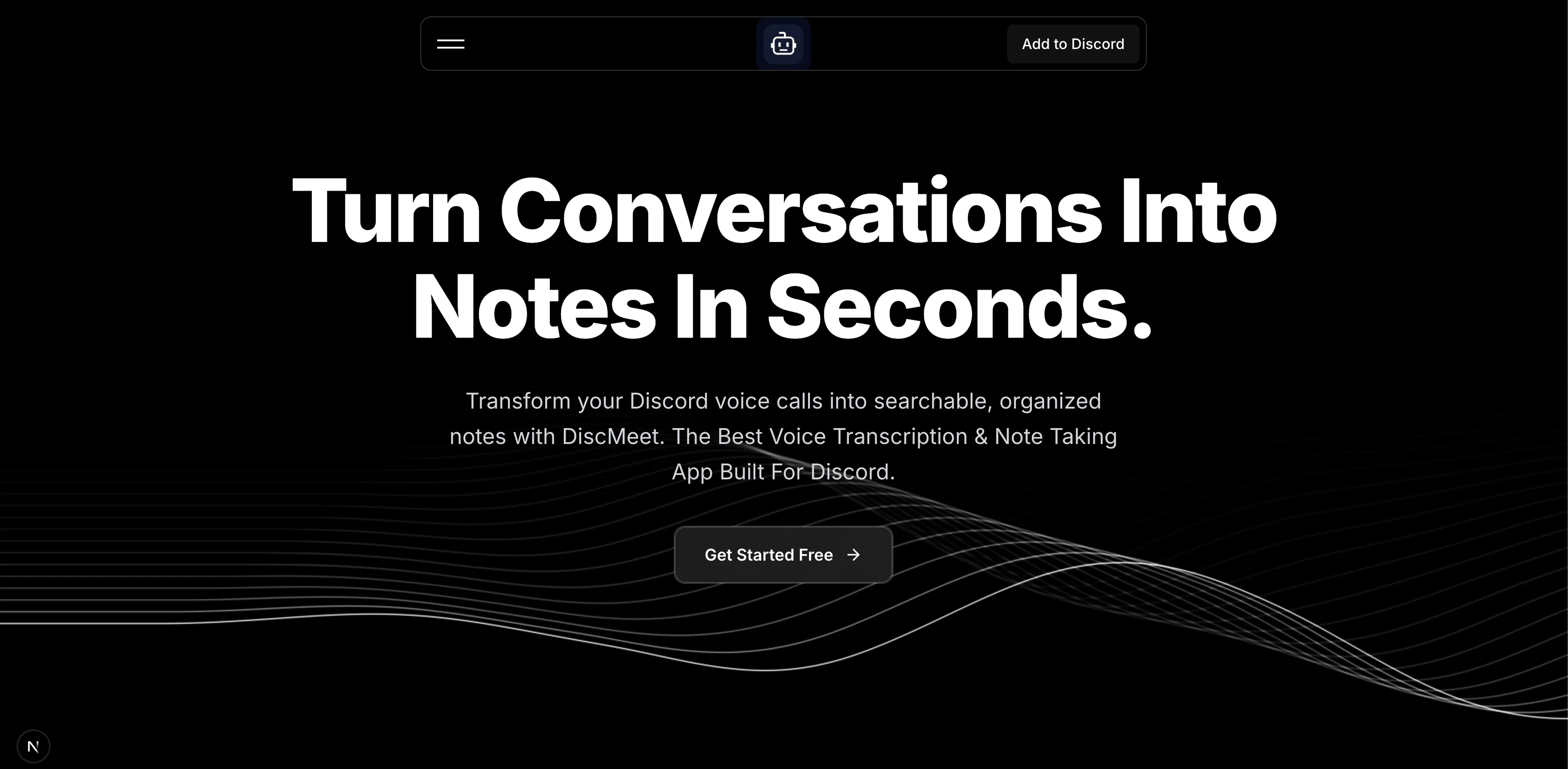
Discord voice transcription and note taking app for teams and DnD sessions
Verdict
A quick read before you dig into the full page.
- Best if
- You are teams and need: Professional meeting notes for business teams and enterprise conferences
- Skip if
- Limited functionality on free tier
- Pick this when
- Transcription of discord voice channels
Considering Mumble AI: Voice-first workspace for Mac & iOS instead? Compare side by side
Overview

DiscMeet is a potent AI-powered voice transcription tool dedicated to the Discord platform. It's capable of converting audio from Discord voice channels into written text in real time, providing timely and accurate transcriptions of conversations.
Users can derive actionable insights from these transcriptions as the sophisticated AI analysis extracts key points, action items, and vital decisions from your meetings.
This makes DiscMeet beneficial for diverse user groups that include gaming communities, businesses, teams, or anyone who frequently utilizes Discord for meetings.
DiscMeet is also vigilant about data security and privacy, ensuring GDPR compliance, EU-based data storage, automatic audio deletion, and complete user data control.
Furthermore, any transcription you receive with DiscMeet is professional and organized, encapsulating essential meeting insights to drive action. The tool works on a tiered pricing model, offering both free and paid subscription packages to suit different capacity needs.
Navigating and managing DiscMeet on your Discord platform is also straightforward as you have to use simple commands to set up, start or stop transcriptions, and manage your subscription.
Lastly, DiscMeet has a community support system on Discord itself which assists you with any queries, concerns, or feature requests you may have regarding the application.
It also has a Dungeons and Dragons mode that helps create campaigns, characters and all insightful notes!
- No Signup Required – Free To Start
- Multiple Language Support
Best for
Short scenarios where Discord DiscMeet tends to shine.
-
Professional meeting notes for business teams and enterprise conferences
Best for Teams
-
Organizing and documenting D&D sessions, campaigns, and character tracking
Best for Gamers
-
Voice-to-text for online learning and educational courses
Best for Educators
-
Technical team collaboration and documentation for developers
Best for Developers
Example outputs 1
Sample generations and before/after results for Discord DiscMeet.
Access & connections
Where you can use Discord DiscMeet, and what it plugs into.
Platforms
Integrations
Capabilities
What this tool accepts, produces, and is strongest at.
Input
- Audio
Output
- Text
Pros & cons
Pros
- Transcription of discord voice channels
- Real time transcriptions
- Extracts key points automatically
- Detects action items
- Detects important decisions
- Useful for gaming communities
- Useful for businesses
- GDPR compliant
Show 37 more
- EU-based data storage
- Automatic audio deletion
- User data control
- Professional transcriptions
- Tiered pricing model
- Free subscription package available
- Paid subscription packages available
- Support system on Discord
- Easy navigation of the tool
- Easy management using commands
- Real-time insights
- Conversation analysis
- Meeting transcription feature
- Speech-to-text feature
- Command control
- Privacy protection
- Extracts meeting insights
- Data security
- Business Communication
- Team Collaboration
- Supports multiple user groups
- End-to-end encryption
- Advanced transcription
- Premium support for paid plans
- Different server installations options
- Community support system
- Suitable for remote meetings
- Extracts actionable insights
- Enabled for multiple server installations
- Simple set up instructions
- Can join current voice channel
- Subscription management feature
- Capacity based plan options
- Understands transcription context
- Upgradable features and limits
- Admin level command options
- User level command options
Cons
- Limited to Discord platform
- Dependent on Discord permissions
- Requires server installation
- Limited functionality on free tier
- Community support only through Discord
Compare alternatives
Similar tools in the catalog — with a clear reason to open each one.

Mumble AI: Voice-first workspace for Mac & iOS ✓
FreemiumVoice-first AI workspace for meetings, notes, and dictation. Works offline.
Why look Typically cheaper
Full comparison
Discord NotesBot ✓
Free TrialRecord, Transcribe, and AI Summarize Discord Calls
Why look Typically cheaper
Full comparison
TicNote Cloud ✓
FreemiumAI note taker for meetings and insights.
Why look Typically cheaper
Full comparisonPeople also view
Tools that often show up alongside Discord DiscMeet in collections and comparisons.
TicNote Cloud ✓
FreemiumAI note taker for meetings and insights.
Mumble AI: Voice-first workspace for Mac & iOS ✓
FreemiumVoice-first AI workspace for meetings, notes, and dictation. Works offline.
Discord NotesBot ✓
Free TrialRecord, Transcribe, and AI Summarize Discord Calls

Granola ✓
FreemiumTransform raw meeting notes into brilliance

Fellow ✓
FreemiumThe #1 AI Meeting Assistant

Avoma ✓
FreemiumAI Meeting Assistant: Transcribe, summarize, and analyze conversations.

Rango AI ✓
Free TrialAI meeting agent that joins calls, takes notes, and answers out loud

Parlo ✓
Free TrialVoice dictation, meetings, and Mac control, all on-device.
Releases 2
- Web dashboard to manage your notes
- n8n, zapier & other integrations supported
- Multi channel transcription support
- Documentation for the app and integrations @ https://discmeet.com/docs
FAQ 12
What makes DiscMeet a potent AI-powered voice transcription tool?
How does DiscMeet work to convert audio from Discord voice channels into written text in real time?
How do users derive actionable insights from DiscMeet transcriptions?
Who would benefit the most by using DiscMeet?
What measures does DiscMeet take to ensure data security and privacy?
What are the details of DiscMeet's GDPR compliance?
Does DiscMeet offer EU-based data storage and what does this mean?
How does DiscMeet automatically delete audio?
How do I have complete user data control when using DiscMeet?
What are the characteristics of a professional transcription received with DiscMeet?
How does the tiered pricing model of DiscMeet work?
What are the different subscriptions packages offered by DiscMeet?
Related tools
Recommended

ChatGPT ✓
FreemiumAsk anything, create anything, and move from idea to action.

Notis ✓
Free TrialThe first WhatsApp assistant that runs on your ChatGPT and Claude subscriptions

freebeat AI ✓
FreemiumTurn Music & Ideas into Viral Videos In One Click

DeepSeek ✓
FreeUnravel the mystery of AGI with curiosity

remio: Your Personal ChatGPT ✓
FreemiumGet Tailored Answer with Your Personal ChatGPT

Vertech Academy ✓
Free TrialPre-built AI study workflows that outperform raw ChatGPT prompts.