

Meeting notes vv2.0.0
Discord NotesBot ✓
Record, Transcribe, and AI Summarize Discord Calls
Trial; then from $3/mo
Verdict
A quick read before you dig into the full page.
- Best if
- Record, Transcribe, and AI Summarize Discord Calls
- Skip if
- Limited speaker attribution accuracy
- Pick this when
- Transcribes voice conversations
Considering Mumble AI: Voice-first workspace for Mac & iOS instead? Compare side by side
Overview



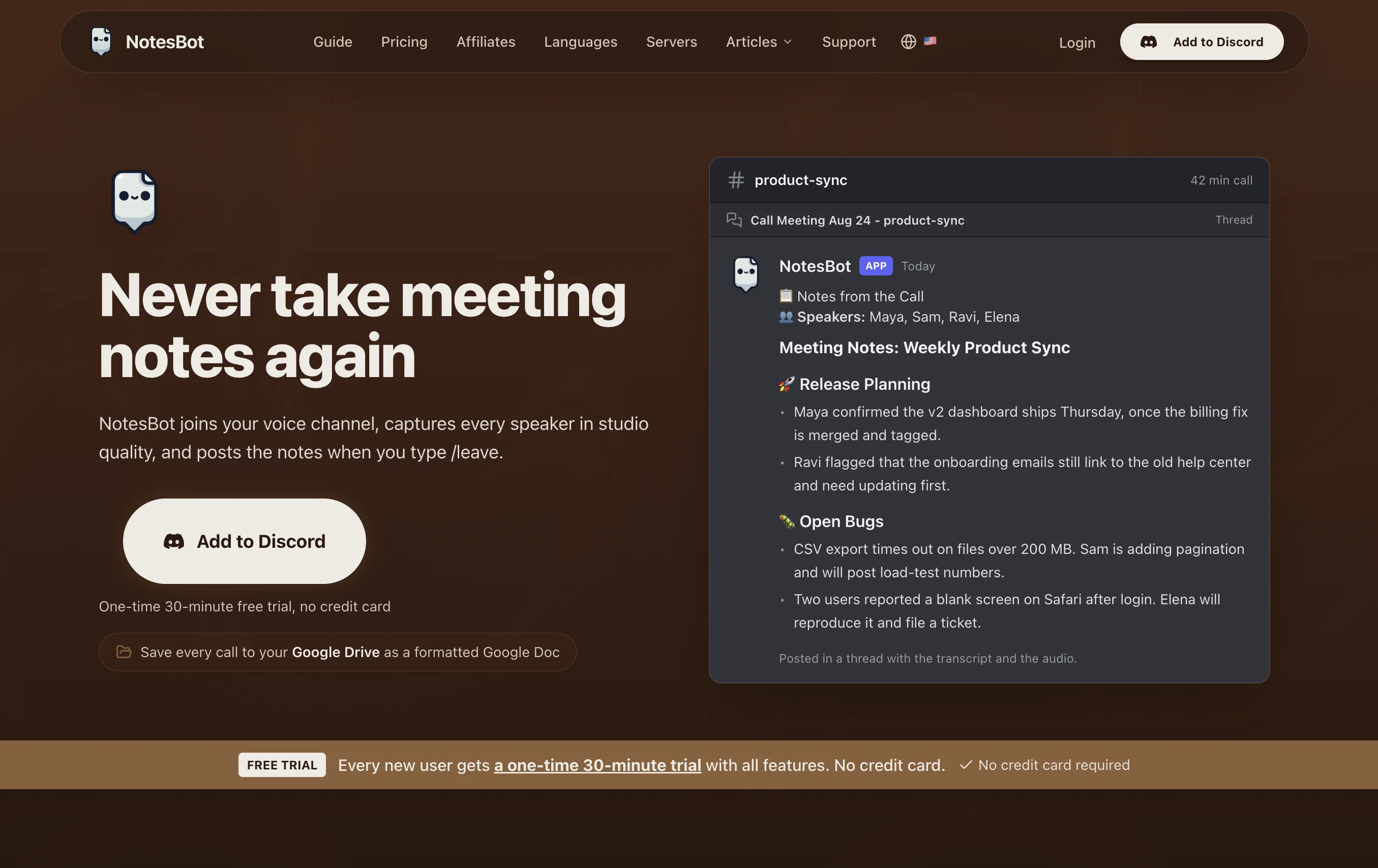
The application is geared towards teams, students, and communities that highly depend on virtual meetings and conversations. Noteworthy, it provides a range of benefits including AI-generated meeting notes, action items, and complete MP3 audio recordings for future reference. Moreover, it offers speaker tracking and action items tailored for different contexts including meetings, gaming, or study groups.
Privacy and data security are paramount as the app stores recordings securely and processes them with care. Thanks to its intelligence, NotesBot sends the audio recording, transcription, and formatted notes promptly straight to your Discord channel for immediate reference.
Setting up is quite straightforward, as it can seamlessly be added to your server, granted the necessary permissions, and then be ready to start recording and summarizing voice conversations. Furthermore, it offers subscription plans to cater to varied user demands, with differing hours and costs.
Best for
Short scenarios where Discord NotesBot tends to shine.
-
Record, Transcribe, and AI Summarize Discord Calls
Example outputs 1
Sample generations and before/after results for Discord NotesBot.
Access & connections
Where you can use Discord NotesBot, and what it plugs into.
Platforms
Integrations
Capabilities
What this tool accepts, produces, and is strongest at.
Input
- Audio
Output
- Audio
- Text
Pros & cons
Pros
- Transcribes voice conversations
- Summarizes voice conversations
- Generates action items
- Provides speaker attribution
- Tracks speakers
- Action items for different contexts
- Data security and privacy
- Deletes audio data after processing
Show 27 more
- Sends notes to Discord channel
- Easy setup
- CanBe added to server
- User-specific subscription plans
- Instant reporting
- Contextual conversation analysis
- Bot for Discord voice channels
- Useful for teams and communities
- Useful for gaming communication
- Useful for student groups
- Detailed business summaries
- Epic adventure chronicles
- Offers differing hours and costs
- Instant delivery of notes
- Summaries with speaker tracking
- Privacy-first approach
- View and manage subscription
- Quick setup in 2 minutes
- Automated note-taking companion
- Capable of listening to channels
- Supports server integration
- Allows recording mode selection
- Can be controlled via commands
- Can join and leave channels
- Discord NotesBot keepsbot muted
- Auto-generated summaries after call
- See and manage subscription status
Cons
- Limited to Discord platform
- Dependent on user permissions
- No offline mode
- Subscriptions limited by hours
- No automatic meeting classification
- Lack of human review
- No named entity recognition
- Limited speaker attribution accuracy
Show 1 more
- Restricted data retention policy
Compare alternatives
Similar tools in the catalog.

Mumble AI: Voice-first workspace for Mac & iOS ✓
FreemiumVoice-first AI workspace for meetings, notes, and dictation. Works offline.
Free + from $3/mo
Full comparison
Discord DiscMeet ✓
FreemiumDiscord voice transcription and note taking app for teams and DnD sessions
Free + from $9.99/mo
Full comparison
TicNote Cloud ✓
FreemiumAI note taker for meetings and insights.
Free + from $6.58/mo
Full comparison

People also view
Tools that often show up alongside Discord NotesBot in collections and comparisons.

Whisper Notes ✓
PaidPrivate offline transcription for iPhone and Mac.

ToDo.is ✓
FreemiumEfficient project management with generated tasks

ShortlistIQ ✓
FreemiumElevate your recruitment with AI.

Qurate: Elevate your writing, speeches, and presentat... ✓
FreemiumQurate is an AI-powered quote discovery platform that helps you find the

OpenAdapt.AI ✓
UnknownAI-powered desktop automation without coding

Kortix Suna ✓
FreemiumSuna: Your open-source AI employee for real-world tasks

JobJump ✓
FreemiumYour AI-powered interview coach

Hootz ✓
FreemiumAI companion for focused productivity
Releases 2
This release has significant upgrades from the last. Now that we've reached 1,000+ servers, we thought it's a good time to share all of our progress from taking in user feedback.
Changelog:
- Allow your team to invite the bot using /setup-server
- Vastly improved audio processing, returning a high-quality MP3 directly to your server
- More informative bot messages
- Plenty of new commands to improve user experience
- Channel auto-join and record
- Channel message summarization coming soon!
Imported reviews 1
Hey this is Tan, I'm the creator of NotesBot. I created this tool because I needed it for my own meetings. After using myself and getting great summarization reviews from my peers, I decided to release it to the public. After release, we realized people were also using it for Dungeons and Dragons, I then added a DnD mode. This tool is non-invasive, very easy to set up, and perfect for meetings. I hope you enjoy using it!
FAQ 12
What is NotesBot?
How does NotesBot work?
What AI technologies does NotesBot use?
What type of summaries can NotesBot generate?
Who is NotesBot designed for?
What benefits does NotesBot provide?
Is my data safe with NotesBot?
How does NotesBot handle data privacy?
Where does NotesBot send the notes?
How do I set up NotesBot on my server?
Does NotesBot offer subscription plans?
Who is the speaker attribution feature of NotesBot useful for?
Related tools
Recommended

Saidar ✓
FreemiumYour AI Secretary for Admin Tasks, now on SMS

Noiz Agent ✓
FreeYour voice, reimagined by AI

Agentgpt ✓
FreemiumDeploy autonomous AI Agents effortlessly in your browser.

D-ID ✓
FreemiumCreate AI-generated videos with ease

GPTinf ✓
PaidBypass AI detectors with one-click rephrasing.

TheLibrarian.io ✓
Free TrialYour WhatsApp AI assistant for instant productivity.