

Image editing 2026 Rank: #1684
Maskr.io ✓
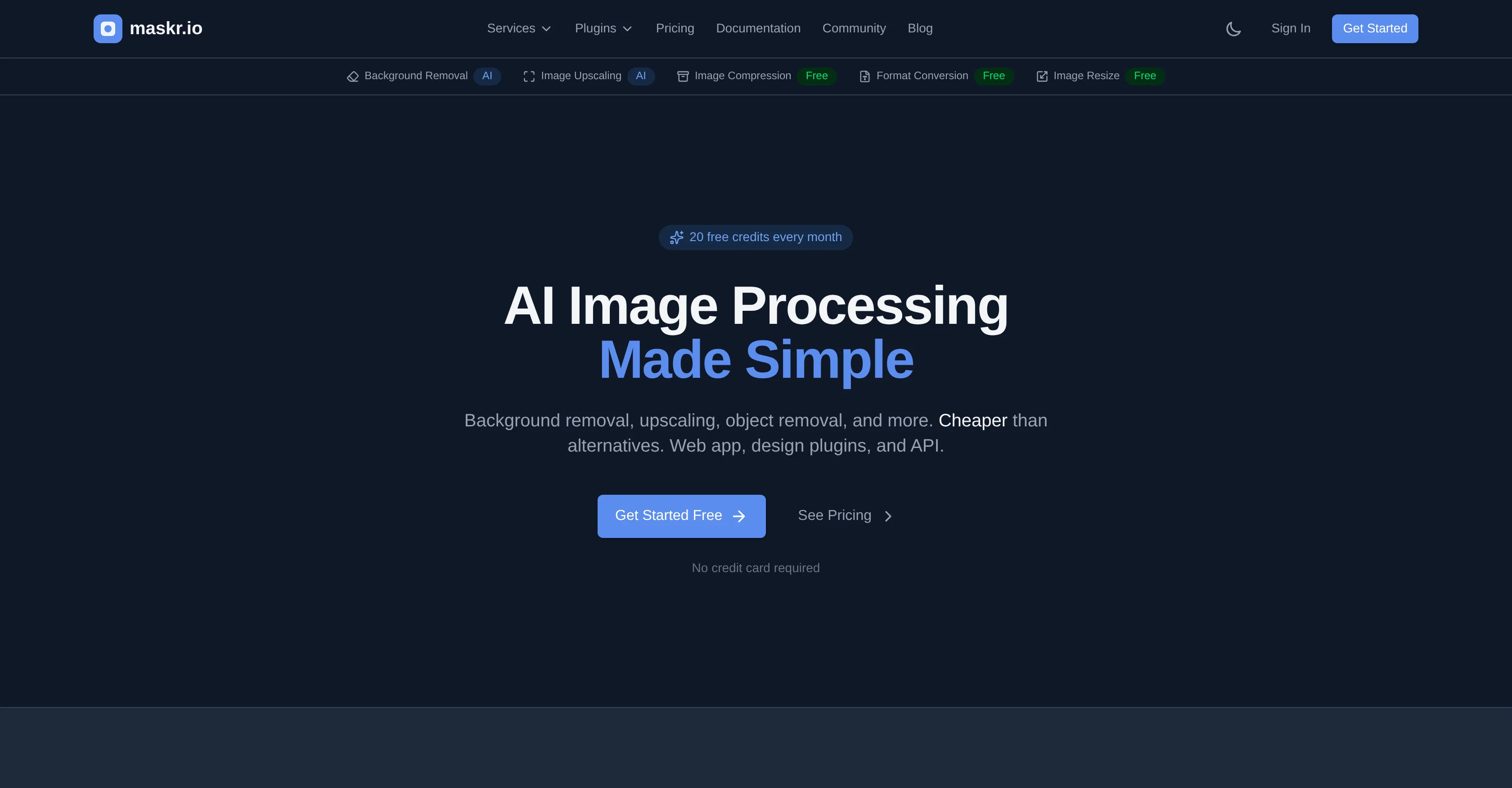
AI Image Processing Made Simple
Verdict
A quick read before you dig into the full page.
- Best if
- AI Image Processing Made Simple
- Skip if
- Limited free credits
- Pick this when
- Background removal
Considering Viyou AI Image Generator instead? Compare side by side
Overview

Maskr.io is an AI-powered solution that simplifies image processing tasks. This platform performs a series of functions including background removal, image upscaling, object removal, and image compression, ensuring quality maintenance throughout all procedures.
It also provides the tools to convert between different image formats, such as PNG, JPG, and WebP, and to resize images to precise dimensions. Developers will benefit from Maskr.io's REST API which allows for full integration of its image processing capabilities into their own applications and workflows.
Also offered are design plugins that can be used directly from different design tools. The platform operates with a strong privacy focus, processing and thereafter discarding images without any storage or utilization for training purposes.
It is designed for a variety of users, from individual designers to developer teams and accommodates batch processing, making tasks like product catalog creation more efficient.
The pricing model is designed with simplicity and transparency, providing a selection of packages from a free tier to user upgrades based on more extensive needs.
Access & connections
Where you can use Maskr.io, and what it plugs into.
Platforms
Integrations
Capabilities
What this tool accepts, produces, and is strongest at.
Input
- API
- Image
Output
- API
- Image
Highlights
- MCP
Supported features
- MCP
Pros & cons
Pros
- Background removal
- Image upscaling
- Object removal
- Image compression
- Format conversion
- Image resizing
- Single credit system
- No feature gating
Show 44 more
- No watermarks
- No hidden tiers
- Fast processing
- Privacy focused
- Web app availability
- REST API
- Windows native app
- Right-click context menu integration
- Plug-ins for Figma
- Plug-ins for Adobe Photoshop
- Plug-ins for Adobe Illustrator
- Plug-ins for Penpot
- Plug-ins for Canva
- Batch processing up to 50 images
- Free tier available
- Transparent pricing
- One-time credit packs
- Developer focused
- Designer targeted
- E-commerce friendly
- Available for design tools
- Product catalog creation
- No image storage
- User upgrades
- Quality maintained
- Supports PNG, JPG, WebP
- Quick processing time
- Deleted images post processing
- Affordable image processing
- Design plugin availability
- Lightning fast
- Batch processing capability
- Developer friendly
- Secure processing
- Simple API
- Good documentation
- Converting between image formats
- Maintains aspect ratio
- Handles transparency
- SDKs available
- Zero data retention
- Free credits every month
- No installation needed
- Transparent and simple pricing
Cons
- Limited batch processing
- No offline version
- No mobile app
- Single credit system
- Limited free credits
- No training data storage
- Fast deletion of data
- No long-term image storage
Show 2 more
- No Linux support
- Requires API integration
Compare alternatives
Similar tools in the catalog — with a clear reason to open each one.

Viyou AI Image Generator ✓
FreemiumTransform text and images into stunning videos and visuals.
Free + from $39.99/yr
Full comparison
Img2Img AI ✓
FreemiumTransform any image with AI in seconds.
Why look Typically cheaper
Full comparison

Photoeditor ✓
PaidEnhanced image editing with object and text removal.
from $9.99/mo
Full comparison
Cleanup pictures ✓
FreemiumRemove unwanted elements from photos instantly.
Why look Typically cheaper
Full comparisonReleases 1
Imported reviews 1
i really wanted something fast. works really good. Certainly doesn't justify the price tag
FAQ 12
What is Maskr.io?
How does Maskr.io simplify image processing tasks?
Can Maskr.io be utilised in design programs?
How does Maskr.io's REST API work?
How fast is Maskr.io compared to its competitors?
What type of images is Maskr.io's background removal feature suitable for?
Can Maskr.io upscale images without loss in quality?
How does Maskr.io compress images while maintaining their quality?
What image formats does Maskr.io support for conversion?
How can the image dimensions be resized using Maskr.io?
How does Maskr.io ensure user privacy during image processing?
Can multiple images be processed at once in Maskr.io?
Related tools
Recommended

Claude ✓
FreemiumBuilding reliable, interpretable AI systems

Veo ✓
PaidGenerate high-quality, cinematic videos with AI.

BotDojo ✓
UnknownThe Fastest Way to Build AI Agents

Supernormal App ✓
FreemiumThe AI assistant app that turns meetings into completed work

ClipFinder ✓
FreemiumTurn hours of streams and VODs into viral clips automatically.

BlogSEO ✓
Free TrialRank #1 on Google & ChatGPT on Autopilot