

Markdown 2026 Rank: #1736
PDF to Markdown - Markitdown ✓
Convert any document to AI-ready Markdown instantly.
Free + from $9.9/mo
Verdict
A quick read before you dig into the full page.
- Best if
- Convert any document to AI-ready Markdown instantly
- Skip if
- Limited output format (Markdown)
- Pick this when
- Supports multiple file types
Considering MD Editor instead? Compare side by side
Overview
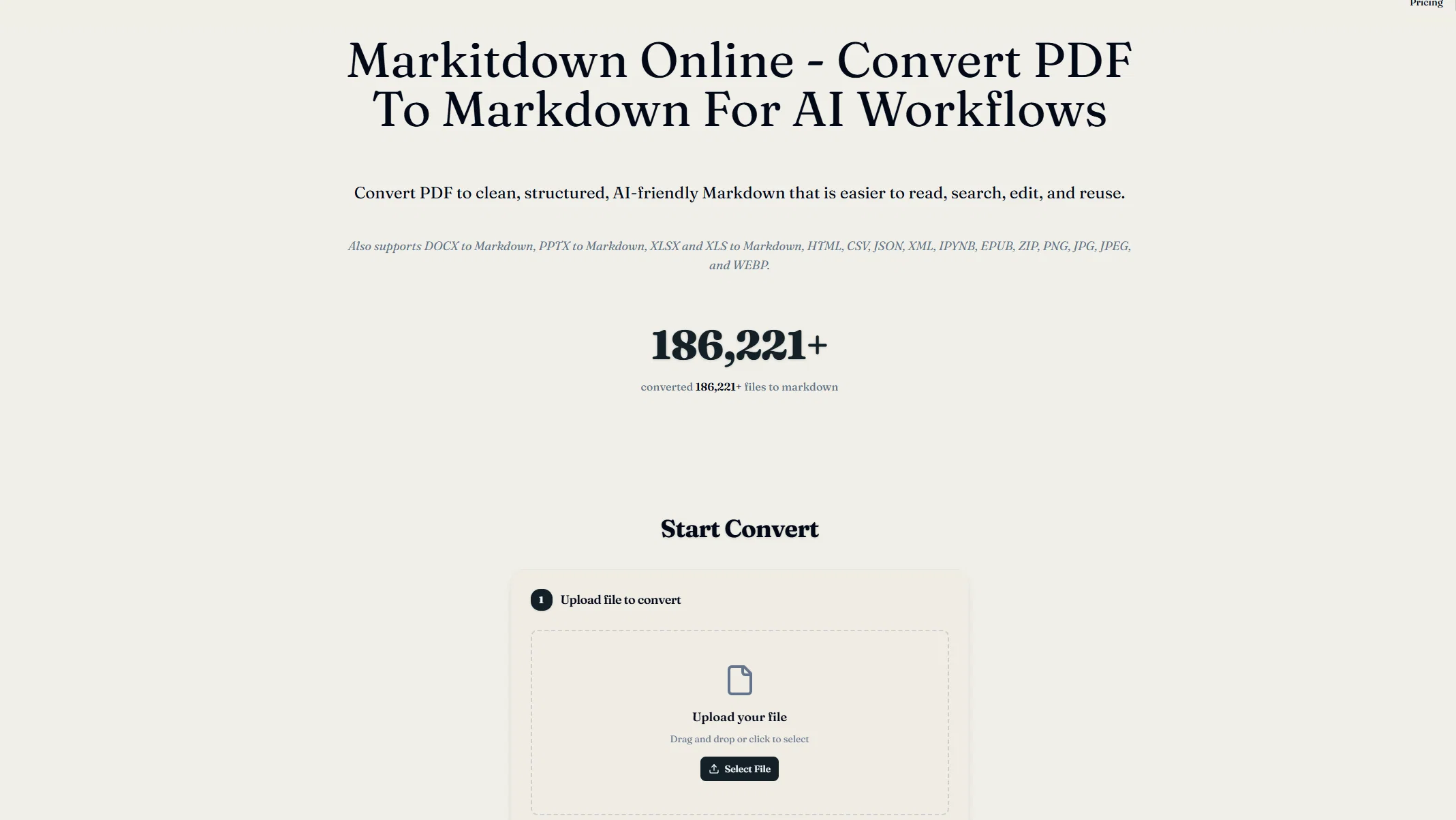
Markitdown Online is a digital tool that converts various file types into Markdown format. This AI-friendly Markdown is streamlined, organized, and easy to read, search, edit, and reuse.
The tool supports conversion from file types such as PDF, DOCX, PPTX, XLSX, XLS, HTML, CSV, JSON, XML, IPYNB, EPUB, ZIP, PNG, JPG, JPEG, and WEBP. The conversion process involves uploading a supported file, converting it to Markdown, reviewing the output, and then downloading and reusing the final Markdown file.
The converted Markdown maintains important document signals like headings, lists, links, tables, and other readable sections for easy editing and reviewing after conversion.
The tool is particularly useful for documentation, AI agent tasks, knowledge base migration, and automated workflows. It allows for the transformation of different documents into a uniform and manageable format, assisting in the creation of reusable knowledge assets.
There is also a preview feature for reviewing converted content before downloading. All conversion and processing are performed in the user's browser, guaranteeing file privacy and varying processing speed depending on the device and browser environment.
The platform does not require any installation or setting up of local command-line environments.
Access & connections
Where you can use PDF to Markdown - Markitdown.
Platforms
Capabilities
What this tool accepts, produces, and is strongest at.
Input
- Text
Output
- Text
Highlights
- No Signup
Supported features
- No Signup
Pros & cons
Pros
- Supports multiple file types
- Easy to read Markdown
- Preserves document signals
- Preview feature
- In-browser processing
- No installation needed
- Useful for automated workflows
- Assisting knowledge base migration
Show 34 more
- Data Preprocessing
- Text Editing facilities
- Cross-platform compatibility
- Maintains file privacy
- Converts images to Markdown
- IPYNB to Markdown conversion
- Document Reusability
- Speed depends on device
- Easy Document Transformation
- No command-line setup
- Direct Markdown conversion
- Integrated OCR for PDFs
- Knowledge Assets Creation
- Predictable Document structure
- Simplifies tech documentation
- Quick conversion path
- Searchable outputs
- Eases content migration
- Cleaner document workflow
- Content versioning
- Simplifies file management
- Reduces repetitive cleanup
- Performance enhancements
- Uniform document format
- Efficient data formatting
- Structured Markdown output
- HTML to Markdown conversion
- Creates reusable text
- Document Processing
- Edits in Git
- Lightweight files
- Enhances readability
- Improved text structure
- CSV to Markdown conversion
Cons
- Privacy concerns (browser-based processing)
- No batch conversion mentioned
- Processing speed varies
- No specified error handling
- No command-line environment
- Dependant on browser environment
- Uploaded file size limitations?
- No multi-language support mentioned
Show 2 more
- Limited output format (Markdown)
- No version history features
Compare alternatives
Similar tools in the catalog — with a clear reason to open each one.

MD Editor ✓
FreemiumAI-powered Markdown editor for tech writers
Why look Typically cheaper
Full comparison
PDFtoMD Converter ✓
FreemiumTurn any PDF into clean Markdown instantly.
Free + from $15.9/mo
Full comparison

WebCrawler API ✓
Free TrialTurn docs and websites into clean markdown for AI agents
Why look Offers a public API
Full comparison
Releases 1
Related tools
Recommended

ChatGPT ✓
FreemiumAsk anything, create anything, and move from idea to action.

DeepSeek ✓
FreeUnravel the mystery of AGI with curiosity

Kick ✓
FreemiumAccounting software that does the work for you

Grok ✓
FreemiumConversational AI for understanding the universe.

ThumbnailCreator.com ✓
Free TrialCreate eye-catching YouTube thumbnails in seconds.

Pounce ✓
Free TrialGet real followers and engagement in minutes.