
PDFs 2026 Rank: #2526
PDFtoMD Converter ✓
Turn any PDF into clean Markdown instantly.
Verdict
A quick read before you dig into the full page.
- Best if
- Turn any PDF into clean Markdown instantly
- Skip if
- Limited to PDF files
- Pick this when
- Converts scanned PDFs
Considering PDFgen instead? Compare side by side
Overview
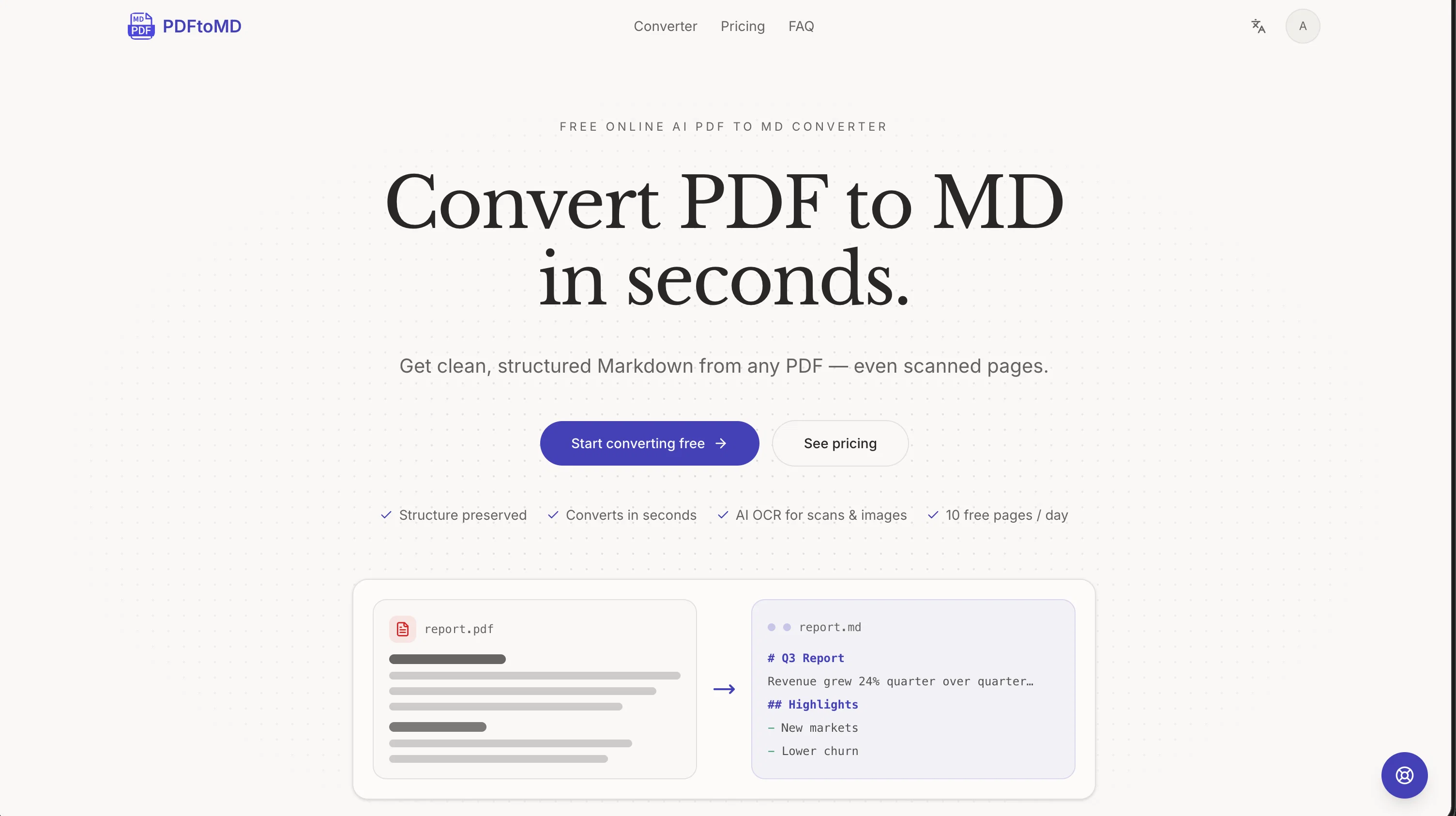
PDFtoMD is an AI tool that converts PDF files into structured Markdown (MD) documents. Harnessing AI OCR capabilities, it can process any PDF document, including scanned pages, and turn it into clean, organized MD in seconds.
It is noted for its ability to preserve the structure of the original document, identifying and correctly rendering into Markdown not only the text but also document elements like headings, paragraphs, and lists.
The service is available for free with a limited amount of conversions per day, but offers also a paid tier to accommodate larger volumes. PDFtoMD is not just a converter, but also a powerful tool for digital content management, as conversion history is made available to users, letting them redownload or recopy the Markdown output from any device anytime.
The tool's speed, accuracy, and built-for-purpose features make it an attractive tool for those needing to render PDF into lightweight, plain-text MD format, thereby increasing the usefulness and portability of the content for tasks including documentation, version control, content reuse, and AI workflow preprocessing.
Access & connections
Where you can use PDFtoMD Converter, and what it plugs into.
Platforms
Integrations
Capabilities
What this tool accepts, produces, and is strongest at.
Input
- Image
- Text
Output
- Tabular
- Text
Pros & cons
Pros
- Converts scanned PDFs
- Preserves document structure
- Identifies and renders elements
- Free tier available
- High volume paid tier
- Digital content management
- Conversion history feature
- Portability - content reuse
Show 42 more
- Speedy operation
- High accuracy
- Built-for-purpose features
- Structured Markdown output
- Supports version control
- Workflow preprocessing
- Redownload or recopy MD
- Accessible from any device
- Direct PDF to MD
- Handles images and scans
- Reconstruct tables, formulas, seals
- No manual cleanup required
- Detects headings, paragraphs, lists
- Real document structure
- Quick PDF to MD
- State-of-the-art OCR models
- Free without sign-up
- Converts without settings
- Capable of large files
- Easy to use interface
- Free PDF to MD daily
- Upgradeable for more volume
- Conversion history saved
- PDF to MD in steps
- Drop or pick PDF
- Fast plan conversion
- Copy or download readily
- Free pages everyday
- Paid plans with benefits
- Capable of heavy documents
- Vision and Standard OCR mode
- Cancellation anytime
- Email and dedicated support
- Discount on yearly plans
- High fidelity conversion
- Renders exact text layer
- Fast line-level OCR
- Paid plans for PDF size
- High monthly page allowance
- Secure file processing
- Supports Markdown tools
- Active until end of billing
Cons
- Limited free conversions
- No bulk conversion
- No API access
- Limited to PDF files
- No batch processing
- Cannot handle encrypted PDFs
- Only supports markdown output
- No offline functionality
Show 2 more
- No desktop application
- Lacks multi-language support
Compare alternatives
Similar tools in the catalog — with a clear reason to open each one.
PDFgen ✓
FreemiumGenerate PDFs from a prompt, template, HTML, or Markdown via API
Why look Offers a public API
Full comparison

Releases 1
FAQ 12
What is PDFtoMD Converter?
How does the AI OCR feature improve the conversion process?
Does PDFtoMD Converter preserve the original structure of the document?
What document elements can PDFtoMD correctly render into Markdown?
Is PDFtoMD Converter free or paid service?
How is PDFtoMD Converter different from a standard converter?
What are the key features of PDFtoMD Converter?
Can I use PDFtoMD Converter for content management?
Why is the speed and accuracy of PDFtoMD Converter important?
How does PDFtoMD enhance the portability of content?
Can PDFtoMD handle scanned documents?
What is the limit on the number of conversions per day for free users?
Related tools
Recommended

MagicSlides.app AI PPT Maker ✓
FreemiumCreate Stunning PPTs in Seconds with the AI PPT Maker

GetLogit ✓
FreemiumArtificial intelligence, available for everyone.

ChatGPT ✓
FreemiumAsk anything, create anything, and move from idea to action.

Automateed ✓
Free TrialCreate eBooks effortlessly with Automateed, the AI-powered writing tool.

Kin - Personal AI Advisors ✓
FreePrivacy-first & designed your for mind, and life at work

Aiter.io | Paste a URL. Ship a Campaign That Sounds L... ✓
FreemiumAI marketing that sounds like you, not everyone else.