

Verdict
A quick read before you dig into the full page.
- Best if
- AI 3D Model Maker
- Skip if
- Limited to 12 tasks concurrently
- Pick this when
- Creates 3D from text
Considering 3D AI Studio instead? Compare side by side
Overview
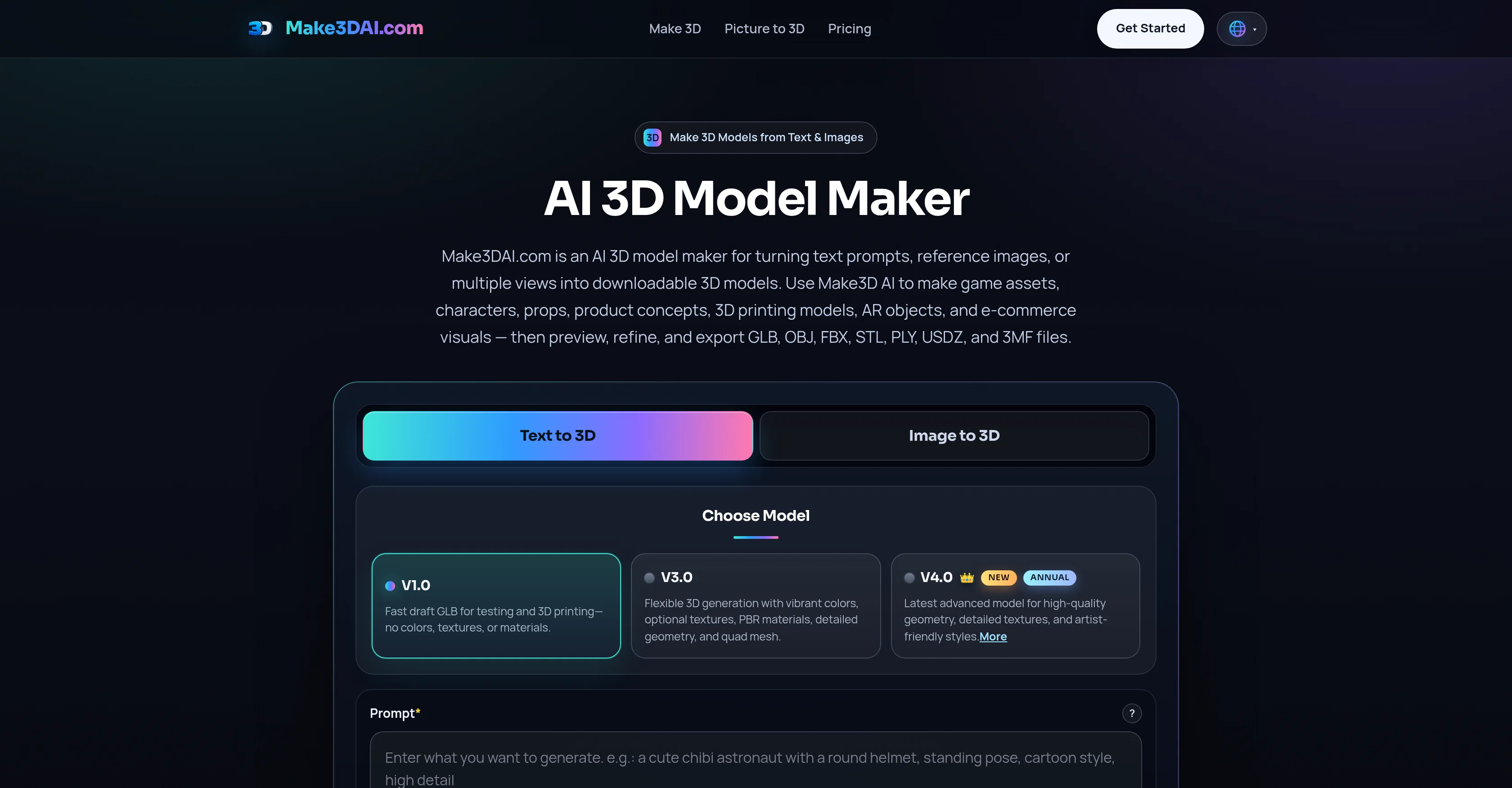
Make3DAI.com is an AI-driven tool used to make 3D models from text prompts, images, or multi-view references. It is capable of creating various 3D assets such as game characters, props, product concepts, 3D printing models, AR objects, and e-commerce visuals.
Once the 3D models are created, they can be exported in a variety of file formats, including GLB, OBJ, FBX, STL, PLY, USDZ, and 3MF. Users can sign up and start generating their 3D models.
The platform provides a range of premium features including flexible 3D generation with optional textures, advanced models for cleaner geometry and richer textures, and concurrent task support.
They also provide a 3D Model Viewer that allows users to preview and inspect any 3D model in the browser. Additionally, a 3D converter is available to convert models to various formats.
Users, especially those subscribed, have unlimited free downloads and the ability to run multiple generation modes such as Text to 3D, Image to 3D, and Multiview to 3D.
For any questions or issues, prompt support is provided around the clock and for convenience, a 3D Model Volume Calculator is available for production planning, packaging, or 3D print estimation.
Model creation does not require modeling software as the tool generates models from descriptions or image uploads. The tool is ideal for anyone needing usable, downloadable 3D assets.
- Create 3d Video
- 3d Render Generator
- 3d Compress
Access & connections
Where you can use Make3DAI.com, and what it plugs into.
Platforms
Integrations
Capabilities
What this tool accepts, produces, and is strongest at.
Input
- 3D
- Image
- Text
Output
- Video
- 3D
- Text
- Image
Pros & cons
Pros
- Creates 3D from text
- Creates 3D from images
- Multiple 3D asset types
- Exports various file formats
- Premium features included
- Flexible 3D generation
- Advanced modeling for textures
- Concurrent task support
Show 33 more
- Built-in 3D Model Viewer
- In-browser 3D model inspection
- 3D converter included
- Unlimited download capacity
- Various generation modes
- 24/7 customer support
- Volume Calculator included
- No modeling software required
- Usable and downloadable 3D assets
- Handles game development tasks
- Handles product designs
- AR object creation
- E-commerce visual capabilities
- 3D printing model creation
- Texture generation
- File conversion capabilities
- Text to 3D functionality
- Image to 3D functionality
- 3D Model Converter feature
- 3D Model Volume calculator
- Digital Art creation
- GLB, OBJ, FBX exports
- STL, PLY, USDZ exports
- 3MF file exports
- Model versions from V1.0 to V4.0
- Commercial license for assets
- Up to 12 tasks concurrently
- Compressive 3D file formatter
- 3D compression for faster loading
- Downloadable 3D assets
- Cleaner geometry in premium
- Richer textures in premium
- PBR material support
Cons
- No free tier available
- No real-time collaboration
- Lack of detailed tutorials
- Advanced features require subscription
- No ability to import models
- Limited to 12 tasks concurrently
- No UI customization options
- Lack inbuilt library of materials
Show 1 more
- Doesn't support copy-pasting prompts
Compare alternatives
Similar tools in the catalog — with a clear reason to open each one.

3D AI Studio ✓
PaidEasily generate free 3D models with our AI-powered 3D AI Studio.
Why look Offers a public API
Full comparison
Mimetic Labs ✓
Free TrialTransform ideas into printable 3D models with AI.
Free + from $9.99
Full comparison
Image3D.io ✓
FreemiumImage to STL and 3D models from any image
Why look Typically cheaper
Full comparison
Hi3D ✓
Free TrialAI-powered 3D model generator with unprecedented precision.
Why look Higher community rating
Full comparison
TRELLIS 2 ✓
UnknownGenerate high-fidelity 3D assets from images instantly.
Why look Higher community rating
Full comparison
Neural4D | Image to 3D ✓
Free TrialTurn photos or prompts into 3D models instantly.
Why look Typically cheaper
Full comparisonReleases 1
FAQ 12
What is Make3DAI.com?
How does Make3DAI.com work?
What are some premium features of Make3DAI.com?
What types of 3D models can I create with Make3DAI.com?
What file formats does Make3DAI.com support for 3D model export?
Do I need modeling software to create 3D models with Make3DAI.com?
What is the concurrent task support feature on Make3DAI.com?
What is the purpose of the 3D Model Viewer on Make3DAI.com?
How can I use the 3D converter on Make3DAI.com?
What benefits do subscribed users get on Make3DAI.com?
How does the Text to 3D, Image to 3D, and Multiview to 3D modes work?
Does Make3DAI.com provide customer support?
Related tools
Recommended

SpeakPal ✓
PaidFun. Fast. Fluent. SpeakPal Makes It Easy!

TextSong.net ✓
FreemiumAI Text to Song

MusicGenAI ✓
FreemiumCreate professional songs instantly with AI.

AIRapGen.com ✓
FreemiumAI Rap Generator

MICT ✓
Free TrialTurn text and images into AI video clips instantly.

SongGen.net ✓
FreemiumAI creates original songs from your text instantly.
More from this creator

TrySpeak ✓
FreemiumLearn any language through AI conversation practice.

Csong AI ✓
Free TrialCreate original songs from text and lyrics with AI.

Text3D.ai ✓
Free TrialText to 3D AI Generator
Create3D.io ✓
FreemiumCreate 3D Models Online

3DGenerator.io ✓
Freemium3D Generator

AIto3D.ai ✓
FreemiumTurn text or images into downloadable 3D models.