

LuminaBrush ✓
AI-powered lighting effects for digital artists.
Verdict
A quick read before you dig into the full page.
- Best if
- AI-powered lighting effects for digital artists
- Skip if
- Limited file types supported
- Pick this when
- Unique brush technology
Considering Viyou AI Image Generator instead? Compare side by side
Overview
LuminaBrush is an AI-powered digital art tool designed specifically for creating and enhancing lighting effects. It uses artificial intelligence to deliver a realistic and precise simulation of traditional artistic techniques.
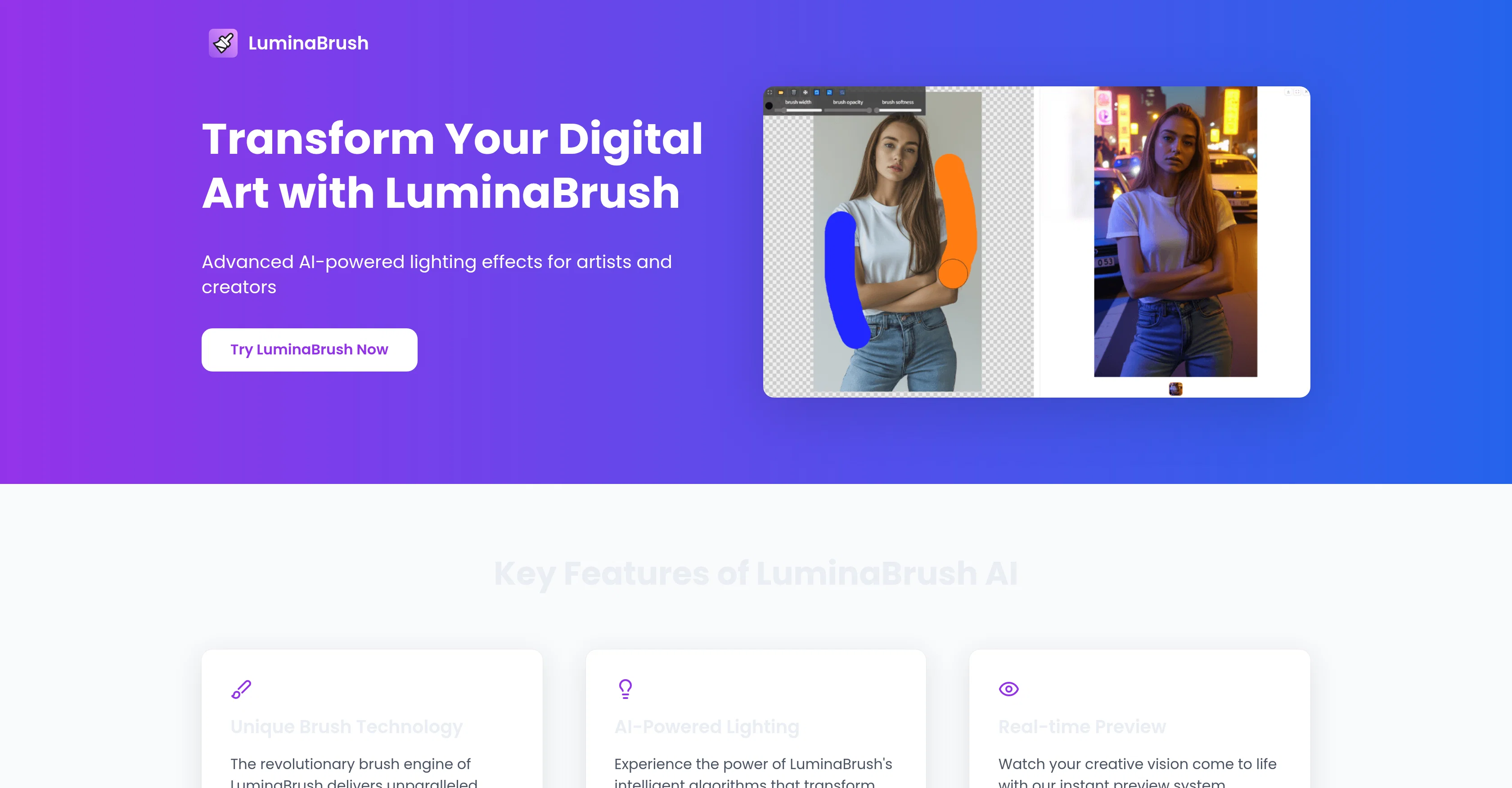
The tool's main feature is its unique brush technology, capable of transforming ordinary artwork with intricate lighting patterns. This feature is paired with a real-time preview system that allows for rapid creative experimentation and refinement.
LuminaBrush provides an extensive toolkit for fine-tuning every detail of your brushes, from texture to opacity, facilitating a truly individual artistic expression.
A professional-grade layer management system aids in handling complex compositions effortlessly. LuminaBrush employs a revolutionary two-stage approach: first, it transforms the images to achieve uniform lighting, and then it generates very precise illumination effects based on user input.
The intuitive user interface is designed for maximum efficiency, fostering creativity and minimizing the learning curve. LuminaBrush is built upon the cutting-edge Flux framework, providing unparalleled consistency and pro-level results even in demanding artistic projects.
The advanced control system enables precise control while maintaining professional output quality. It's trusted by professionals worldwide for its precision, control and flexibility, and the capability to seamlessly fit into existing digital art workflows.
Access & connections
Where you can use LuminaBrush.
Platforms
Capabilities
What this tool accepts, produces, and is strongest at.
Input
- Image
Output
- Image
Pros & cons
Pros
- Unique brush technology
- Real-time creative experimentation
- Extensive brush fine-tuning tools
- Professional-grade layer management
- Two-stage image transformation
- Intuitive, efficient interface
- Built on Flux framework
- Maintains professional output quality
Show 39 more
- Seamlessly fits into workflows
- Customizable tools
- Advanced layer system
- Image uniform lighting
- Precise illumination effects
- Artwork preservation
- Advanced control system
- Supports various effects
- Atmospheric ambience creation
- Directional illumination
- Multi-source setups
- Natural environments simulation
- Dynamic transitions
- Color temperature control
- Rim highlights
- Volumetric effects
- Used by professionals world-wide
- Realistic lighting simulation
- LuminaBrush trustworthiness
- Streamlined workspace
- Pro-level project handling
- Realistic simulation of techniques
- Transforms ordinary artwork
- Sophisticated lighting patterns
- Rapid experimentation and refinement
- Customizable brush aspects
- Truly unique artistic expression
- Artistic projects' reliability
- Minimized learning curve
- Unparalleled tool consistency
- Trusted by professionals
- Optimized lighting conditions
- Handles complex lighting scenarios
- Allows subtle adjustments
- Suitable for dramatic transformations
- Image consistency post-processing
- Immediate pre-processing image preview
- Works with industry-standard software
- Maintains original artwork integrity
Cons
- No offline functionality
- May overcomplicate simple tasks
- Requires high system resources
- Software Update frequency unspecified
- No mobile version
- Lacks advanced layer blending modes
- Size of software unspecified
- No given support for older systems
Show 2 more
- Limited file types supported
- No in-built tutorial/course for beginners
Compare alternatives
Similar tools in the catalog — with a clear reason to open each one.

Viyou AI Image Generator ✓
FreemiumTransform text and images into stunning videos and visuals.
Free + from $39.99/yr
Full comparison
Img2Img AI ✓
FreemiumTransform any image with AI in seconds.
Why look Offers a public API
Full comparison


Releases 1
Imported reviews 1
Took this one for a spin on portraits shots: edge aware masking around hair clothes is solid, background cleanup quick color grades are fast and relight gives believable shifts without wrecking skin tones.
FAQ 12
What is LuminaBrush?
How does LuminaBrush's brush technology work?
What does LuminaBrush offer in terms of fine-tuning tools?
Can LuminaBrush handle complex compositions?
What is LuminaBrush's two-stage approach?
What is the design of LuminaBrush's user interface centered on?
What is the Flux framework that LuminaBrush uses?
How does LuminaBrush maintain professional output quality?
How does LuminaBrush fit into existing digital art workflows?
What are the key features LuminaBrush offer?
How can LuminaBrush enhance ordinary artwork?
What can LuminaBrush's real-time preview system do?
Related tools
Recommended

Image Editor Online ✓
FreeTransform images with AI prompts instantly online.

EzRemove ✓
FreeInstantly remove image backgrounds with AI.

PixPal - Free AI Chat with Image Editor & Video Gener... ✓
FreeAI chat with images – Create, edit, innovate for free!

Promtist AI ✓
FreeGenerate optimized prompts for better AI results.

Supernormal App ✓
FreemiumThe AI assistant app that turns meetings into completed work

VisualGPT ✓
FreemiumCreate, edit, and enhance images with AI.