
Videos vv2.3
LTX by Lightricks ✓
The complete AI engine for creative workflows.
Trial; then from $6/mo
Verdict
A quick read before you dig into the full page.
- Best if
- The complete AI engine for creative workflows
- Skip if
- Deeper learning curve
- Pick this when
- Works on consumer-grade GPUs
Considering freebeat AI instead? Compare side by side
Overview
LTX-2 is an open-source, next-generation multimodal AI model designed for video with synchronized audio and image creation as a comprehensive solution for creative workflows.
Capable of running on consumer-grade GPUs, it combines high-fidelity visuals, coherent sound, and multi-flow performance modes into a single platform.
LTX-2 has the capability to generate, enhance, and repurpose visuals more efficiently. Unlike most models, it considers sound and visuals in a unified production process for synchronized motion, dialogue, ambience, and music.
The model is designed to work with real production workflows, connecting directly with editing suites, broadcast tools, game engines, and VFX pipelines.
It supports both quick previews and delivery-ready 4K outputs. The model provides creative control through text, image, depth, and reference-video inputs, and offers multi-keyframe conditioning, 3D camera logic, and fine-tuning options.
As an open-source tool, LTX-2 enables researchers, enterprises, and independent creators to customize the model to fit their needs. Its use cases include post-production, pre-production, animation, restoration among others, offering solutions to automate motion tracking, rotoscoping, plate replacement, and other tasks, thereby reducing the time and cost of production while maintaining quality.
The upcoming releases will offer open access to the model's weights and training code. Its flexibility and customization options make it ideal for studios, research teams, and solo developers.
Best for
Short scenarios where LTX by Lightricks tends to shine.
-
The complete AI engine for creative workflows.
Example outputs 1
Sample generations and before/after results for LTX by Lightricks.
Access & connections
Where you can use LTX by Lightricks, and what it plugs into.
Platforms
Integrations
Capabilities
What this tool accepts, produces, and is strongest at.
Input
- API
- Tabular
- Image
- Text
Output
- Audio
- Video
- API
Highlights
- SOTA
Supported features
- Video Generation
Pros & cons
Pros
- Works on consumer-grade GPUs
- Combines visuals, audio, performance
- Efficient visual enhancement
- Synchronizes sound and visuals
- Connects with production workflows
- Supports editing suites
- Works with game engines
- Compatible with VFX pipelines
Show 42 more
- Quick preview and 4K delivery
- Multimodal input control
- Provides fine-tuning options
- Open-source and customizable
- Automates video editing tasks
- Cost and time effective
- Empowers visualization in pre-production
- Ideal for studios, developers
- Optimized for GPUs
- Synchronized audio-visual outputs
- Multiflow performance modes
- Supports 4K output
- Multi-keyframe conditioning
- 3D camera logic
- Customizable for unique needs
- Automates motion tracking
- Automates rotoscoping
- Optimized for plate replacement
- Reduces production costs
- Open access to model weights
- Operates on high-fidelity visuals
- Broadcast tool compatibility
- Post-production use cases
- Pre-production use cases
- Animation use cases
- Restoration use cases
- Open-source video generation
- Supports real production workflows
- Ideal for independent creators
- Comprehensive creative workflows solution
- Synchronizes motion, dialogue, music
- Automates plate replacement
- Integrated with editing suites
- API access for pipelines
- Visualizes storyboards before production
- Upscales and enhances footage
- Restores archival footage
- Supports multi-keyframe conditioning
- Direct control over elements
- Faster pre-production with simulation
- Extends resolution to 4K
- Creates fluid motion in videos
Cons
- Limited to consumer-grade GPUs
- Heavy reliance on customization
- Limited runtime efficiency
- Deeper learning curve
- Not ideal for beginners
- Complex integration for workflows
- Not directly ready for use
- Requires fine-tuning for quality
Show 2 more
- Demanding resource requirements
- Latent release of training code
Compare alternatives
Similar tools in the catalog — with a clear reason to open each one.

freebeat AI ✓
FreemiumTurn Music & Ideas into Viral Videos In One Click
Why look Typically cheaper
Full comparison
MagicLight ✓
FreemiumTransform text into captivating videos instantly.
Free + from $8.4/mo
Full comparison
Seedance ✓
FreemiumMulti-shot video generation from text and image.
Why look Stronger for image work
Full comparisonPeople also view
Tools that often show up alongside LTX by Lightricks in collections and comparisons.
Seedance ✓
FreemiumMulti-shot video generation from text and image.
MagicLight ✓
FreemiumTransform text into captivating videos instantly.

Kaiber Superstudio ✓
Free TrialAI Video Generation

HeyGen ✓
FreemiumCreate AI spokesperson videos from text
freebeat AI ✓
FreemiumTurn Music & Ideas into Viral Videos In One Click

D-ID ✓
FreemiumCreate AI-generated videos with ease

ResearchMonkey AI | YouTube Summarizer ✓
Free TrialSave Hours of Research in Seconds with 40+ AI Tools

OutlierKit ✓
PaidEnter one channel, see the entire niche.
Releases 3
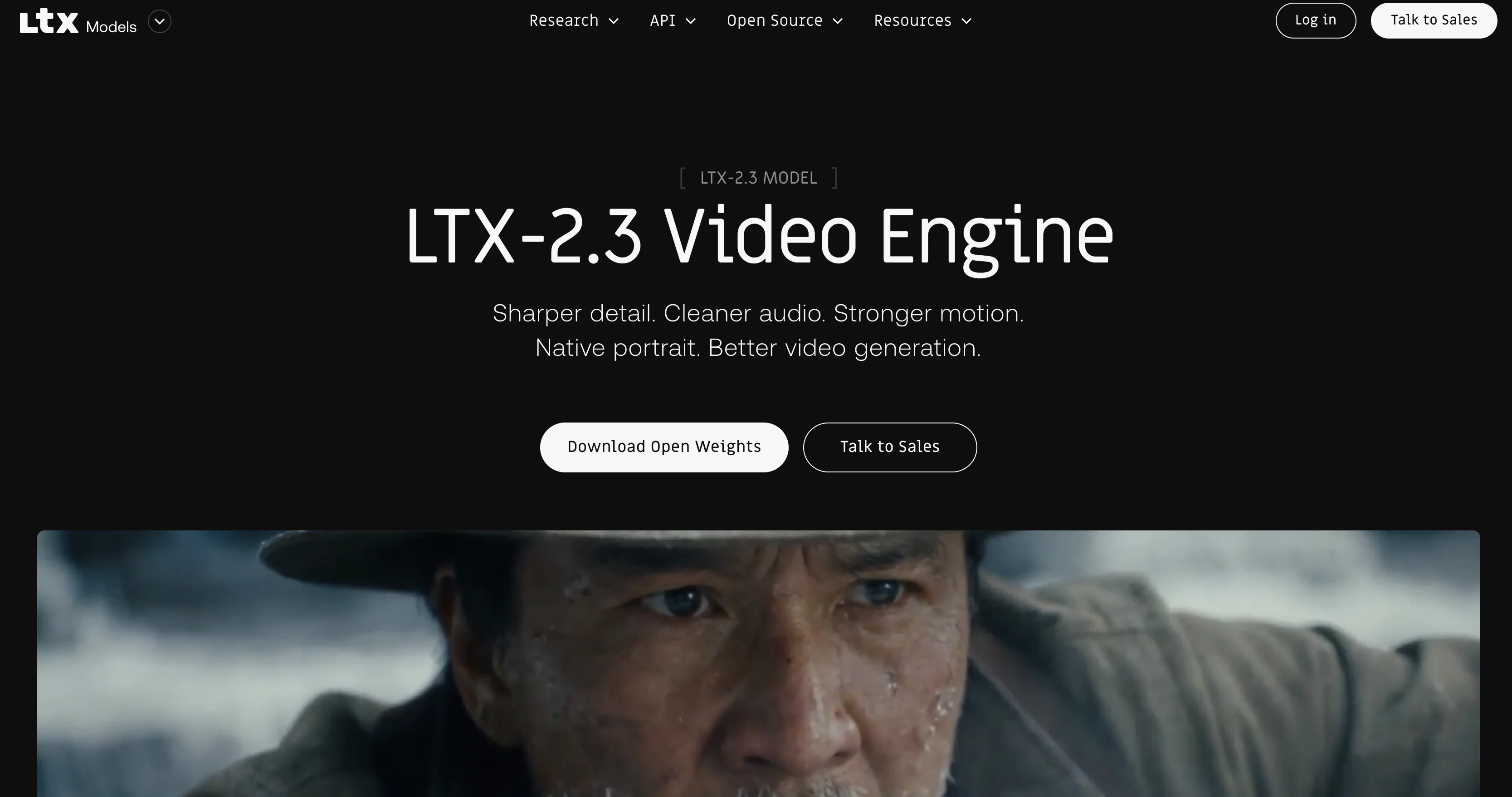
Sharper fine details via a rebuilt latent space and updated VAE, improving textures and edge fidelity.
Better prompt understanding from a larger, upgraded text connector, reducing drift on complex prompts.
Stronger image-to-video motion with fewer frozen clips, less “Ken Burns” panning, fewer unexpected cuts, and better consistency.
Cleaner, more reliable audio from dataset filtering plus a new vocoder, with tighter alignment and fewer artifacts.
Native portrait video support up to 1080x1920, trained for vertical instead of cropped landscape.
Joint audio-video generation in a single model, producing synchronized video and sound together.
Supports multiple generation modes including text-to-video, image-plus-text-to-video, audio-to-video, and text-to-audio-video.
Released with open weights and a focus on practical local execution.
Includes both a full trainable model and a distilled version for faster inference, plus spatial and temporal upscalers.
Supports local and developer workflows through Diffusers, ComfyUI, and the official PyTorch codebase.
FAQ 12
What is LTX-2?
How does LTX-2 integrate with professional editing suites and game engines?
Does LTX-2 work with VFX pipelines and broadcast tools?
What is the quality output of videos created with LTX-2?
Can I customize the LTX-2 model?
What productive tasks can LTX-2 automate?
How can LTX-2 reduce production cost?
Are there any additional features to be released for LTX-2?
What is the ideal user group for LTX-2?
Who can use LTX-2?
Can LTX-2 run on consumer-grade GPUs?
How does LTX-2 enhance and repurpose visuals?
Related tools
Recommended

ChatGPT ✓
FreemiumAsk anything, create anything, and move from idea to action.

MicroClipz ✓
PaidGenerate cinematic AI video clips from images, prompts, or existing video

Gemini ✓
FreemiumGemini: Google's most capable AI model yet

Rocket ✓
FreemiumThink It. Type It. Launch It.

BeatViz AI Music Video Generator ✓
FreemiumTransform your music into stunning visual experiences with AI

EzEditor AI Magic Editor ✓
Free TrialEdit photos instantly with text prompts.