

Videos vv1.8 2026 Rank: #154
MicroClipz ✓
Generate cinematic AI video clips from images, prompts, or existing video
Verdict
A quick read before you dig into the full page.
- Best if
- Generate cinematic AI video clips from images, prompts, or existing video
- Skip if
- Limited to current video models
- Pick this when
- Instant video rendering
Considering freebeat AI instead? Compare side by side
Overview


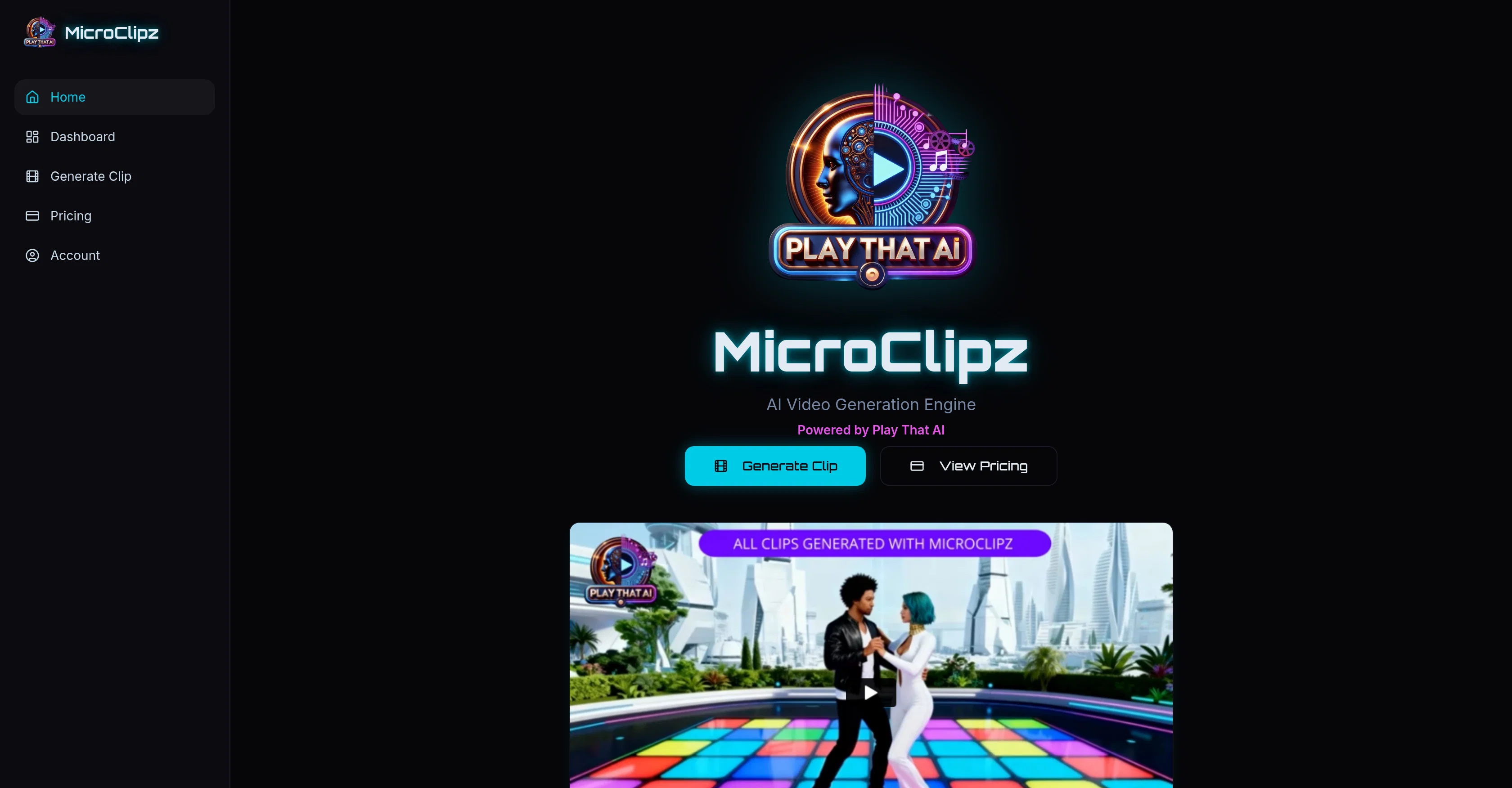
MicroClipz AI Studio is a tool designed to generate videos using artificial intelligence. Touted as built with some of the world's superior AI video models, the tool aims to provide users with the capability to create cinematic clips.
The rendering process behind the generated videos relies on a credit-based system, which could signify the consumption of resources corresponding to the complexity and size of the output.
The tool is presumably easy to use, offering a seamless creation experience with the added benefit of AI automation. An upcoming feature mentioned is 'Seedance 2.0', though further details on this are not specified, it could represent an enhancement or advancement in their current offerings.
The uses of MicroClipz AI Studio can vary greatly, from creating engaging content for social media to producing professional quality videos for businesses.
Its underlying technology leverages AI to automate part of the creative process, potentially saving users time as well as providing unique, AI-driven aesthetics to the videos.
It is important to note that the effectiveness of the AI video models would greatly fall on the quality of inputs, as is common with most AI technologies.
- Image To Video (animation)
- Video To Video (style Transfer)
- Text To Video Generation
- Upscale And Enhance 4k+
- High-resolution: 4k+
Best for
Short scenarios where MicroClipz tends to shine.
-
Generate cinematic AI video clips from images, prompts, or existing video
Example outputs 1
Sample generations and before/after results for MicroClipz.
Access & connections
Where you can use MicroClipz.
Platforms
Capabilities
What this tool accepts, produces, and is strongest at.
Input
- Image
- Text
- Video
Output
- Video
- Image
Highlights
- SOTA
Supported features
- Image Generation
- Video Generation
- Lip Sync
Pros & cons
Pros
- Instant video rendering
- Credit-based system
- Ease of Adoption
- Complexity-adjusted resource consumption
- Seamless content creation
- Potential time-saving automation
- Wide range of applications
- Suitable for social media content
Show 3 more
- Ideal for professional business videos
- Scheduled upgrade (Seedance 2.0)
- No need for rendering equipment
Cons
- Uses a credit-based system
- Depends on quality of inputs
- Limited to current video models
Compare alternatives
Similar tools in the catalog — with a clear reason to open each one.

freebeat AI ✓
FreemiumTurn Music & Ideas into Viral Videos In One Click
Why look Freemium alternative
Full comparison
MagicLight ✓
FreemiumTransform text into captivating videos instantly.
Why look Freemium alternative
Full comparison
HeyGen ✓
FreemiumCreate AI spokesperson videos from text
Why look Freemium alternative
Full comparison
Seedance ✓
FreemiumMulti-shot video generation from text and image.
Why look Typically cheaper
Full comparisonPeople also view
Tools that often show up alongside MicroClipz in collections and comparisons.
Seedance ✓
FreemiumMulti-shot video generation from text and image.
MagicLight ✓
FreemiumTransform text into captivating videos instantly.

Kaiber Superstudio ✓
Free TrialAI Video Generation
HeyGen ✓
FreemiumCreate AI spokesperson videos from text
freebeat AI ✓
FreemiumTurn Music & Ideas into Viral Videos In One Click

D-ID ✓
FreemiumCreate AI-generated videos with ease

ResearchMonkey AI | YouTube Summarizer ✓
Free TrialSave Hours of Research in Seconds with 40+ AI Tools

OutlierKit ✓
PaidEnter one channel, see the entire niche.
Releases 6
SEEDANCE 2.5 NOW AVAILABLE
GPT IMAGE 2 NOW AVAILABLE
-Native 4k SeeDance 2.0 generations now available
-SeeDream 5 Lite for image generation now available
-Quarter/Half/Annual passes now available
Seedance 2.0 now available
No Subscription; pay-as-you-go
-4k Upscale added for video (via Topaz Ai)
-Full workflow now features: Generate Image, Generate Clip, Upscale to 4k
-Models: Budget Cinematic (Seedance 1.5 pro) Premium Cinematic (Kling 3.0) Video to video (Kling omni) Image (Nano Banana Pro) 4k Upscale (Topaz)
-Updates to UI
CHANGES & UPDATES:
-
Video-To-Video editing feature added; Upload a video, prompt your change
-
Image Generation added - Powered by Nano Banana Pro; generate your start/end frames in platform
-
Multi-Shot feature added - upload a start frame, and add up to 6 shot prompts
FAQ 12
What is MicroClipz AI Studio?
How does MicroClipz AI Studio generate videos?
What type of videos can I create with MicroClipz AI Studio?
What makes MicroClipz AI Studio different from other video generation tools?
What is the credit-based system in MicroClipz AI Studio?
How does the rendering process in MicroClipz AI Studio work?
Can I use MicroClipz AI Studio without any complex rendering equipment?
How does the automation feature in MicroClipz AI Studio enhance video creation?
How will the Seedance 2.0 upgrade improve my experience with MicroClipz AI Studio?
Is MicroClipz AI Studio user friendly for beginners?
What are the benefits of using MicroClipz AI Studio for film production?
What does it mean that MicroClipz AI Studio provides convenience and a streamlined production?
Related tools
Recommended

ChatGPT ✓
FreemiumAsk anything, create anything, and move from idea to action.

Jason AI ✓
PaidAI-powered assistant for B2B sales outreach

remio: Your Personal ChatGPT ✓
FreemiumGet Tailored Answer with Your Personal ChatGPT

VidFlux - Photo to Video Generator ✓
PaidTransform photos into cinematic videos with AI.

AirMusic ✓
Free TrialAI music generator and music video creator in one platform.

Notis ✓
Free TrialThe first WhatsApp assistant that runs on your ChatGPT and Claude subscriptions