
Facetune ✓
Level up your photos and videos with AI-powered editing.
Trial; then from $7/mo
Verdict
A quick read before you dig into the full page.
- Best if
- You are influencers and need: Enhance selfies and portraits for social media
- Skip if
- Limited Export Options
- Pick this when
- 200+ million downloads
Considering Real Fake Photos instead? Compare side by side
Overview
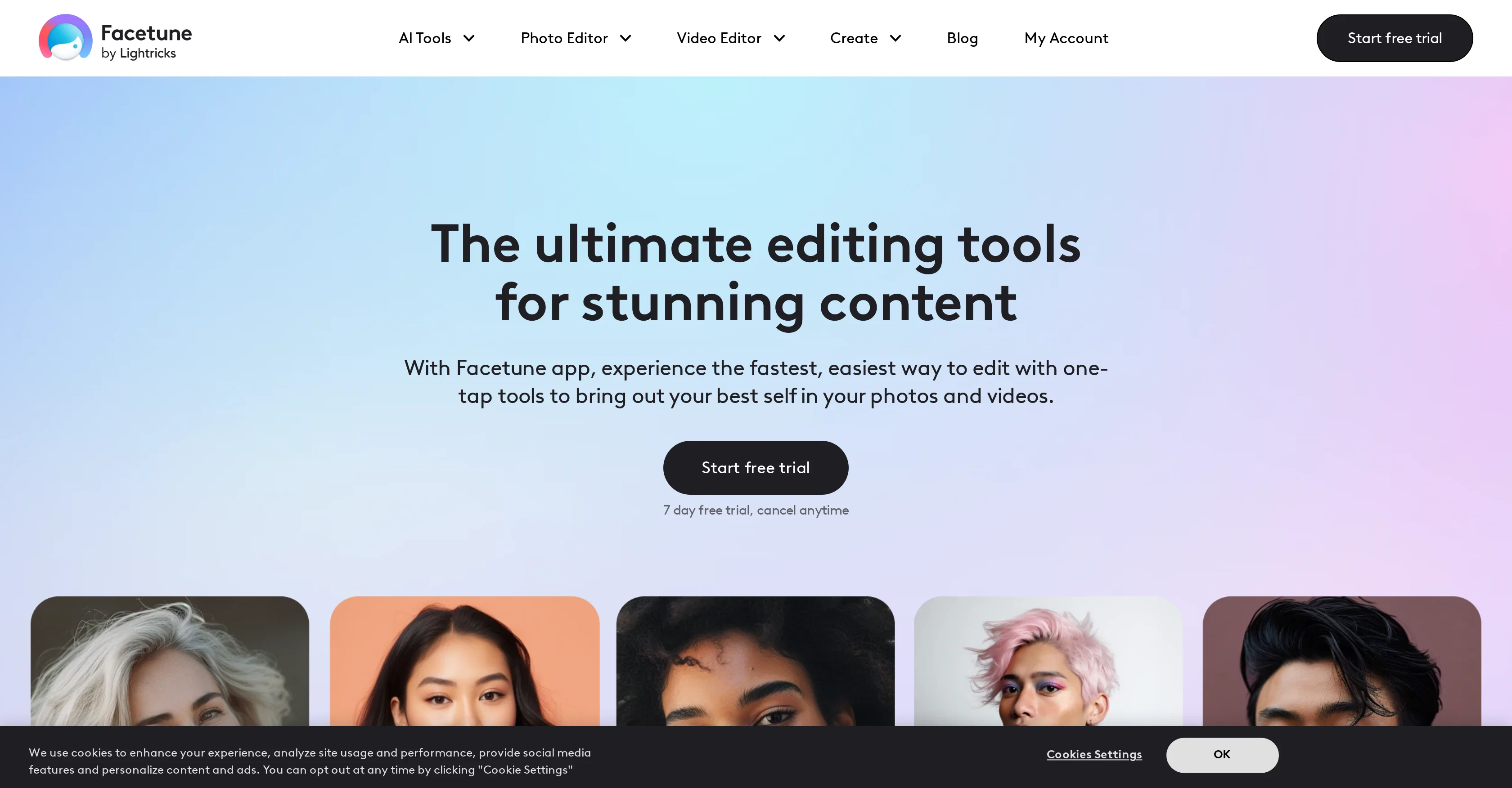
Facetune is a comprehensive editing tool used to upgrade the visual content of photos and videos. It is equipped with various artificial intelligence (AI) tools that power its functionalities.
Among these tools are an AI photo and video enhancer, AI selfie generator, AI outfit changer, and various AI filters. The AI photo editor can perform functions such as blurring, cropping images, and adding makeup to photos.
It also includes a unique functionality in which you can remove an object from the photo. In addition, it provides a tool to change hair color and style virtually.
In the editing of videos, it allows users to blur the video background, filters the video, enhances the video with AI and mitigates background noise. Its diverse range of capabilities cater to both beginners and professionals who want to enhance their creative projects in a simple yet effective way.
Besides the basic editing tools, it houses a set of AI-powered unique features. For instance, the AI outfit changer virtually allows users to try on different clothes, the AI avatar generator enables creation of custom avatars, and AI beauty filters facilitate effortless application of trendy filters for an attractive look of photos.
With Facetune, users have a flexible platform at their fingertips, making it an ideal companion for casual and professional visual content creation.
Best for
Short scenarios where Facetune tends to shine.
-
Enhance selfies and portraits for social media
Best for Influencers
-
Retouch photos to remove blemishes and imperfections
Best for Content creators
-
Experiment with different makeup looks and hair colors
Best for Social media users
-
Create professional-looking headshots
Best for Photographers
-
Edit videos for social media
Best for Marketing professionals
-
Design custom Valentine's cards and Christmas cards
Best for Anyone who wants to enhance their photos and videos
-
Create passport photos
Best for Influencers
-
Improve dating profile pictures
Best for Influencers
Example outputs 1
Sample generations and before/after results for Facetune.
Access & connections
Where you can use Facetune.
Platforms
Capabilities
What this tool accepts, produces, and is strongest at.
Input
- Image
- Video
Output
- Video
- Image
Supported features
- Image Edit
- Denoise
Pros & cons
Pros
- 200+ million downloads
- 4.43 stars rating
- Free 7-day trial
- Precise editing tools
- Video enhancing features
- High user engagement
- Used by creators
- Virtual outfit changer
Show 34 more
- Hair color/style changer
- Object removal tool
- Wide range of filters
- Background blur tool
- Photo cropping tool
- Video background noise reduction
- Add makeup tool
- Flip image feature
- Photo retouch feature
- Unique content creation
- Artificial intelligence tools
- Comprehensive editing features
- Platform for both beginners and professionals
- Image and video enhancement
- One-stop solution for content creators
- Background remover tool
- Trendy filters selection
- Wide variety of editing tools
- Beginner-friendly UI
- Various photo and video effects
- Fast and easy editing
- Instant image enhancement
- Customized editing features
- Professional-looking headshots
- High-quality video editing
- Background customization for photos
- One-tap photo retouching
- High-quality photo filters
- Skinnable avatars]
- Easily add makeup
- Powerful photo flipping
- Refined photo effects
- Background blur for videos
- Video background noise reduction
Cons
- No Desktop Version
- Limited Free Version
- Overwhelming for Beginners
- No Batch Editing
- Lack of Advanced Editing Tools
- Subscription Model
- Potentially Unrealistic Results
- No Community Sharing Features
Show 2 more
- Limited Export Options
- Frequent App Updates
Compare alternatives
Similar tools in the catalog — with a clear reason to open each one.

Artguru ✓
FreemiumCreate unique AI avatars in trendy styles
Why look Typically cheaper
Full comparison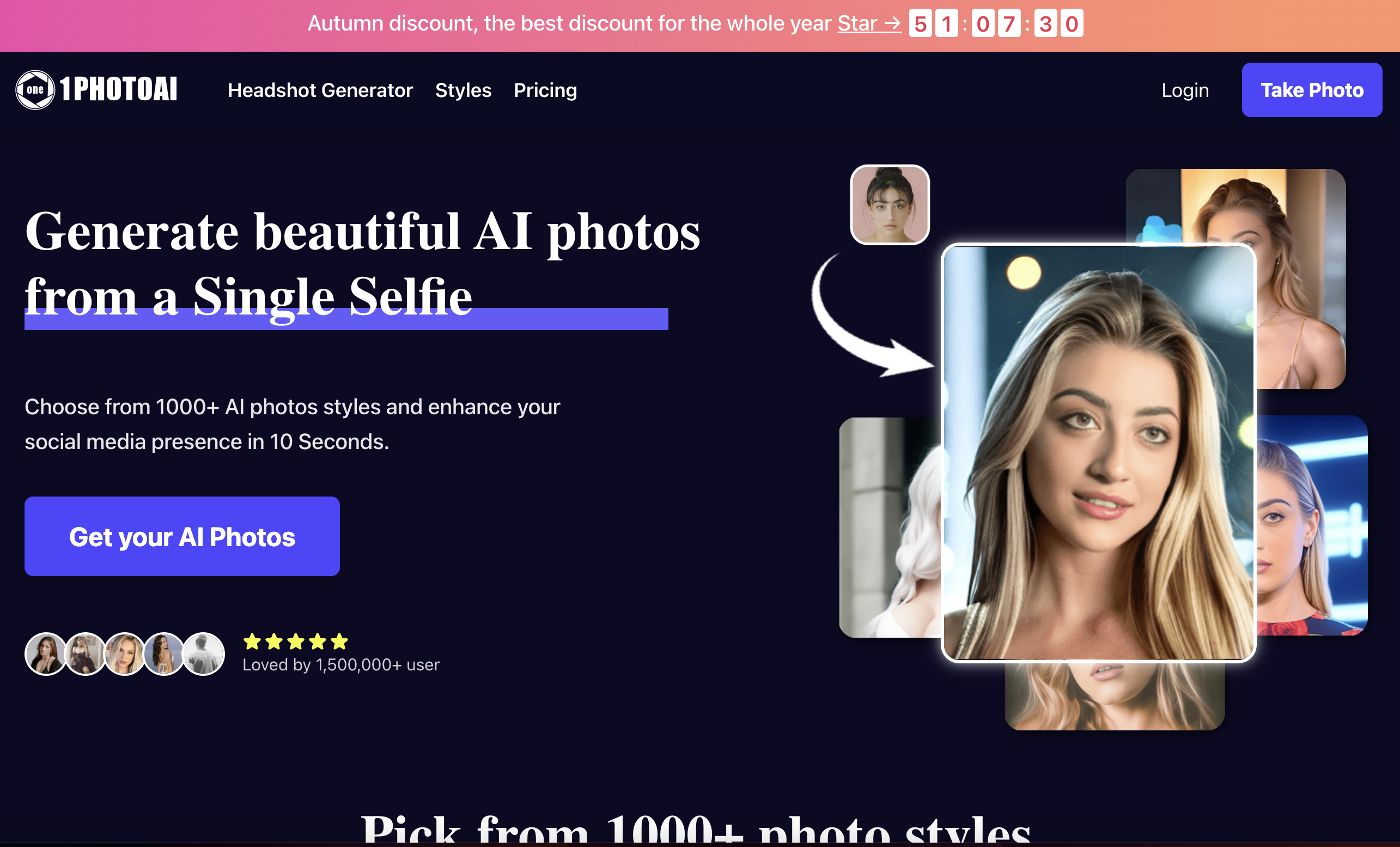
1photoai
PaidAI photo generator for professional headshots, avatars, and image enhancement.
Why look Stronger for image work
Full comparison
daisy | Labubufy ✓
FreeTurn anyone into a Labubu in seconds! 🎁
Why look Fully free option
Full comparisonPeople also view
Tools that often show up alongside Facetune in collections and comparisons.

Real Fake Photos ✓
PaidTurn your selfies into professional headshots

ProfilePicture.ai ✓
PaidGenerate perfect AI profile pictures that capture you.
daisy | Labubufy ✓
FreeTurn anyone into a Labubu in seconds! 🎁
Artguru ✓
FreemiumCreate unique AI avatars in trendy styles
1photoai
PaidAI photo generator for professional headshots, avatars, and image enhancement.
SpatialReal ✓
FreemiumReal-time photorealistic digital humans with sub-300ms latency
SellerTwin ✓
FreemiumBehind every lost sale is a conversation you never had.

SayAgain - AI Avatars of Loved Ones ✓
PaidBuilt from their letters, emails, and journals.
Releases 1
FAQ 12
What is Facetune?
How does Facetune use AI?
What are the main features of Facetune?
Who can use Facetune?
Can I try Facetune for free?
What is the AI outfit changer in Facetune?
How do I change hair color in Facetune?
How can Facetune help in my visual content creation?
What is the AI Selfie Generator in Facetune?
What is the role of AI Avatars in Facetune?
How can I remove an object from a photo in Facetune?
What is the AI photo enhancer in Facetune?
Related tools
Recommended

VenturusAI ✓
FreemiumBusiness idea analysis and reporting.

Stunning ✓
PaidBuild AI-powered websites in seconds

Stratup.ai ✓
FreemiumInnovative idea generation for businesses.

xpression camera ✓
FreemiumInstantly transform into anyone on video chats and streams.

LearningStudioAI ✓
Free TrialAI-powered authoring tool for effortless online course creation.

Photo AI ✓
PaidCreate beautiful AI photos and videos of real people