

LocalFile.io ✓
AI-powered automatic bulk file renaming
Verdict
A quick read before you dig into the full page.
- Best if
- AI-powered automatic bulk file renaming
- Skip if
- Limited security features
- Pick this when
- Renaming files in bulk
Considering AI Renamer App instead? Compare side by side
Overview
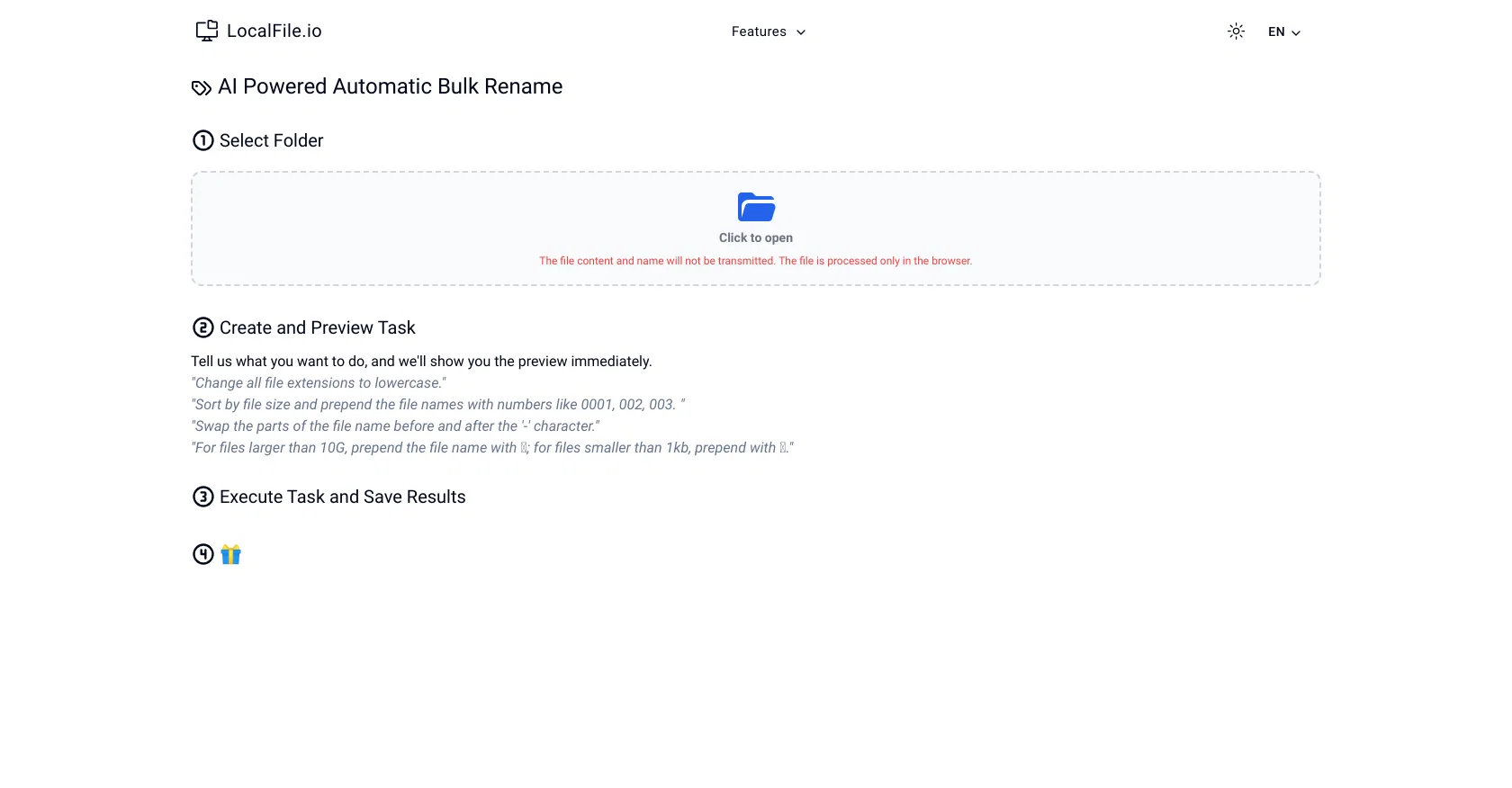
LocalFile.io is an AI-powered file automation tool, capable of renaming files in bulk. It operates within your browser and offers an array of features to streamline and automate file handling tasks.
You can set tasks such as changing all file extensions to lowercase, sorting files by size and amending file names accordingly, or swapping segments of a file name split by specific characters.
The tool also enables you to mark files of specific sizes with distinctive symbols, allowing quick categorization for quick manual retrieval or further automated processing.
LocalFile.io processes files directly in the browser, ensuring that file content and names are not transmitted externally, thereby maintaining privacy and security.
Once you have created and set out your tasks, the platform offers a useful preview feature, allowing you to ensure the demands meet your needs before any changes are executed.
Upon completion, your adjusted files can be saved directly from the platform.
Access & connections
Where you can use LocalFile.io.
Platforms
Pros & cons
Pros
- Renaming files in bulk
- Browser operation
- Streamlined file handling
- Automated file tasks
- Change file extensions to lowercase
- Sorting files by size
- Amending file names
- Swapping segments of file name
Show 20 more
- Mark files with distinctive symbols
- Categorization for retrieval/processing
- Direct in-browser file processing
- Maintains privacy and security
- Files not transmitted externally
- Preview feature prior execution
- Direct save function
- Supports varied file extensions
- File renaming specifics
- Size-based file marking
- Task creation and preview
- User-defined tasks
- Immediate preview
- Segment swapping option
- Symbol-based categorization
- Enhanced security features
- No external transmission
- Automated renaming and saving
- Informative platform interface
- Straightforward task instructions
Cons
- Requires internet connection
- No mobile application
- Limited to browser usage
- No offline mode available
- Limited security features
- No support for drive storage
- No batch processing
- No API
Show 1 more
- Only supports English
Compare alternatives
Similar tools in the catalog — with a clear reason to open each one.




Releases 1
Imported reviews 1
While other similar services feed a bunch of file names into the AI, this tool doesn't send them. Instead, it generates code that runs in the browser. When the number of file names exceeds 1000, this tool completes the task, whereas other tools get slow.
FAQ 12
What is LocalFile.io?
What are the primary functions of LocalFile.io?
Can I directly save files after using LocalFile.io?
How does LocalFile.io ensure my files are secure and private?
Can I rename files in bulk using LocalFile.io?
Can I preview the changes before executing tasks on LocalFile.io?
Does LocalFile.io work in my internet browser?
Can LocalFile.io sort files automatically?
Can I change all file extensions to lowercase using LocalFile.io?
What does the file categorization feature in LocalFile.io do?
Can I set tasks according to file size in LocalFile.io?
How does LocalFile.io swap segments of a file name?
Related tools
Recommended

B12 AI Website Builder ✓
FreemiumAI-powered website builder

TurboScribe ✓
Freemium🎯 3 free transcripts every day. 🔥 Unlimited transcription starting at $10/mo.

docAnalyzer ✓
FreemiumTurn document overload into work worth putting your name on

FileFolder ✓
FreeAI-powered file management for effortless organization.

VenturusAI ✓
FreemiumBusiness idea analysis and reporting.

Mindsmith ✓
FreemiumPlatform for building and sharing eLearning content