

Bulk file renaming 2026 Rank: #812
AI Renamer App ✓
Rename your files with AI automatically.
from $19
Verdict
A quick read before you dig into the full page.
- Best if
- Rename your files with AI automatically
- Skip if
- File size limit on cloud
- Pick this when
- Batch file renaming
Considering Zush AI File Renamer & Organizer instead? Compare side by side
Overview
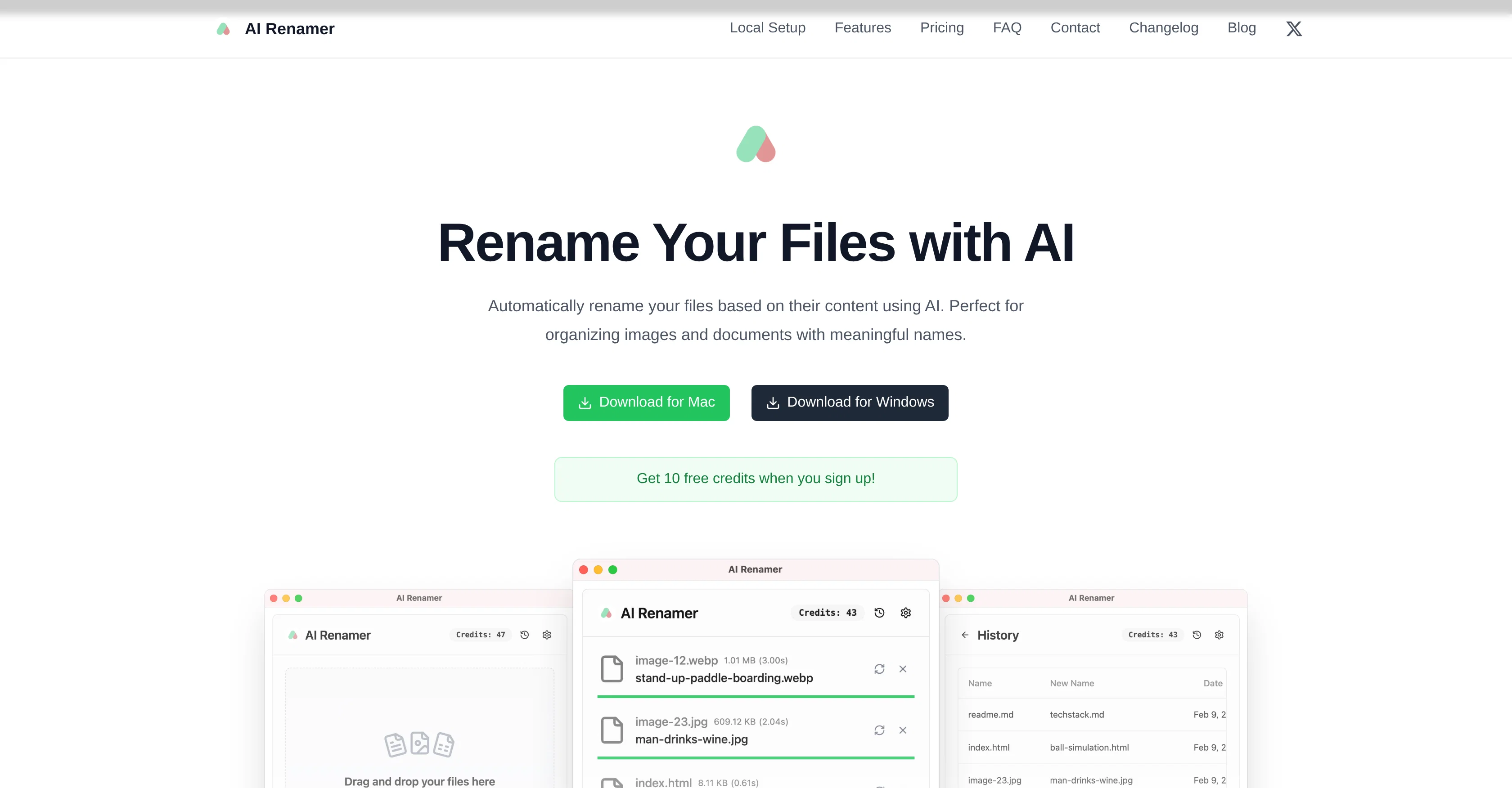
AI Renamer is an advanced tool providing automatic file renaming functionalities based on the content of files. Primarily designed for organizing images and document files, this tool uses AI technologies to analyze the content of these files and generate meaningful names accordingly.
It offers powerful features like batch processing, file support, smart recognition and local model support.Batch processing allows for renaming multiple files at once consistently, making it efficient for managing large volumes of files.
AI Renamer supports various file types such as images (JPG, PNG, GIF, WEBP) and documents (PDF, TXT and text-based files), contributing to its broad usage scenarios.
With its smart recognition feature, the tool can detect file contents, including image content and EXIF, and document content analysis to ensure relevant and accurate file naming.A standout feature of the tool is the ability to use local AI models.
This functionality provides the users with complete flexibility and privacy as they can rename files offline without sending the content to the cloud.
The tool integrates with Ollama and LM Studio and supports both OpenAI and custom model applications. AI Renamer supports Mac and Windows, thereby offering a consistent user experience across both operating systems.
Whether it is for personal or professional use, AI Renamer provides a seamless and efficient solution to keep digital files organized and easily identifiable.
Access & connections
Where you can use AI Renamer App.
Platforms
Capabilities
What this tool accepts, produces, and is strongest at.
Input
- Tabular
Output
- Text
Highlights
- Local
Supported features
- Automation
- Image Understanding
- Integrations
- Runs Locally
Pros & cons
Pros
- Batch file renaming
- Supports multiple file types
- Smart content recognition
- Offline file renaming
- Integrates with Ollama
- Integrates with LM Studio
- Custom model compatibility
- Mac and Windows support
Show 16 more
- EXIF analysis
- Automated content analysis
- Privacy protection
- Personal and professional use
- Image naming
- Document naming
- Preview before renaming
- Drag and drop interface
- Add custom renaming instructions
- Custom formatting rules
- Free credits on signup
- Local and cloud modes
- Pay-as-you-go credits
- Unlimited renaming with local models
- Transparent pricing
- Dark mode support
Cons
- Limited file types supported
- Dependence on third-party integrations
- Potentially inaccurate renames
- Offline processing requires setups
- Limited to MacOS and Windows
- Requires custom model application
- File size limit on cloud
- Pricing for cloud credits
Show 2 more
- No Linux support
- Undesirable for sensitive data
Compare alternatives
Similar tools in the catalog — with a clear reason to open each one.

Zush AI File Renamer & Organizer ✓
Free TrialBatch rename files by content — private AI for Mac & Windows
Why look Typically cheaper
Full comparison

Bulk Rename Utility ✓
FreeBatch rename files with AI and rules, online and free.
Why look Fully free option
Full comparison
Renamify ✓
Free TrialAI-powered bulk file renaming, made easy.
Why look Typically cheaper
Full comparisonReleases 1
FAQ 12
What is the function of AI Renamer?
How does the batch processing feature of AI Renamer work?
What types of files are supported by AI Renamer?
How does AI Renamer use the smart recognition feature?
How does AI Renamer ensure privacy during file renaming?
How does AI Renamer work with local AI models?
Can I use AI Renamer offline?
What platforms does AI Renamer support?
What is the role of Ollama and LM Studio in the AI Renamer?
Does AI Renamer support custom models?
How efficient is AI Renamer in renaming large volumes of files?
Can I customize file naming with the AI Renamer?
Related tools
Recommended

RenameClick ✓
FreemiumRename, organize, and search files by content with local AI

remio: Your Personal ChatGPT ✓
FreemiumGet Tailored Answer with Your Personal ChatGPT

SellerPic ✓
FreemiumSupercharge photos with AI, boost sales in minutes.

Fabric ✓
FreemiumYour self-organizing digital workspace.

BuildAI.Space ✓
FreemiumCreate AI Apps without code in minutes.

FileFolder ✓
FreeAI-powered file management for effortless organization.